20

混乱幽默低技术感涂鸦插画
Enlarge

混乱幽默低技术感涂鸦插画

Prompt
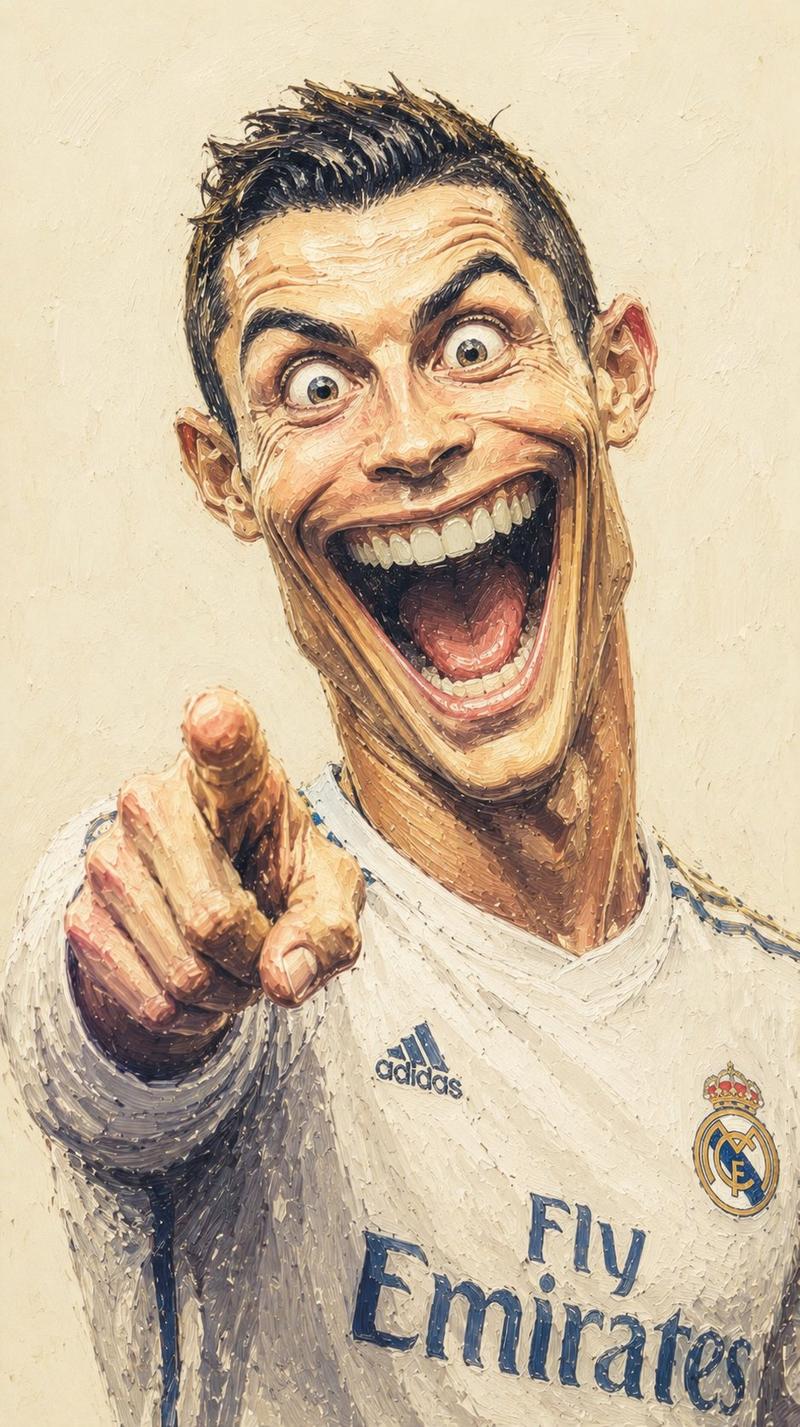
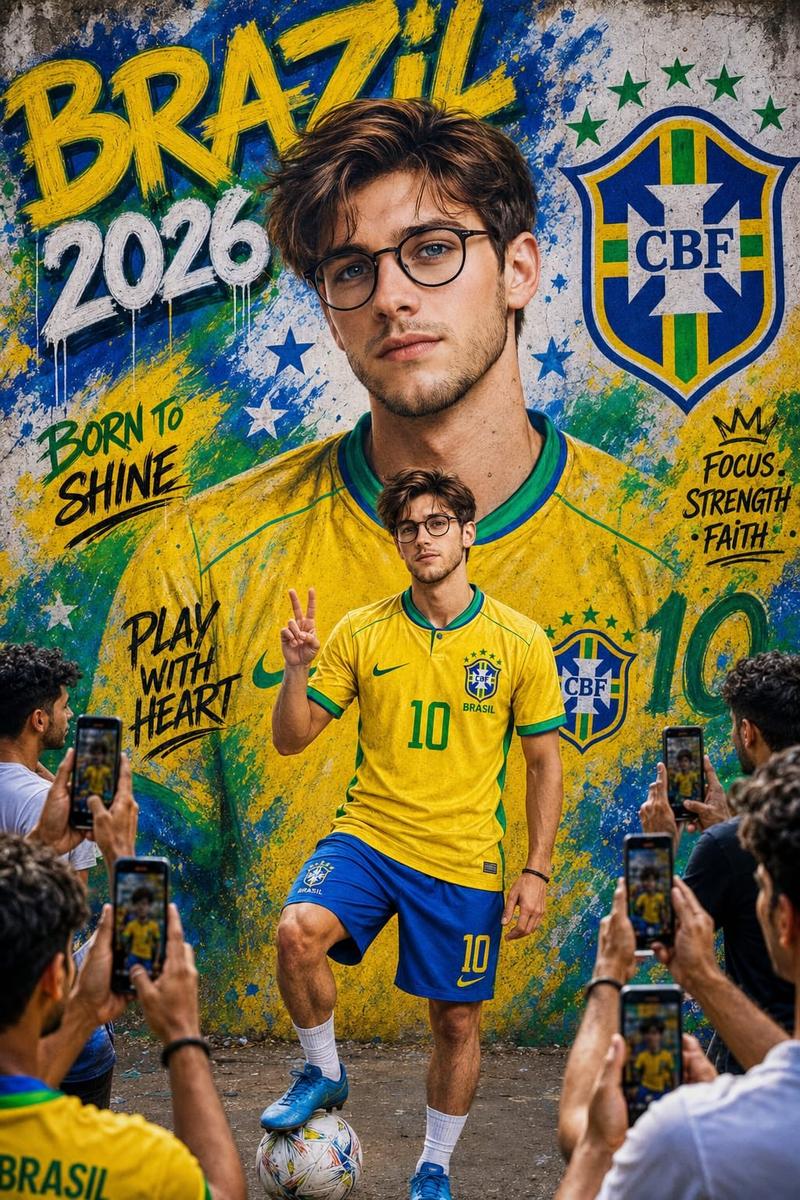
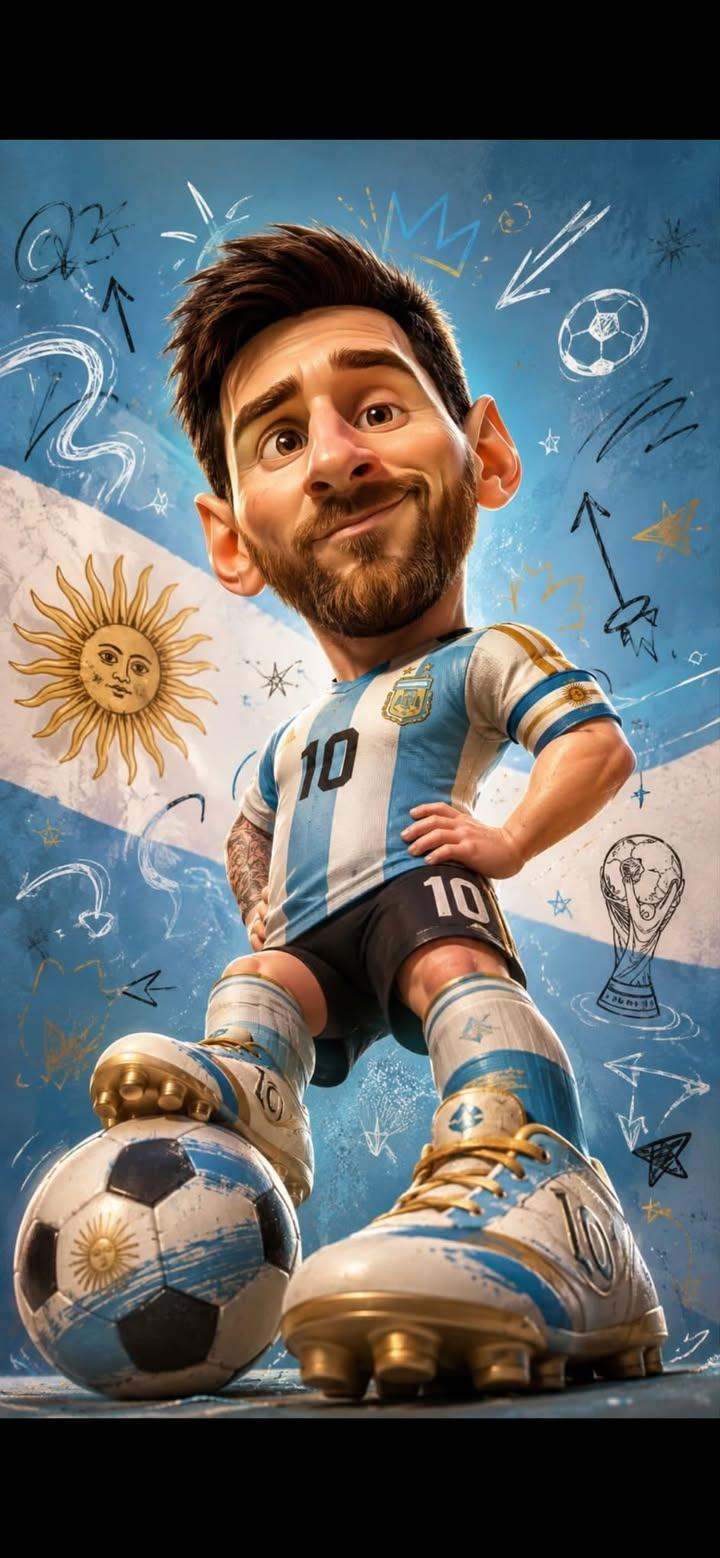
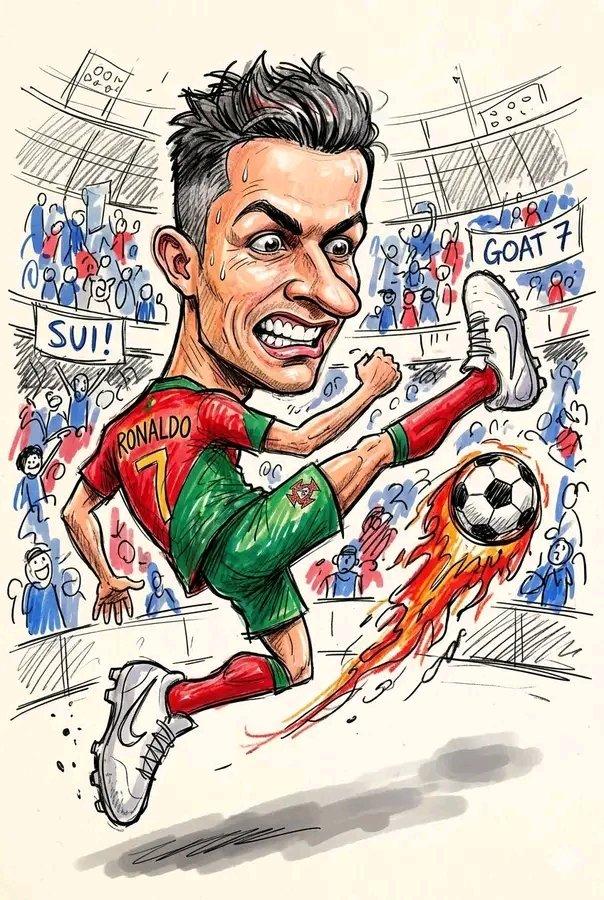
Turn this photo into a chaotic funny doodle illustration, intentionally messy and low-skill, as if drawn quickly with a cheap marker, crayon, or worn-out felt pen on paper.

Create exaggerated facial features with awkward proportions, uneven eyes, oversized head, tiny body, crooked smile, and clumsy anatomy while still keeping the person recognizable. Use rough childish sketch lines, shaky hand-drawn strokes, visible scribbles, overlapping outlines, accidental marks, and random doodles around the scene. Add a simple cartoon-style background with badly drawn buildings, trees, clouds, street elements, and uneven perspective. Coloring should look careless and imperfect, with visible stroke texture, inconsistent fill areas, wax crayon texture, marker bleed, and irregular shading. Include playful imperfections like crossed-out lines, unfinished details, random arrows, tiny notes, stars, swirls, and abstract scribbles. Overall aesthetic should feel humorous, spontaneous, handmade, energetic, goofy, and intentionally unpolished, resembling a child's sketchbook mixed with absurd internet meme art. High texture detail, paper grain visible, asymmetrical composition, awkward framing, expressive doodle chaos, raw sketch energy.
Category
Architecture & Spaces
Model
ChatGPT
Creator
@harboriis
Views5
Source ID
15485
Published
Jun 7, 2026

Guide

About "混乱幽默低技术感涂鸦插画"

What is this prompt for?

"混乱幽默低技术感涂鸦插画" AI image prompt for ChatGPT (Architecture & Spaces). 将这张照片变成一张混乱幽默的涂鸦插画,刻意凌乱且低技术感,就像是用廉价马克笔、蜡笔或磨损的毡尖笔在纸上快速画出来的一样。创造夸张的面部特征,比例尴尬,眼睛不对称,头大身小,歪斜的微笑…

The full copyable prompt and example visuals above are ready for AI image generation or one-click recreate in Picva.

How to use this prompt

  1. Step 1

    Open the prompt detail

    Review the example visuals, category, and full prompt text for "混乱幽默低技术感涂鸦插画".

  2. Step 2

    Copy the prompt

    Copy the prompt body from this page, or load it directly in Studio.

  3. Step 3

    Pick a model (ChatGPT)

    Prefer ChatGPT. If you switch models, keep subject and composition and tweak style terms.

  4. Step 4

    Generate and export

    Recreate the look in Picva, or export into your workflow for editing and publishing.

FAQ

What is the "混乱幽默低技术感涂鸦插画" prompt?
It is an AI image-generation prompt for ChatGPT in the Architecture & Spaces category. This page includes the full prompt text, example visuals, and a one-click recreate path in Picva.
How do I use this prompt to generate an image?
Copy the prompt from this page, or use Generate / Studio. Paste it into a compatible image model, or recreate the look in Picva with optional reference images.
Which model is this prompt for?
This page lists ChatGPT. Most descriptive prompts also transfer to nearby image models such as GPT Image, Flux, or Midjourney with light style tweaks.
Can I use the result commercially?
You can usually copy the prompt for creation, but commercial use of the final image depends on the model terms, reference-image rights, and the generated content. Follow the source author and platform rules.