12

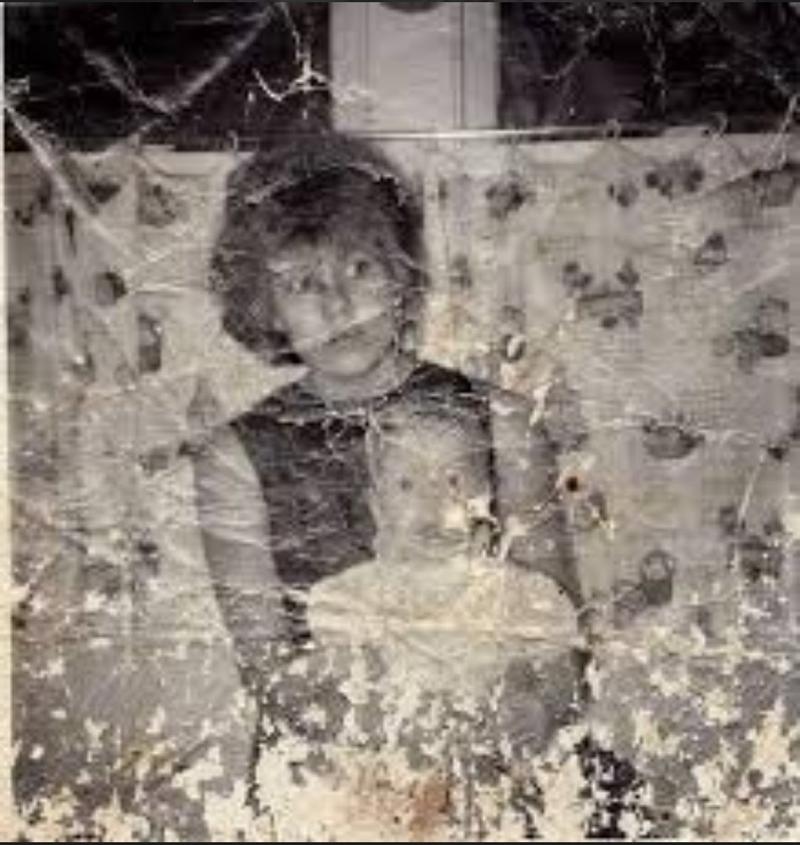
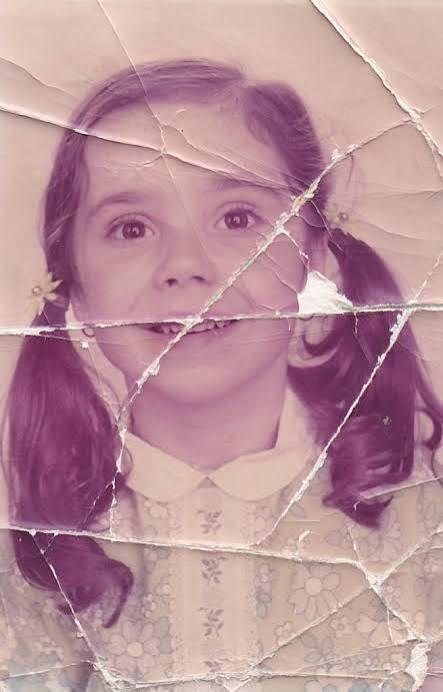
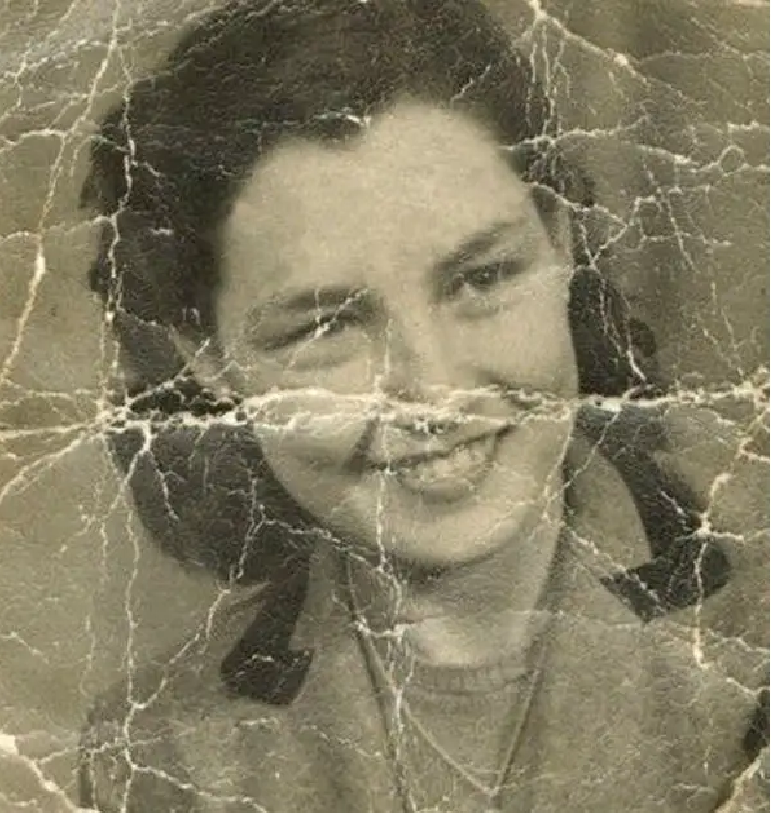
电影级超清画质修复与增强
Enlarge

电影级超清画质修复与增强

Prompt
{ "task": "image_restoration_upscale", "positive_prompt": "Restore and enhance the provided image. Preserve original identity, facial structure, proportions and composition. High-fidelity photo restoration, ultra-realistic, natural skin texture, accurate details, professional photographic look. 4K output, sharp but natural focus, modern cinematic lighting, subtle volumetric lighting, professional color grading, depth of field, HDR. Shot on Arri Alexa, raw photo aesthetic, masterpiece.", "negative_prompt": "Creative reinterpretation, style change, identity alteration, face reshaping, exaggerated features, cartoonish, painting, illustration, over-sharpening, plastic skin, blur, noise, film grain, jpeg artifacts, distortion, bad anatomy, overexposed, underexposed, washed out colors.", "parameters": { "steps": 30, "cfg_scale": 6.5, "denoising_strength": 0.45, "upscaler": "4x_NMKD_Siax_200k", "target_resolution": "4K" } }
Category
Posters & Typography
Model
Nano Banana Pro
Views77
Source ID
11383
Published
Apr 24, 2026

Guide

About "电影级超清画质修复与增强"

What is this prompt for?

"电影级超清画质修复与增强" AI image prompt for Nano Banana Pro (Posters & Typography). { "task": "image_restoration_upscale", "positive_prompt": "修复并增强所提供的图像。保留原始特征、面部结构、比…

The full copyable prompt and example visuals above are ready for AI image generation or one-click recreate in Picva.

How to use this prompt

  1. Step 1

    Open the prompt detail

    Review the example visuals, category, and full prompt text for "电影级超清画质修复与增强".

  2. Step 2

    Copy the prompt

    Copy the prompt body from this page, or load it directly in Studio.

  3. Step 3

    Pick a model (Nano Banana Pro)

    Prefer Nano Banana Pro. If you switch models, keep subject and composition and tweak style terms.

  4. Step 4

    Generate and export

    Recreate the look in Picva, or export into your workflow for editing and publishing.

FAQ

What is the "电影级超清画质修复与增强" prompt?
It is an AI image-generation prompt for Nano Banana Pro in the Posters & Typography category. This page includes the full prompt text, example visuals, and a one-click recreate path in Picva.
How do I use this prompt to generate an image?
Copy the prompt from this page, or use Generate / Studio. Paste it into a compatible image model, or recreate the look in Picva with optional reference images.
Which model is this prompt for?
This page lists Nano Banana Pro. Most descriptive prompts also transfer to nearby image models such as GPT Image, Flux, or Midjourney with light style tweaks.
Can I use the result commercially?
You can usually copy the prompt for creation, but commercial use of the final image depends on the model terms, reference-image rights, and the generated content. Follow the source author and platform rules.