15

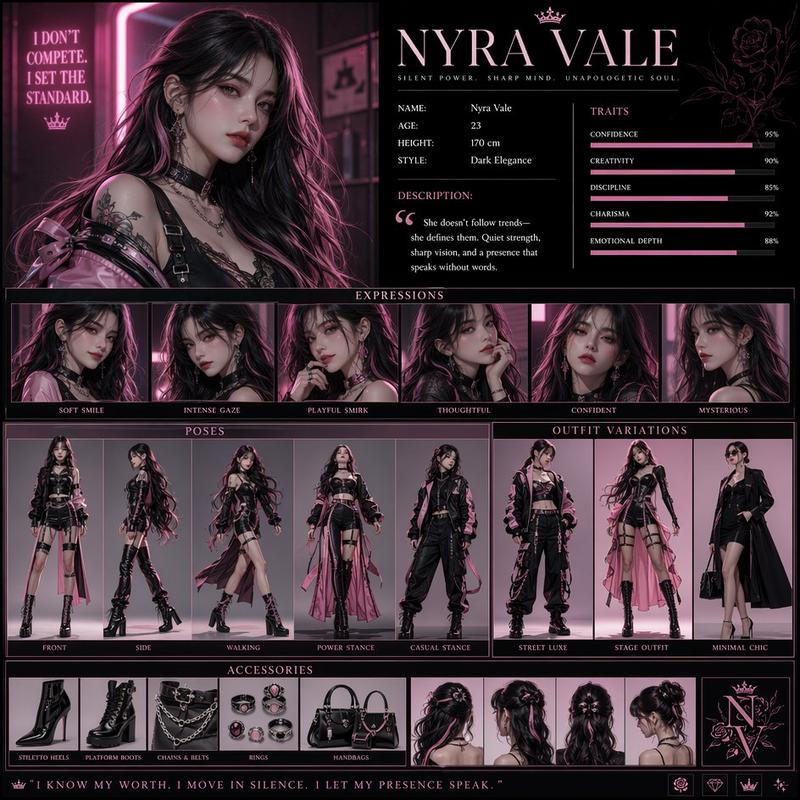
新黑色电影风未来城市角色设计看板
Enlarge

Example images

新黑色电影风未来城市角色设计看板

Prompt
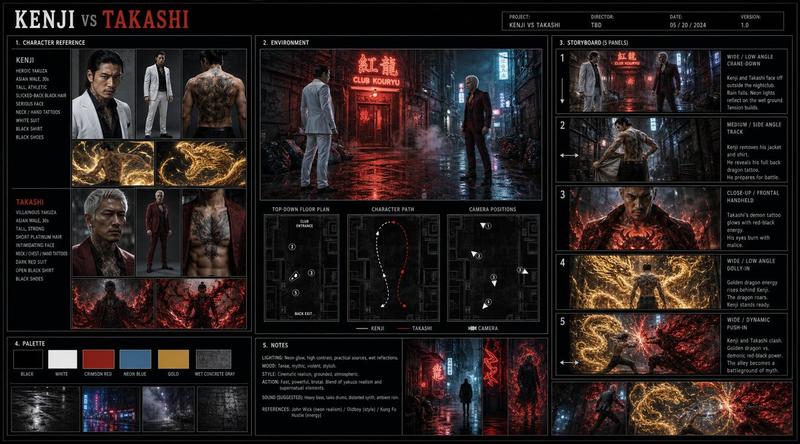
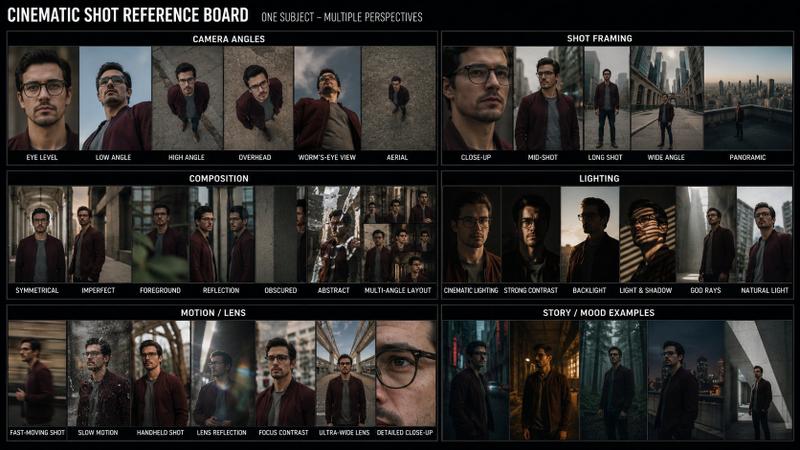
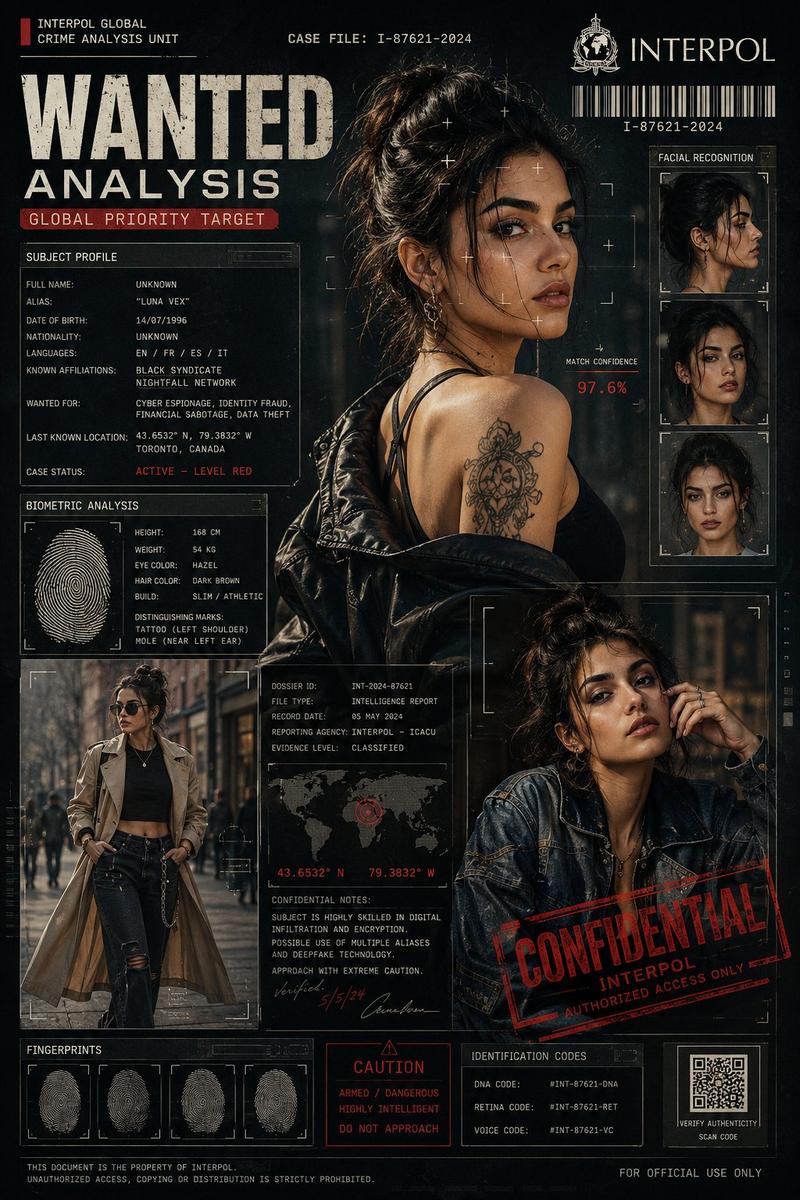
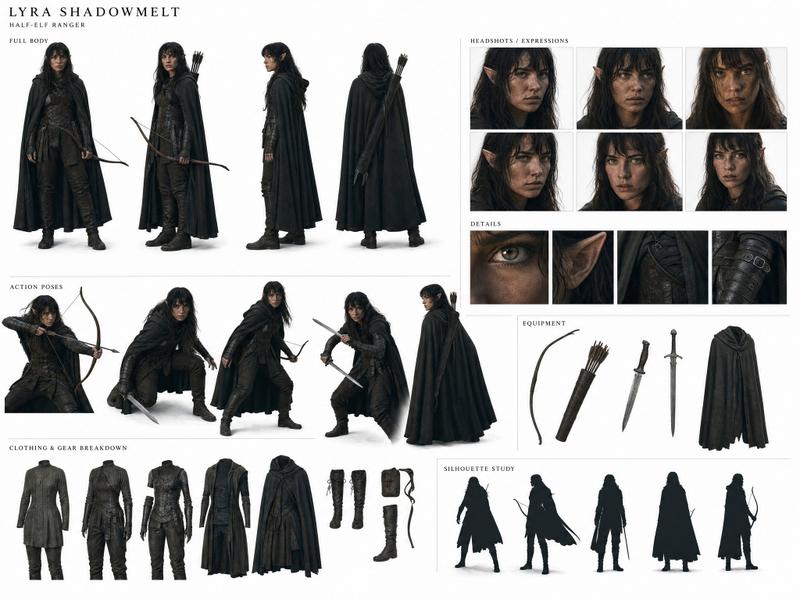
Create a cinematic realistic character design board for a high-budget neo-noir film production set in a rain-soaked futuristic city.

Use a dark charcoal and electric cyan color palette with neon reflections in the background.
Avoid generic grids or symmetrical layouts; composition should feel like a stylized director’s pitch board.
Design a grounded human character with realistic anatomy, subtle imperfections, and strong emotional presence.
Include full-body turnarounds, expressive head angles, cinematic portrait, wardrobe breakdown, fabric texture detail, and production notes.
Background: blurred cyberpunk city lights, wet glass reflections, moody atmosphere, soft neon glow.
Style: semi-realistic cinematic realism, high contrast lighting, shallow depth of field, film grain, emotional intensity.
Category
Posters & Typography
Model
ChatGPT
Views96
Source ID
14499
Published
May 16, 2026

Guide

About "新黑色电影风未来城市角色设计看板"

What is this prompt for?

"新黑色电影风未来城市角色设计看板" AI image prompt for ChatGPT (Posters & Typography). 为一部设定在雨水漫布的未来城市的商业大片,创作一张电影级的写实角色设计看板。采用深炭黑和电光青配色,背景带有霓虹反射。避免通用的网格或对称布局;构图应具有风格化的导演提案看板感…

The full copyable prompt and example visuals above are ready for AI image generation or one-click recreate in Picva.

How to use this prompt

  1. Step 1

    Open the prompt detail

    Review the example visuals, category, and full prompt text for "新黑色电影风未来城市角色设计看板".

  2. Step 2

    Copy the prompt

    Copy the prompt body from this page, or load it directly in Studio.

  3. Step 3

    Pick a model (ChatGPT)

    Prefer ChatGPT. If you switch models, keep subject and composition and tweak style terms.

  4. Step 4

    Generate and export

    Recreate the look in Picva, or export into your workflow for editing and publishing.

FAQ

What is the "新黑色电影风未来城市角色设计看板" prompt?
It is an AI image-generation prompt for ChatGPT in the Posters & Typography category. This page includes the full prompt text, example visuals, and a one-click recreate path in Picva.
How do I use this prompt to generate an image?
Copy the prompt from this page, or use Generate / Studio. Paste it into a compatible image model, or recreate the look in Picva with optional reference images.
Which model is this prompt for?
This page lists ChatGPT. Most descriptive prompts also transfer to nearby image models such as GPT Image, Flux, or Midjourney with light style tweaks.
Can I use the result commercially?
You can usually copy the prompt for creation, but commercial use of the final image depends on the model terms, reference-image rights, and the generated content. Follow the source author and platform rules.