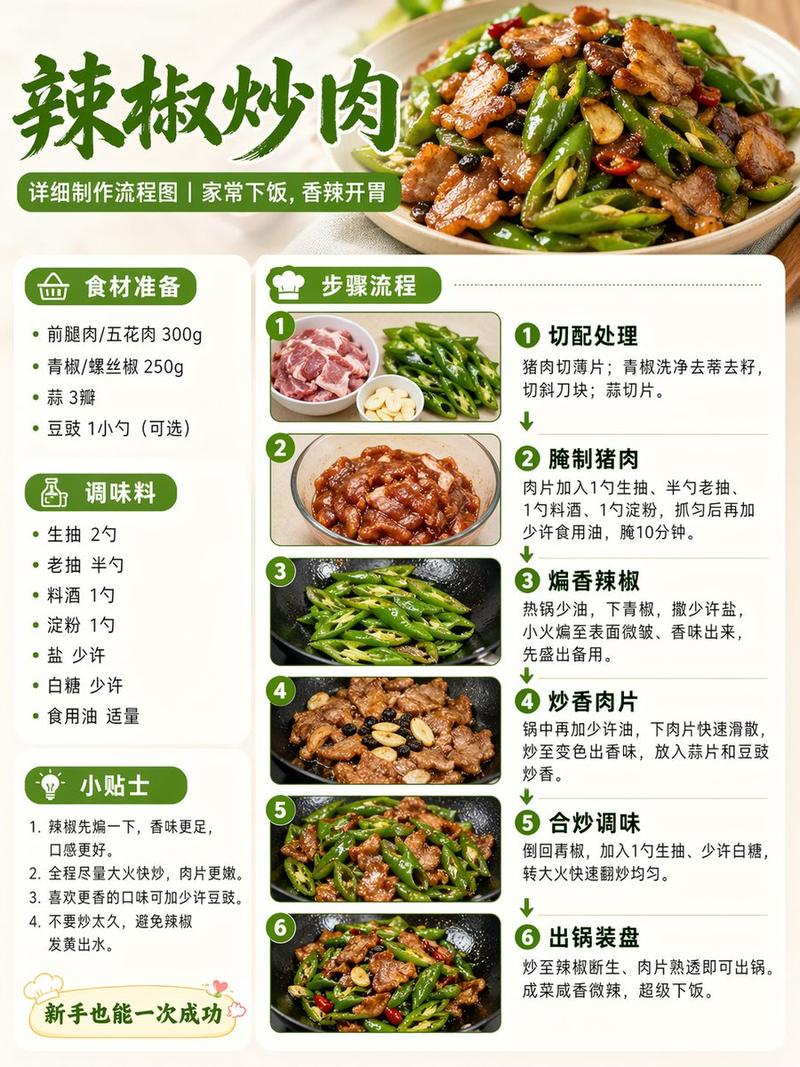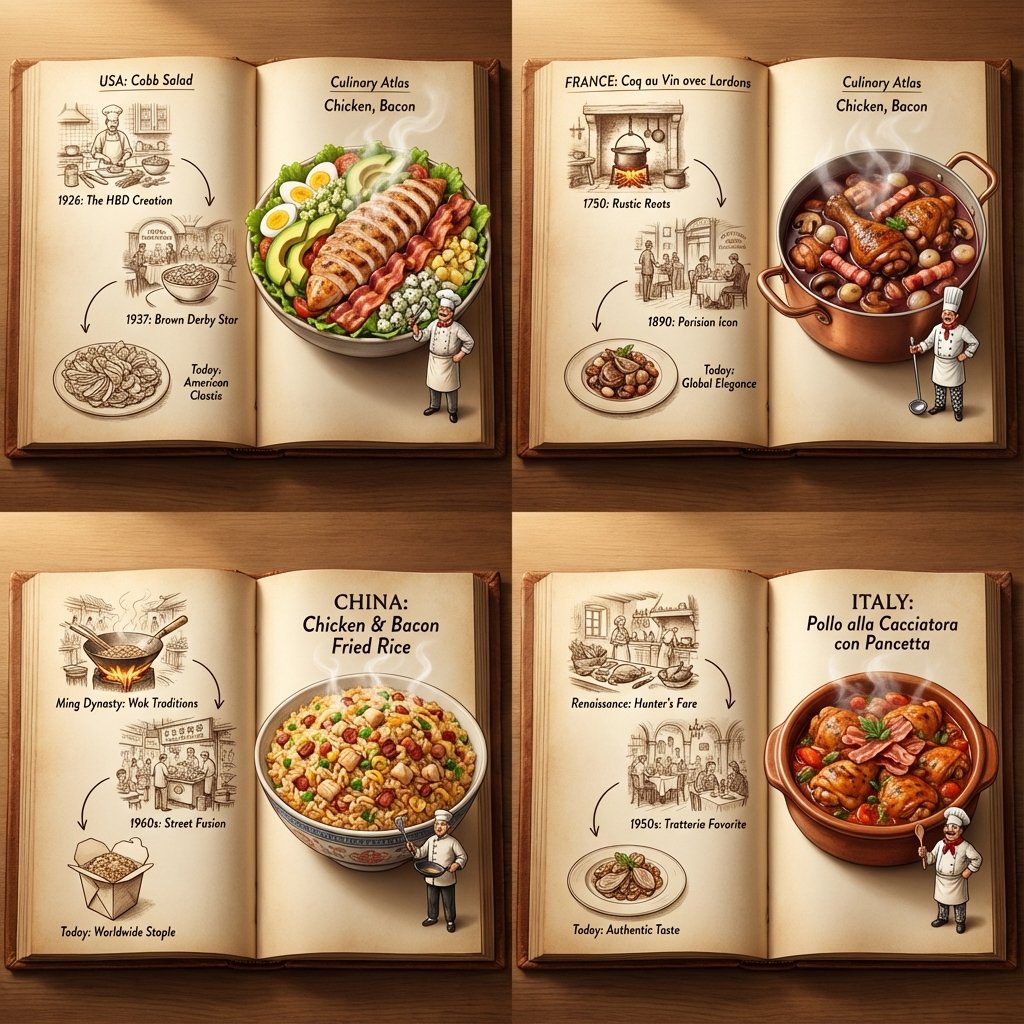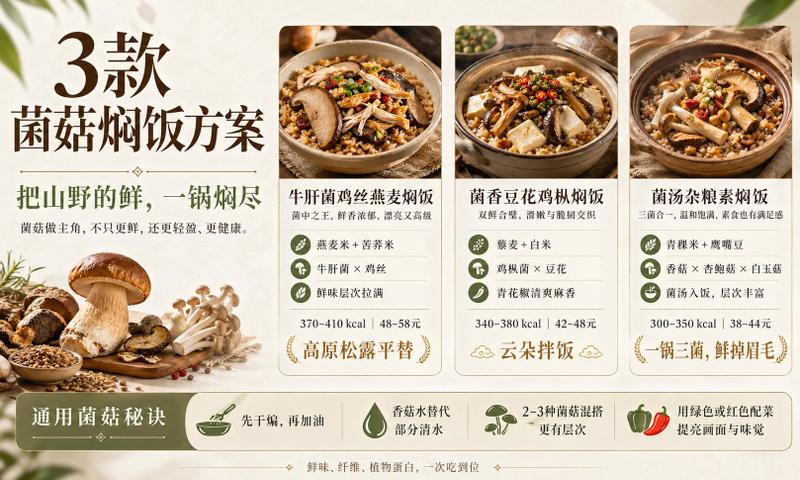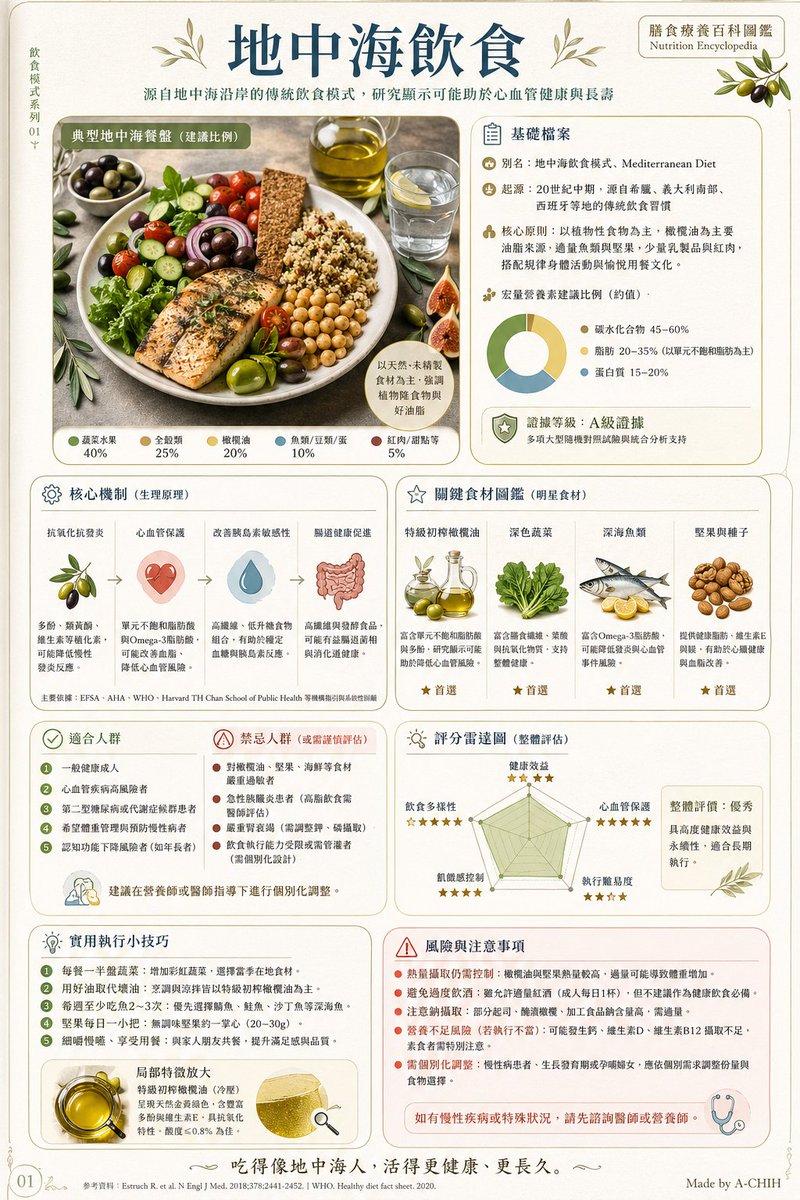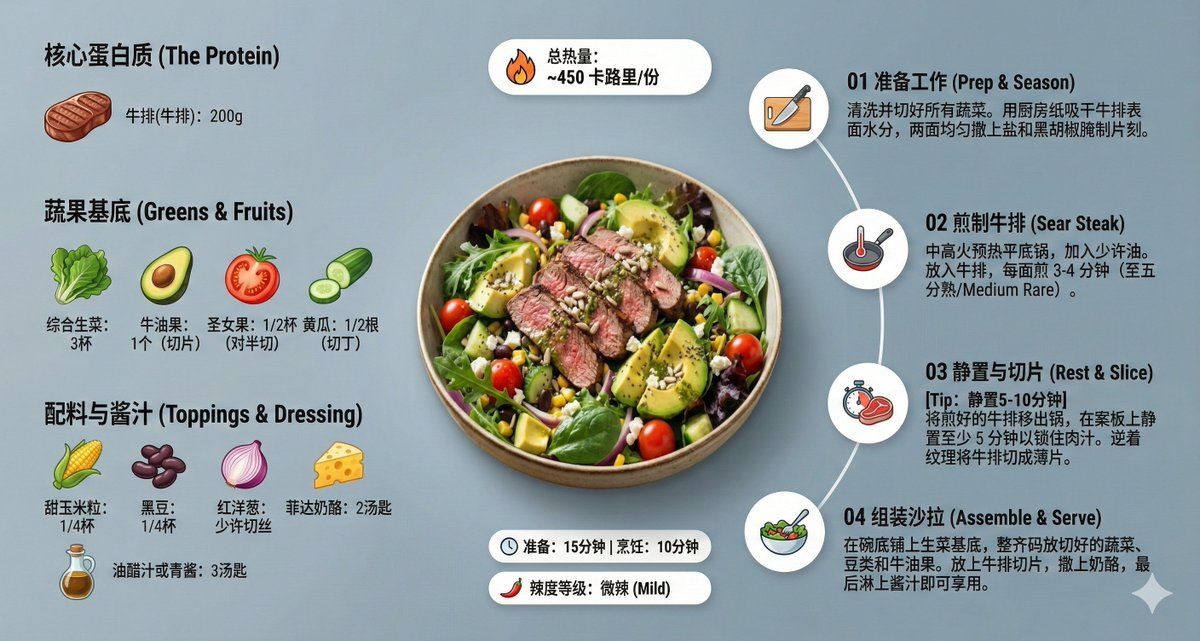
创意悬浮视角的现代美食食谱信息图
Prompt
Role Setting: You are an AI prompt engineer proficient in food photography and visual design. Task: Please analyze the food image I uploaded, identify the dish name, main ingredients, cooking logic, and approximate calories. Output: Please strictly follow the following [General Prompt Template] format, fill in the specific content analyzed, and generate a prompt for AI painting. [General Prompt Template] Ultra-clean, modern style recipe infographic. Display the [Fill in the analyzed dish name here] in a highly attractive finished form, with a slight floating effect, using a perspective or tilted view. Arrange the ingredients, steps, and tips around the main dish in a dynamic, editorial layout, not limited to a top-down view. Core Instruction (Language): All text, labels, and step descriptions in the image must strictly use "Simplified Chinese." 1. Ingredient Area: Pair each ingredient ([Fill in the analyzed list of 5-8 main ingredients here]) with an icon or mini illustration, and label the quantity in Chinese. Arrange them in groups, lists, or circular flow lines, connected to the main dish via visual lines. 2. Step Area: Use numbered panels (1, 2, 3...), arrows, or lines to display the production process ([Fill in the inferred 3-4 key cooking steps here]), forming a clear logical flow around the main dish. 3. Supplementary Information (Optional): Label in Chinese: Total calories ([Estimated calories]), preparation time ([Estimated time]), cooking time ([Estimated time]), serving size, spiciness, etc., presented in simple bubbles or badge forms near the main dish. 4. Visual Style: Editorial infographic combined with lifestyle food photography. Food colors are bright and natural, paired with slight shadows, clean vector icons, and modern sans-serif fonts (Chinese HeiTi style). Step panels can use soft gradients or glass-morphism effects. Accent colors are used to highlight key information. 5. Composition Guide: The finished dish serves as the visual core, using perspective or a tilted angle; Ingredients and steps flow dynamically around the main dish; Clear hierarchy: Main dish > Steps > Ingredients > Optional data; Maintain sufficient white space for an overall light and readable feel. 6. Lighting and Background: Soft, natural studio lighting, minimalist texture or gradient background, creating a high-end editorial look. 7. Output Specifications: 1080×1080, ultra-sharp, suitable for social media display, no watermark.
- Category
- Charts & Infographics
- Model
- Nano Banana Pro
- Creator
- @Michell81147285
- Source ID
- 9316
- Published
- May 20, 2026
Views19