18

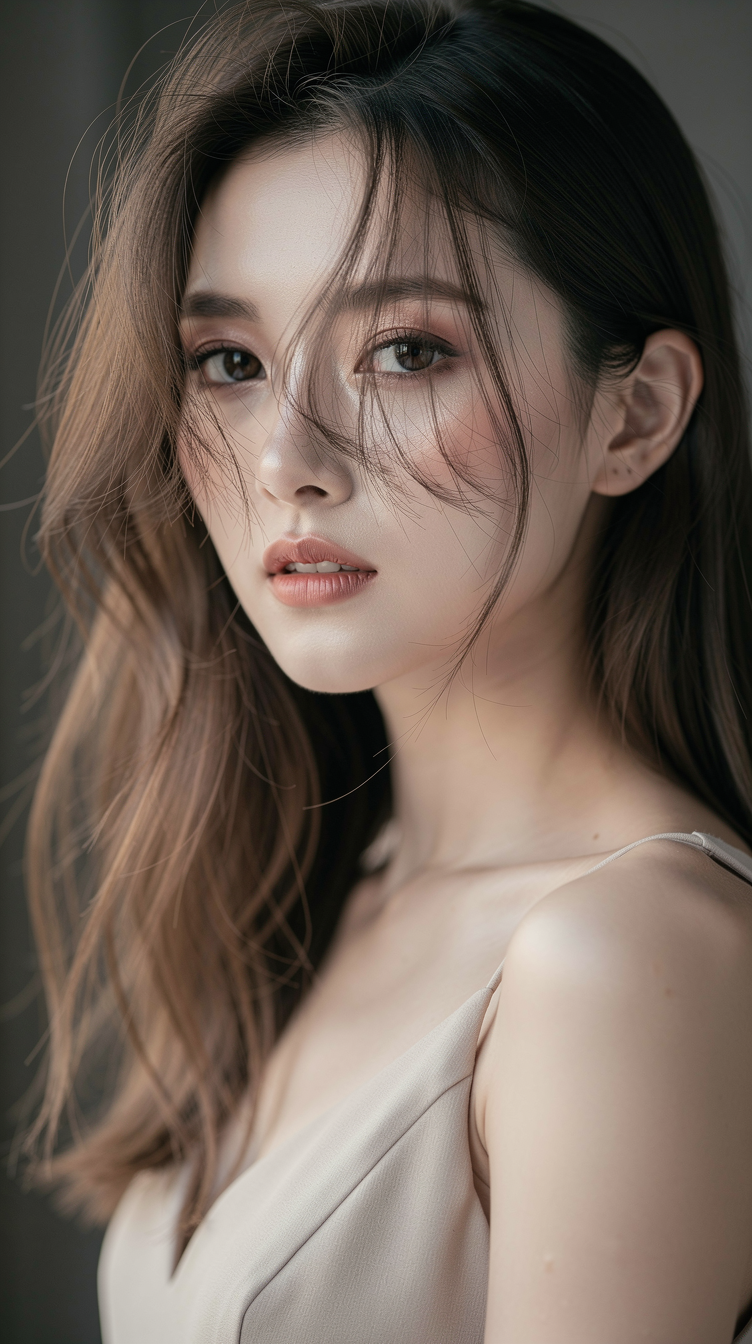
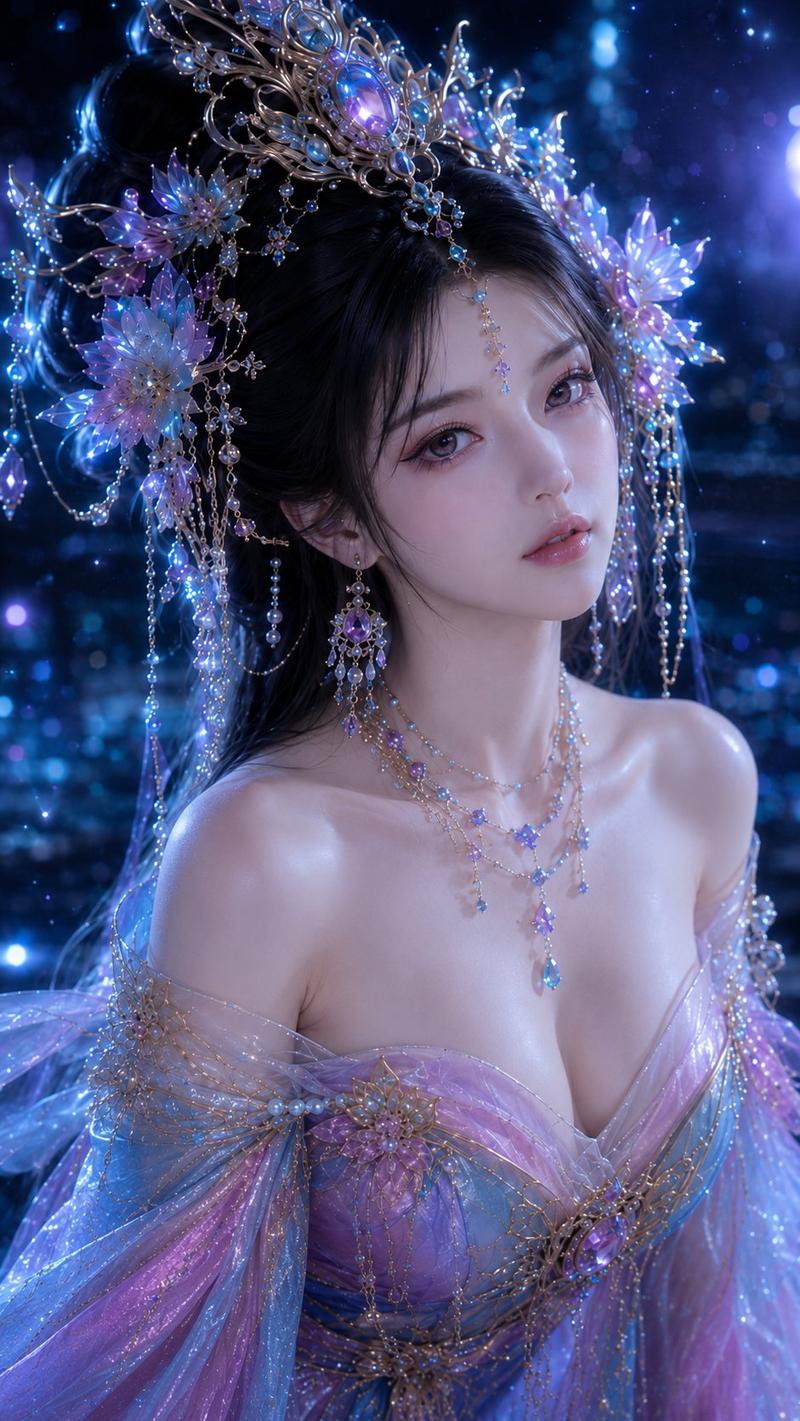
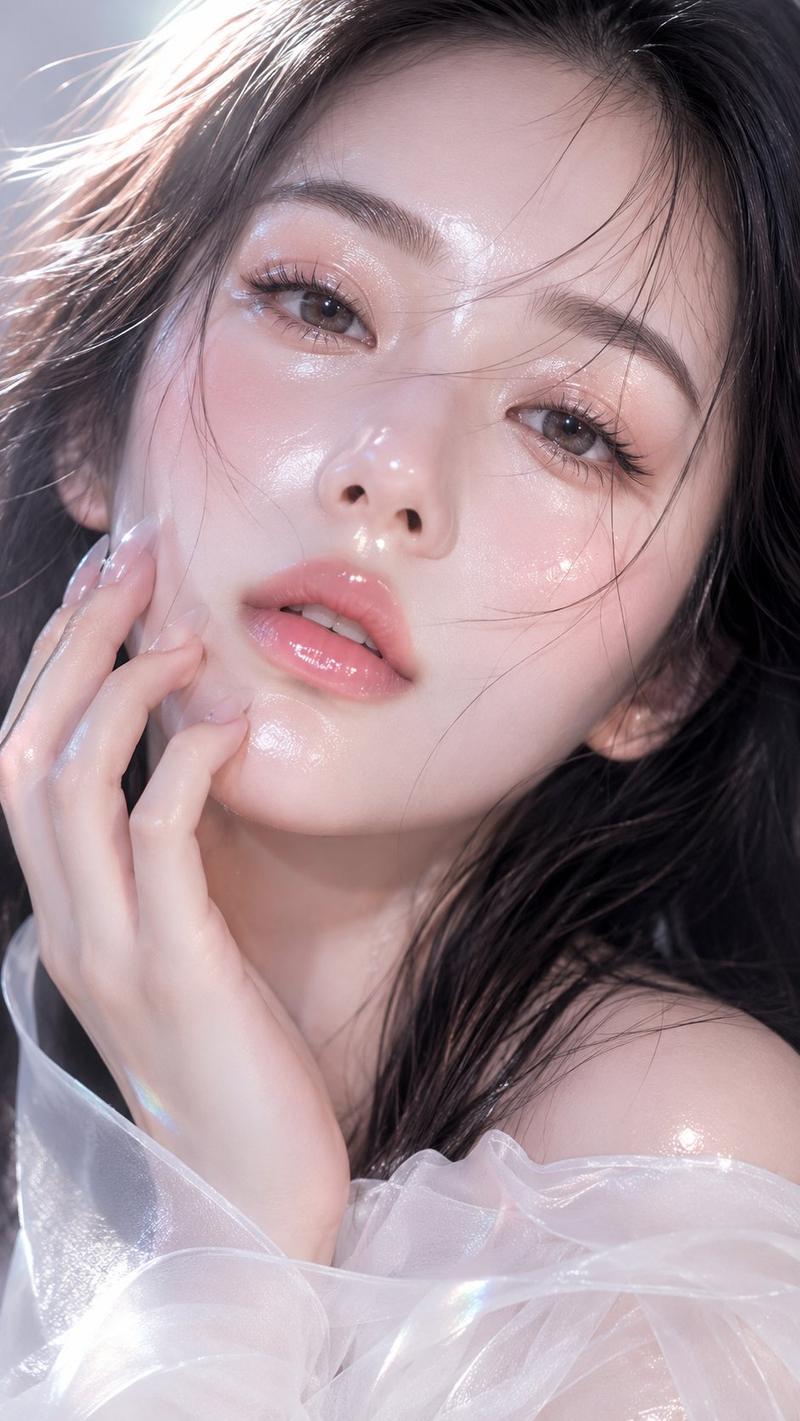
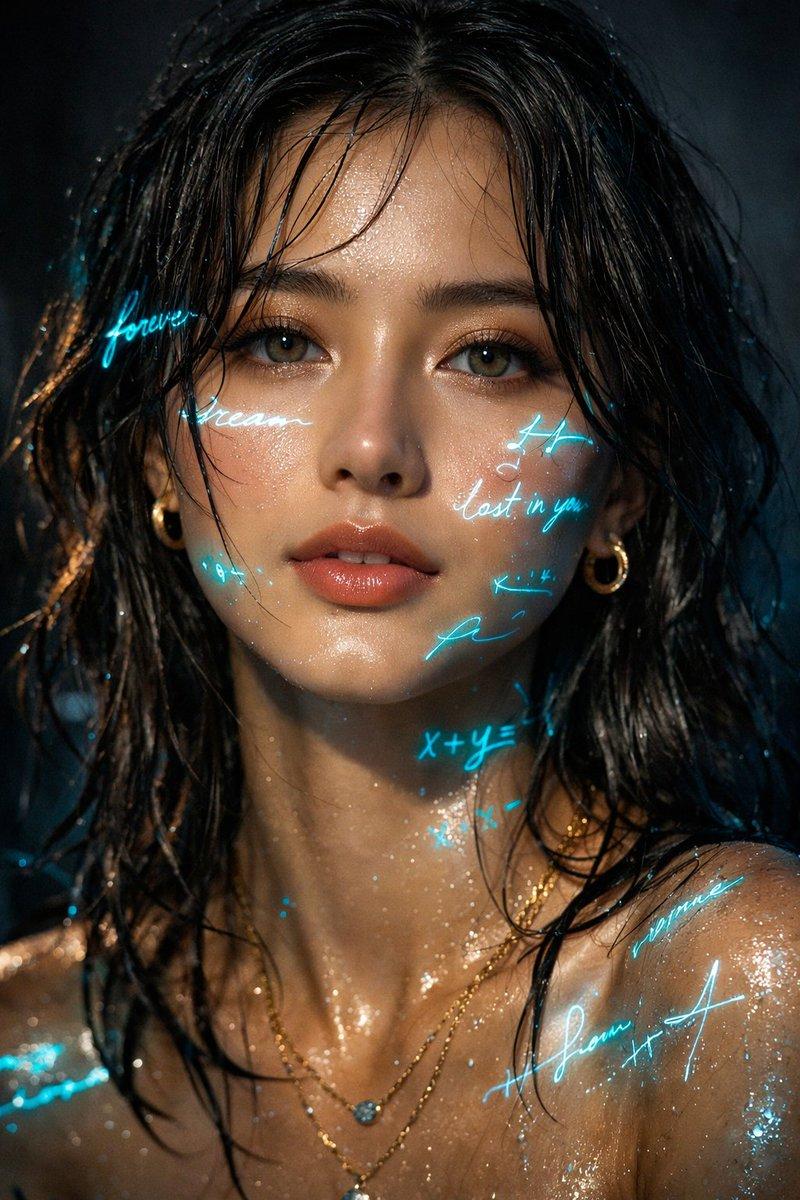
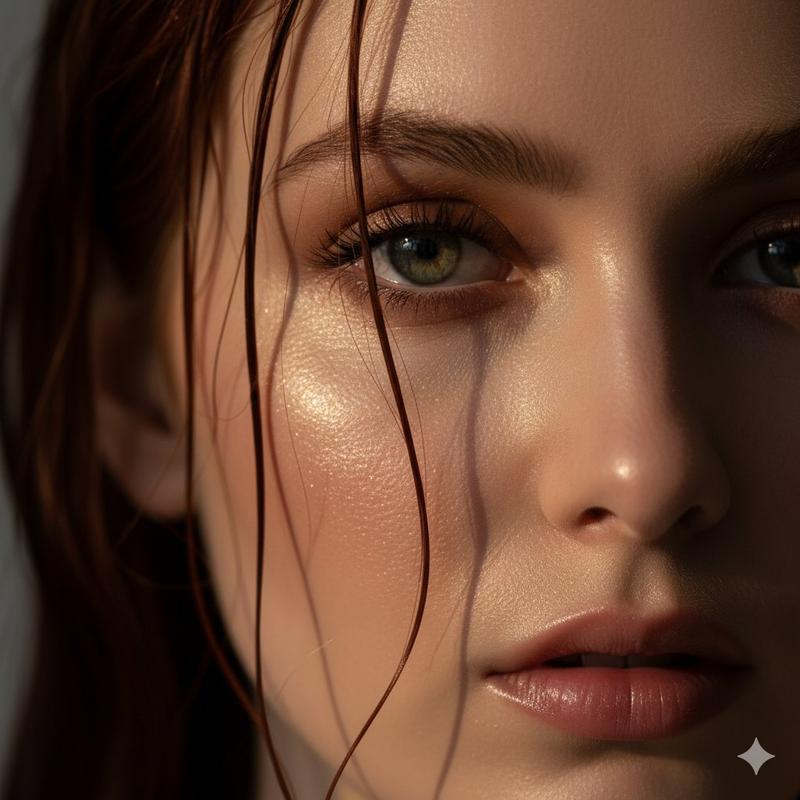
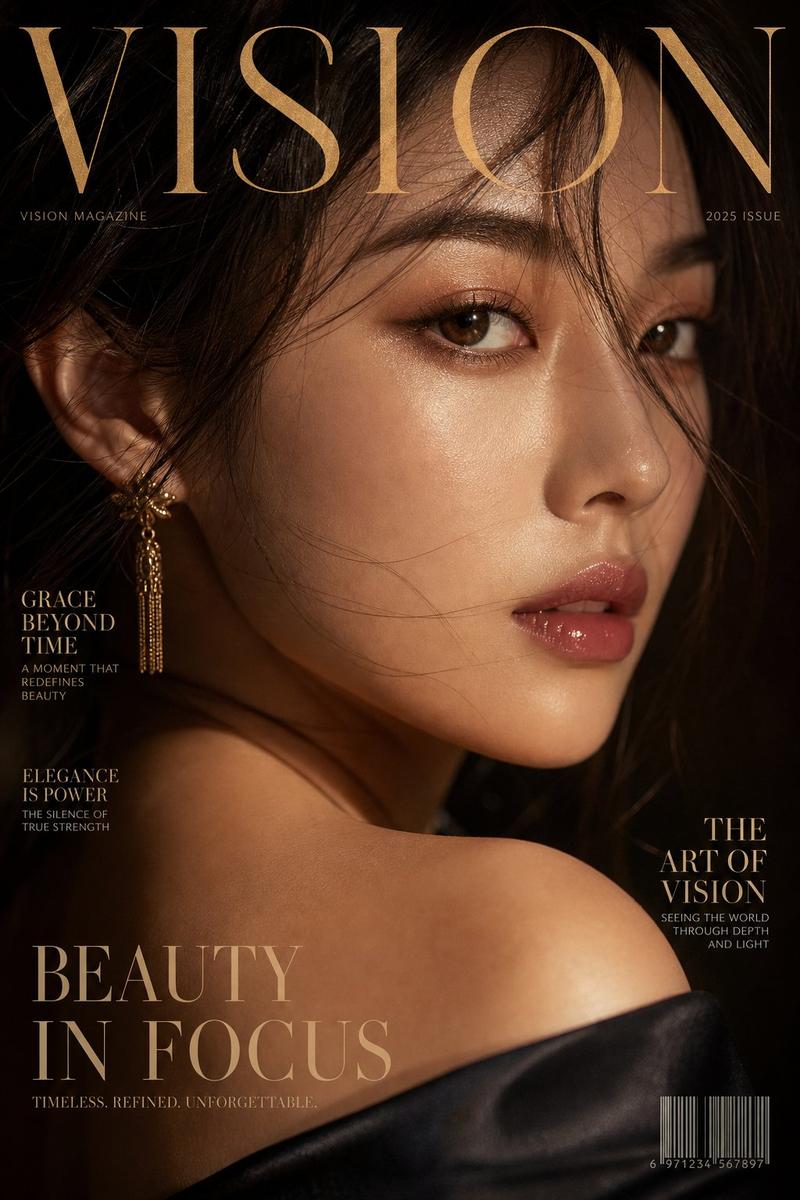
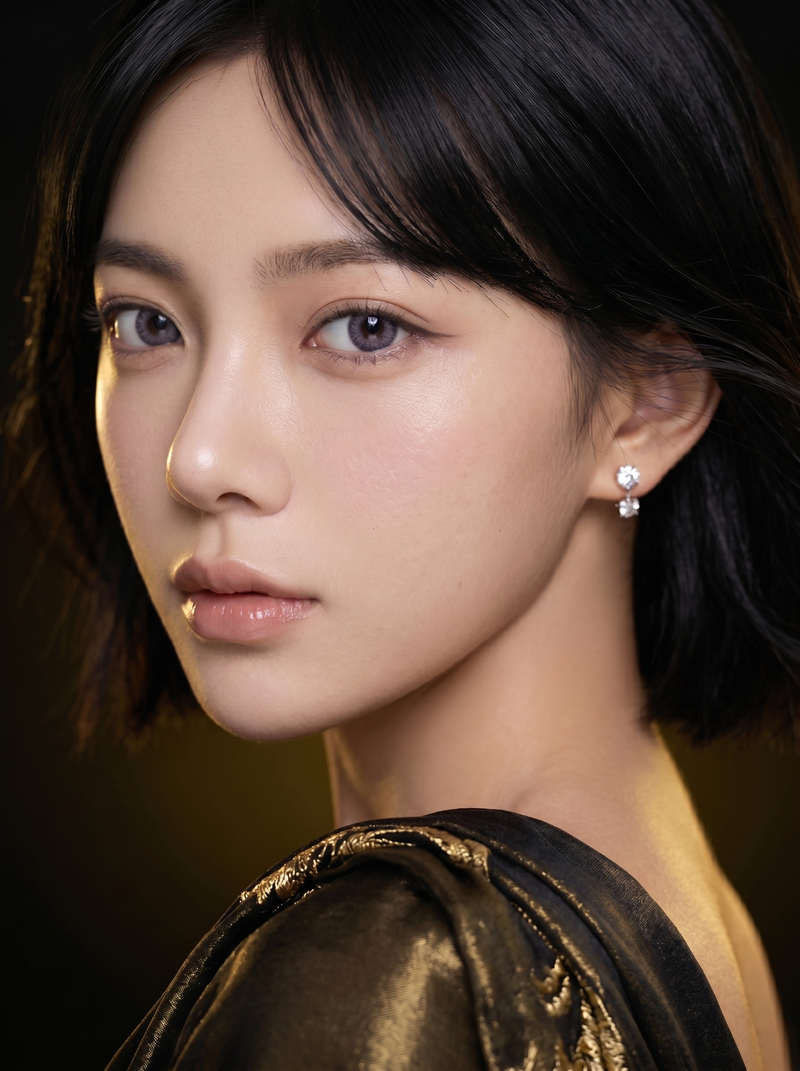
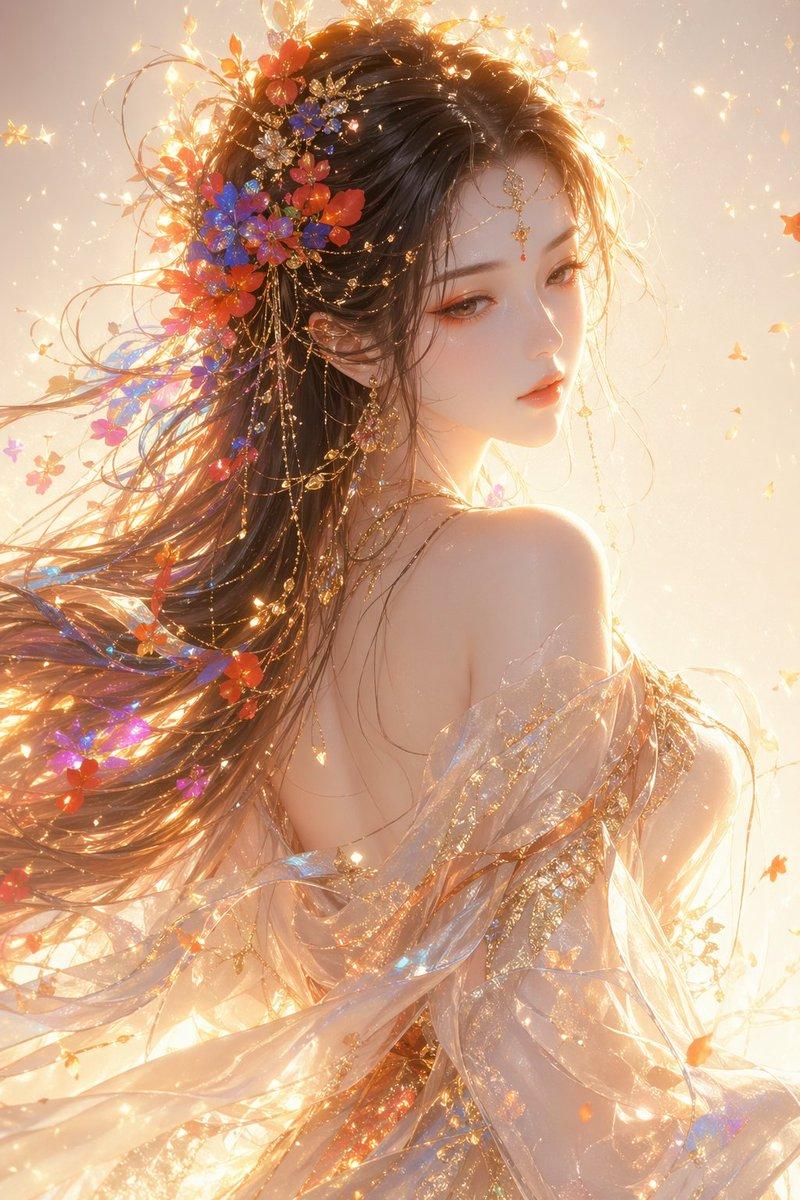
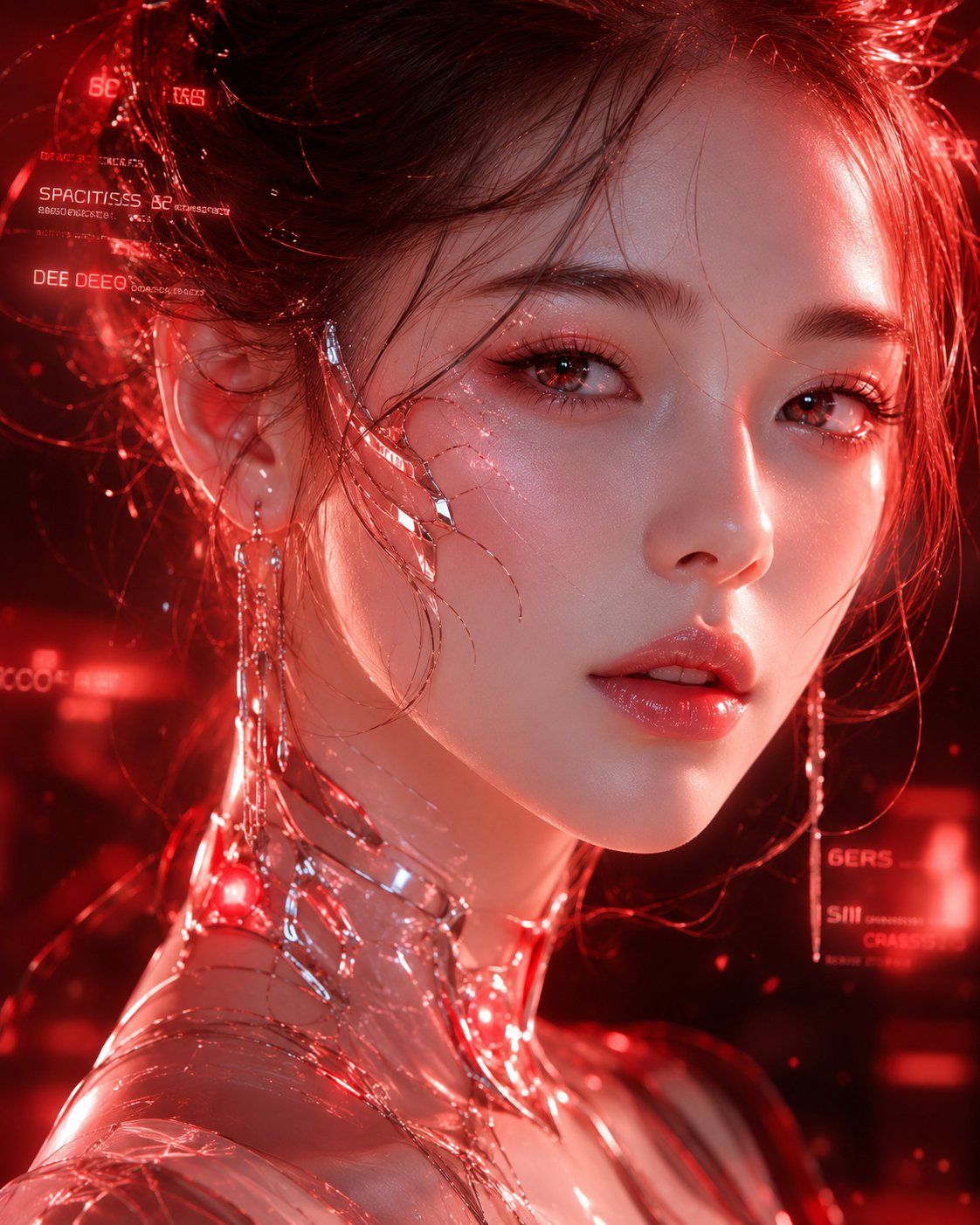
未来面孔超写实人像系列
Enlarge

Example images

未来面孔超写实人像系列

Prompt
Create a hyper-realistic cinematic ultra-HD portrait series titled
“FACES FROM THE FUTURE”.

STYLE:
Ultra-clean 8K fashion-tech realism.
High-end luxury beauty campaign photography.
Extremely sharp micro-detail rendering.

MAIN SUBJECT:
An original futuristic female face inspired by next-generation beauty standards.

CONCEPT:
Luxury AI beauty evolution portrait.

VISUAL DETAILS:

glass-smooth but realistic skin texture

glossy lip reflections

diamond-like eye highlights

ultra-fine eyelashes detail

soft wind-blown hair strands

cinematic beauty lighting

BACKGROUND:
Soft luxury studio blur with holographic beauty particles floating

COLOR THEME:
Soft pink + champagne gold + ivory white

LIGHTING:
Warm beauty lighting with glossy highlights + soft glow diffusion

MOOD:
Luxury, elegant, aesthetic perfection, high-fashion futuristic beauty energy
Category
Posters & Typography
Model
ChatGPT
Views76
Source ID
14888
Published
May 24, 2026

Guide

About "未来面孔超写实人像系列"

What is this prompt for?

"未来面孔超写实人像系列" AI image prompt for ChatGPT (Posters & Typography). 创建一个名为“未来面孔”的超写实电影级超高清人像系列。 风格: 超干净8K时尚科技写实主义。 高端奢侈美容广告摄影。 极致清晰的微细节渲染。 主体: 受下一代审美标准启发而创作的原创未来…

The full copyable prompt and example visuals above are ready for AI image generation or one-click recreate in Picva.

How to use this prompt

  1. Step 1

    Open the prompt detail

    Review the example visuals, category, and full prompt text for "未来面孔超写实人像系列".

  2. Step 2

    Copy the prompt

    Copy the prompt body from this page, or load it directly in Studio.

  3. Step 3

    Pick a model (ChatGPT)

    Prefer ChatGPT. If you switch models, keep subject and composition and tweak style terms.

  4. Step 4

    Generate and export

    Recreate the look in Picva, or export into your workflow for editing and publishing.

FAQ

What is the "未来面孔超写实人像系列" prompt?
It is an AI image-generation prompt for ChatGPT in the Posters & Typography category. This page includes the full prompt text, example visuals, and a one-click recreate path in Picva.
How do I use this prompt to generate an image?
Copy the prompt from this page, or use Generate / Studio. Paste it into a compatible image model, or recreate the look in Picva with optional reference images.
Which model is this prompt for?
This page lists ChatGPT. Most descriptive prompts also transfer to nearby image models such as GPT Image, Flux, or Midjourney with light style tweaks.
Can I use the result commercially?
You can usually copy the prompt for creation, but commercial use of the final image depends on the model terms, reference-image rights, and the generated content. Follow the source author and platform rules.