17

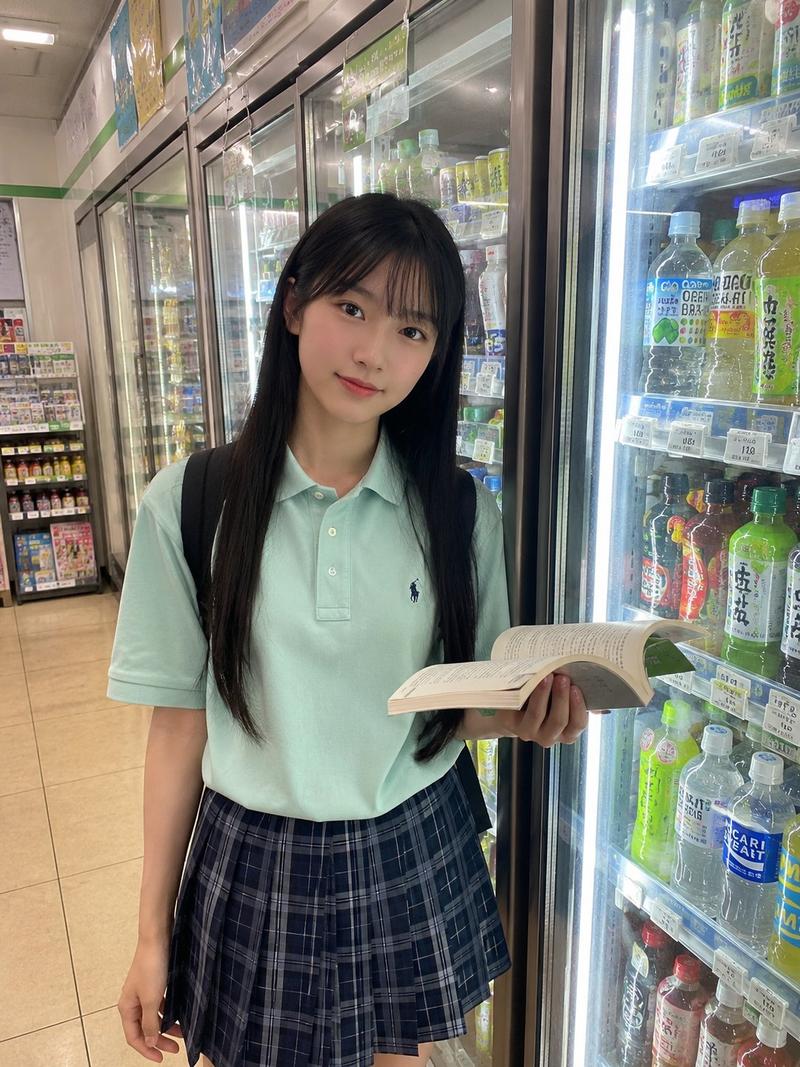
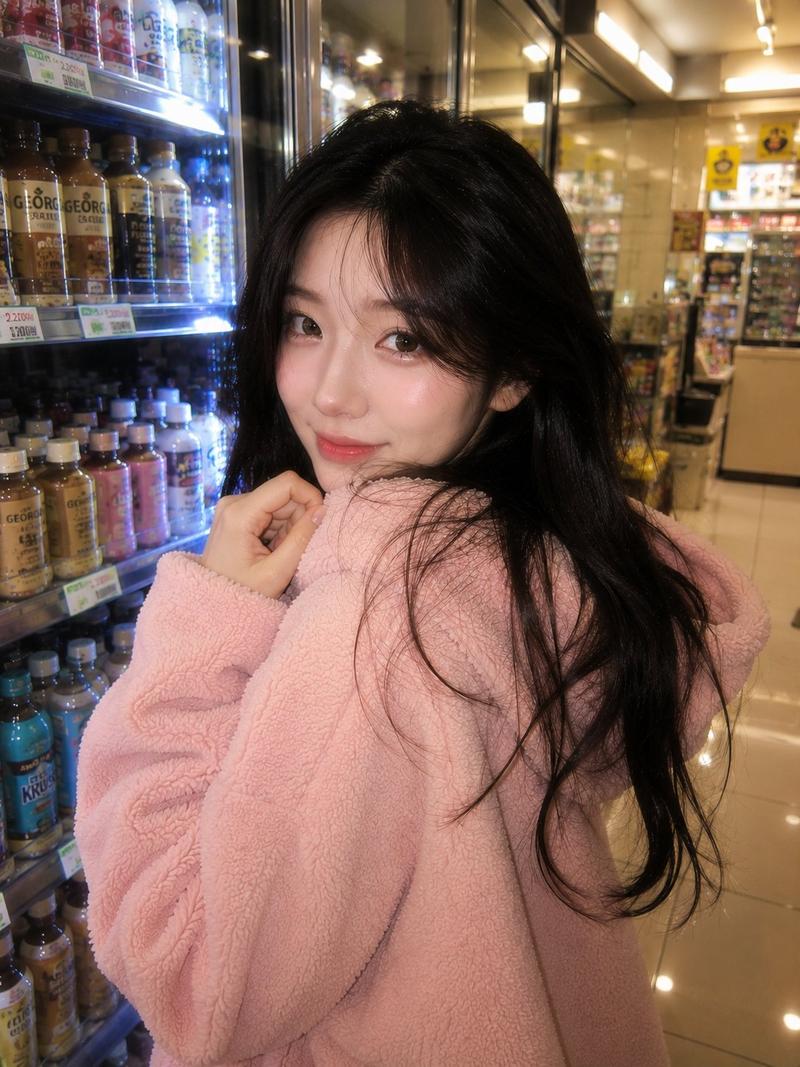
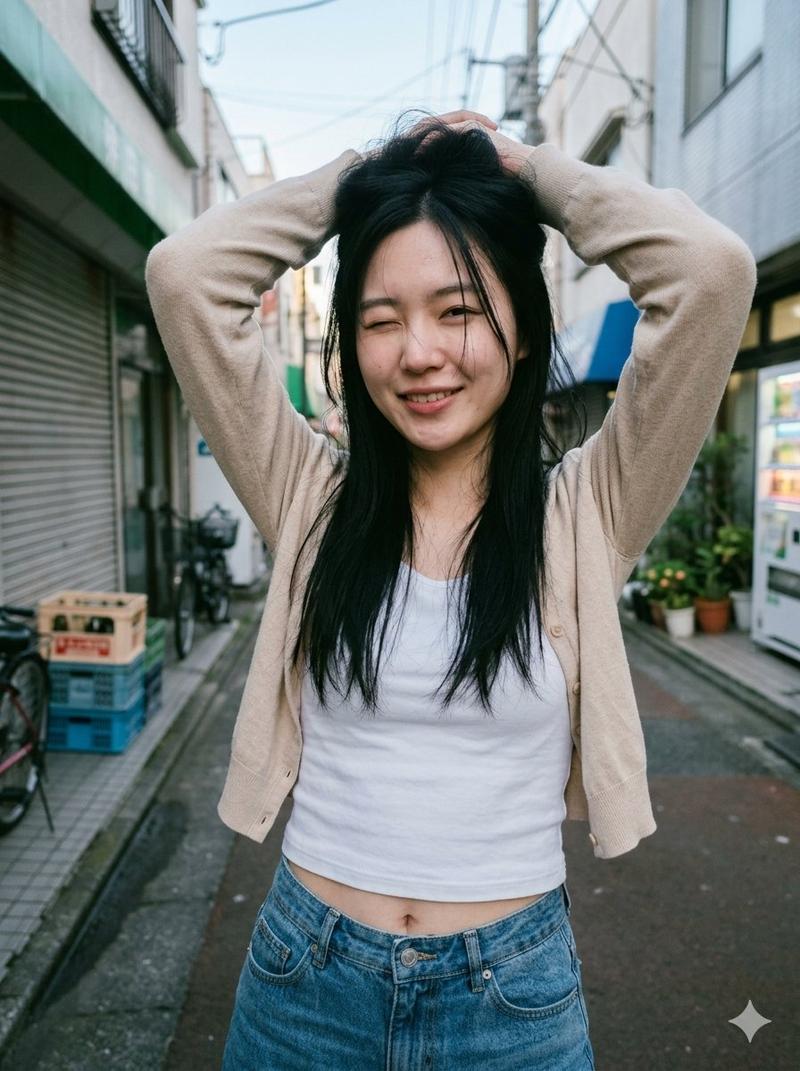
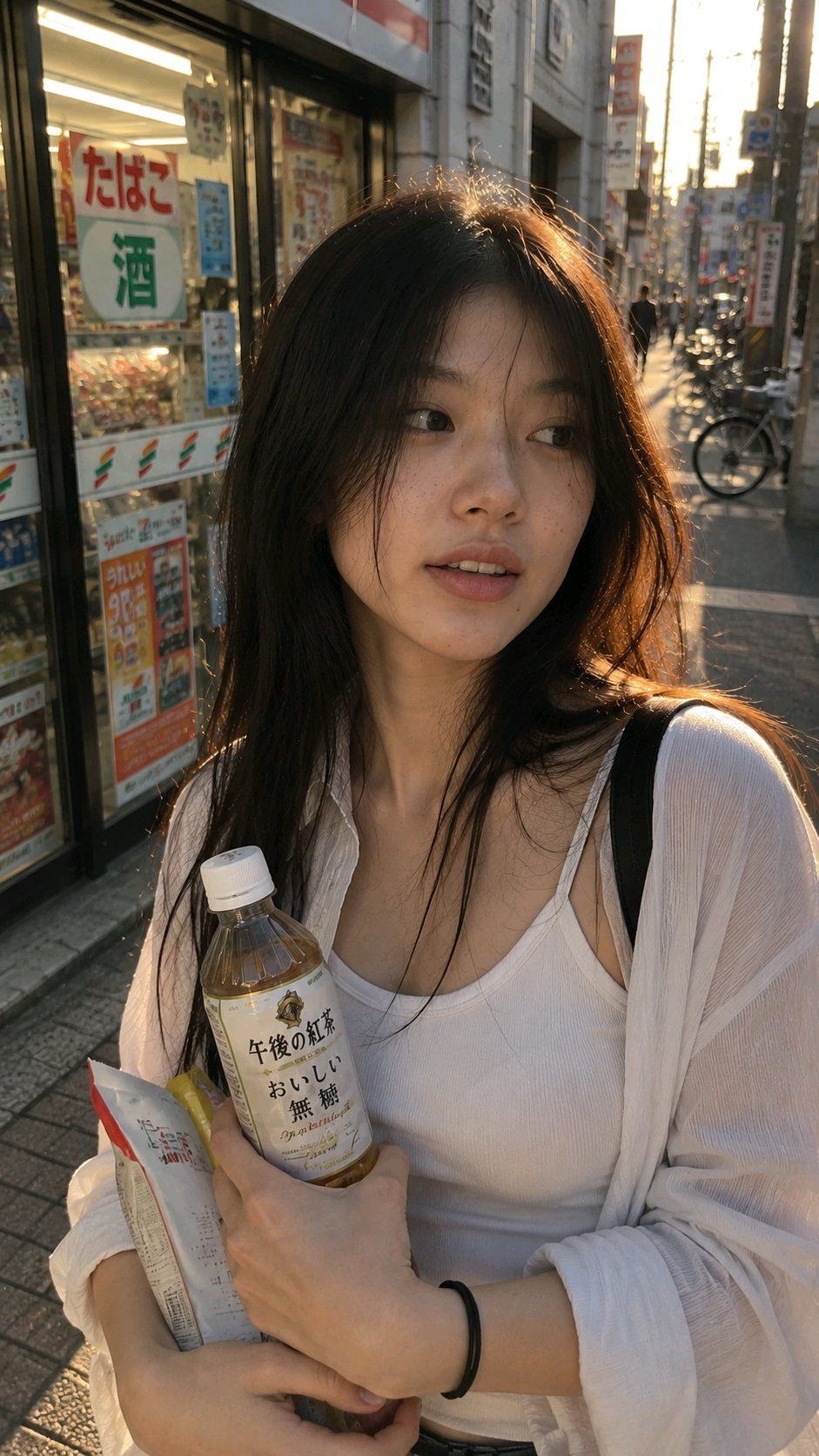
超真实手机抓拍便利店门口年轻女性
Enlarge

Example images

超真实手机抓拍便利店门口年轻女性

Prompt
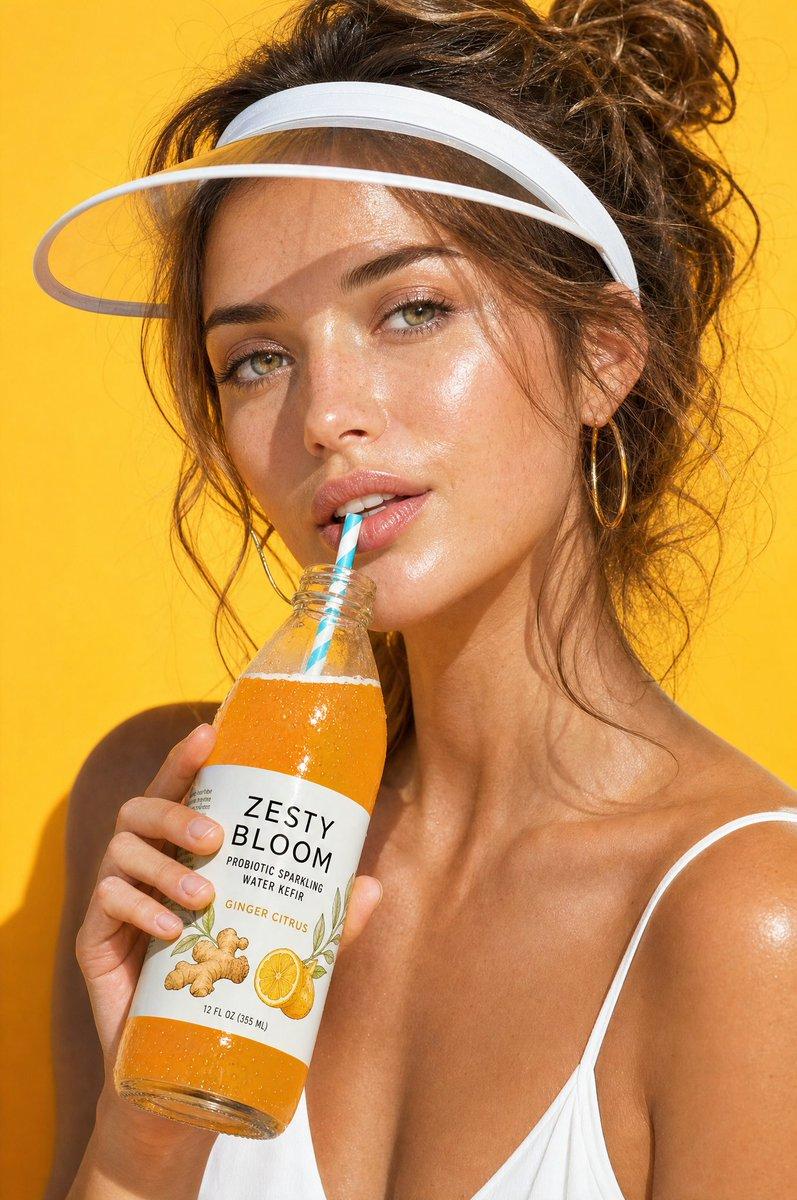
Vertical 9:16, ultra-realistic mobile phone snapshot style, young Asian woman standing at the entrance of a convenience store in the evening, holding a drink and snacks in her hands, like a moment captured casually by a friend walking beside her. She is not deliberately looking at the camera, tilting her head slightly, looking next to the camera, with a natural and relaxed expression, carrying a touch of real-life feeling. Natural street light, reflections from the convenience store glass door and shelves blurred in the background, passersby and bicycles slightly blurred. Hair falls naturally, a few strands blown by the wind to the side of her face, white tank top with a light-colored loose shirt, real fabric texture. Real skin texture, pores, slight acne marks, natural skin oil, no excessive skin smoothing. The overall look is like a friend's phone snapshot, not a photo shoot, not an advertisement, everyday life, relaxed, slightly imperfect composition.
Category
Posters & Typography
Model
ChatGPT
Views0
Source ID
17428
Published
Jul 5, 2026

Guide

About "超真实手机抓拍便利店门口年轻女性"

What is this prompt for?

"超真实手机抓拍便利店门口年轻女性" AI image prompt for ChatGPT (Posters & Typography). 竖版9:16,超真实手机抓拍风格,年轻亚洲女性站在傍晚便利店门口,手里拿着饮料和零食,像朋友走在旁边随手拍下的一瞬间。她没有刻意看镜头,微微侧头,眼神看向镜头旁边,表情自然松弛…

The full copyable prompt and example visuals above are ready for AI image generation or one-click recreate in Picva.

How to use this prompt

  1. Step 1

    Open the prompt detail

    Review the example visuals, category, and full prompt text for "超真实手机抓拍便利店门口年轻女性".

  2. Step 2

    Copy the prompt

    Copy the prompt body from this page, or load it directly in Studio.

  3. Step 3

    Pick a model (ChatGPT)

    Prefer ChatGPT. If you switch models, keep subject and composition and tweak style terms.

  4. Step 4

    Generate and export

    Recreate the look in Picva, or export into your workflow for editing and publishing.

FAQ

What is the "超真实手机抓拍便利店门口年轻女性" prompt?
It is an AI image-generation prompt for ChatGPT in the Posters & Typography category. This page includes the full prompt text, example visuals, and a one-click recreate path in Picva.
How do I use this prompt to generate an image?
Copy the prompt from this page, or use Generate / Studio. Paste it into a compatible image model, or recreate the look in Picva with optional reference images.
Which model is this prompt for?
This page lists ChatGPT. Most descriptive prompts also transfer to nearby image models such as GPT Image, Flux, or Midjourney with light style tweaks.
Can I use the result commercially?
You can usually copy the prompt for creation, but commercial use of the final image depends on the model terms, reference-image rights, and the generated content. Follow the source author and platform rules.