18

印度女性黄金时刻四宫格写真
Enlarge

印度女性黄金时刻四宫格写真

Prompt
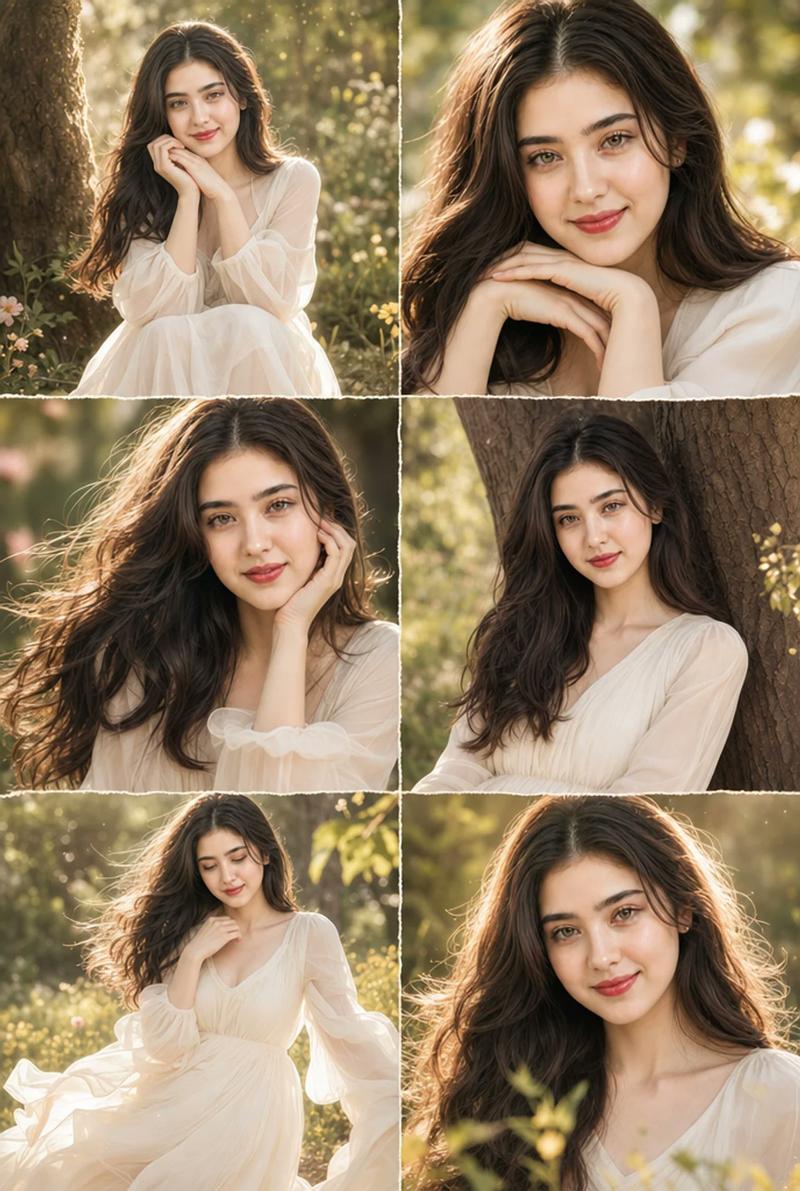
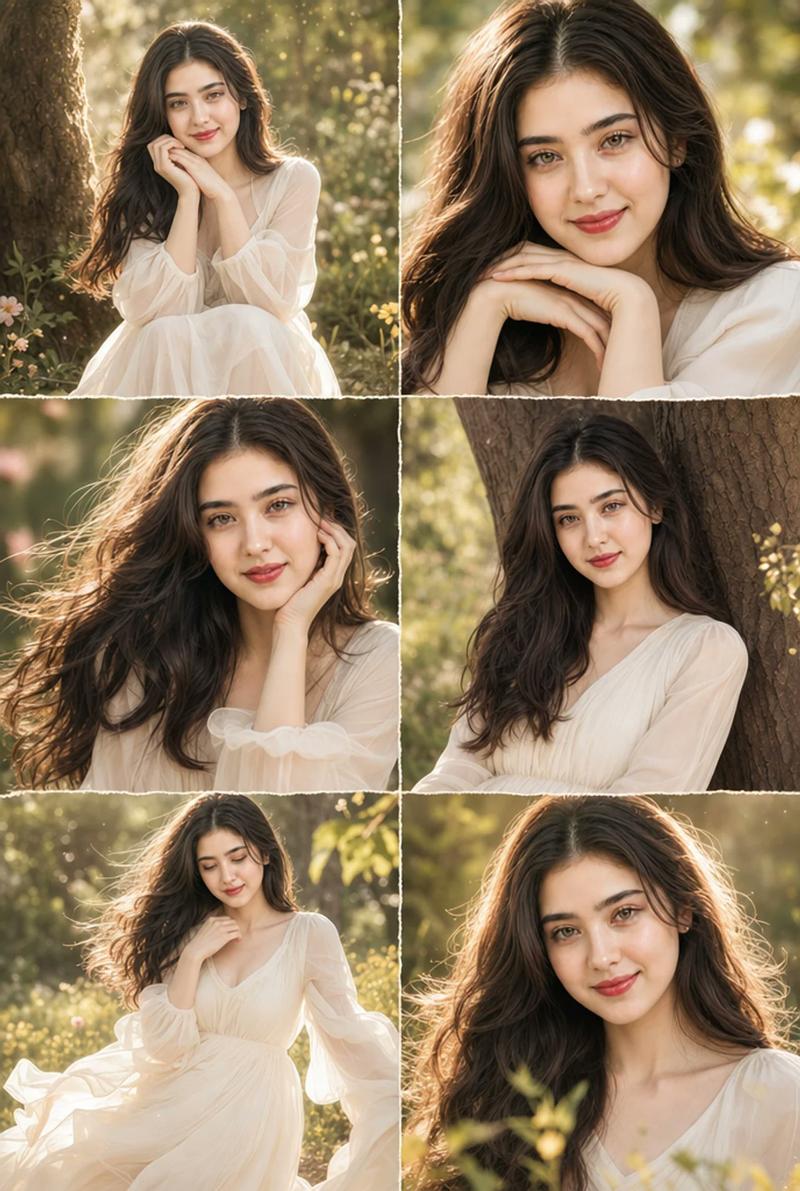
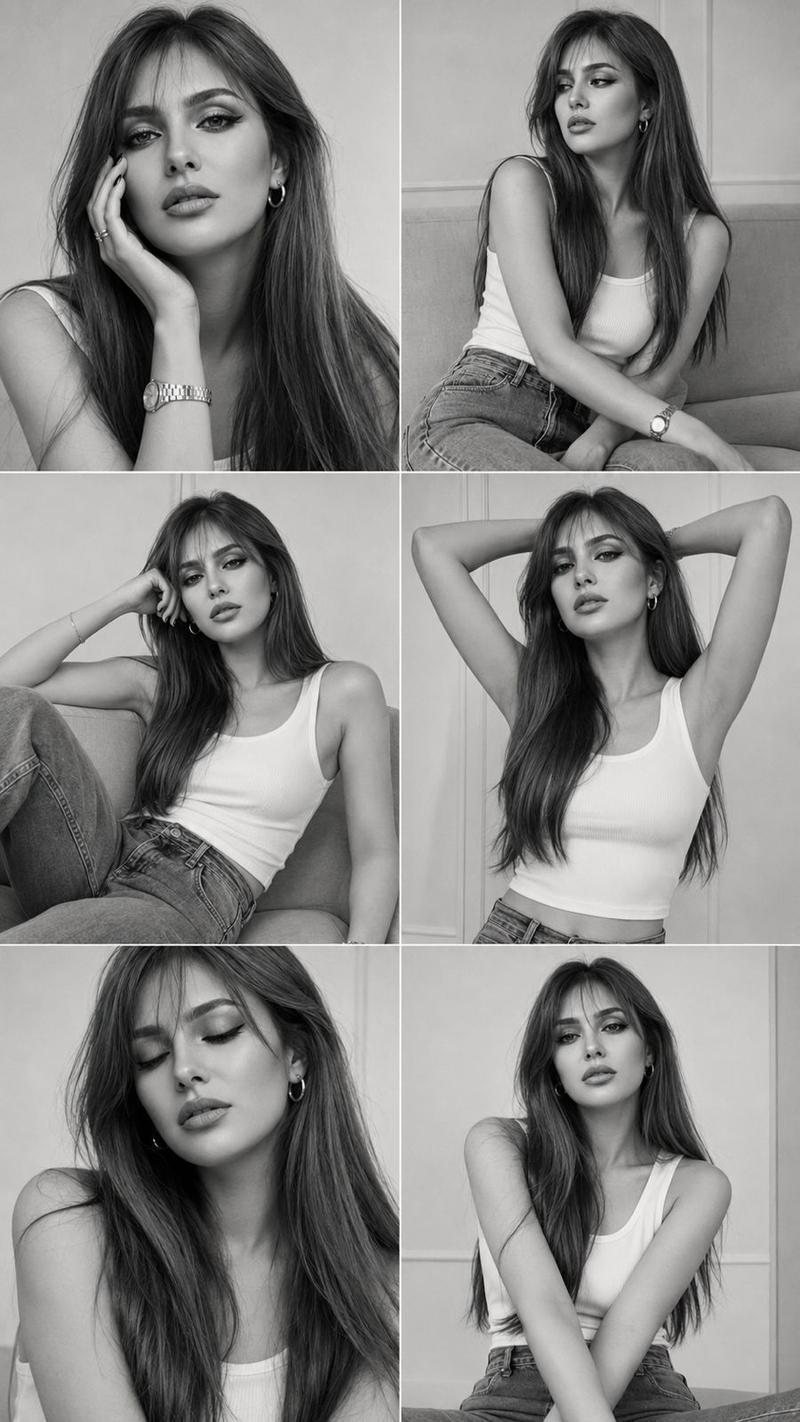
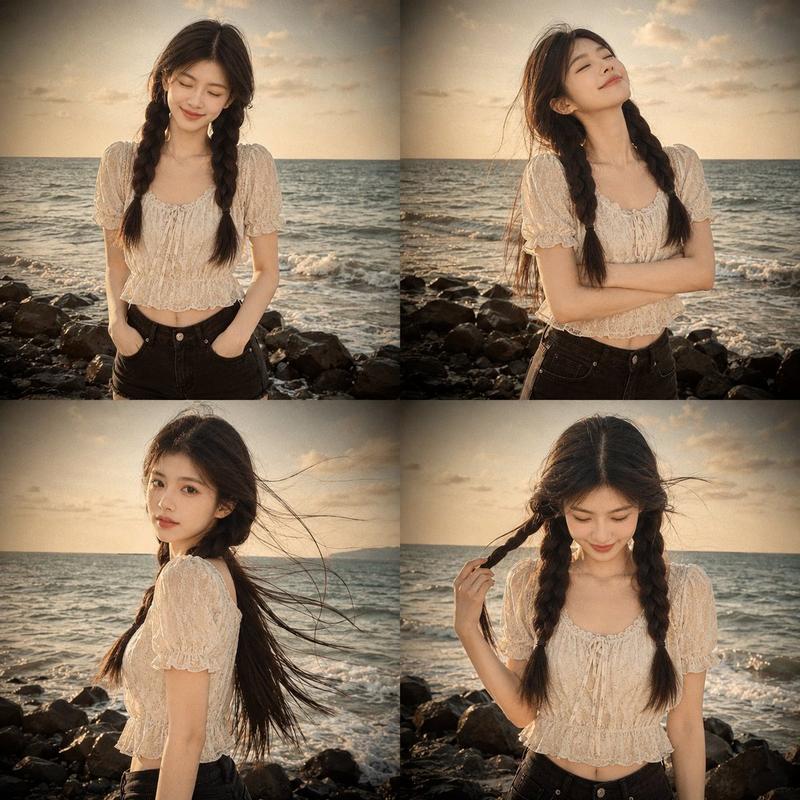
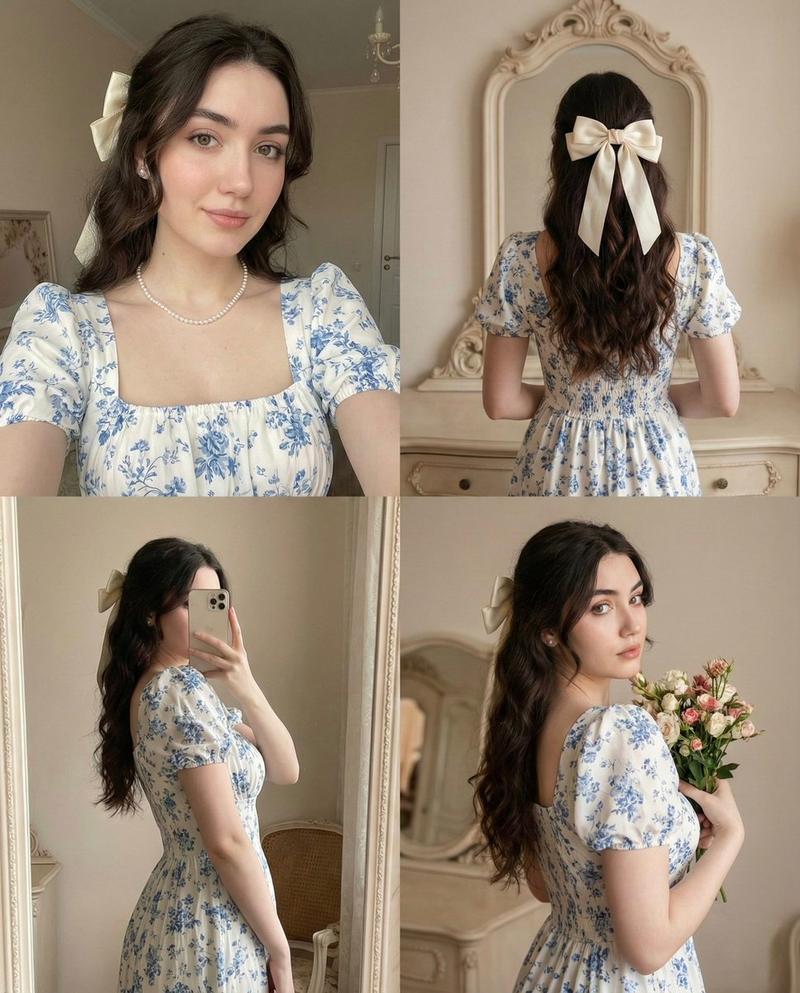
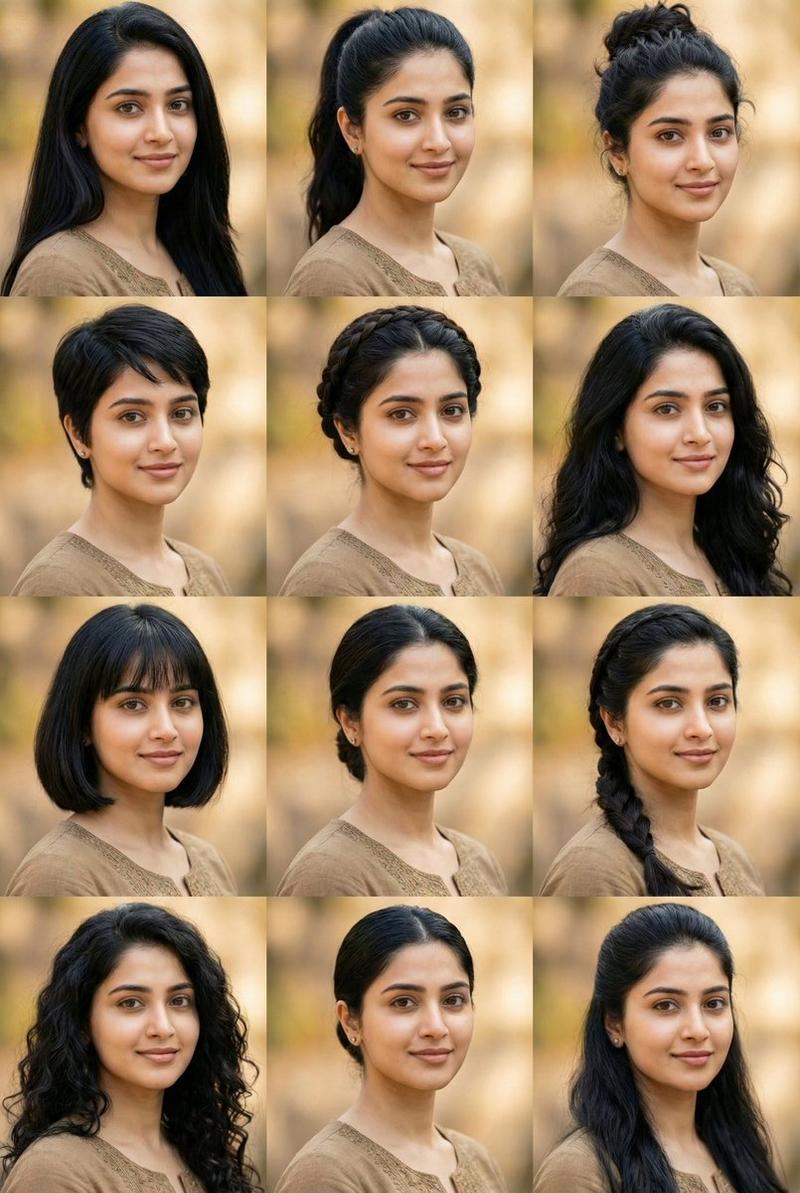
A 2x2 portrait grid of the same young Indian woman, light wheatish skin, sharp facial features, long voluminous dark brown wavy hair, wearing a rust brown floral printed sleeveless peplum top with beige medallion print, blue denim jeans, silver bangles and oxidized earrings — POSE 1 (top-left): hand covering mouth shyly, slight back angle, laughing POSE 2 top-right: hand raised shielding eyes from sun, looking straightPOSE 3 bottom-left: eyes closed, head tilted down, soft smile, relaxed POSE 4 bottom-right: back to camera, turning slightly, hair tossed over shoulder, looking back coyly — All four frames: warm golden hour sunlight, ivy creeper climbing yellow wall background, dappled leaf shadow patterns on wall, f 1.2 aperture, 85mm lens, Sony Alpha 1, creamy bokeh, shallow depth of field, cinematic warm amber-orange color grade, vertical 4:6 format, Instagram editorial photography.
Category
Posters & Typography
Model
ChatGPT
Creator
@CaliraVal
Views9
Source ID
15256
Published
Jun 2, 2026

Guide

About "印度女性黄金时刻四宫格写真"

What is this prompt for?

"印度女性黄金时刻四宫格写真" AI image prompt for ChatGPT (Posters & Typography). 一个由同一个年轻印度女性组成的2x2肖像网格,浅色小麦色皮肤,锐利的面部特征,浓密的深棕色长波浪发,穿着带有米色奖章印花的锈褐色碎花无袖短摆上衣,蓝色牛仔裤,银色手镯和氧化耳环 ——…

The full copyable prompt and example visuals above are ready for AI image generation or one-click recreate in Picva.

How to use this prompt

  1. Step 1

    Open the prompt detail

    Review the example visuals, category, and full prompt text for "印度女性黄金时刻四宫格写真".

  2. Step 2

    Copy the prompt

    Copy the prompt body from this page, or load it directly in Studio.

  3. Step 3

    Pick a model (ChatGPT)

    Prefer ChatGPT. If you switch models, keep subject and composition and tweak style terms.

  4. Step 4

    Generate and export

    Recreate the look in Picva, or export into your workflow for editing and publishing.

FAQ

What is the "印度女性黄金时刻四宫格写真" prompt?
It is an AI image-generation prompt for ChatGPT in the Posters & Typography category. This page includes the full prompt text, example visuals, and a one-click recreate path in Picva.
How do I use this prompt to generate an image?
Copy the prompt from this page, or use Generate / Studio. Paste it into a compatible image model, or recreate the look in Picva with optional reference images.
Which model is this prompt for?
This page lists ChatGPT. Most descriptive prompts also transfer to nearby image models such as GPT Image, Flux, or Midjourney with light style tweaks.
Can I use the result commercially?
You can usually copy the prompt for creation, but commercial use of the final image depends on the model terms, reference-image rights, and the generated content. Follow the source author and platform rules.