20

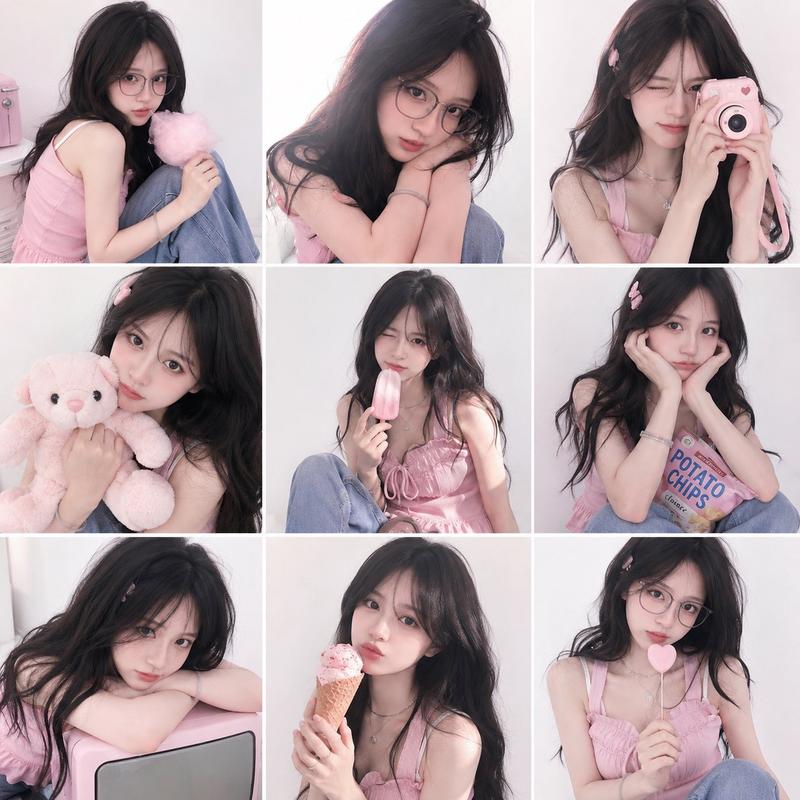
九宫格连续动作手绘涂鸦拼贴
Enlarge

九宫格连续动作手绘涂鸦拼贴

Prompt
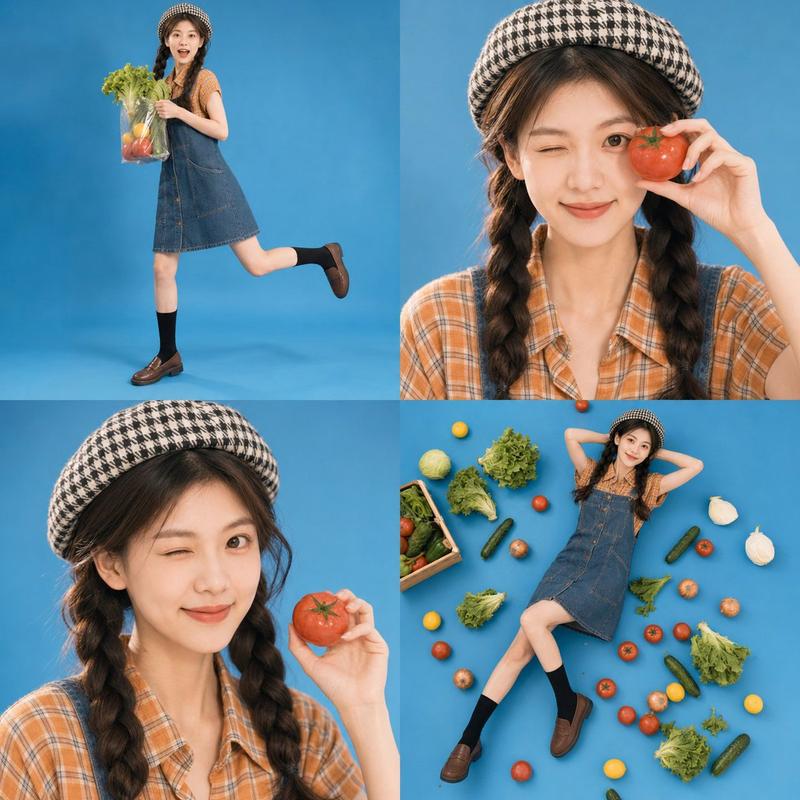
A nine-panel grid photo collage of the same subject appearing in continuous moments across all frames with different poses, angles, and distances. Each panel feels like a real photograph with natural lighting, clean and airy backgrounds, and a bright, fresh mood. Thin white borders separate the grids neatly. White hand-drawn doodle lines flow across the entire collage, wrapping around the subject, tracing movements, and forming small symbols like hearts, sparkles, waves, and motion marks that match the action in each frame. 

The overall color tone is high-key, light, and vibrant, with soft natural colors and small accent tones, avoiding dull or heavy shadows. The final result feels like a cohesive visual diary or scrapbook page where all nine moments are individually clear but visually connected into one lively, rhythmic story.
Category
Charts & Infographics
Model
ChatGPT
Views29
Source ID
17024
Published
Jun 29, 2026

Guide

About "九宫格连续动作手绘涂鸦拼贴"

What is this prompt for?

"九宫格连续动作手绘涂鸦拼贴" AI image prompt for ChatGPT (Charts & Infographics). 一个九宫格照片拼贴,同一主体在所有画面中以不同的姿势、角度和距离出现在连续的瞬间。每个面板感觉都像是一张真实的摄影照片,拥有自然光线、干净通透的背景以及明亮清新的氛围。细白边框整齐…

The full copyable prompt and example visuals above are ready for AI image generation or one-click recreate in Picva.

How to use this prompt

  1. Step 1

    Open the prompt detail

    Review the example visuals, category, and full prompt text for "九宫格连续动作手绘涂鸦拼贴".

  2. Step 2

    Copy the prompt

    Copy the prompt body from this page, or load it directly in Studio.

  3. Step 3

    Pick a model (ChatGPT)

    Prefer ChatGPT. If you switch models, keep subject and composition and tweak style terms.

  4. Step 4

    Generate and export

    Recreate the look in Picva, or export into your workflow for editing and publishing.

FAQ

What is the "九宫格连续动作手绘涂鸦拼贴" prompt?
It is an AI image-generation prompt for ChatGPT in the Charts & Infographics category. This page includes the full prompt text, example visuals, and a one-click recreate path in Picva.
How do I use this prompt to generate an image?
Copy the prompt from this page, or use Generate / Studio. Paste it into a compatible image model, or recreate the look in Picva with optional reference images.
Which model is this prompt for?
This page lists ChatGPT. Most descriptive prompts also transfer to nearby image models such as GPT Image, Flux, or Midjourney with light style tweaks.
Can I use the result commercially?
You can usually copy the prompt for creation, but commercial use of the final image depends on the model terms, reference-image rights, and the generated content. Follow the source author and platform rules.