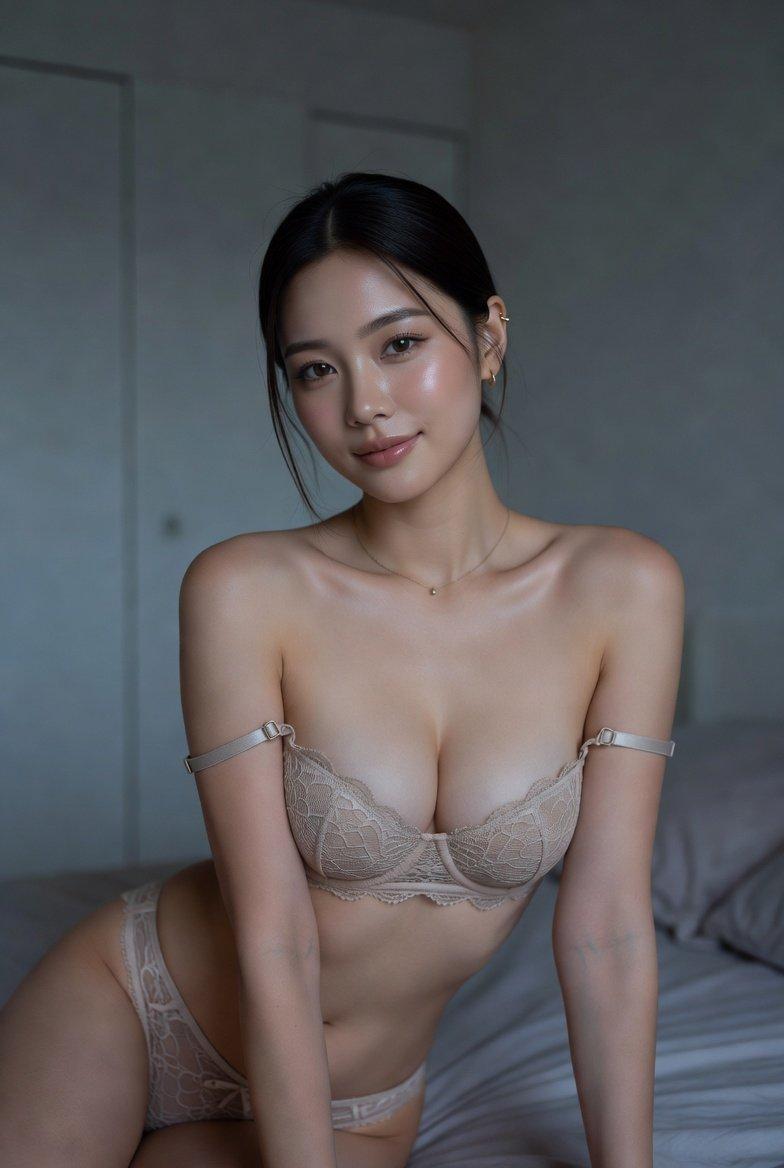
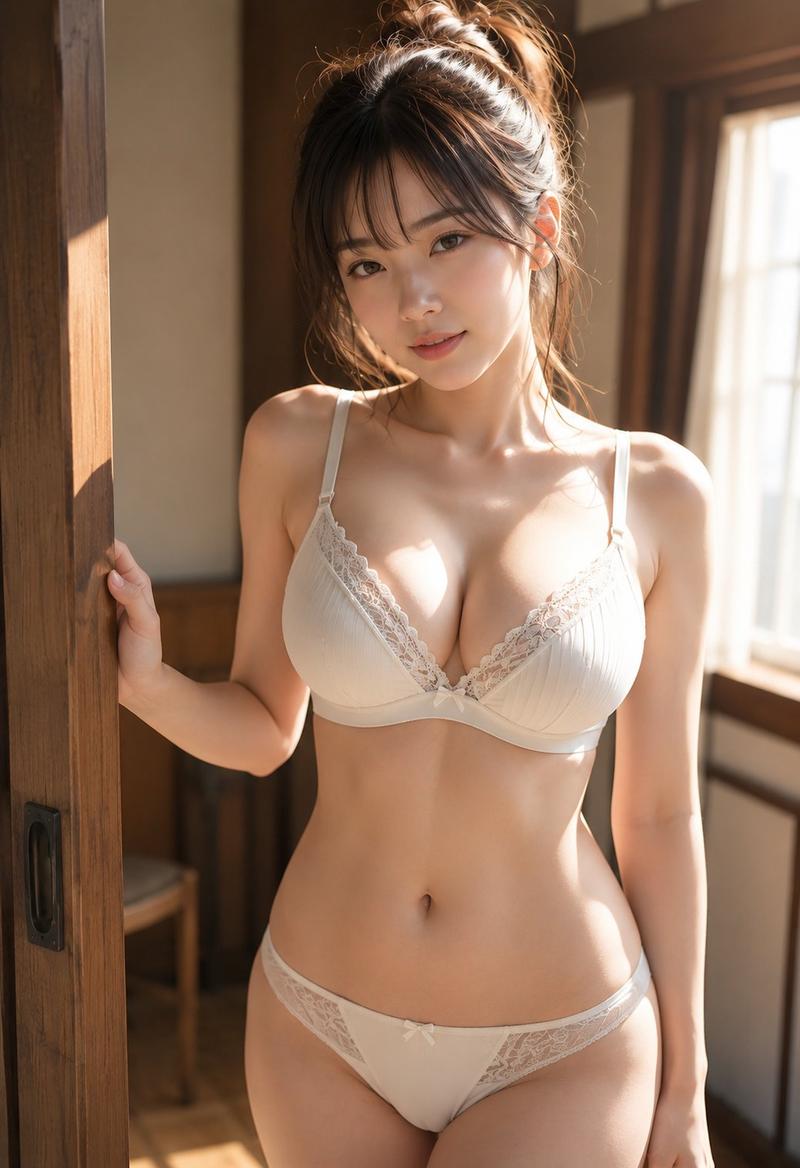
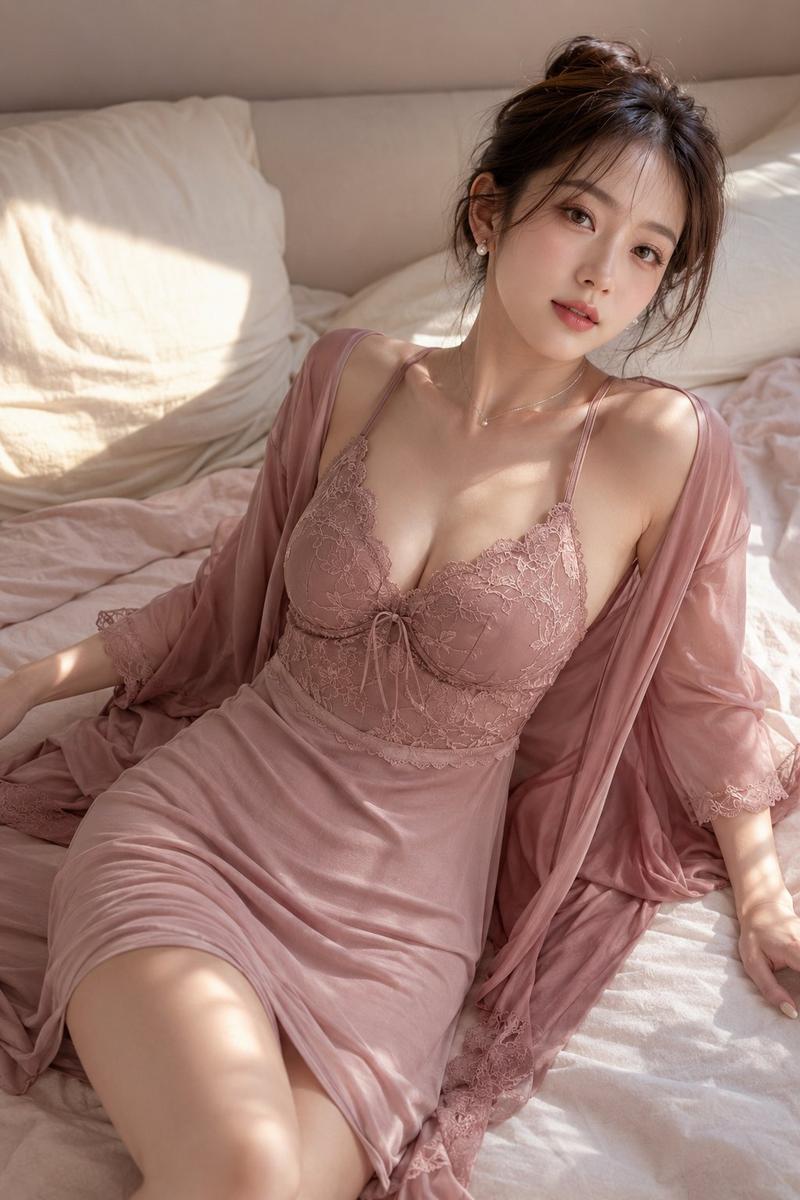
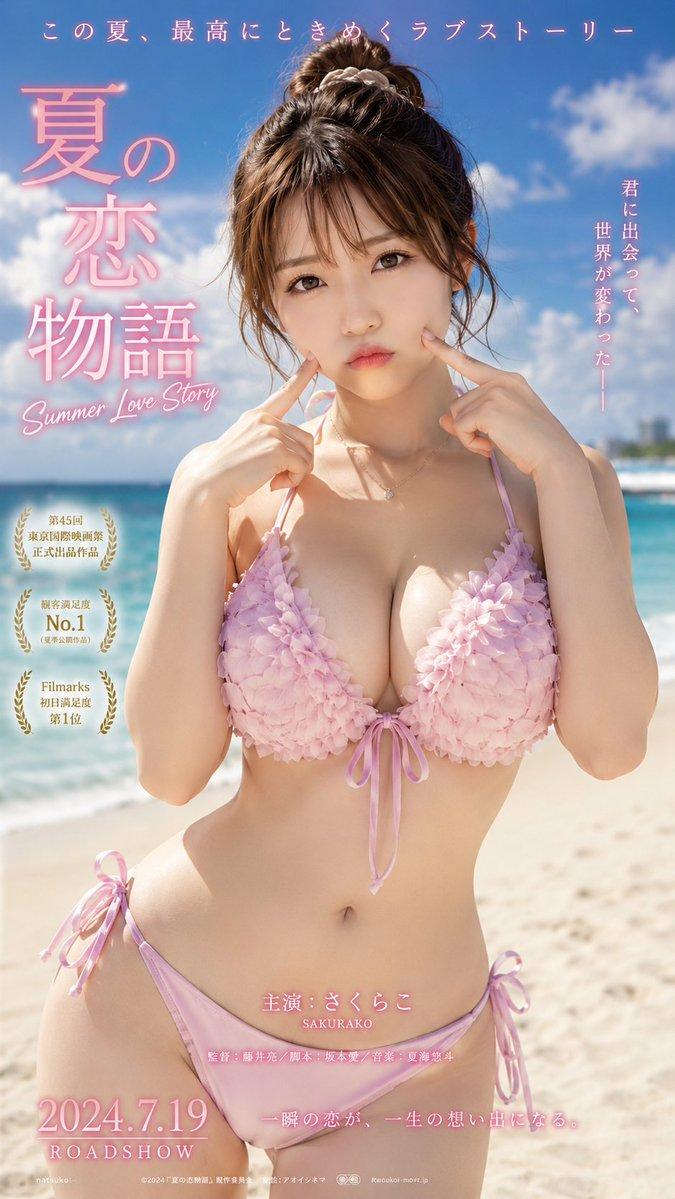
19

高级日系内衣电商详情页四图生成指令
Enlarge

Example images

高级日系内衣电商详情页四图生成指令

Prompt
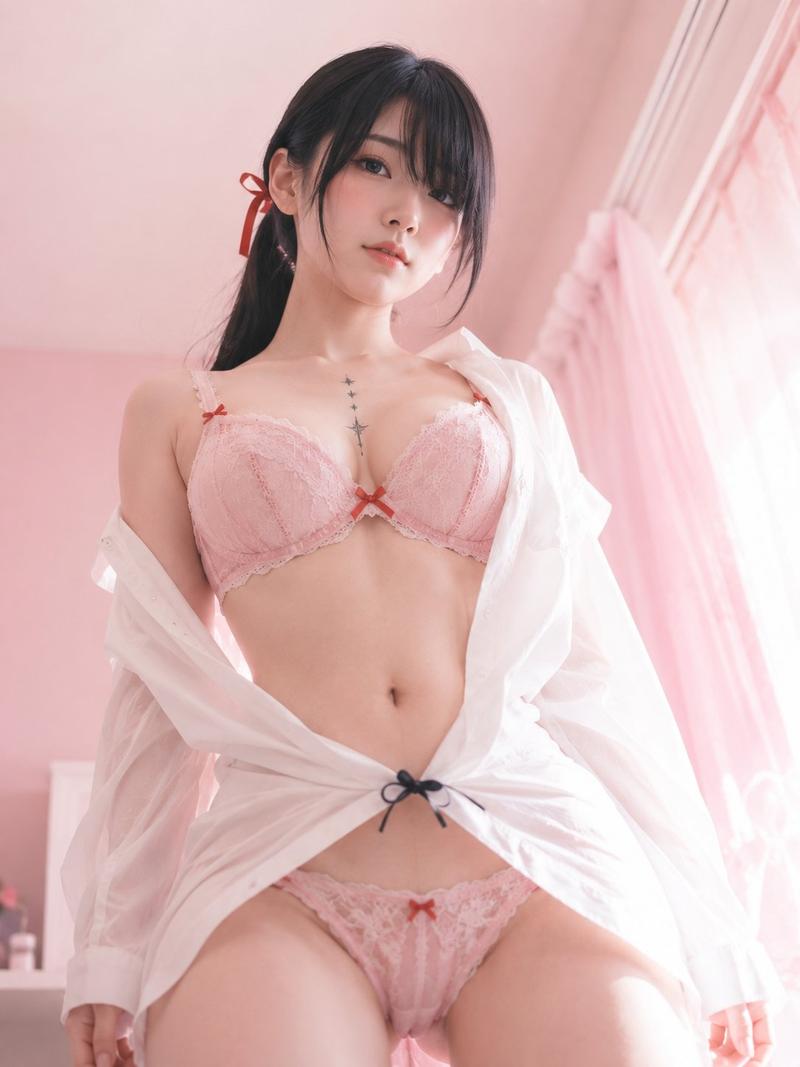
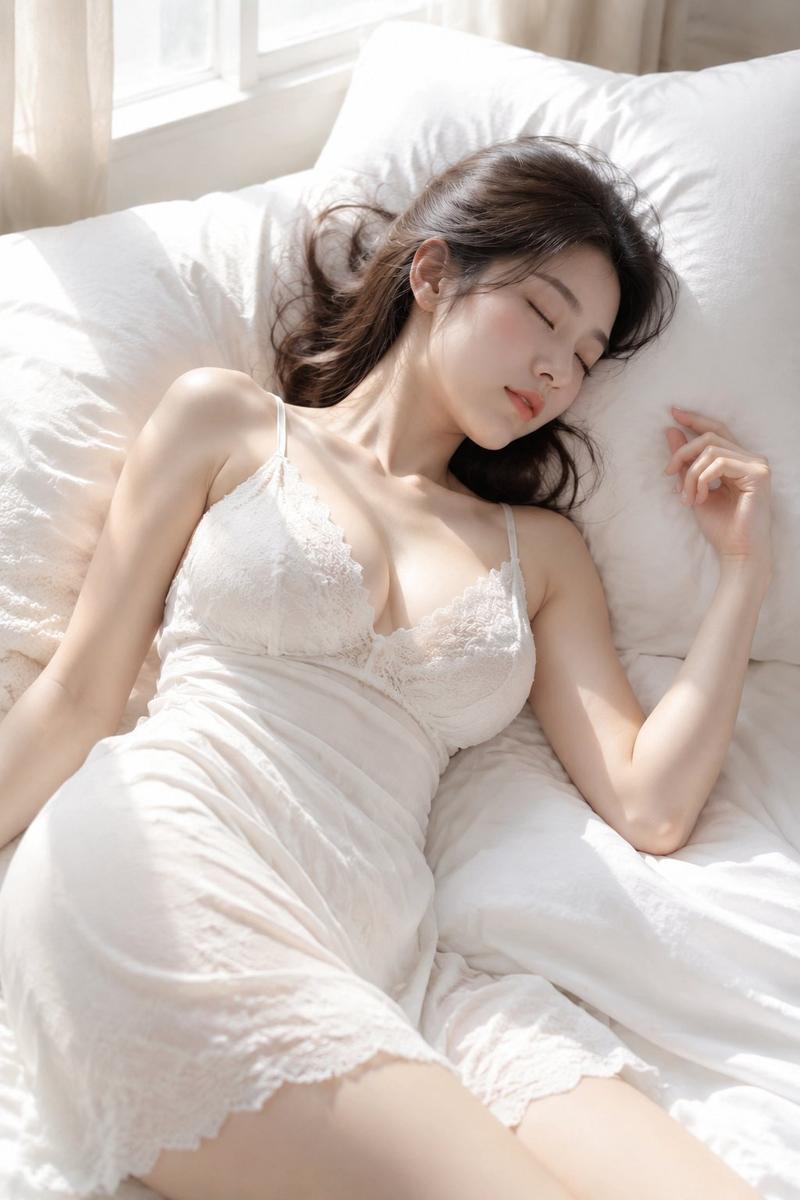
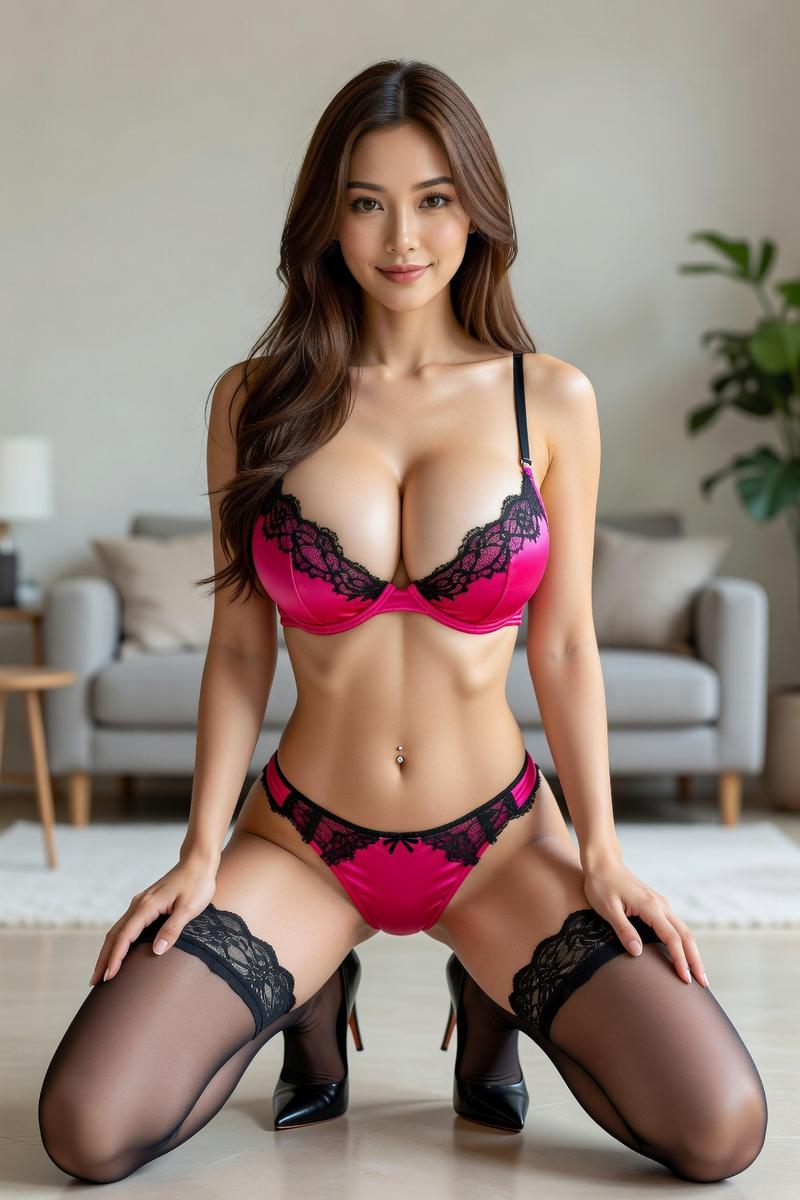
Generate a set of 4 e-commerce detail page images for a lingerie product. [Output Rules]: 1. Generate 4 independent images. Do not merge them into a single grid or collage. 2. Maintain consistency in the product, model, and overall visual style across all images. 3. Format: Vertical e-commerce layout, high-definition, professional brand aesthetic. 4. Style: High-end Japanese e-commerce style—clean, sophisticated, and professional, not vulgar or cluttered. [Product Info]: Comfortable push-up lace bra with selling points like lightweight fit and natural support. [Visual Requirements]: Realistic commercial photography, soft natural lighting, elegant adult female model, and clean whitespace. Color palette: low-saturation tones like cream, beige, or dusty rose. Layout should include text areas for headings and selling points. [Specific Images]: Image 1 (Main Visual): Hero shot establishing the brand vibe and core selling points. Image 2 (Tutorial): A 4-step wearing guide showing the model demonstrating the correct way to wear the bra. Image 3 (Comparison): A professional comparison layout showing 'Correct vs. Incorrect' fit for cups, straps, and bands. Image 4 (Size Guide): A professional layout featuring measurement instructions, a size chart, and breast shape compatibility advice. Ensure all typography is clear and accurate without gibberish or logos.
Category
Charts & Infographics
Model
ChatGPT
Creator
@MrLarus
Views305
Source ID
14572
Published
May 18, 2026

Guide

About "高级日系内衣电商详情页四图生成指令"

What is this prompt for?

"高级日系内衣电商详情页四图生成指令" AI image prompt for ChatGPT (Charts & Infographics). 请为一款内衣产品生成一组电商详情页图片,共 4 张。 【最重要的输出规则】 1. 一共生成 4 张图片。 2. 每张图片都必须“独立输出”,不要把 4 张合并在一张图里。…

The full copyable prompt and example visuals above are ready for AI image generation or one-click recreate in Picva.

How to use this prompt

  1. Step 1

    Open the prompt detail

    Review the example visuals, category, and full prompt text for "高级日系内衣电商详情页四图生成指令".

  2. Step 2

    Copy the prompt

    Copy the prompt body from this page, or load it directly in Studio.

  3. Step 3

    Pick a model (ChatGPT)

    Prefer ChatGPT. If you switch models, keep subject and composition and tweak style terms.

  4. Step 4

    Generate and export

    Recreate the look in Picva, or export into your workflow for editing and publishing.

FAQ

What is the "高级日系内衣电商详情页四图生成指令" prompt?
It is an AI image-generation prompt for ChatGPT in the Charts & Infographics category. This page includes the full prompt text, example visuals, and a one-click recreate path in Picva.
How do I use this prompt to generate an image?
Copy the prompt from this page, or use Generate / Studio. Paste it into a compatible image model, or recreate the look in Picva with optional reference images.
Which model is this prompt for?
This page lists ChatGPT. Most descriptive prompts also transfer to nearby image models such as GPT Image, Flux, or Midjourney with light style tweaks.
Can I use the result commercially?
You can usually copy the prompt for creation, but commercial use of the final image depends on the model terms, reference-image rights, and the generated content. Follow the source author and platform rules.