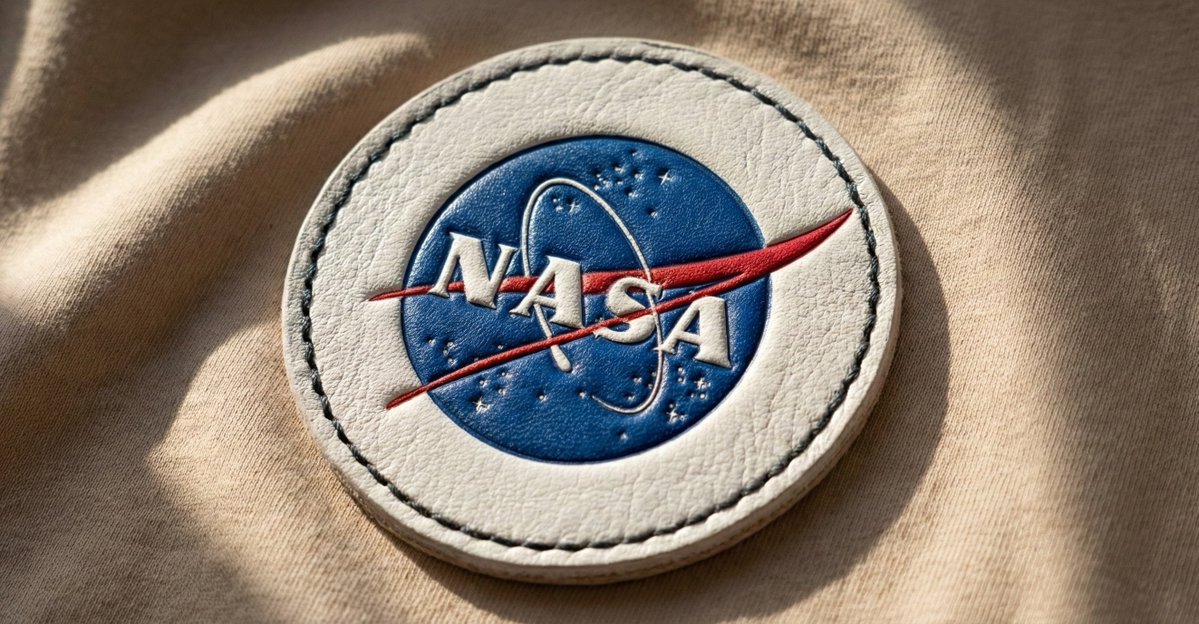
金色抽象综合风格
Prompt
{
    "base_image": "uploaded image",
    "style_transfer": {
        "visual_characteristics": {
            "head_and_face": {
                "material": "translucent resin with embedded starlight and glowing neural circuits",
                "surface_effect": "mirror-gloss with gold filament veins and galaxy-like reflections",
                "lighting": "dynamic cinematic rim lights with volumetric glow"
            },
            "body_structure": {
                "texture": "high-polish white ceramic with embedded gold wiring",
                "design": "futuristic like organic plating",
                "highlight_elements": "subtle internal light flows mimicking synaptic energy"
            },
            "motion_effect": {
                "visual_glitch": "subtle horizontal motion blur on head edges",
                "energy_flow": "faint pulsing particle lights across body"
            },
            "background": {
                "type": "neutral gradient or dark void",
                "focus": "emphasize figure's luminous contrast"
            }
        },
        "application_target": "Replace surface and material style of uploaded image with the characteristics described above, while preserving the original pose, structure, and composition of the target image."
    }
}- Category
- Posters & Typography
- Model
- GPT Image 2
- Creator
- @firatbilal
- Source ID
- 776
- Published
- Jan 8, 2026
Views38


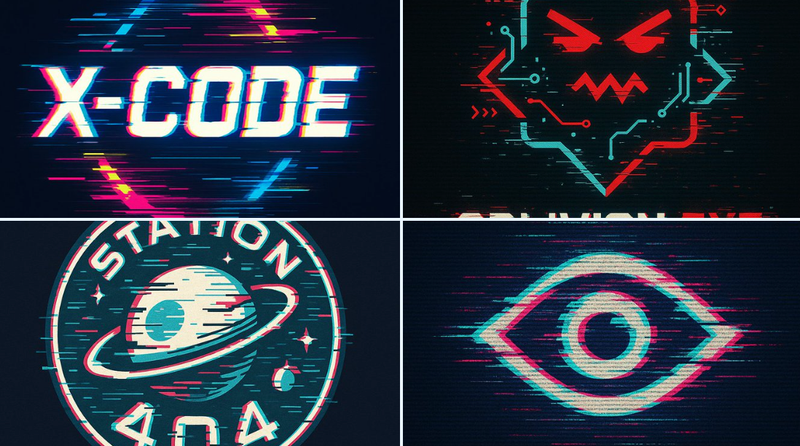
![[BRAND NAME] | [HEADLINE = user text or AUTO] | [SUBHEADLINE = user text or AUTO](https://i.pixshop.app/storage/v1/render/image/public/prompt-source-media/promptsref/work-4623/image-1-cc3cef2f2d594977.png?width=800&quality=75&resize=contain)