20

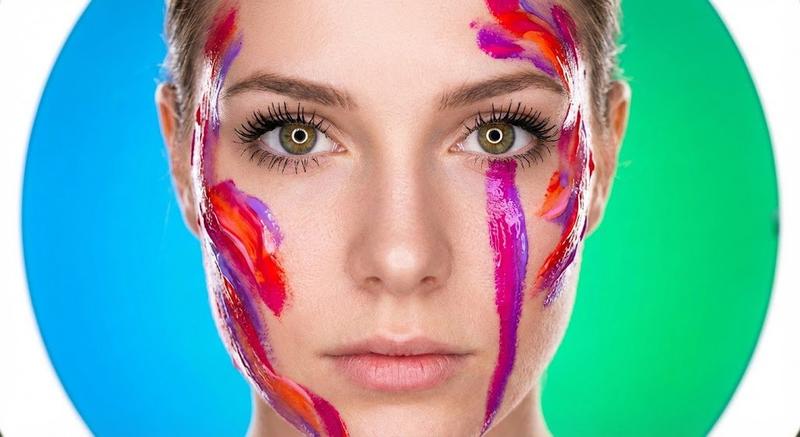
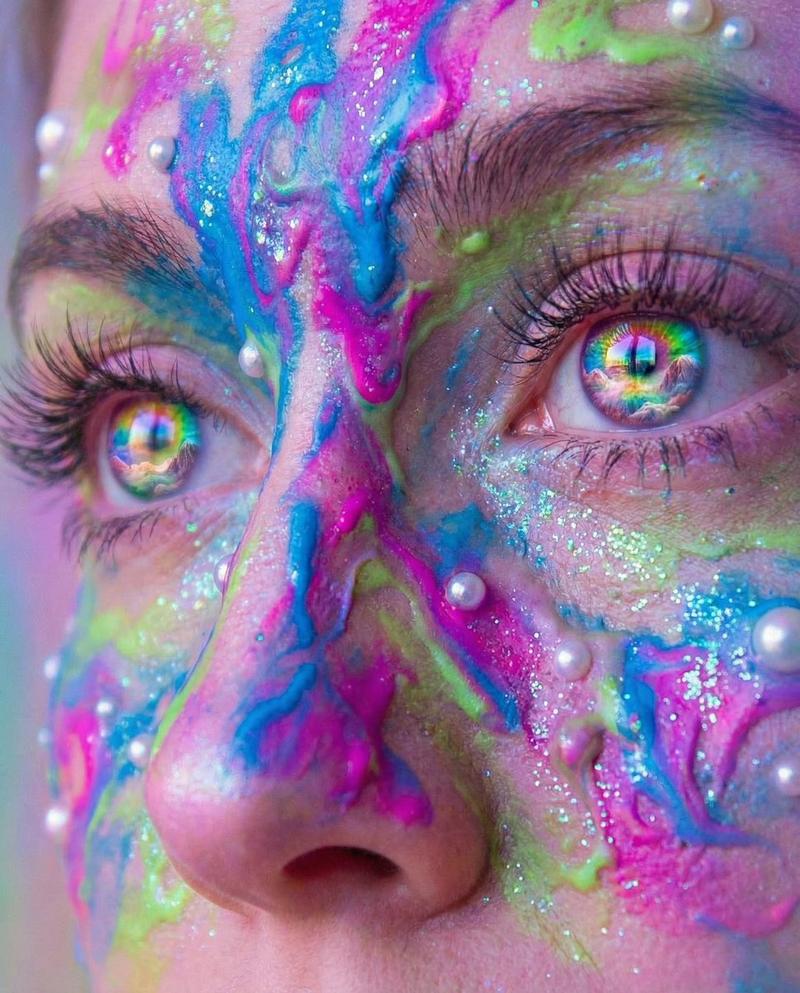
彩虹漆泪冷艳特写
Enlarge

彩虹漆泪冷艳特写

Prompt
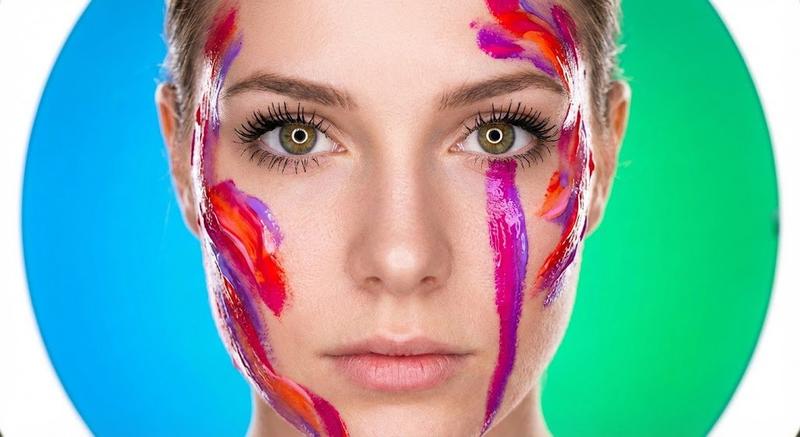
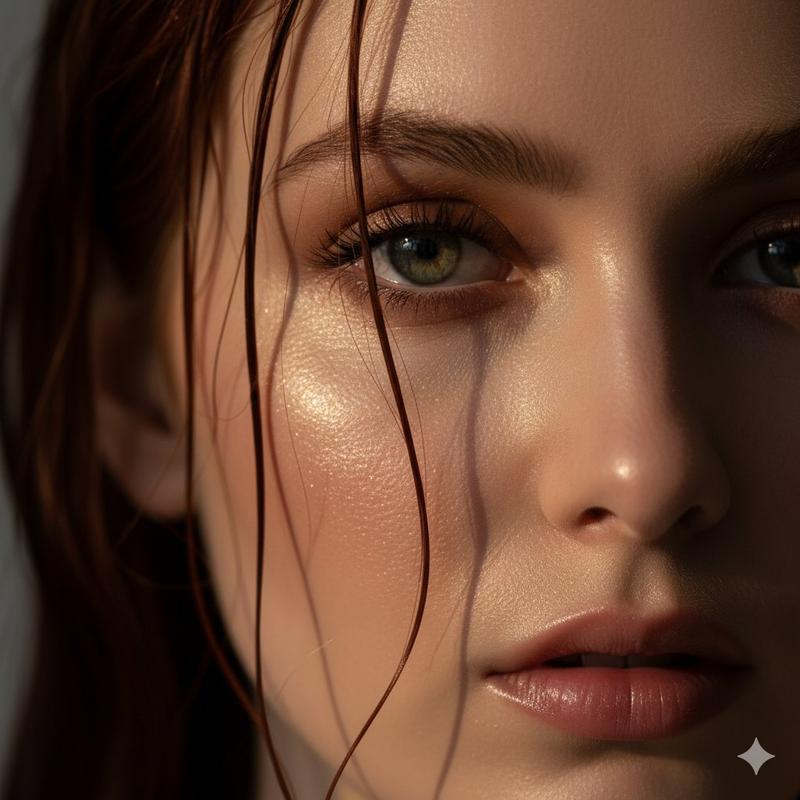
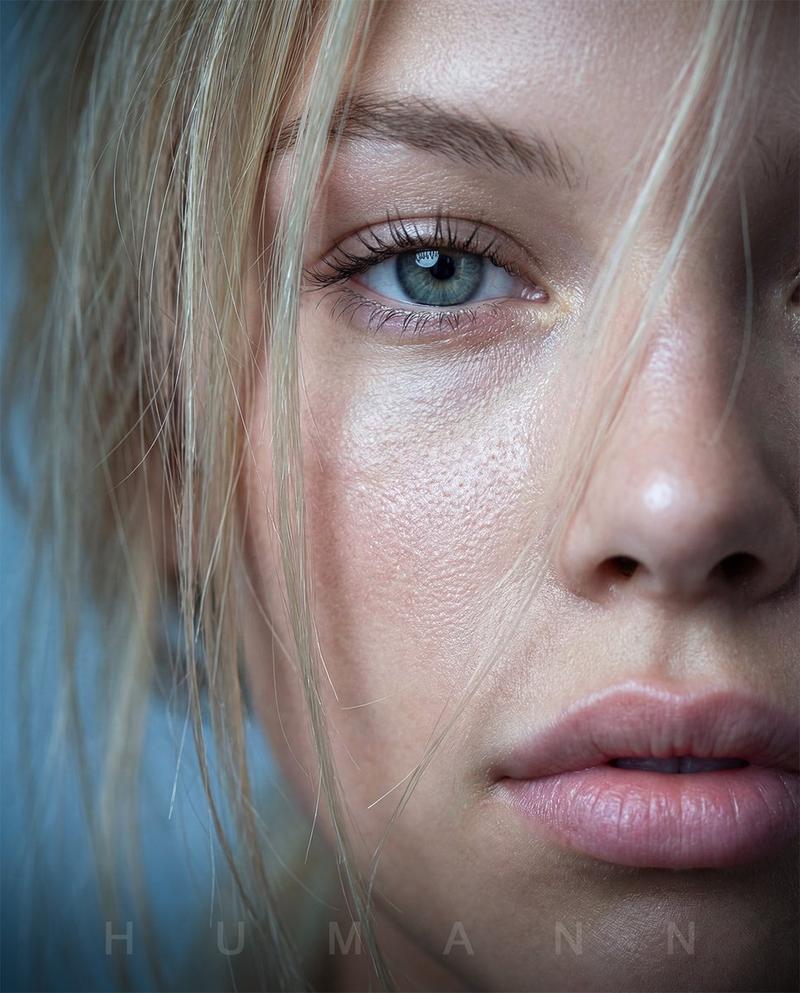
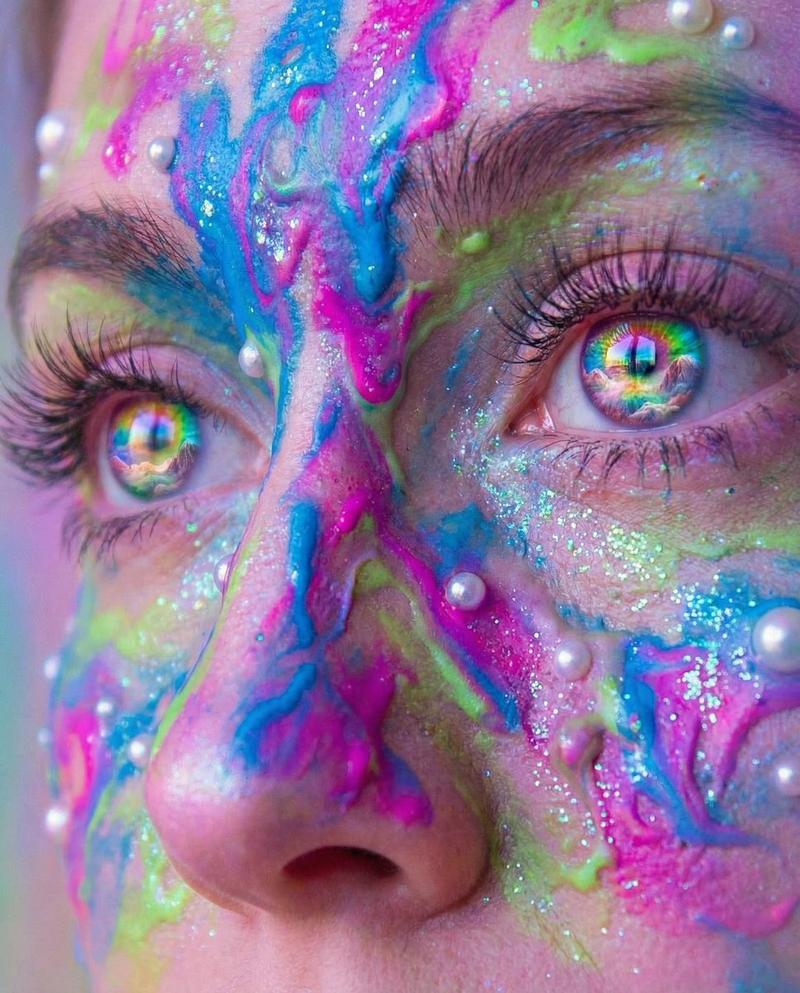
A close-up cinematic shot of a woman’s face, half of her face in frame, with vibrant rainbow-colored paint streaks dripping like liquid over her skin. Water droplets glisten on her smooth skin, highlighting her sharp features. Her eye is intensely detailed, with long dramatic lashes and bright, colorful eyeshadow in blue, green, and yellow. Red glossy lips slightly parted, creating a sense of allure. The paint and water move slowly, as if melting down her face, cinematic slow-motion, high-resolution, photorealistic, dramatic lighting, shallow depth of field, ultra-detailed textures, stylized beauty shot, cinematic glamour atmosphere, soft cinematic background blur, artistic and vibrant color palette."

Optional Add-ons for motion:

"Slow-motion dripping paint"
"Subtle shimmer reflections on water droplets"
"Camera subtly dolly-in toward the eye"
"Epic cinematic background music vibe"
Category
Photography & Realism
Model
Nano Banana Pro
Views65
Source ID
2303
Published
Jan 31, 2026

Guide

About "彩虹漆泪冷艳特写"

What is this prompt for?

"彩虹漆泪冷艳特写" AI image prompt for Nano Banana Pro (Photography & Realism). 一个女性脸部的电影级特写镜头,半边脸入画,鲜艳的彩虹色油漆如液体般在她肌肤上流淌。水滴在她光滑的肌肤上闪烁,突显她锋利的轮廓。她的眼睛细节极其丰富,带有纤长戏剧性的睫毛和明亮…

The full copyable prompt and example visuals above are ready for AI image generation or one-click recreate in Picva.

How to use this prompt

  1. Step 1

    Open the prompt detail

    Review the example visuals, category, and full prompt text for "彩虹漆泪冷艳特写".

  2. Step 2

    Copy the prompt

    Copy the prompt body from this page, or load it directly in Studio.

  3. Step 3

    Pick a model (Nano Banana Pro)

    Prefer Nano Banana Pro. If you switch models, keep subject and composition and tweak style terms.

  4. Step 4

    Generate and export

    Recreate the look in Picva, or export into your workflow for editing and publishing.

FAQ

What is the "彩虹漆泪冷艳特写" prompt?
It is an AI image-generation prompt for Nano Banana Pro in the Photography & Realism category. This page includes the full prompt text, example visuals, and a one-click recreate path in Picva.
How do I use this prompt to generate an image?
Copy the prompt from this page, or use Generate / Studio. Paste it into a compatible image model, or recreate the look in Picva with optional reference images.
Which model is this prompt for?
This page lists Nano Banana Pro. Most descriptive prompts also transfer to nearby image models such as GPT Image, Flux, or Midjourney with light style tweaks.
Can I use the result commercially?
You can usually copy the prompt for creation, but commercial use of the final image depends on the model terms, reference-image rights, and the generated content. Follow the source author and platform rules.