18

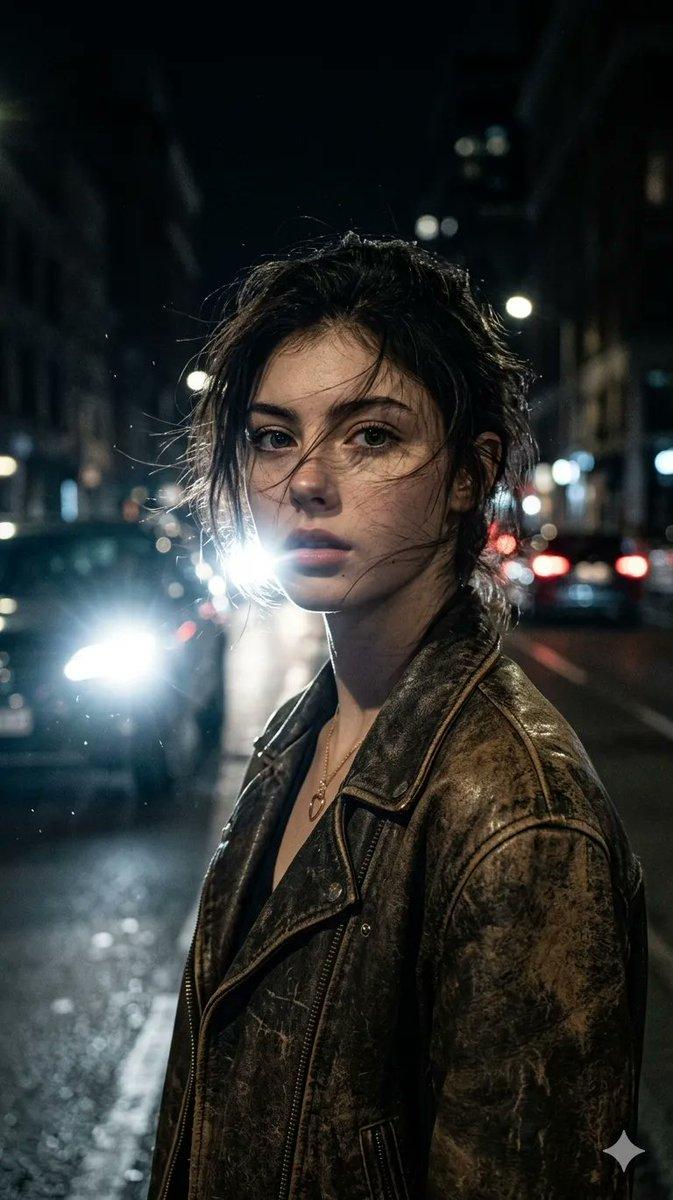
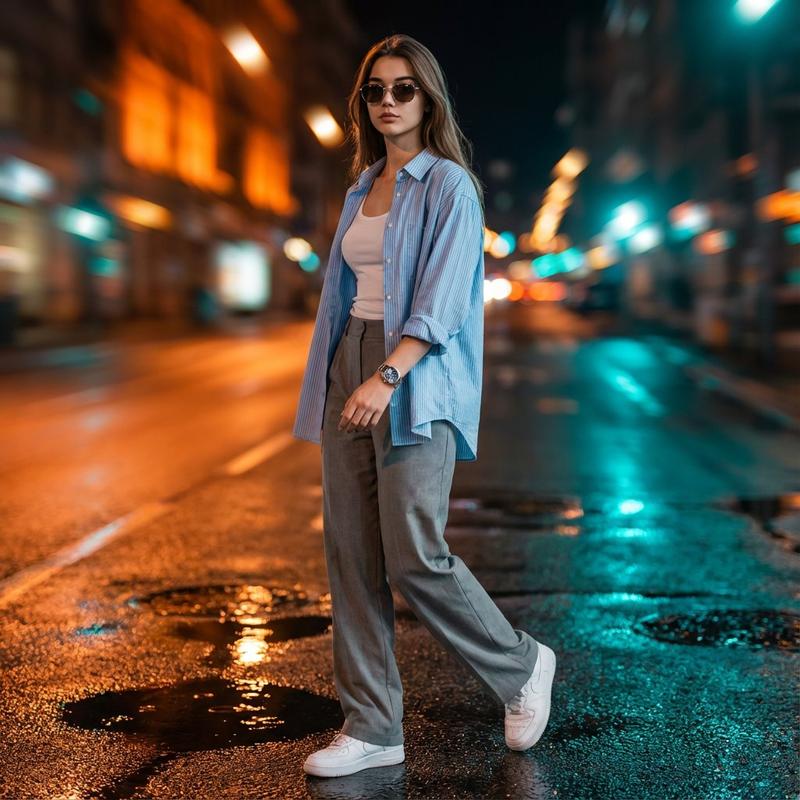
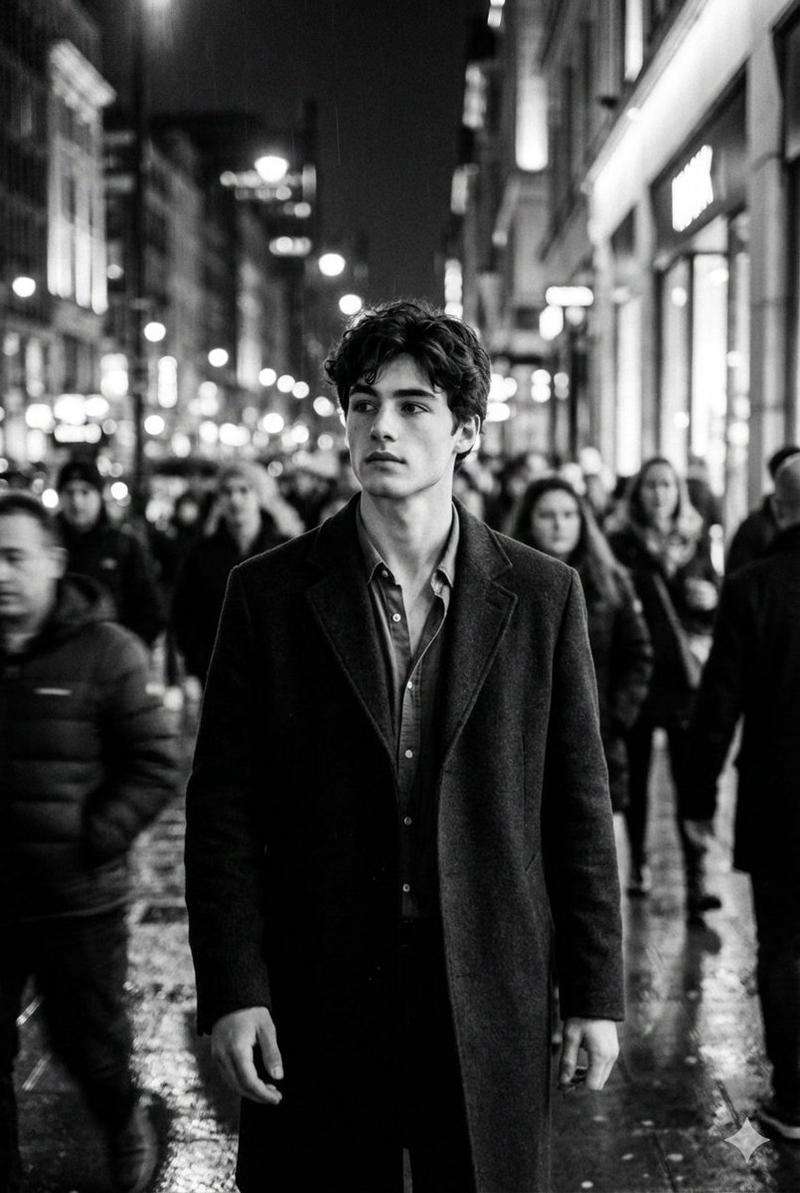
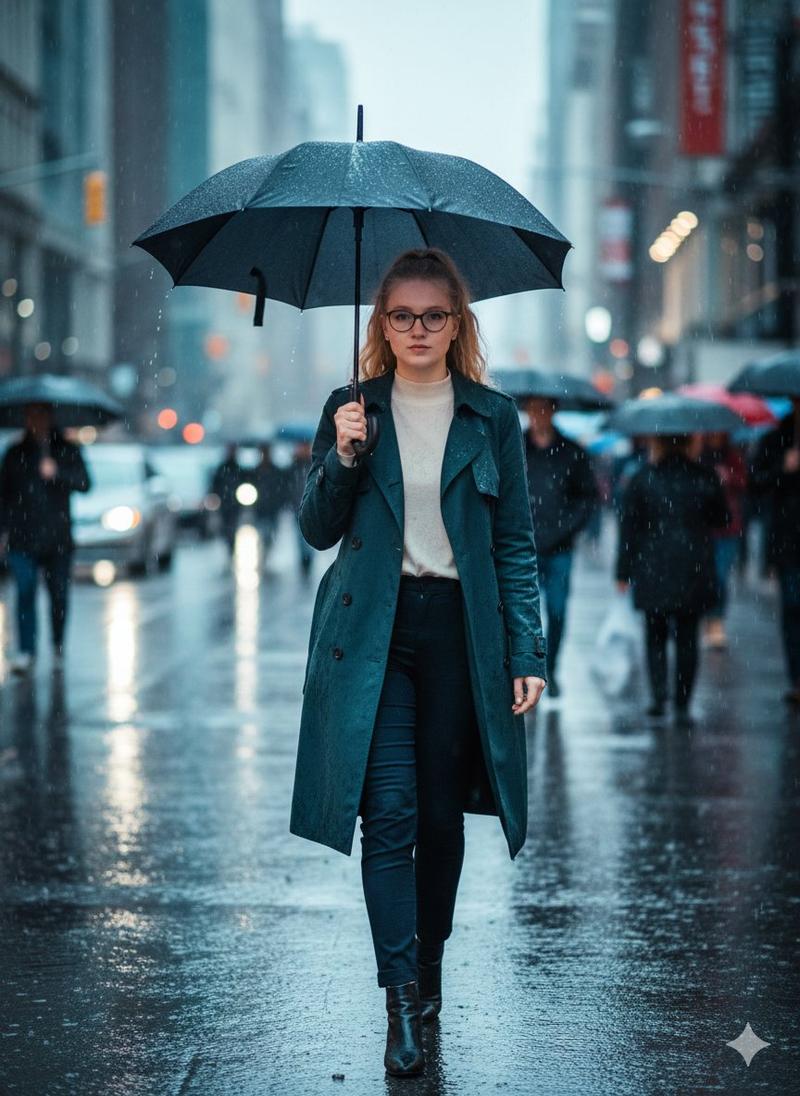
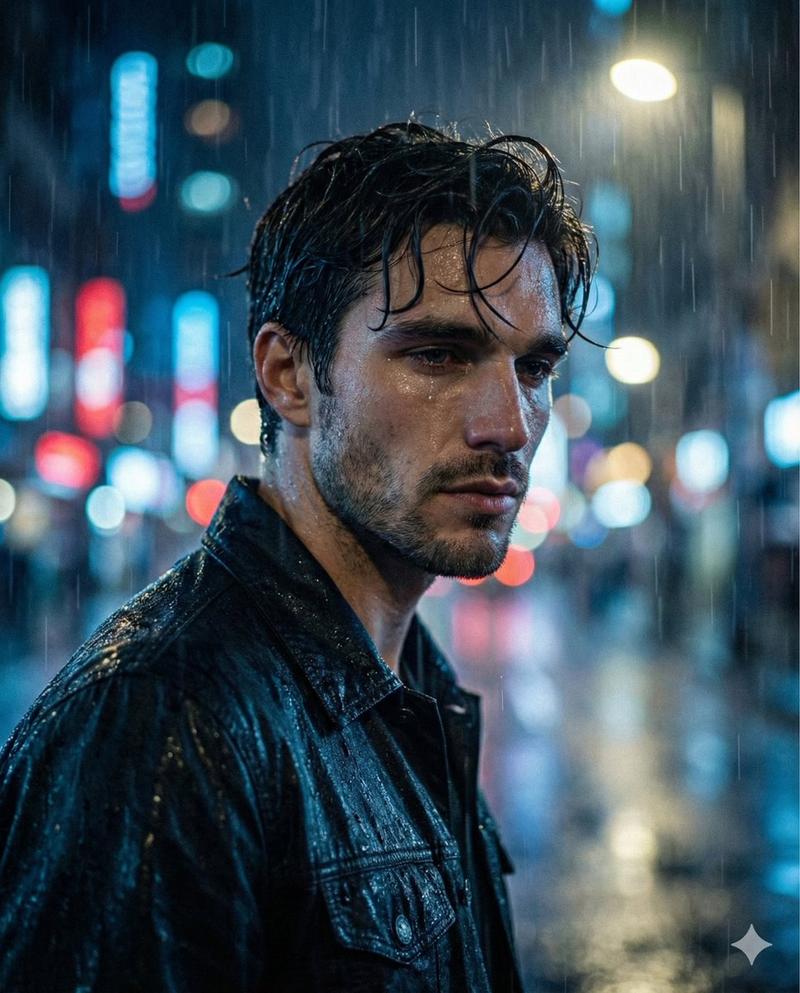
雨夜街头动态模糊黑白时尚大片
Enlarge

雨夜街头动态模糊黑白时尚大片

Prompt
{ "meta": { "purpose": "Cinematic motion blur B&W street photography for urban fashion editorials", "style": "High contrast monochrome, storytelling realism, Nike-inspired visuals, 8K" }, "subject": { "main": "Model in streetwear walking through crowd", "pose": "Dynamic stride with motion streaks", "attire": "[e.g., Urban jacket and sneakers]" }, "environment": { "setting": "[e.g., Busy city street at night]", "details": "Crowd blur effect, wet pavement reflections" }, "lighting": { "type": "[e.g., Cinematic portrait with high contrast]", "effects": "Monochrome grading, viral editorial mood" }, "camera_specs": { "lens": "[e.g., Wide angle for urban depth]", "quality": "AI art realism, fine grain, no artifacts", "aspect_ratio": "[e.g., 9:16 vertical]", "negative": ["color", "static pose", "low contrast", "cartoonish"] } }
Category
Posters & Typography
Model
Nano Banana Pro
Views32
Source ID
11424
Published
Apr 24, 2026

Guide

About "雨夜街头动态模糊黑白时尚大片"

What is this prompt for?

"雨夜街头动态模糊黑白时尚大片" AI image prompt for Nano Banana Pro (Posters & Typography). { "meta": { "purpose": "用于都市时尚杂志的电影动态模糊黑白街头摄影", "style": "高对比度单色、叙事写实主义、Nike 风格视觉效…

The full copyable prompt and example visuals above are ready for AI image generation or one-click recreate in Picva.

How to use this prompt

  1. Step 1

    Open the prompt detail

    Review the example visuals, category, and full prompt text for "雨夜街头动态模糊黑白时尚大片".

  2. Step 2

    Copy the prompt

    Copy the prompt body from this page, or load it directly in Studio.

  3. Step 3

    Pick a model (Nano Banana Pro)

    Prefer Nano Banana Pro. If you switch models, keep subject and composition and tweak style terms.

  4. Step 4

    Generate and export

    Recreate the look in Picva, or export into your workflow for editing and publishing.

FAQ

What is the "雨夜街头动态模糊黑白时尚大片" prompt?
It is an AI image-generation prompt for Nano Banana Pro in the Posters & Typography category. This page includes the full prompt text, example visuals, and a one-click recreate path in Picva.
How do I use this prompt to generate an image?
Copy the prompt from this page, or use Generate / Studio. Paste it into a compatible image model, or recreate the look in Picva with optional reference images.
Which model is this prompt for?
This page lists Nano Banana Pro. Most descriptive prompts also transfer to nearby image models such as GPT Image, Flux, or Midjourney with light style tweaks.
Can I use the result commercially?
You can usually copy the prompt for creation, but commercial use of the final image depends on the model terms, reference-image rights, and the generated content. Follow the source author and platform rules.