18

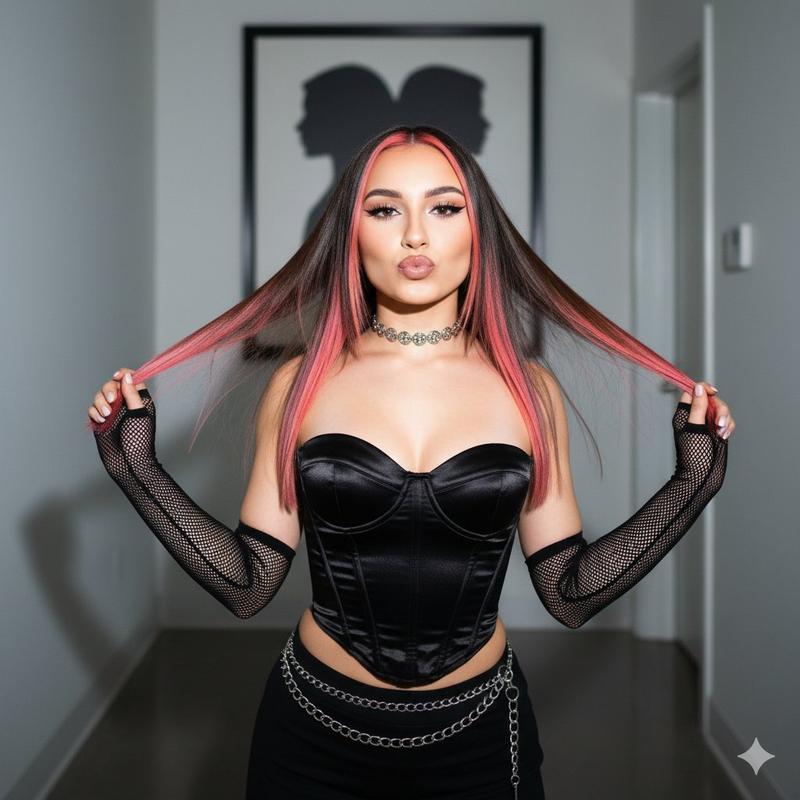
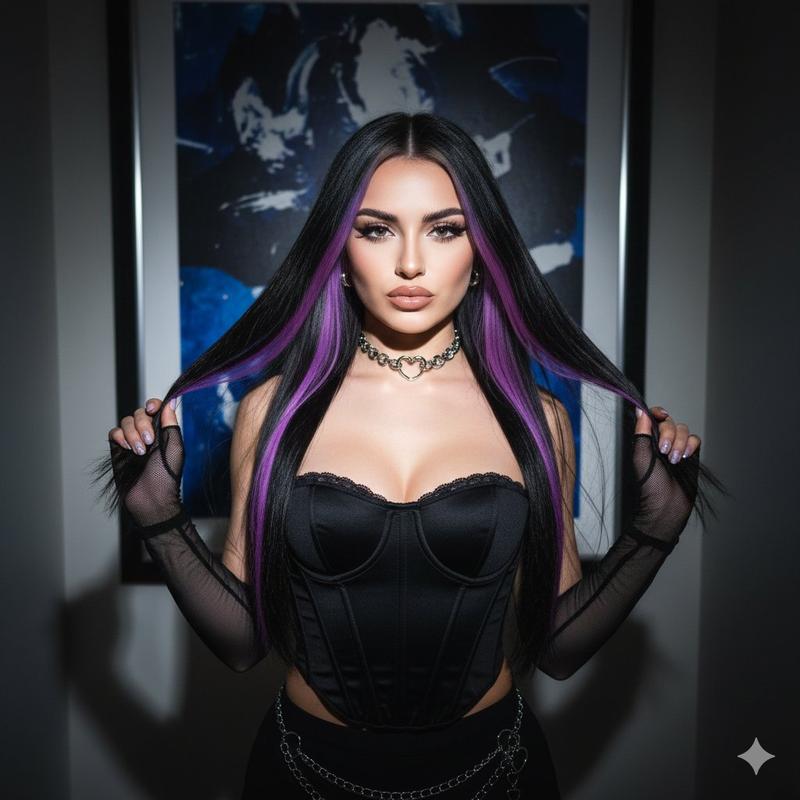
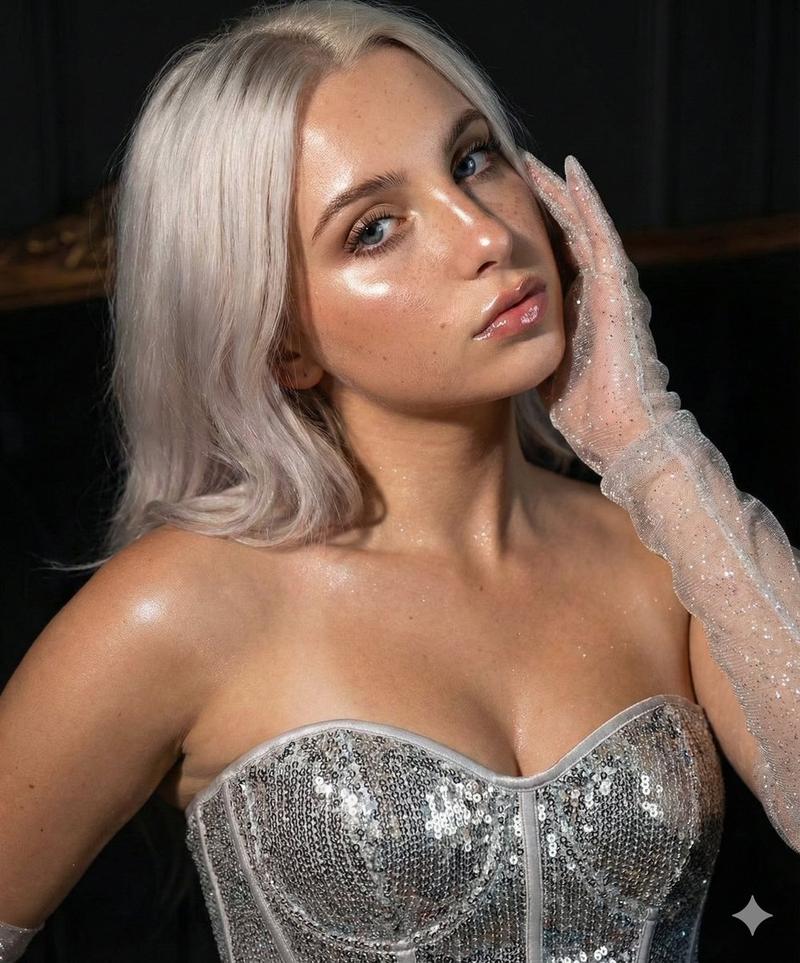
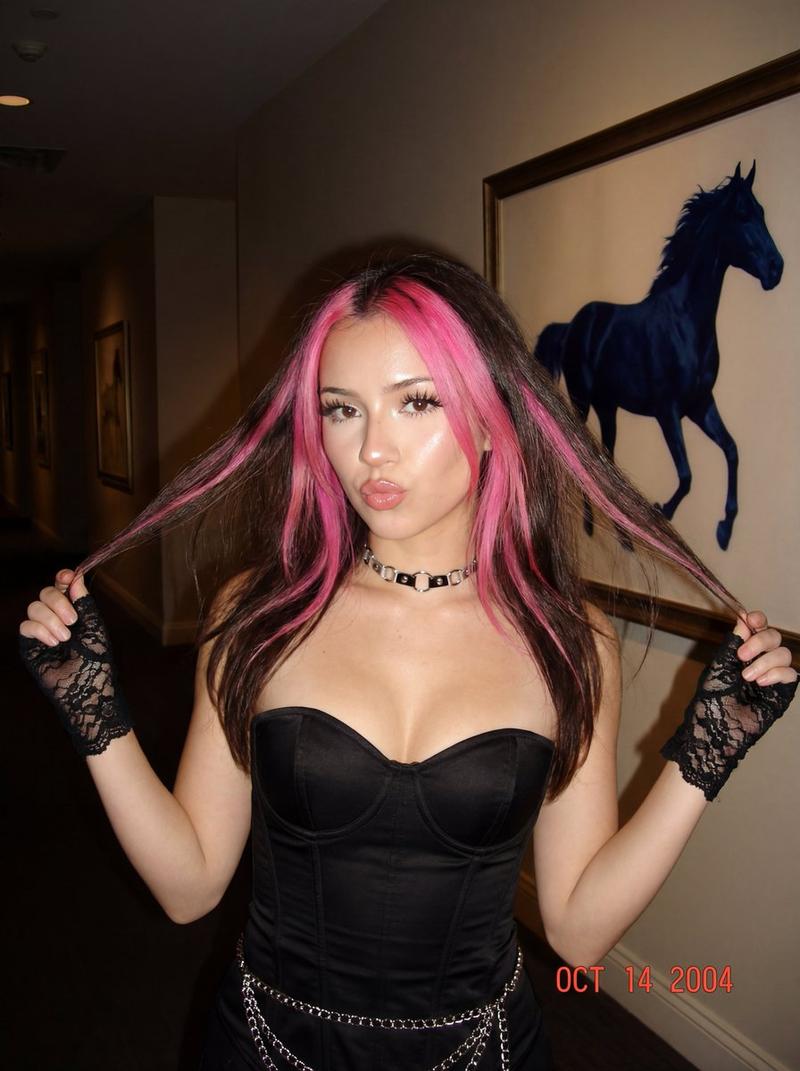
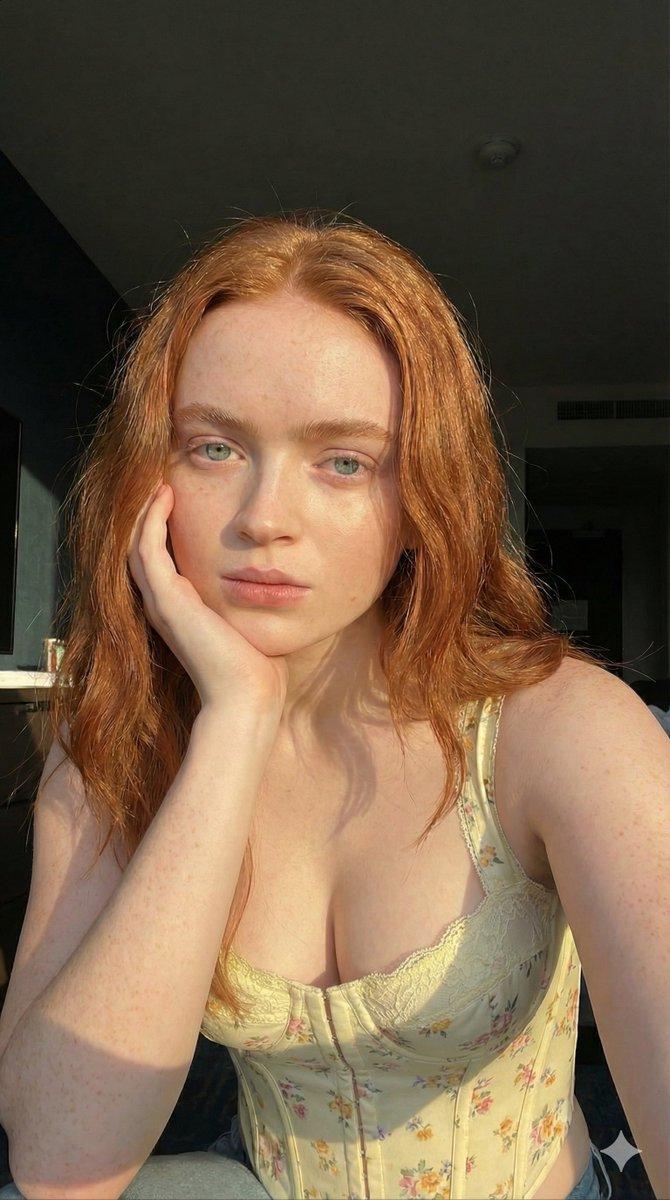
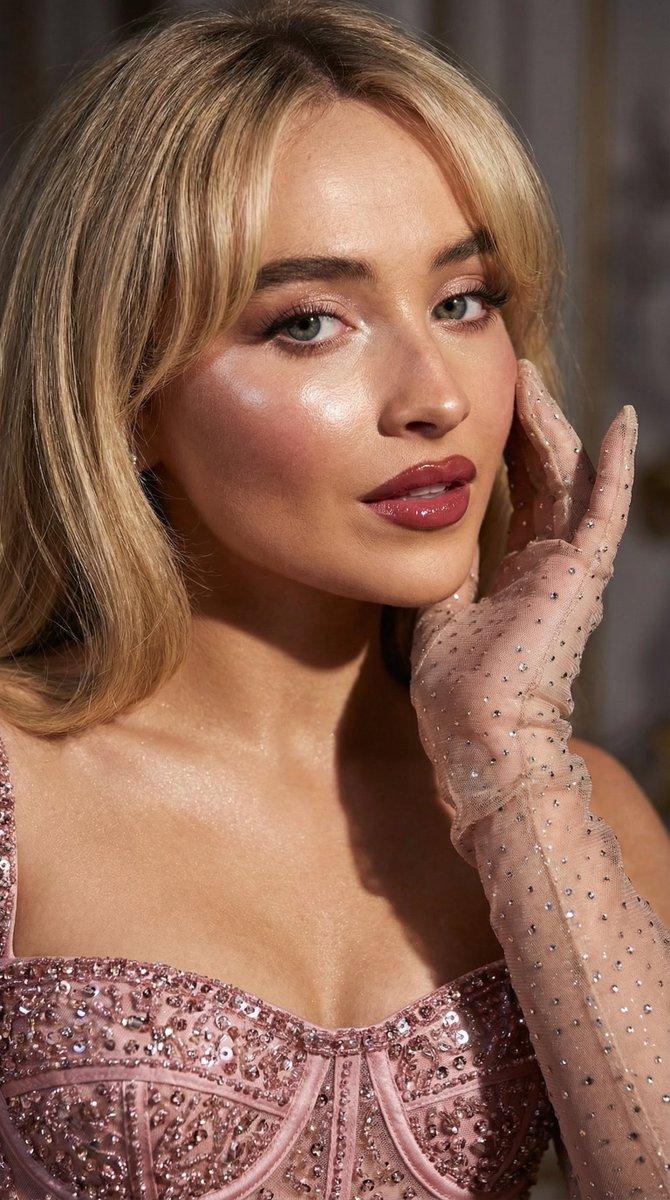
闪光灯下红墙前的红发冷艳名媛肖像
Enlarge

闪光灯下红墙前的红发冷艳名媛肖像

Prompt
"Cinematic effect with added grain. An ultra-realistic portrait of a woman standing against a red leather textured wall with vertical lines. She is wearing a beige strapless corset with red embroidery. Her skin is highlighted. She has bright makeup, false eyelashes, and her lips are covered in clear gloss. Her hair is straight, shiny, and long, in the Old Money style, bright dark red hair. Intense highlighter on her cheeks. One hand is gently adjusting her hair. She is looking directly at the camera. Confident, playful gaze, mouth slightly open. A mirror is partially visible behind her on the edge of the frame. Photo taken with a flash. The surroundings are dark."
Category
Posters & Typography
Model
Nano Banana Pro
Creator
@Vishnudxe
Views33
Source ID
9172
Published
May 24, 2026

Guide

About "闪光灯下红墙前的红发冷艳名媛肖像"

What is this prompt for?

"闪光灯下红墙前的红发冷艳名媛肖像" AI image prompt for Nano Banana Pro (Posters & Typography). 电影效果,增加颗粒感。一张超写实肖像,描绘了一位女性站在红色皮革纹理墙壁前,墙壁带有垂直线条。她身穿米色无肩带紧身胸衣,上面有红色刺绣。她的皮肤被高光提亮。她化…

The full copyable prompt and example visuals above are ready for AI image generation or one-click recreate in Picva.

How to use this prompt

  1. Step 1

    Open the prompt detail

    Review the example visuals, category, and full prompt text for "闪光灯下红墙前的红发冷艳名媛肖像".

  2. Step 2

    Copy the prompt

    Copy the prompt body from this page, or load it directly in Studio.

  3. Step 3

    Pick a model (Nano Banana Pro)

    Prefer Nano Banana Pro. If you switch models, keep subject and composition and tweak style terms.

  4. Step 4

    Generate and export

    Recreate the look in Picva, or export into your workflow for editing and publishing.

FAQ

What is the "闪光灯下红墙前的红发冷艳名媛肖像" prompt?
It is an AI image-generation prompt for Nano Banana Pro in the Posters & Typography category. This page includes the full prompt text, example visuals, and a one-click recreate path in Picva.
How do I use this prompt to generate an image?
Copy the prompt from this page, or use Generate / Studio. Paste it into a compatible image model, or recreate the look in Picva with optional reference images.
Which model is this prompt for?
This page lists Nano Banana Pro. Most descriptive prompts also transfer to nearby image models such as GPT Image, Flux, or Midjourney with light style tweaks.
Can I use the result commercially?
You can usually copy the prompt for creation, but commercial use of the final image depends on the model terms, reference-image rights, and the generated content. Follow the source author and platform rules.