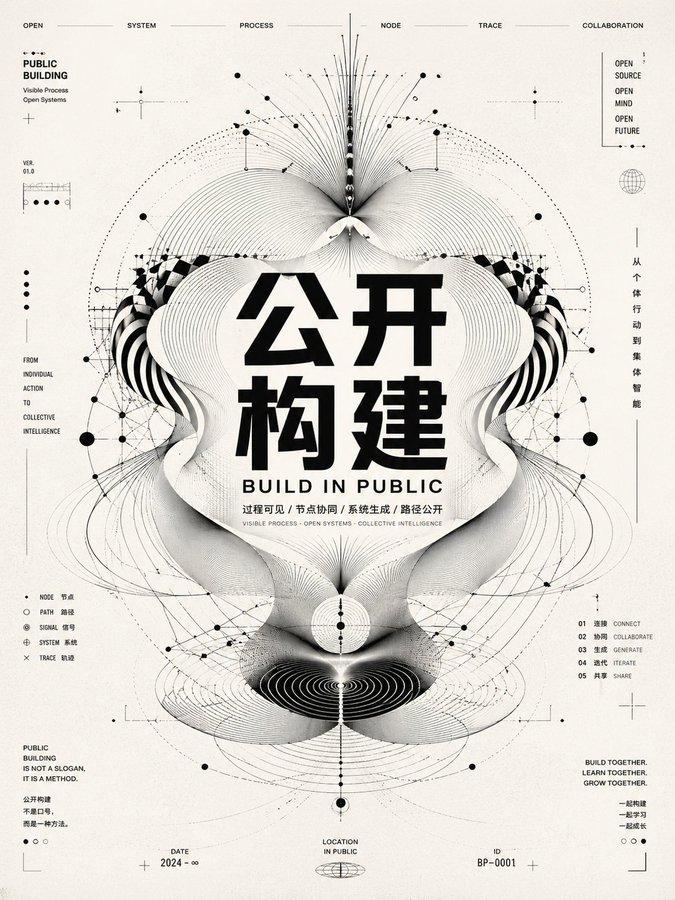
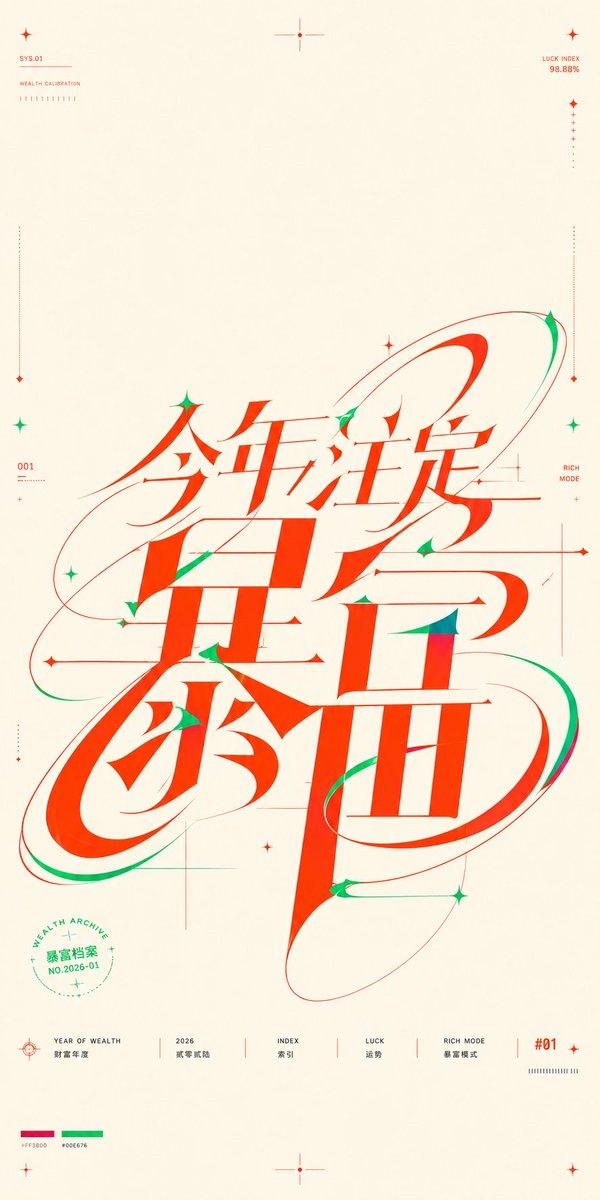
强信息图形海报规则场域俯视视角
Prompt
Generate a strong information graphic poster around any subject object. Abstract the space, rules, or system belonging to the subject into a top-down white thin-line frame, with lines spreading close to the boundaries to form a clear structural field; the main body of the image does not rely on real-scene narration, but on huge, high-density, and thick Chinese title blocks pressed into the main visual area, with font shapes showing slight wear, breakage, and printing grains, creating a warm, direct, and tournament-like impact. The title overlaps with the structural line frame, and small information text is embedded around the title in neat short lines, establishing a reading hierarchy like event times, stages, and rule descriptions, with the font remaining clean sans-serif and having clear thickness contrast. Add a dynamic small object or symbol derived from the theme as a focal breakthrough point, which flies out or swipes across from between the text and the line frame, coordinated with two or three clean arc trajectories to create a sense of speed, making the static layout appear in momentary motion. The background uses the main color extracted from the subject's own material, emotion, or cultural semantics as a large-area structural base color, maintaining high saturation but clean brightness; the text and line frames use high-brightness light colors to bear information and order, and a small amount of theme-derived emphasis colors are only used for key symbols, small icons, or brand-level details. The overall color should be bright, clean, and full of energy, retaining large areas of pure base color, clear color gradients, strong text contrast, and small-area dynamic emphasis relationships, not copying fixed color numbers, nor doing gray-dirty vintage processing. The texture is a combination of slight paper grain and printing wear, with clear edges and dense but not chaotic information, the final effect being like a theme quiz or activity visual driven by a rule field, huge text, precise line drawing, and instantaneous momentum. —————— Horizontal requirement: Horizontal 16:9, use pre-match information of the World Cup opening game as a large-screen warm-up video cover, top-down view of stadium white lines covering the boundaries, huge title says 'Opening Night'. Information to be exposed: June 14 20:00, National Stadium, Group A first round, Live reservation opened, made into short-line descriptions around the title. Dynamic focal point: A football brushes past the center line from the bottom right of the title and flies out, with two arc trajectories, and the small-area emphasis color comes from the home team jersey.
- Category
- Charts & Infographics
- Model
- ChatGPT
- Creator
- @xiaoxiaodong01
- Source ID
- 17582
- Published
- Jul 8, 2026
Views0