19

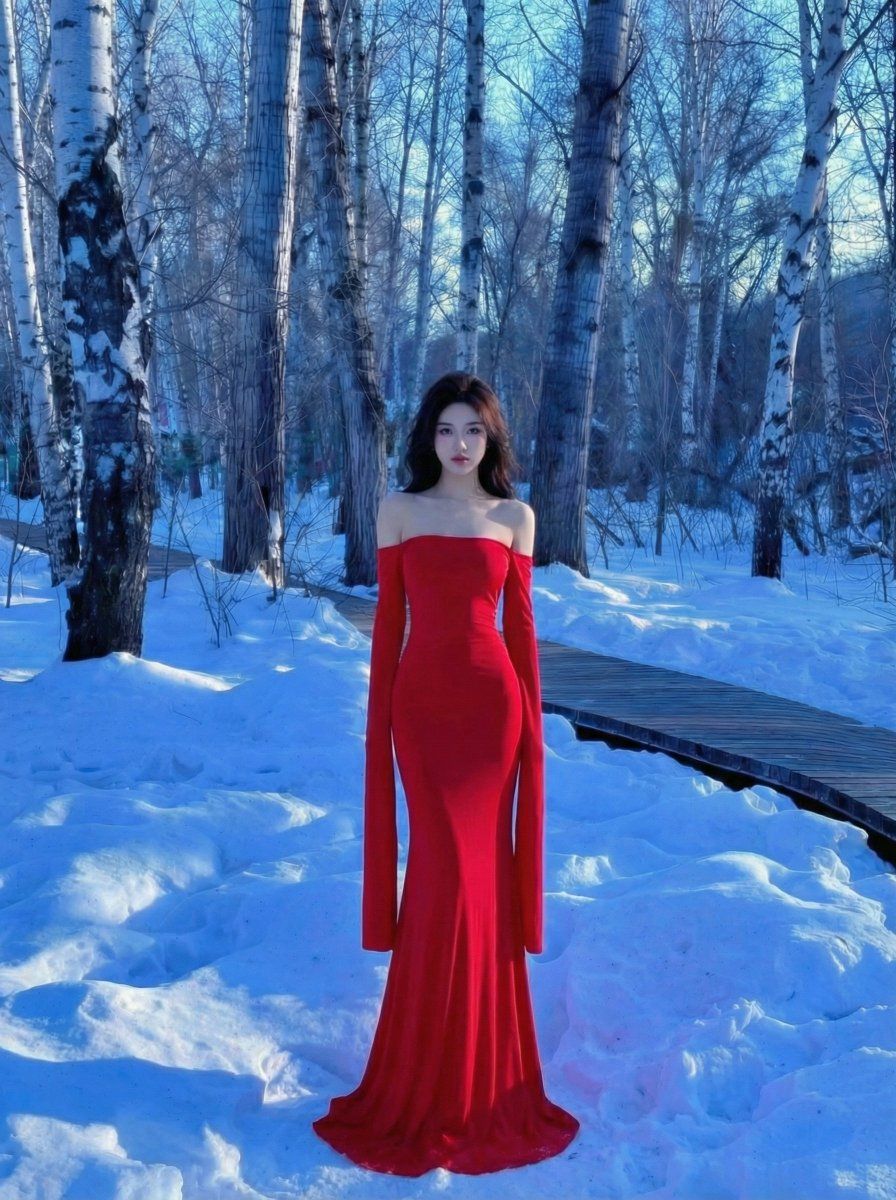
冰雪白桦林中那一抹惊艳的红裙背影
Enlarge

冰雪白桦林中那一抹惊艳的红裙背影

Prompt
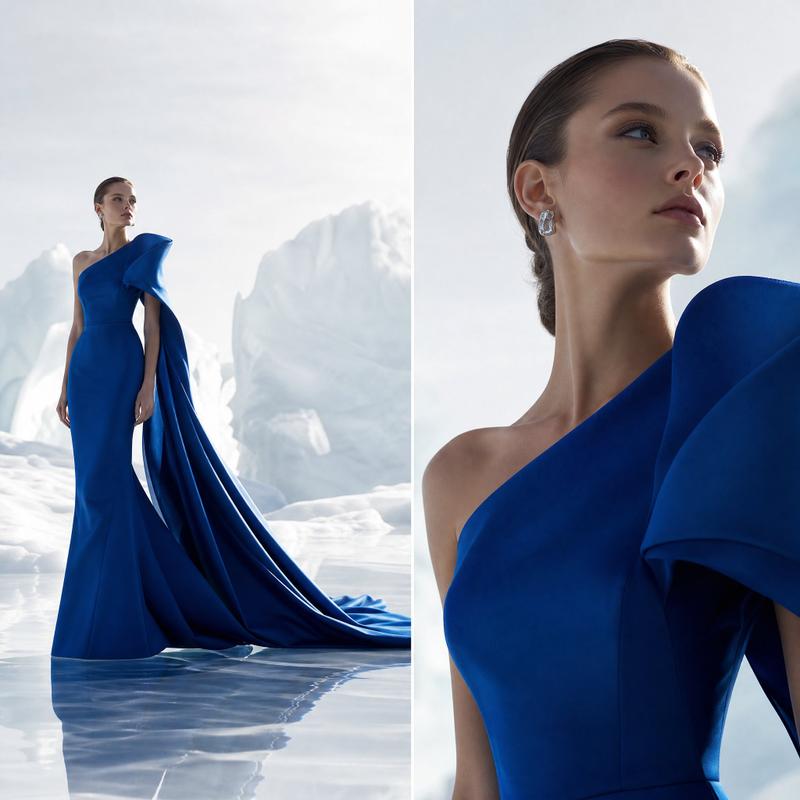
A woman with long, flowing hair stands with her back to the camera, wearing a vibrant, bright red backless long dress with a train, elegantly standing in a deep winter birch forest covered in snow. The dress design is unique, with a large backless cut outlining the elegant back lines, and long sleeves draping with the body shape. Surrounded by straight, tall birch trees, the ground is covered with thick snow, which appears a cold, pale blue under the light. A wooden boardwalk passes through the shadows nearby. The color palette of the image features extremely strong cold-warm contrast, where the bright red skirt creates a powerful visual impact against the icy blue snowscape, filled with a cinematic, aesthetic atmosphere.
Category
Posters & Typography
Model
Nano Banana Pro
Creator
@joshesye
Views54
Source ID
9146
Published
May 24, 2026

Guide

About "冰雪白桦林中那一抹惊艳的红裙背影"

What is this prompt for?

"冰雪白桦林中那一抹惊艳的红裙背影" AI image prompt for Nano Banana Pro (Posters & Typography). 一位长发披肩的女子背向镜头,身穿一件鲜艳亮红色的露背长裙曳地礼服,优雅地伫立在深冬的白桦林雪地中。 裙子设计独特,大露背剪裁勾勒出优雅的背部线条,修长的袖子随身…

The full copyable prompt and example visuals above are ready for AI image generation or one-click recreate in Picva.

How to use this prompt

  1. Step 1

    Open the prompt detail

    Review the example visuals, category, and full prompt text for "冰雪白桦林中那一抹惊艳的红裙背影".

  2. Step 2

    Copy the prompt

    Copy the prompt body from this page, or load it directly in Studio.

  3. Step 3

    Pick a model (Nano Banana Pro)

    Prefer Nano Banana Pro. If you switch models, keep subject and composition and tweak style terms.

  4. Step 4

    Generate and export

    Recreate the look in Picva, or export into your workflow for editing and publishing.

FAQ

What is the "冰雪白桦林中那一抹惊艳的红裙背影" prompt?
It is an AI image-generation prompt for Nano Banana Pro in the Posters & Typography category. This page includes the full prompt text, example visuals, and a one-click recreate path in Picva.
How do I use this prompt to generate an image?
Copy the prompt from this page, or use Generate / Studio. Paste it into a compatible image model, or recreate the look in Picva with optional reference images.
Which model is this prompt for?
This page lists Nano Banana Pro. Most descriptive prompts also transfer to nearby image models such as GPT Image, Flux, or Midjourney with light style tweaks.
Can I use the result commercially?
You can usually copy the prompt for creation, but commercial use of the final image depends on the model terms, reference-image rights, and the generated content. Follow the source author and platform rules.