20

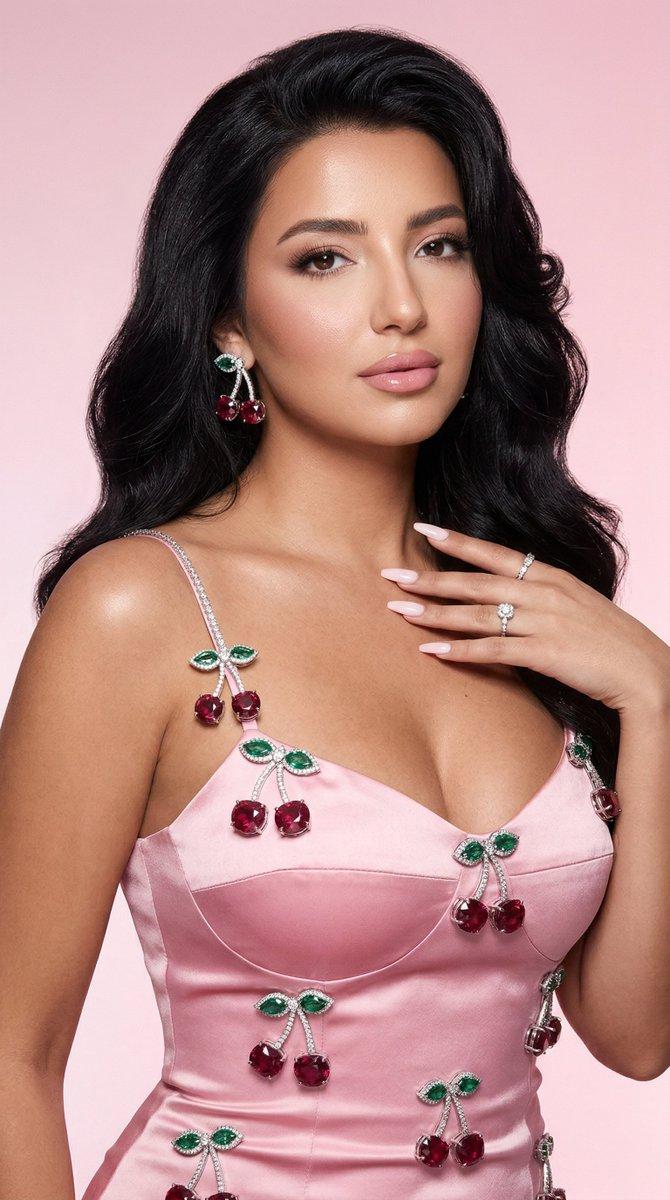
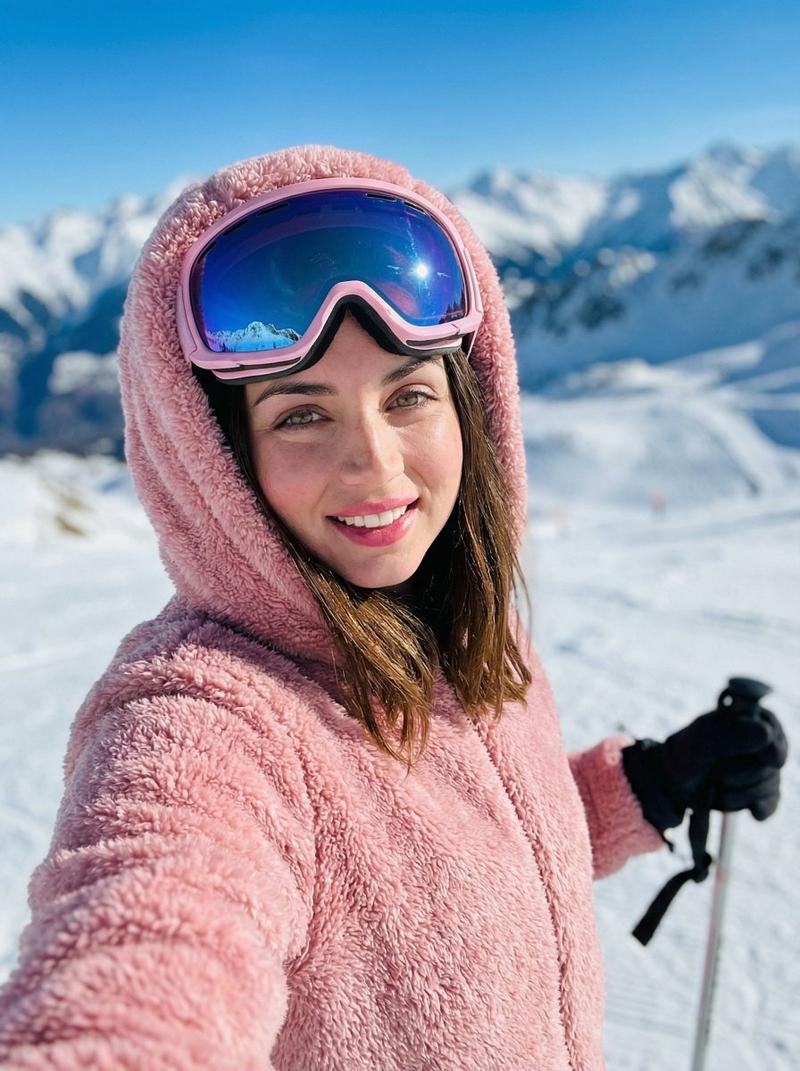
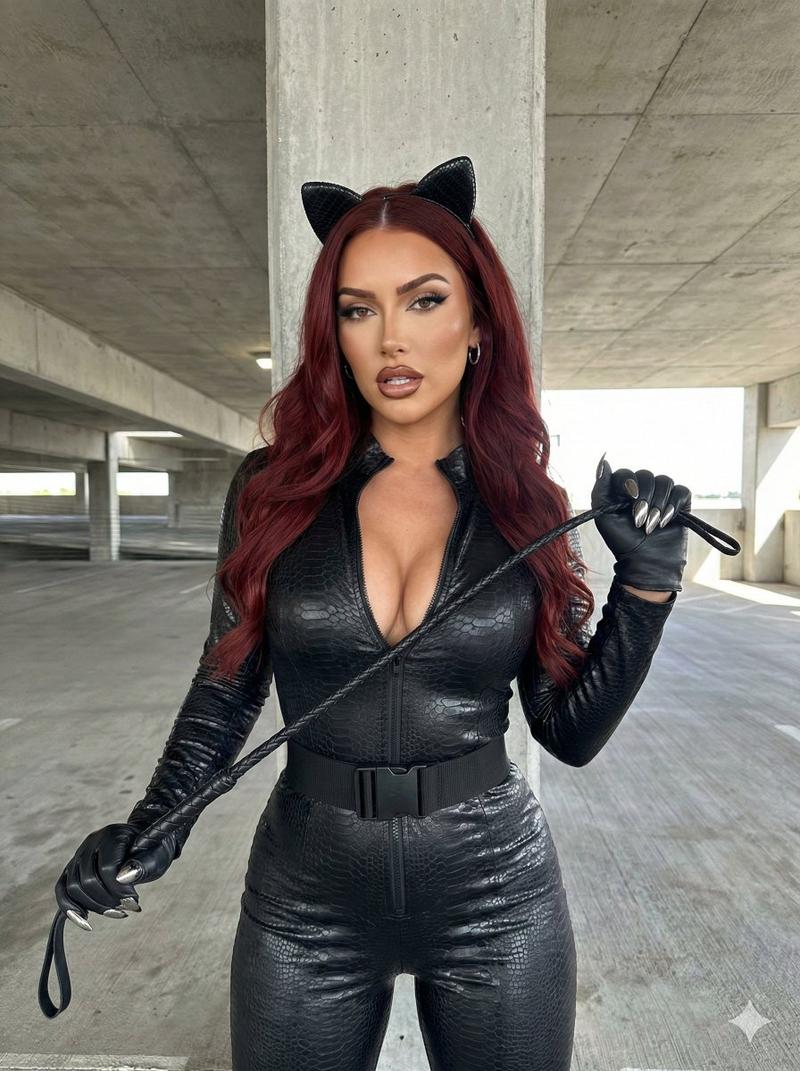
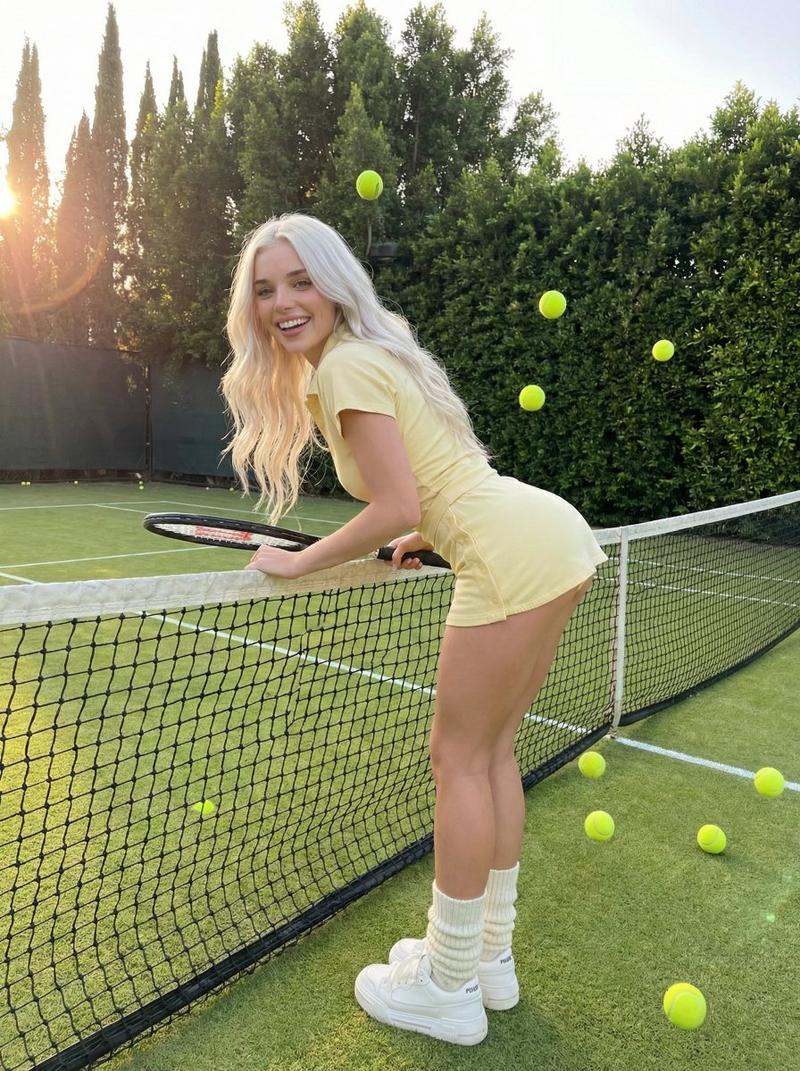
悉尼妹深蓝红毯缎面裙特写
Enlarge

悉尼妹深蓝红毯缎面裙特写

Prompt
{ "subject": { "name": "Sydney Sweeney", "pose": "full-body pose at a high-profile media event", "hair": { "color": "blonde", "style": "chin-length bob", "details": "soft voluminous waves with slight middle part" }, "makeup": "elegant understated neutral makeup complementing fair complexion", "skin_texture": "dewy glistening skin with subtle oily sheen and sweaty texture" }, "outfit": { "dress": { "type": "black satin mini dress", "design": "asymmetrical one-shoulder silhouette", "features": [ "dramatic ruffled puff on left shoulder", "gathered ruffled neckline", "textured satin finish" ] }, "footwear": "classic black open-toe platform heels (peep-toe style)" }, "setting": { "location": "professional red carpet media event", "backdrop": { "type": "step and repeat backdrop", "color": "textured deep teal blue" } }, "camera": { "style": "close-up portrait with macro photography detail", "focus": "high facial detail and skin texture visibility" }, "image_properties": { "width": 504, "height": 1002, "orientation": "vertical" }, "style": { "lighting": "professional event lighting with soft highlights", "mood": "glamorous high-fashion editorial", "quality": "high-resolution realistic photography" } }
Category
Posters & Typography
Model
Nano Banana Pro
Views41
Source ID
11569
Published
Apr 24, 2026

Guide

About "悉尼妹深蓝红毯缎面裙特写"

What is this prompt for?

"悉尼妹深蓝红毯缎面裙特写" AI image prompt for Nano Banana Pro (Posters & Typography). { "subject": { "name": "西德尼·斯威尼 (Sydney Sweeney)", "pose": "在备受瞩目的媒体活动中摆出全身姿势", "hai…

The full copyable prompt and example visuals above are ready for AI image generation or one-click recreate in Picva.

How to use this prompt

  1. Step 1

    Open the prompt detail

    Review the example visuals, category, and full prompt text for "悉尼妹深蓝红毯缎面裙特写".

  2. Step 2

    Copy the prompt

    Copy the prompt body from this page, or load it directly in Studio.

  3. Step 3

    Pick a model (Nano Banana Pro)

    Prefer Nano Banana Pro. If you switch models, keep subject and composition and tweak style terms.

  4. Step 4

    Generate and export

    Recreate the look in Picva, or export into your workflow for editing and publishing.

FAQ

What is the "悉尼妹深蓝红毯缎面裙特写" prompt?
It is an AI image-generation prompt for Nano Banana Pro in the Posters & Typography category. This page includes the full prompt text, example visuals, and a one-click recreate path in Picva.
How do I use this prompt to generate an image?
Copy the prompt from this page, or use Generate / Studio. Paste it into a compatible image model, or recreate the look in Picva with optional reference images.
Which model is this prompt for?
This page lists Nano Banana Pro. Most descriptive prompts also transfer to nearby image models such as GPT Image, Flux, or Midjourney with light style tweaks.
Can I use the result commercially?
You can usually copy the prompt for creation, but commercial use of the final image depends on the model terms, reference-image rights, and the generated content. Follow the source author and platform rules.