13

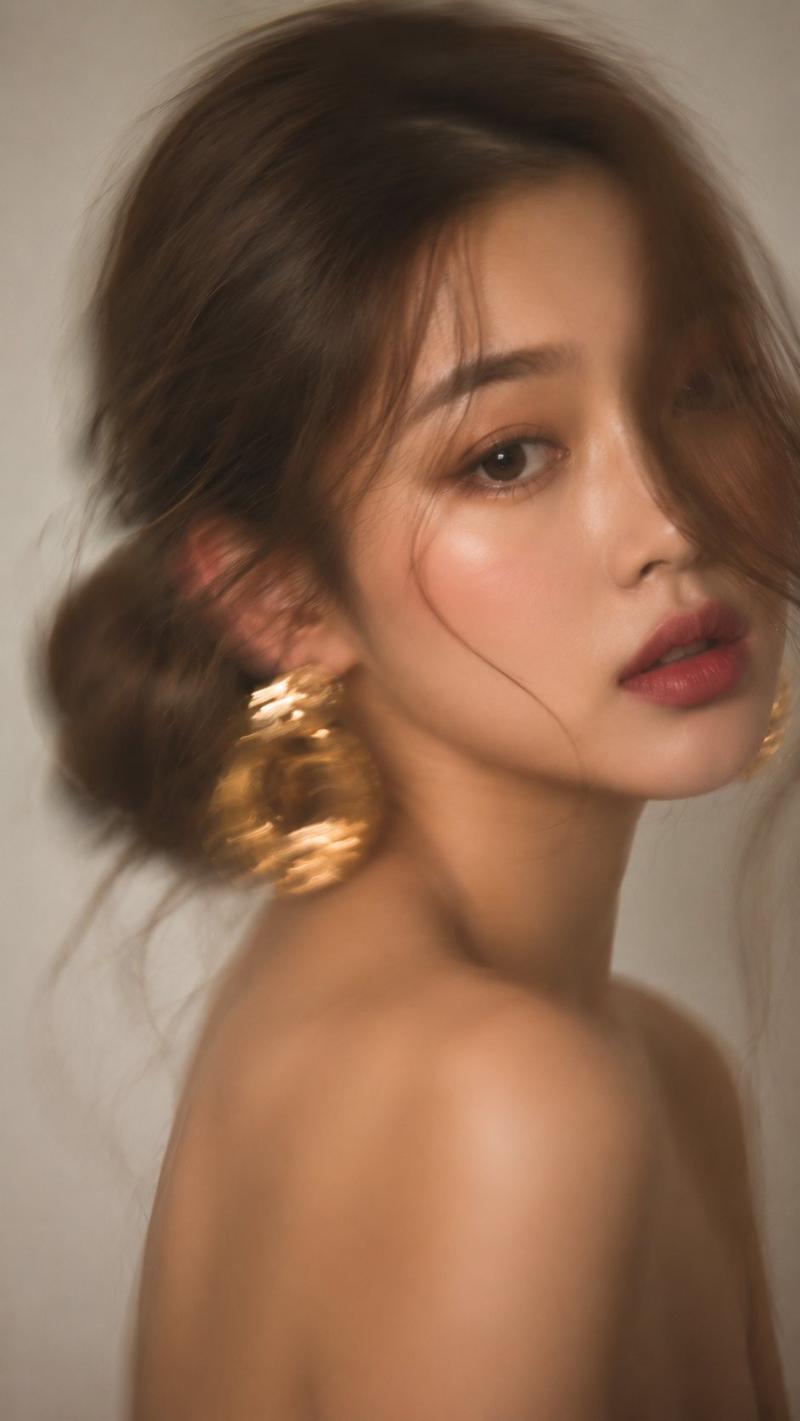
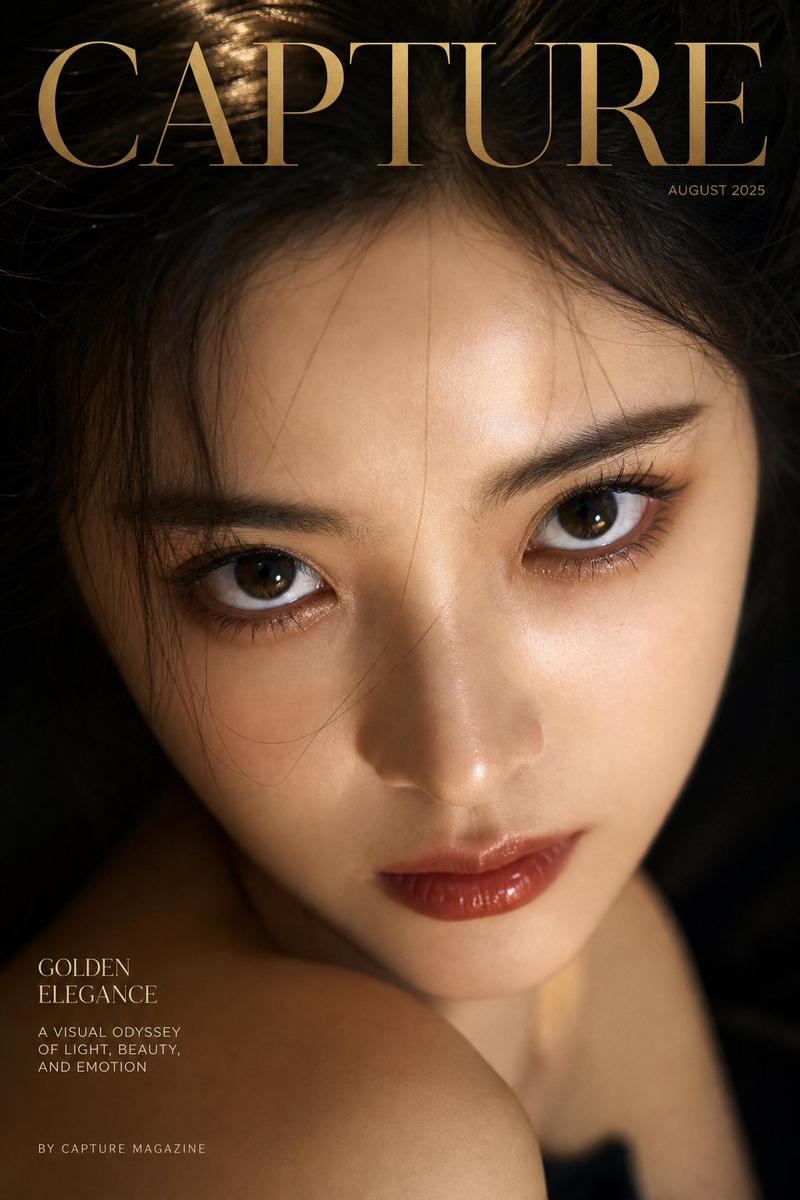
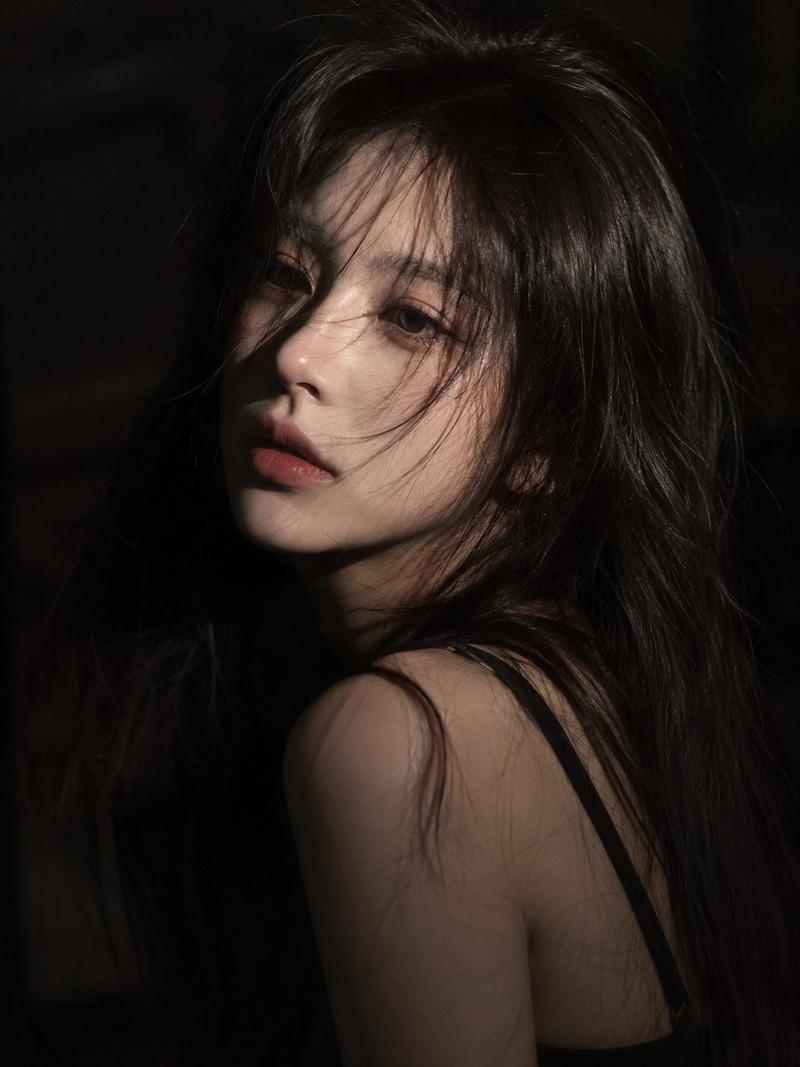
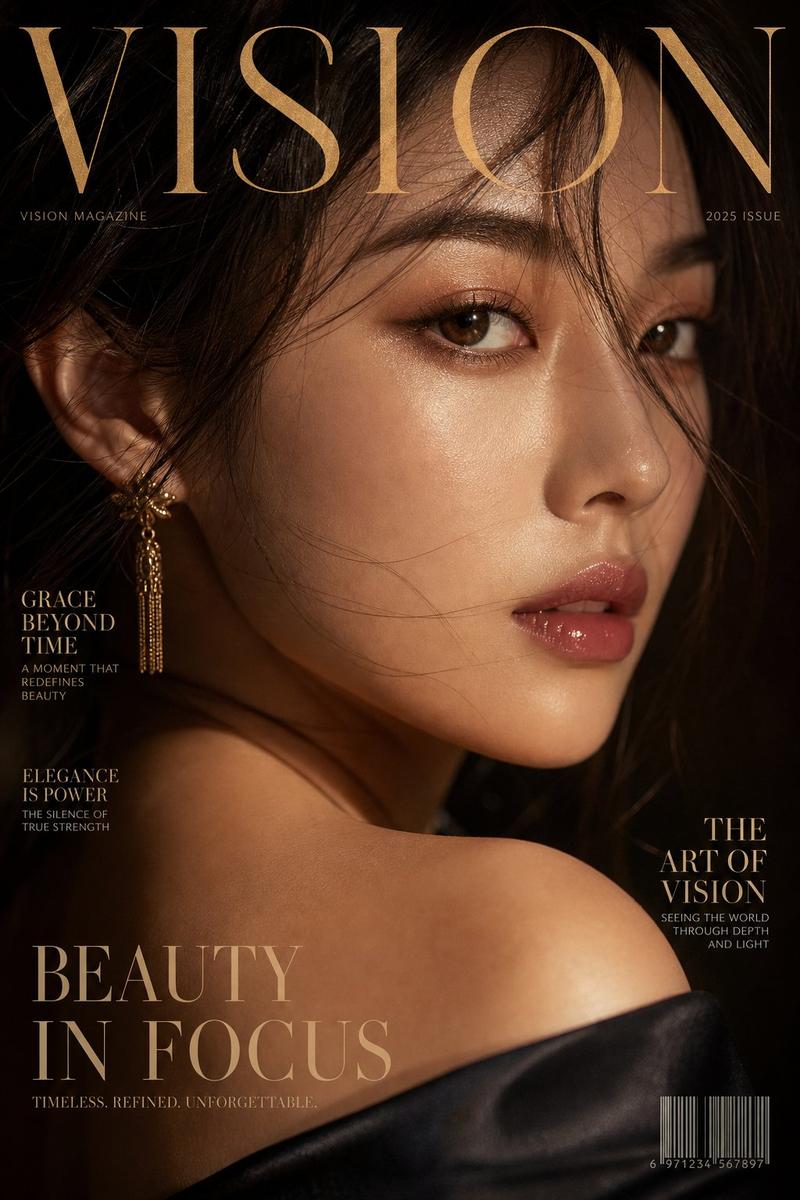
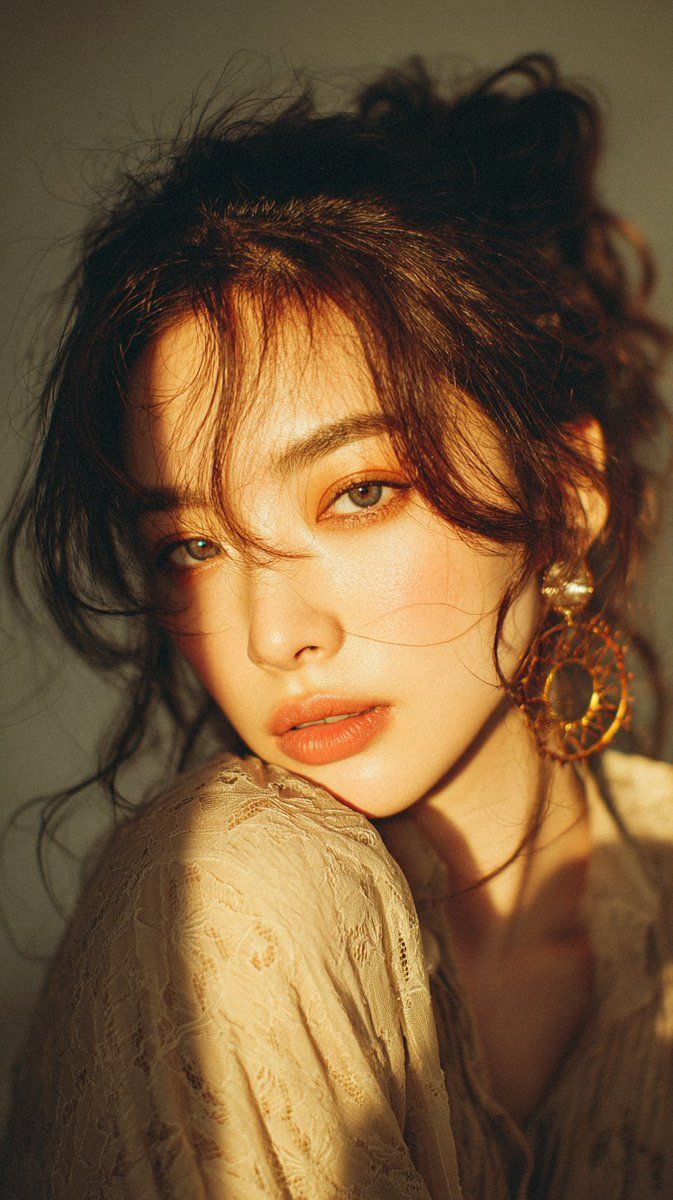
金色时刻下的复古蕾丝少女特写
Enlarge

金色时刻下的复古蕾丝少女特写

Prompt
Cinematic close-up portrait of a young woman in warm golden hour light, messy dark auburn hair loosely pinned up with soft tendrils framing her face, wearing a flowing vintage lace blouse in muted beige with delicate floral patterns and translucent texture, bathed in a dramatic shaft of sunlight that cuts diagonally across her shoulder and neck creating high contrast between illuminated warm highlights and deep soft shadows, large intricate bohemian hoop earring made of golden metal and amber glass beads catching the light on one ear, background softly blurred in neutral earthy tones, mood evoking nostalgia and quiet intimacy, captured on 35mm film with visible fine grain, shallow depth of field, rich warm color grading leaning towards sepia, subtle lens flare and soft focus edges, ultra-detailed textures in lace fabric, hair strands, and jewelry, 4k resolution, editorial fashion photography style.
Category
Posters & Typography
Model
Nano Banana Pro
Views402
Source ID
2696
Published
Feb 28, 2026

Guide

About "金色时刻下的复古蕾丝少女特写"

What is this prompt for?

"金色时刻下的复古蕾丝少女特写" AI image prompt for Nano Banana Pro (Posters & Typography). 电影质感的特写肖像,描绘了一位处于温暖黄金时刻光线中的年轻女子,凌乱的深赤褐色头发随意盘起,柔软的鬓发修饰着她的脸庞,身穿一件呈柔和米色、带有精致花卉图案和半透明质…

The full copyable prompt and example visuals above are ready for AI image generation or one-click recreate in Picva.

How to use this prompt

  1. Step 1

    Open the prompt detail

    Review the example visuals, category, and full prompt text for "金色时刻下的复古蕾丝少女特写".

  2. Step 2

    Copy the prompt

    Copy the prompt body from this page, or load it directly in Studio.

  3. Step 3

    Pick a model (Nano Banana Pro)

    Prefer Nano Banana Pro. If you switch models, keep subject and composition and tweak style terms.

  4. Step 4

    Generate and export

    Recreate the look in Picva, or export into your workflow for editing and publishing.

FAQ

What is the "金色时刻下的复古蕾丝少女特写" prompt?
It is an AI image-generation prompt for Nano Banana Pro in the Posters & Typography category. This page includes the full prompt text, example visuals, and a one-click recreate path in Picva.
How do I use this prompt to generate an image?
Copy the prompt from this page, or use Generate / Studio. Paste it into a compatible image model, or recreate the look in Picva with optional reference images.
Which model is this prompt for?
This page lists Nano Banana Pro. Most descriptive prompts also transfer to nearby image models such as GPT Image, Flux, or Midjourney with light style tweaks.
Can I use the result commercially?
You can usually copy the prompt for creation, but commercial use of the final image depends on the model terms, reference-image rights, and the generated content. Follow the source author and platform rules.