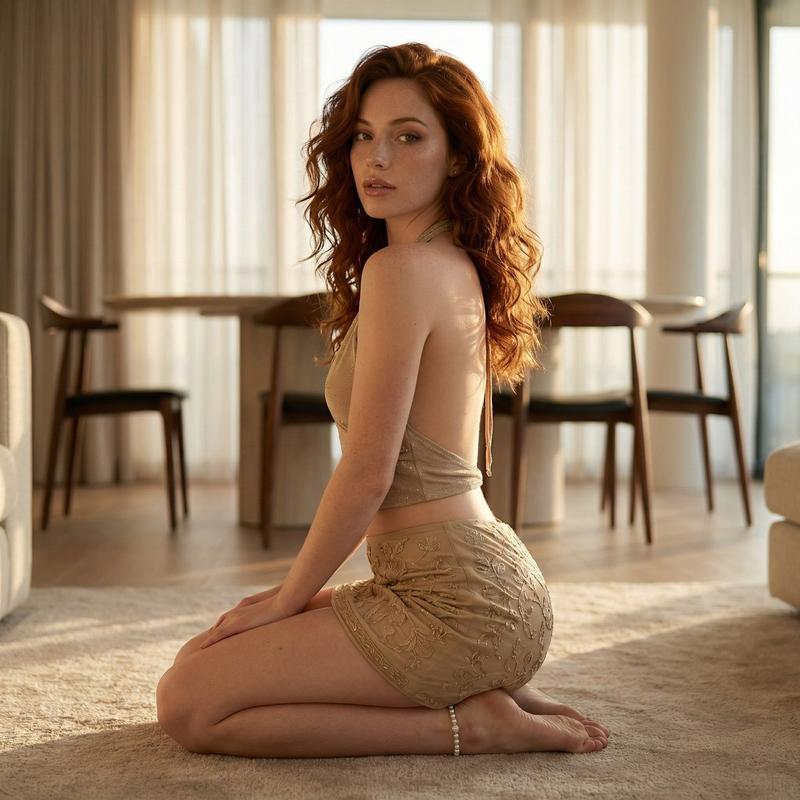
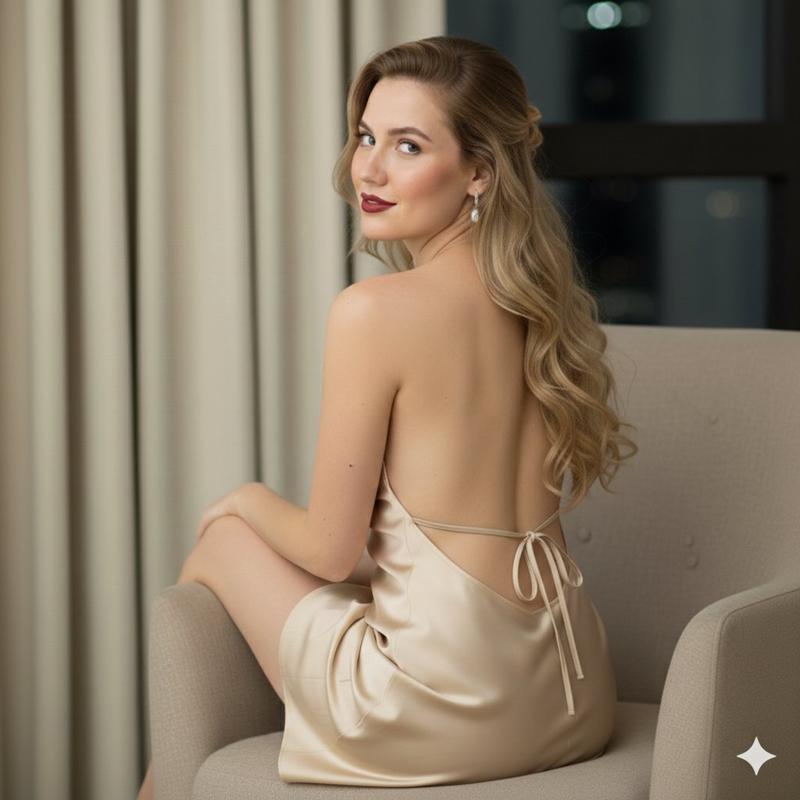
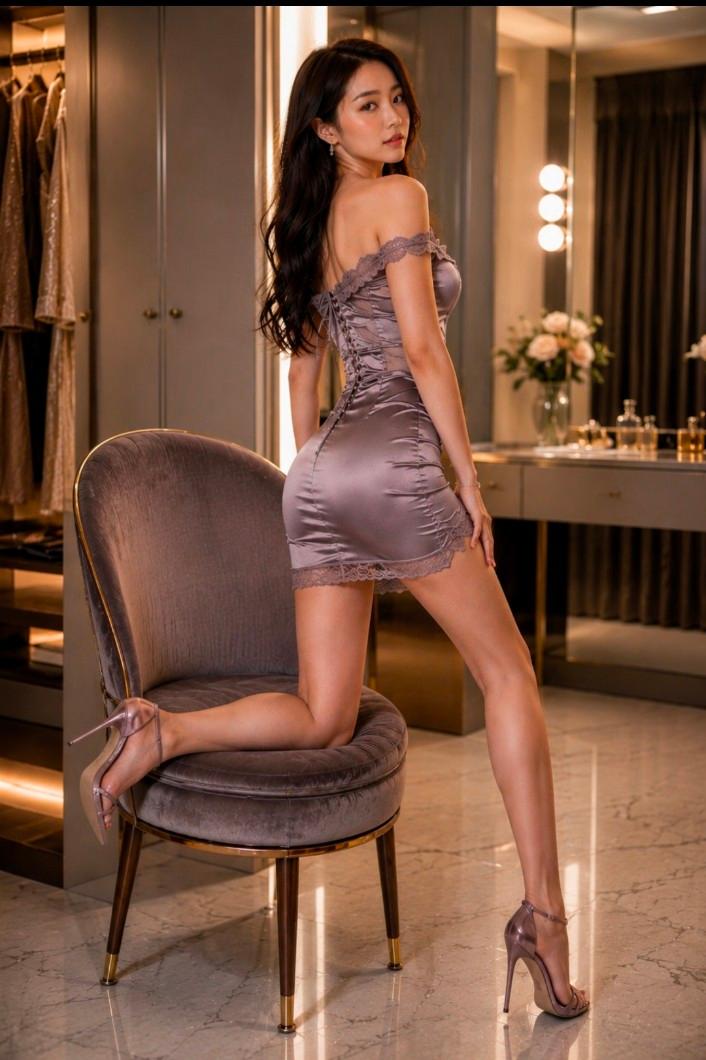
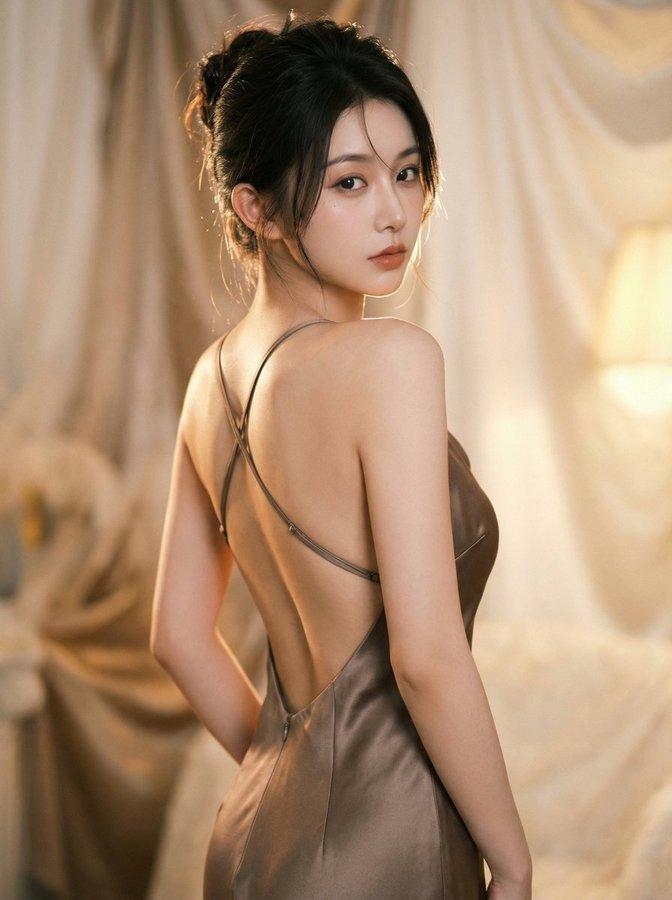
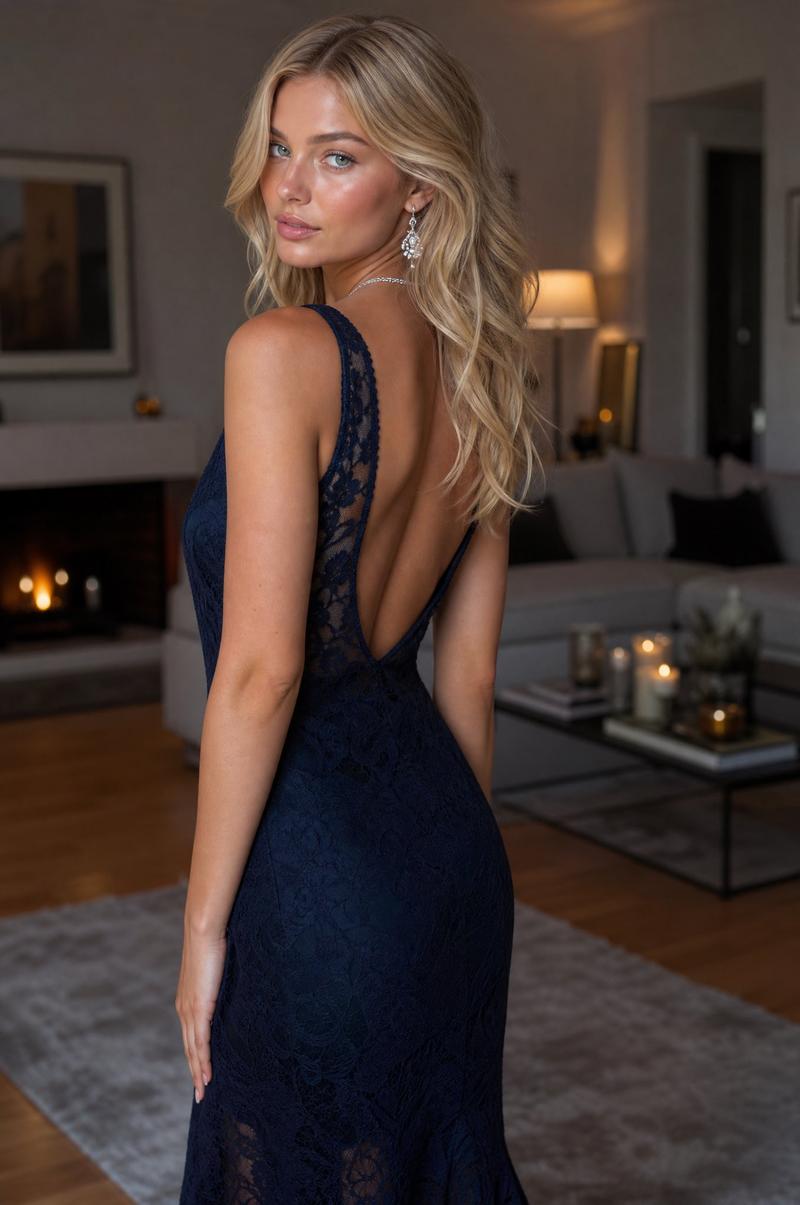
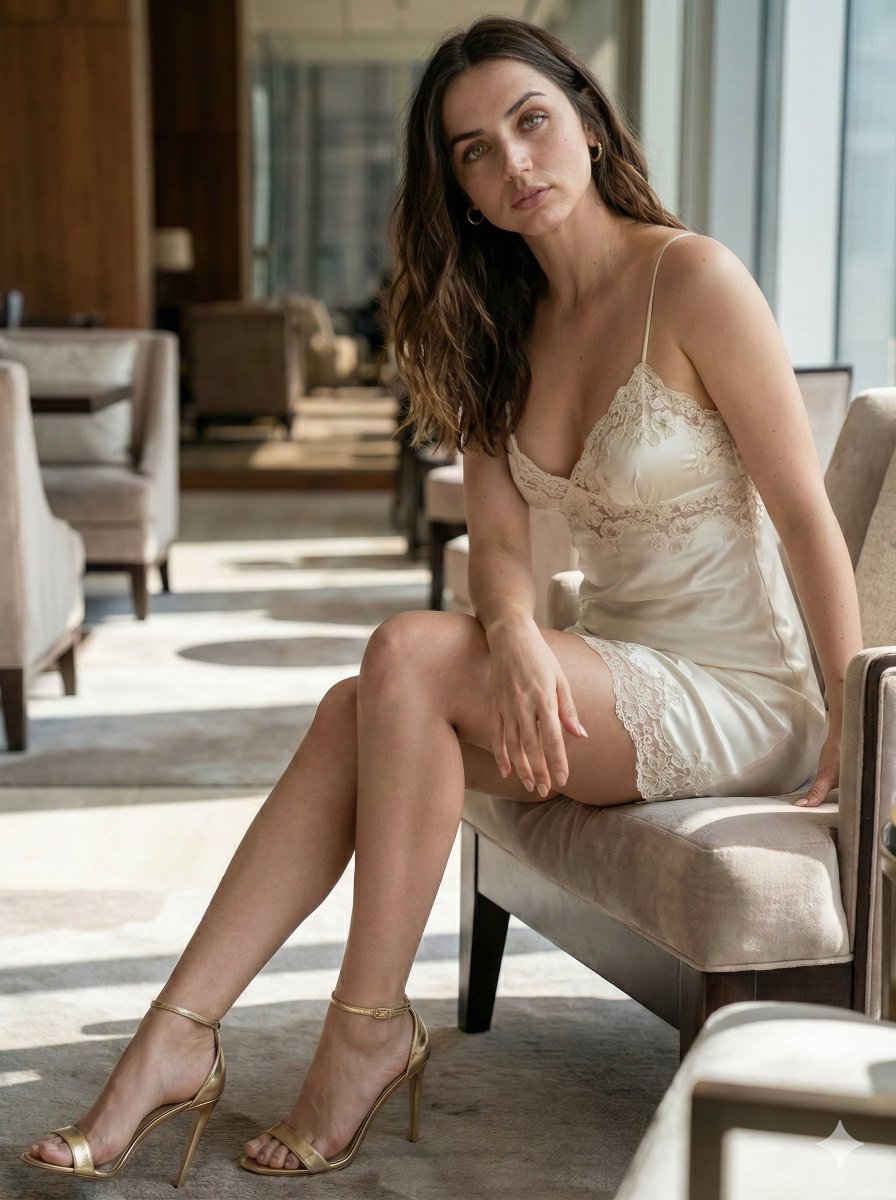
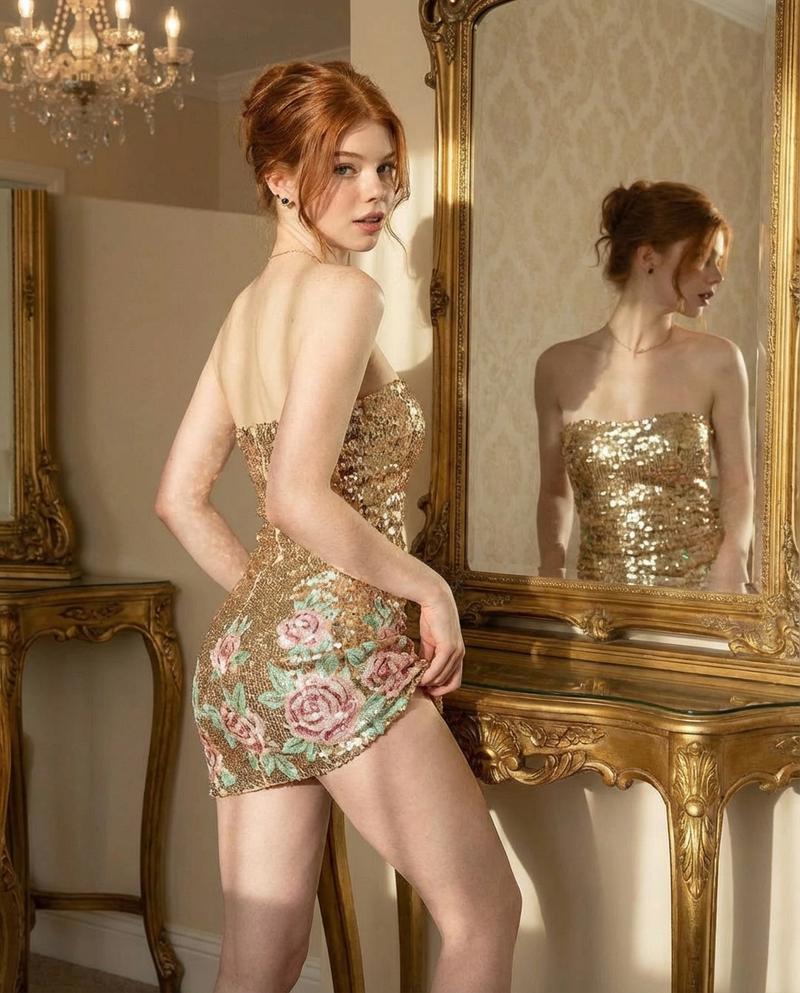
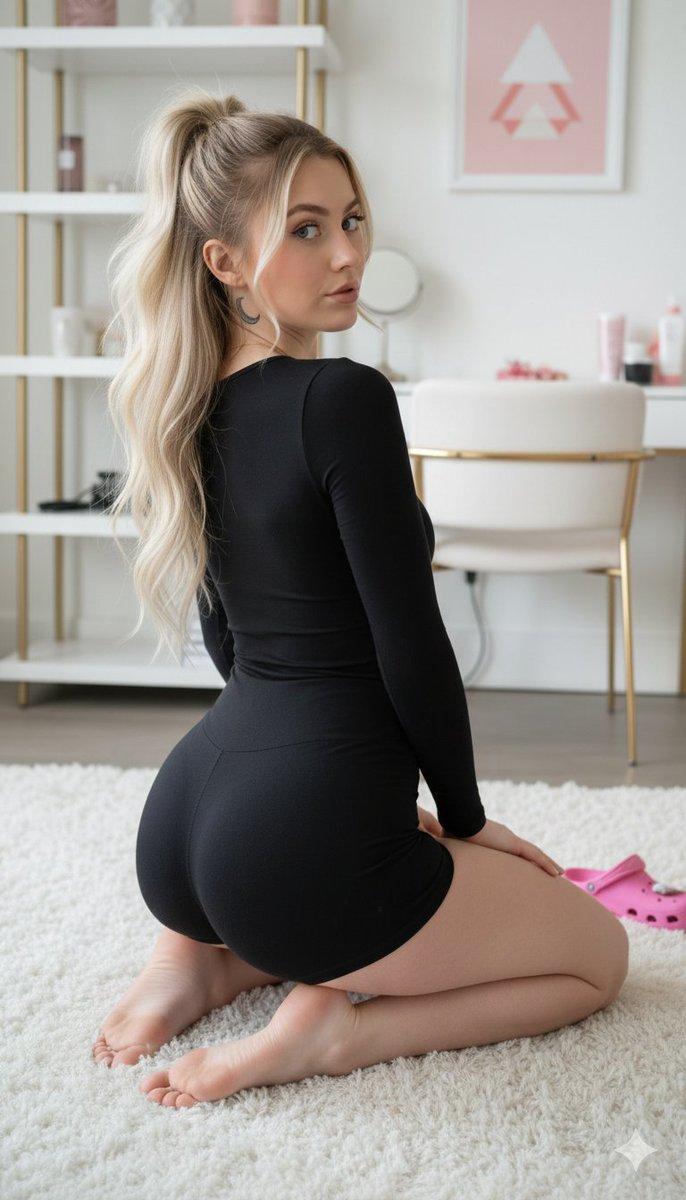
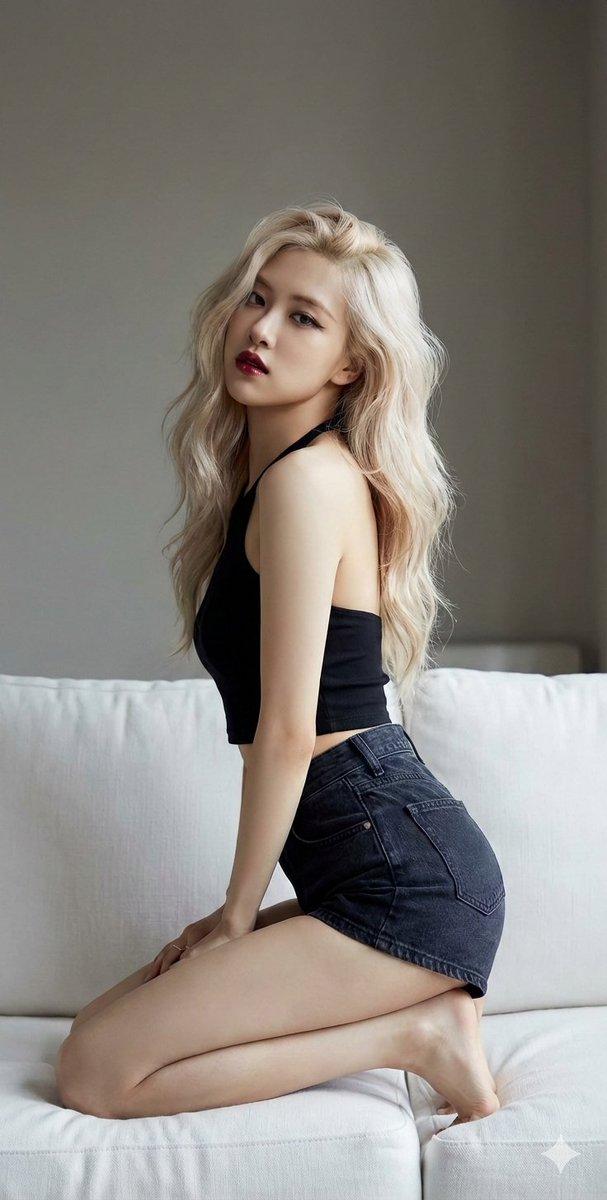
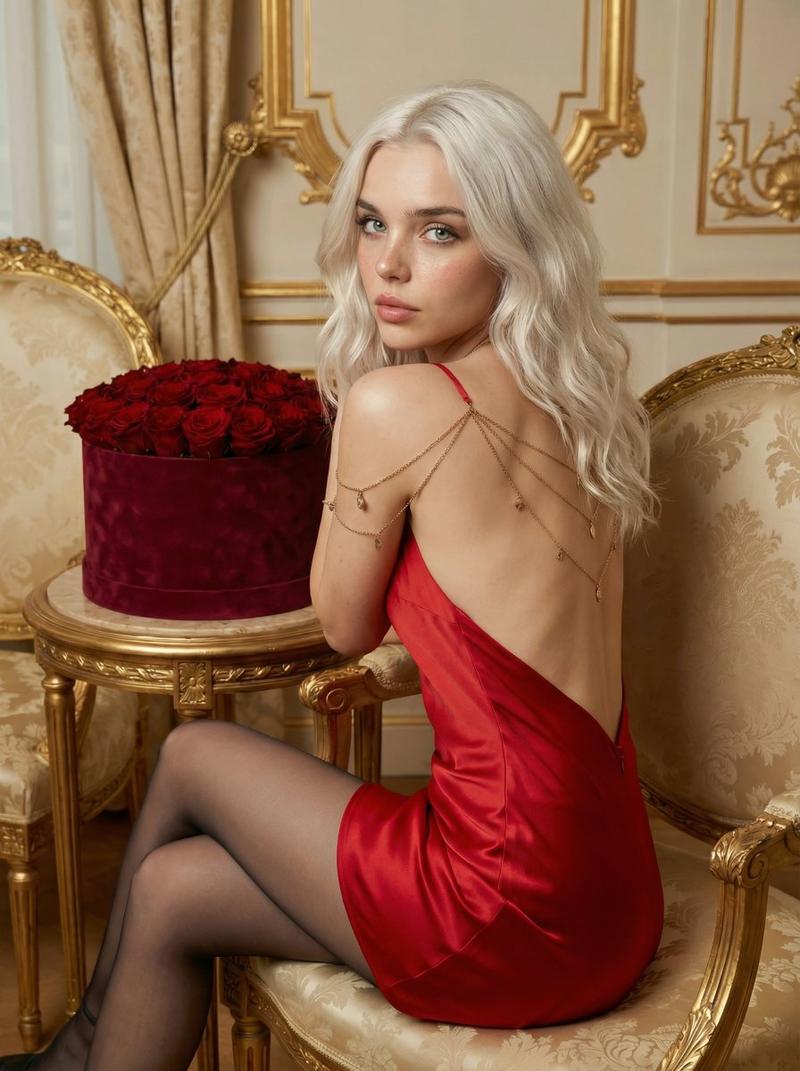
身穿米色服装的女性跪姿魅力肖像
Prompt
{"meta": { "style": "ultra-realistic indoor fashion portrait", "quality": "8k high resolution, hyper-detailed, photorealistic", "genre": "glamour lifestyle photography", "mood": "warm, intimate, soft, subtly seductive", "aspect_ratio": "2:3 vertical", "camera": "Full-frame DSLR", "lens": "85mm f/1.8 portrait lens", "aperture": "f/2.0", "iso": 100, "shutter_speed": "1/200s", "focus": "sharp focus on subject's face and upper body, soft background blur" }, "subject": { "description": "beautiful young adult woman with shoulder-length wavy ", "age_range": "mid-20s", "skin_tone": "light warm ivory with natural glow", "body_type": "curvy, feminine physique", "pose": "kneeling on a soft carpet indoors, legs folded to one side, torso slightly twisted toward camera, looking back over her shoulder", "expression": "calm, confident, slightly alluring gaze directed at the viewer", "eyes": "soft eyes with natural lashes", "makeup": "natural glam makeup, subtle blush, nude glossy lips, softly defined brows, light contour", "hair": "loose, voluminous waves with natural texture, slightly tousled" }, "wardrobe": { "outfit_type": "two-piece coordinated set", "top": "backless beige-gold halter style top with thin straps and delicate shimmer detailing", "bottom": "matching fitted mini skirt with gold embroidered pattern and subtle sparkle", "fabric": "lightweight sheer mesh overlay with intricate gold embellishments", "accessories": "pearl anklet bracelet on one ankle", "details": "soft fabric folds, realistic stitching, gentle fabric tension across curves" }, "environment": { "location": "modern living room interior", "floor": "neutral-toned carpet", "background_elements": [ "minimalist dining table", "dark wooden chairs", "large windows with sheer curtains", "neutral beige walls" ], "depth_of_field": "shallow depth of field with creamy bokeh background" }, "lighting": { "type": "natural golden hour sunlight", "source": "window light from behind and side", "quality": "soft, diffused, warm highlights", "effects": "gentle rim light outlining hair and shoulders, subtle shadow gradients enhancing body contours" }, "composition": { "angle": "slightly low eye-level perspective", "framing": "full-body vertical composition", "rule_of_thirds": "subject positioned slightly off-center", "foreground": "soft carpet texture in focus near subject’s legs", "background_blur": "smooth cinematic bokeh" }, "color_palette": { "primary_colors": ["warm beige", "soft gold", "cream", "light "], "tones": "warm cinematic tones with natural skin color accuracy", "grading": "soft golden highlights with neutral shadows" }, "rendering_details": { "skin_texture": "realistic pores, soft natural sheen",- Category
- 创意图片
- Model
- Nano Banana Pro
- Creator
- Alice Glassier
- Source ID
- 4a65fb5d-de04-4ea4-9927-5e44999cfa6a
- Published
- Mar 8, 2026
Views9