16

超逼真快消品广告拍摄提示词
Enlarge

超逼真快消品广告拍摄提示词

Prompt
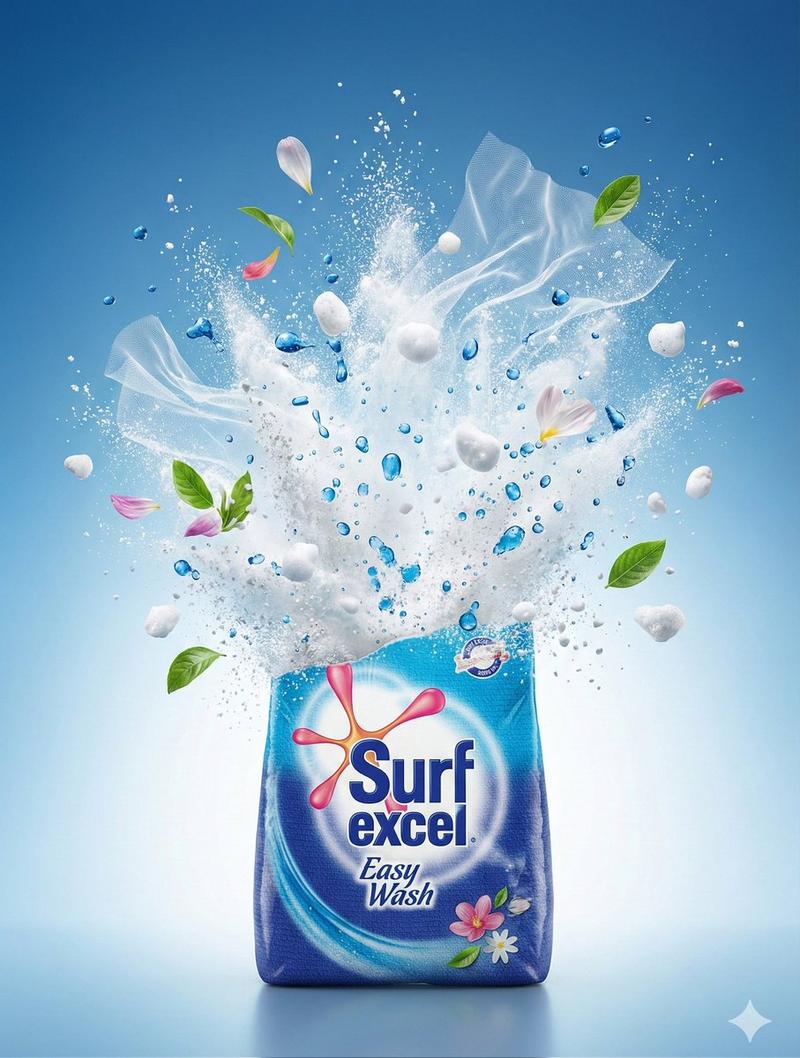
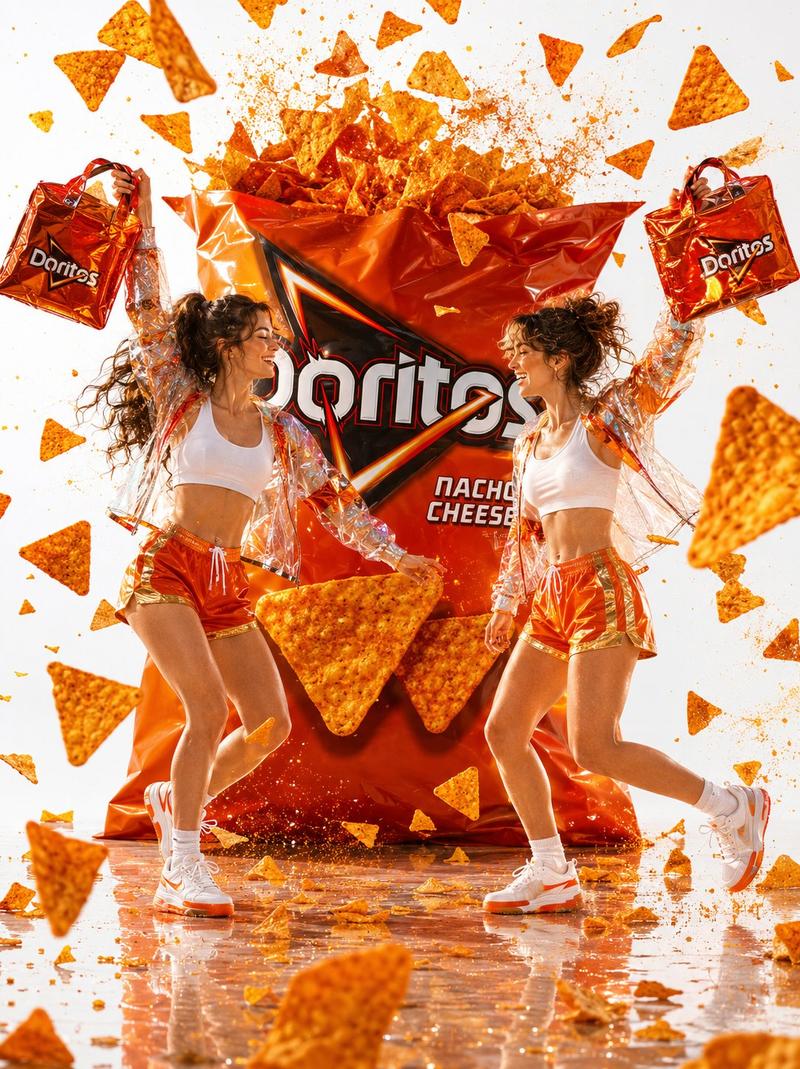
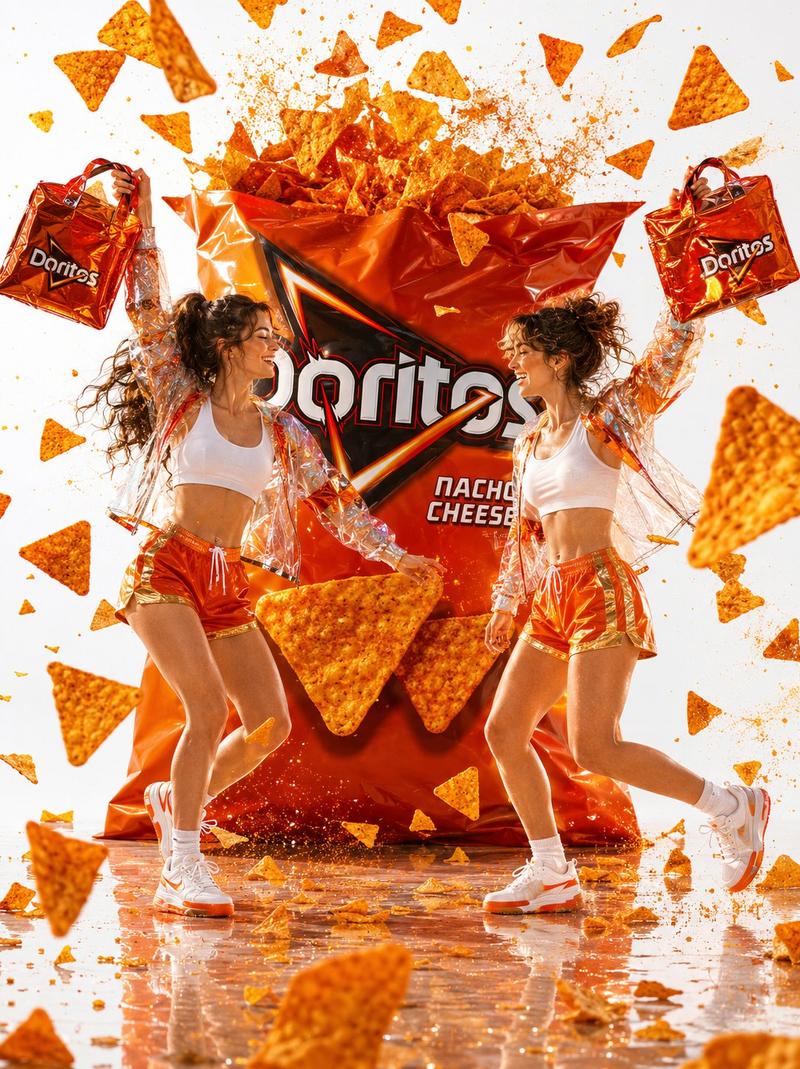
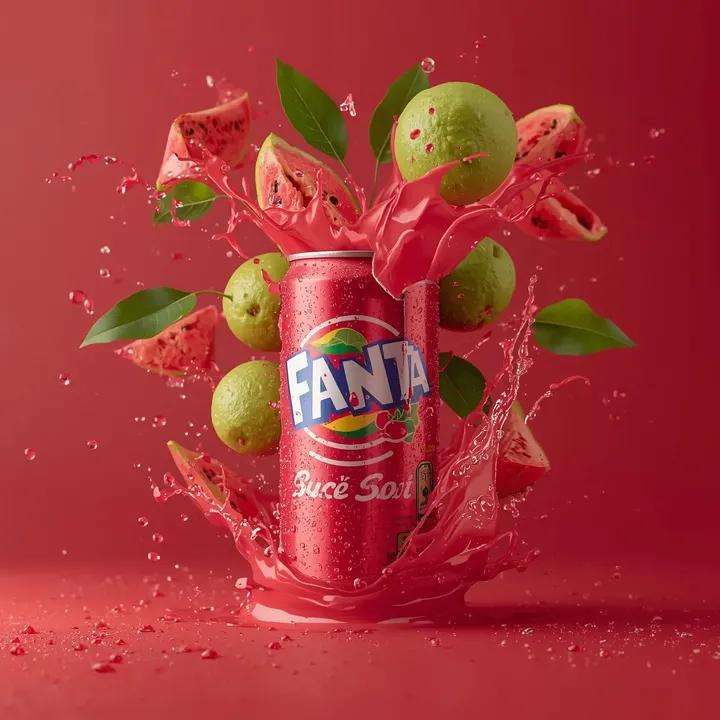
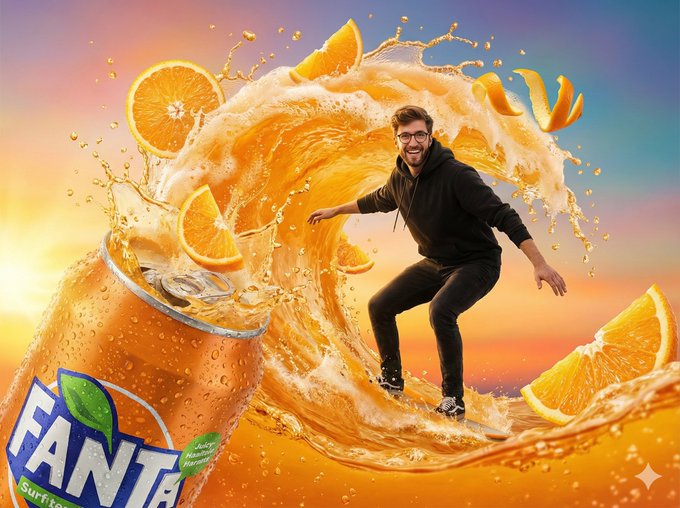
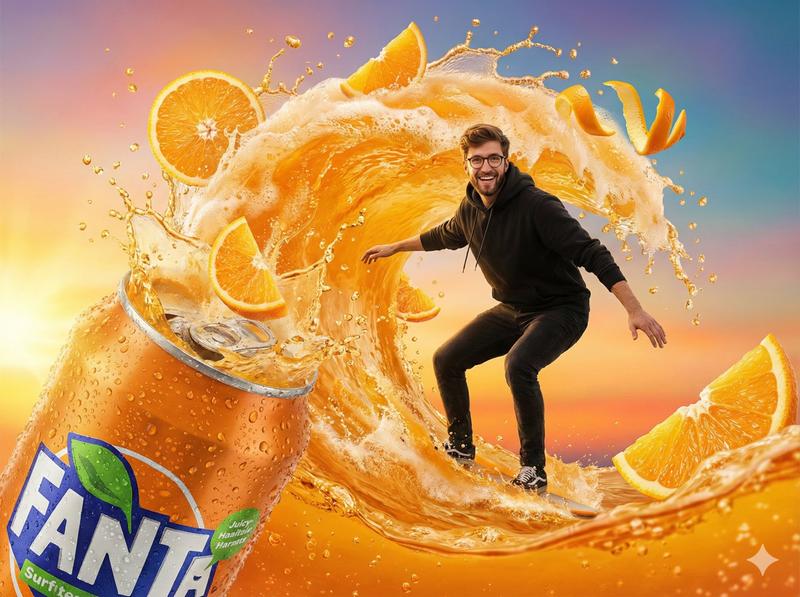
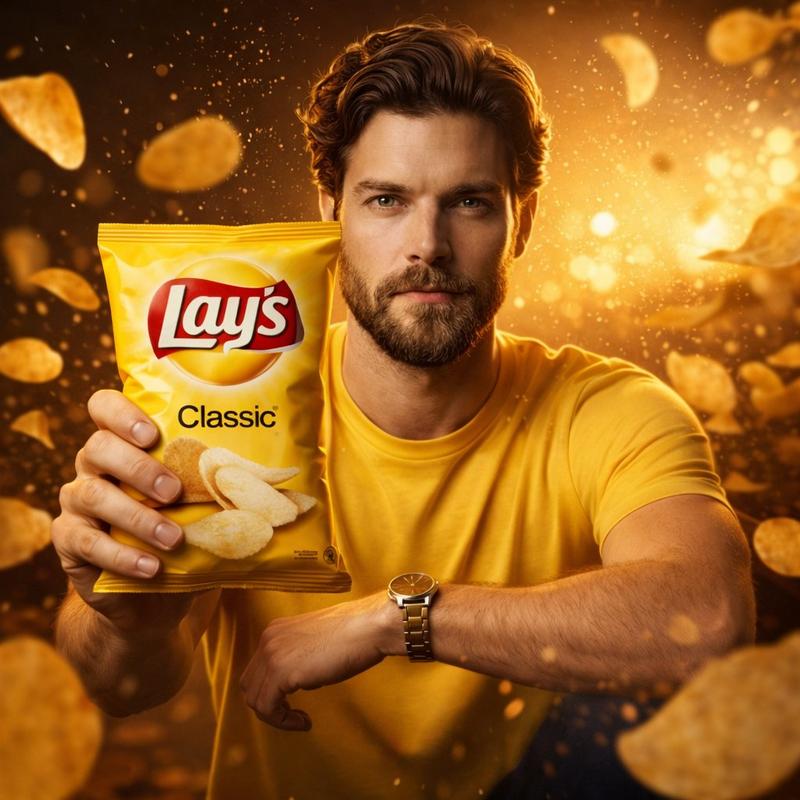
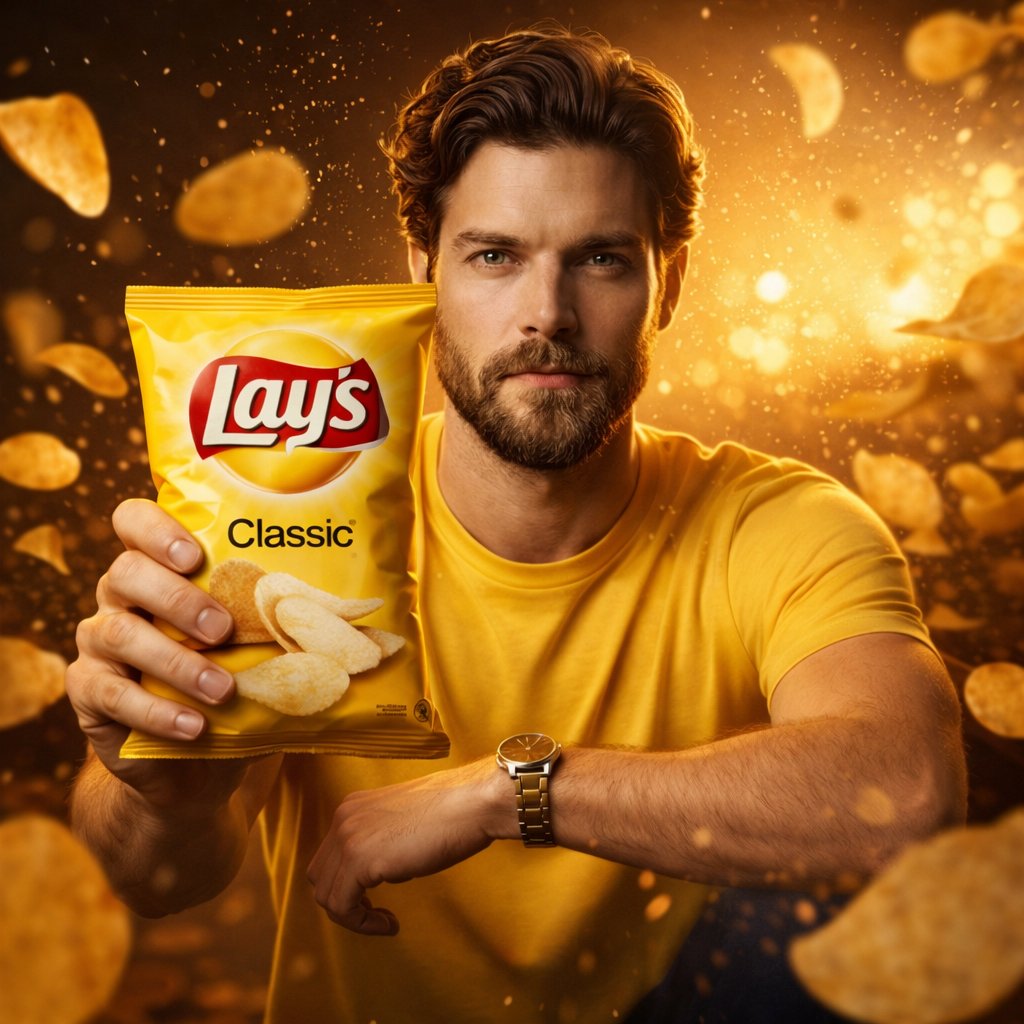
Ultra-realistic commercial FMCG photography showing a {argument name="brand name" default="BRAND_NAME"} {argument name="product type" default="PRODUCT_TYPE"} revealed or opened at the bottom center of the frame. The product bursts upward in frozen mid-air motion. Dynamic splashes, pours, fragments, or particles related to {argument name="variant" default="VARIANT"} explode around it. Fresh {argument name="key ingredient" default="KEY_INGREDIENT"} elements appear whole and cut, suspended naturally with fine particles.
The {argument name="brand name" default="BRAND_NAME"} logo and “{argument name="variant" default="VARIANT"}” text are clearly readable on realistic packaging with authentic material texture.
Gradient background inspired by the variant. Dramatic studio lighting.
Ultra-sharp focus. Premium cinematic advertising realism.
8K quality. 3:4 aspect ratio.
Category
创意图片
Model
Nano Banana Pro
Views6
Source ID
2393e36e-457b-455f-9ef9-ba13b3019999
Published
Mar 8, 2026

Guide

About "超逼真快消品广告拍摄提示词"

What is this prompt for?

"超逼真快消品广告拍摄提示词" AI image prompt for Nano Banana Pro (创意图片). 一个详细的提示,旨在为快速消费品 (FMCG) 产品生成超逼真的商业摄影作品,重点是动态动作镜头,如爆裂或飞溅,突出关键成分和逼真的包装纹理,并辅以戏剧性的影棚灯光。 --- 超逼真的商业快消品摄影…

The full copyable prompt and example visuals above are ready for AI image generation or one-click recreate in Picva.

How to use this prompt

  1. Step 1

    Open the prompt detail

    Review the example visuals, category, and full prompt text for "超逼真快消品广告拍摄提示词".

  2. Step 2

    Copy the prompt

    Copy the prompt body from this page, or load it directly in Studio.

  3. Step 3

    Pick a model (Nano Banana Pro)

    Prefer Nano Banana Pro. If you switch models, keep subject and composition and tweak style terms.

  4. Step 4

    Generate and export

    Recreate the look in Picva, or export into your workflow for editing and publishing.

FAQ

What is the "超逼真快消品广告拍摄提示词" prompt?
It is an AI image-generation prompt for Nano Banana Pro in the 创意图片 category. This page includes the full prompt text, example visuals, and a one-click recreate path in Picva.
How do I use this prompt to generate an image?
Copy the prompt from this page, or use Generate / Studio. Paste it into a compatible image model, or recreate the look in Picva with optional reference images.
Which model is this prompt for?
This page lists Nano Banana Pro. Most descriptive prompts also transfer to nearby image models such as GPT Image, Flux, or Midjourney with light style tweaks.
Can I use the result commercially?
You can usually copy the prompt for creation, but commercial use of the final image depends on the model terms, reference-image rights, and the generated content. Follow the source author and platform rules.