20

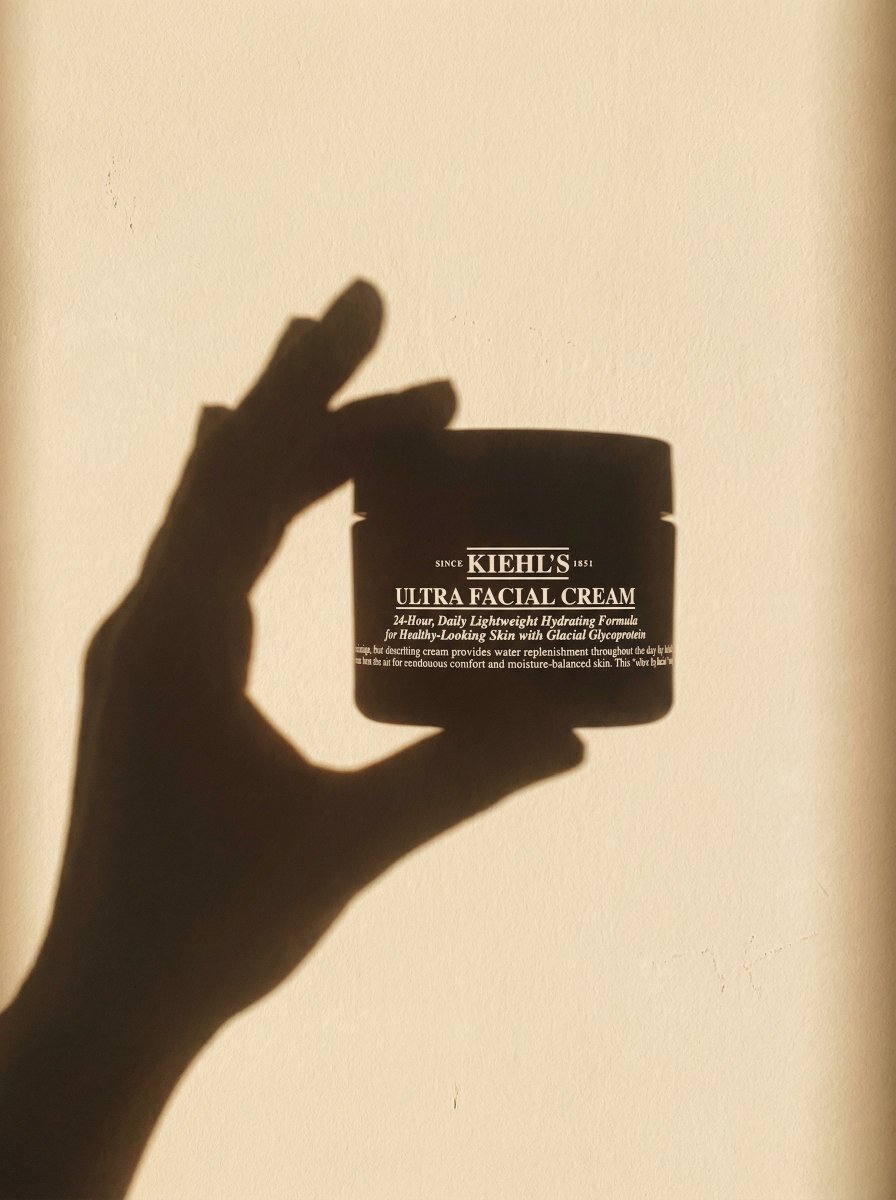
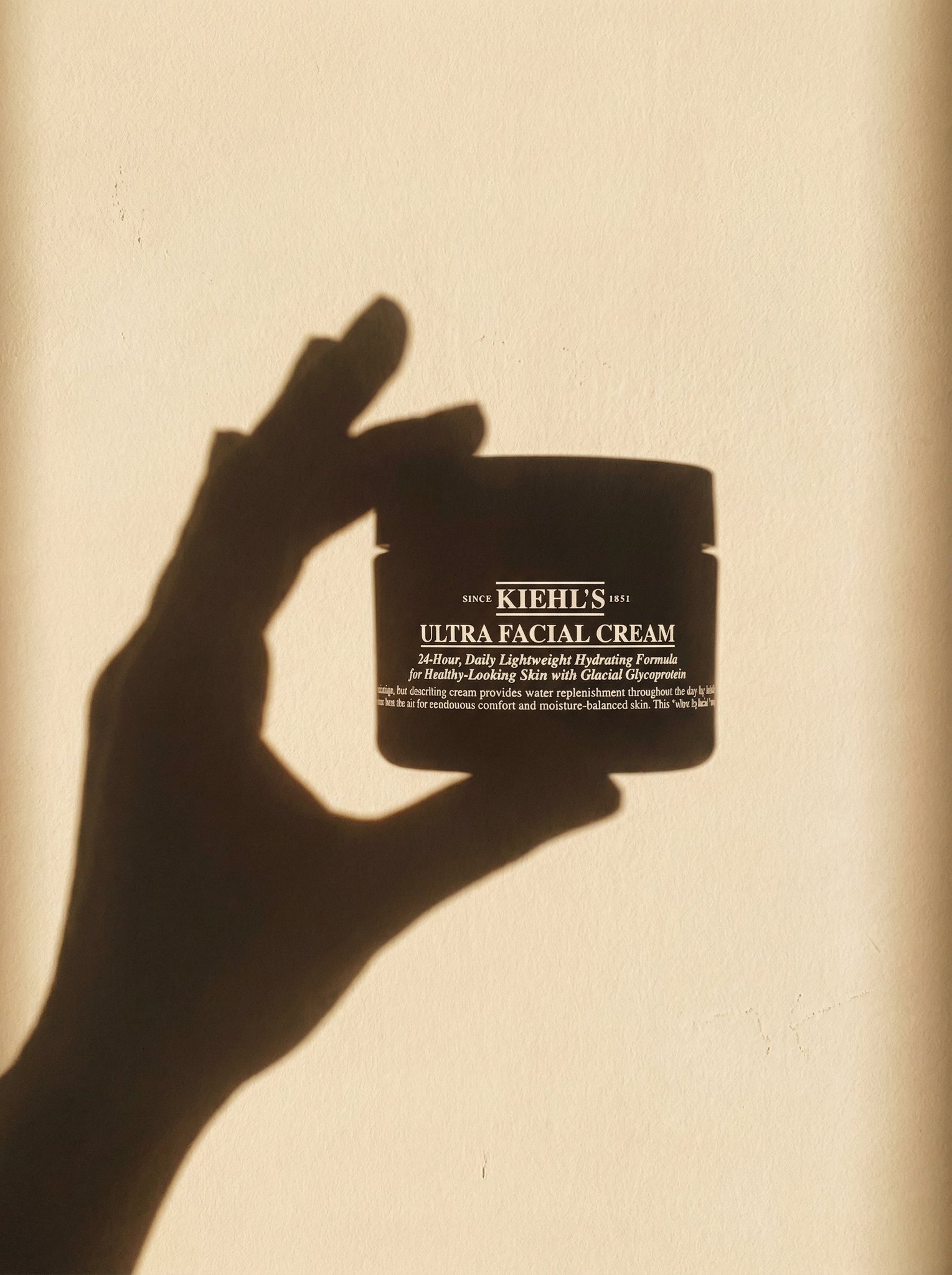
一只手拿着上传图片中的产品
Enlarge

Example images

一只手拿着上传图片中的产品

Prompt
A minimal sunlit wall. Sharp, elongated shadow of a human hand holding the exact product from the uploaded image. Recreate the product’s silhouette precisely in the shadow, accurate bottle shape, cap, edges, proportions. Project the product’s real label text (taken from the uploaded image) onto the shadow in clean, crisp white typography, perfectly matching placement, spacing, and size.Warm afternoon sunlight, soft grain, smooth beige wall texture. Ultra-minimal, high-end skincare aesthetic. No extra objects, no color except the natural wall tone. Artistic shadow-play composition, subtle dreamy atmosphere, natural imperfections on the wall, gently diffused light
Category
portrait_photography
Model
Nano Banana Pro
Views4
Source ID
984fa3ad-1d81-4f6d-8456-e05f68f79e19
Published
Dec 27, 2025

Guide

About "一只手拿着上传图片中的产品"

What is this prompt for?

"一只手拿着上传图片中的产品" AI image prompt for Nano Banana Pro (portrait_photography). portrait_photography Copy it on Picva and recreate the look in one click.

The full copyable prompt and example visuals above are ready for AI image generation or one-click recreate in Picva.

How to use this prompt

  1. Step 1

    Open the prompt detail

    Review the example visuals, category, and full prompt text for "一只手拿着上传图片中的产品".

  2. Step 2

    Copy the prompt

    Copy the prompt body from this page, or load it directly in Studio.

  3. Step 3

    Pick a model (Nano Banana Pro)

    Prefer Nano Banana Pro. If you switch models, keep subject and composition and tweak style terms.

  4. Step 4

    Generate and export

    Recreate the look in Picva, or export into your workflow for editing and publishing.

FAQ

What is the "一只手拿着上传图片中的产品" prompt?
It is an AI image-generation prompt for Nano Banana Pro in the portrait_photography category. This page includes the full prompt text, example visuals, and a one-click recreate path in Picva.
How do I use this prompt to generate an image?
Copy the prompt from this page, or use Generate / Studio. Paste it into a compatible image model, or recreate the look in Picva with optional reference images.
Which model is this prompt for?
This page lists Nano Banana Pro. Most descriptive prompts also transfer to nearby image models such as GPT Image, Flux, or Midjourney with light style tweaks.
Can I use the result commercially?
You can usually copy the prompt for creation, but commercial use of the final image depends on the model terms, reference-image rights, and the generated content. Follow the source author and platform rules.