
Create a four-panel connected premium realistic editorial layout, adapted from i
Prompt
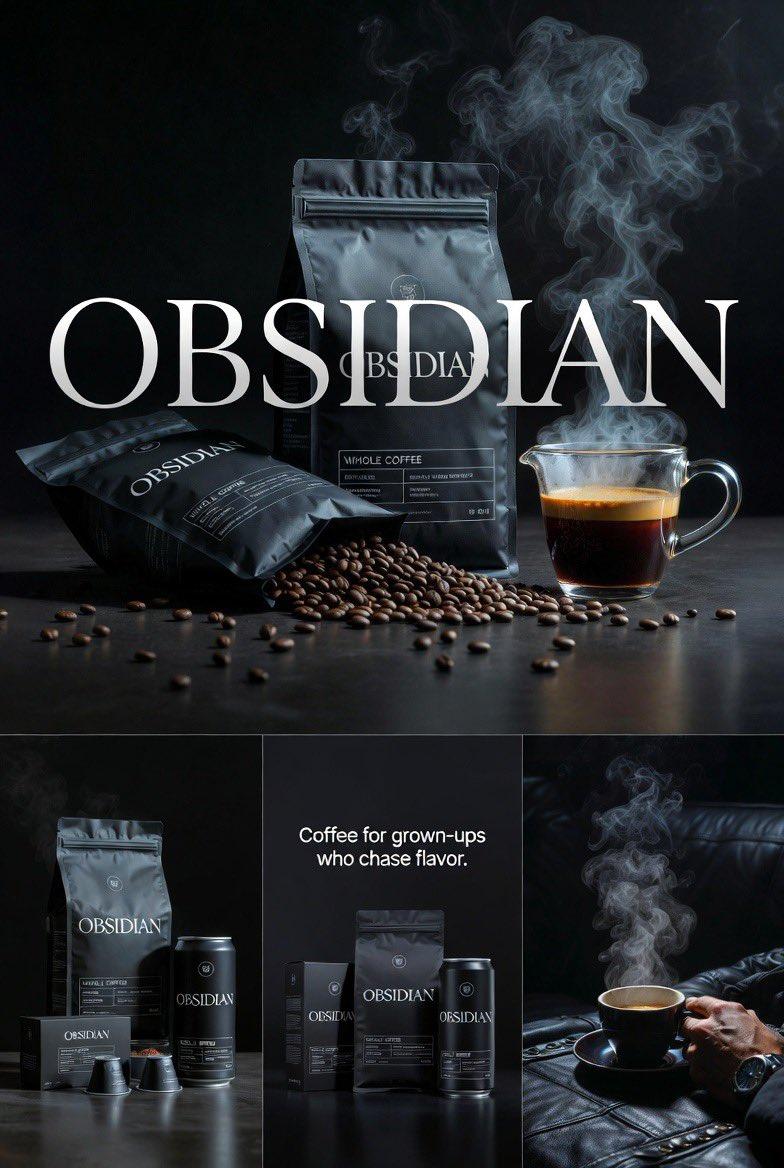
Create a four-panel connected premium realistic editorial layout, adapted from image_23.png to feature Café FAMICO. The overall aesthetic is a sophisticated, warm, and deeply passionate editorial campaign, not a cold noir one, celebrating the vibrant red identity of the brand from image_22.png. The color palette is rich, with deep smoky browns, mahogany wood tones, burnished gold, and vibrant ruby red, replacing the extreme black void for maximum contrast. The composition remains grounded and clean, but the lighting is strong and warm, creating high-contrast separation without being suffocating. All texts are sharp and in sophisticated serif fonts. Consistent red and gold branding, including the specific FAMICO logo from image_22.png, is present and legible.Top Panel (Large Hero Poster): A large, prominent hero panel, functioning as a wide poster. Text at the top reads 'FAMICO' in a refined gold serif font, replacing 'OBSIDIAN'. Below the text, a central premium coffee display featuring the actual vibrant red and gold FAMICO packaging from image_22.png (the flexible paper bag and the specific details: the man pushing the cart logo, 'Café FAMICO', and 'Torréfacto' elements are visible and authentic). The bags stand on a highly polished, dark mahogany wood surface. A spill of rich, oily roasted coffee beans spreads out. Delicate, warm (not cold-blue) steam rises from a glass coffee beaker, just like the style in image_23.png. The lighting is dramatic but warm, making the red paper texture and gold foil details pop.Panel 2 (Left Middle): A smaller, focused panel. A focused lineup of the red FAMICO product family: the red coffee bag, the red coffee can, and a cluster of red coffee capsules, all with precise, legible FAMICO branding. Ensure details like 'Velouté', 'Triple concentré', and '250 gr' are visible.Panel 3 (Center Middle): A smaller panel. A macro close-up on the textures and gold foil details of a red FAMICO packaging element, showing the detailed French texts. The tagline text is in refined gold lettering, reading: "AUTHENTIC PASSION: Grown-up flavor in every cup."Panel 4 (Right Bottom): A smaller panel. A lifestyle shot. A warm-toned, sophisticated hand (retaining the watch from image_23.png, but adapted to gold or warm metal) holds the glass beaker-style cup, filled with crema-topped espresso. The hand rests against a deep, warm espresso-colored leather setting. Strong, warm volumetric light rays pierce the space, highlighting the rich liquid and hand texture.
- Category
- Posters & Typography
- Model
- GPT Image 2
- Creator
- xie underwood
- Source ID
- 38052
- Published
- Jun 29, 2026
Views15






![Create a premium brand kit board for [Promptsref], presented like a professional](https://i.pixshop.app/storage/v1/render/image/public/prompt-source-media/promptsref/work-2151/image-1-718919199311845f.png?width=800&quality=75&resize=contain)
