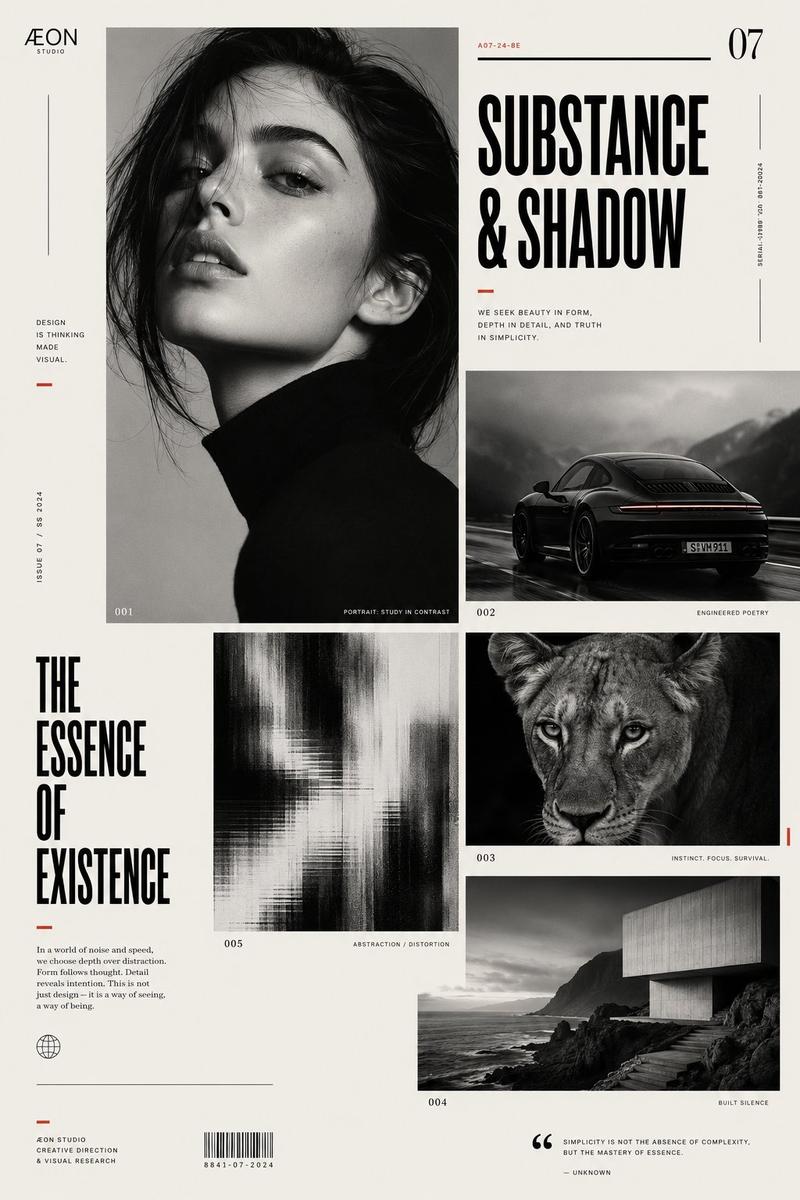
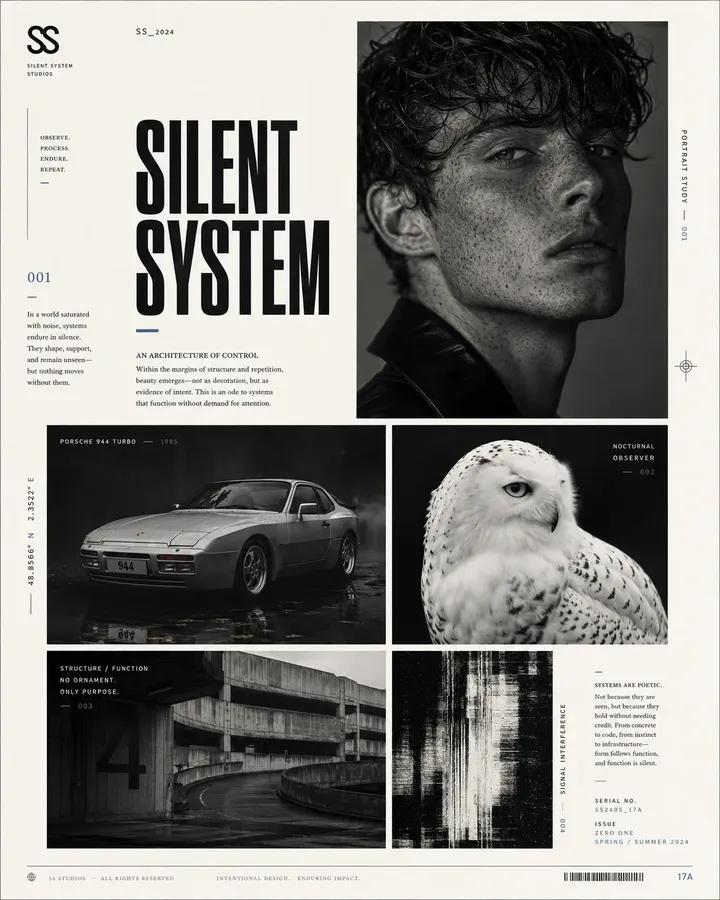
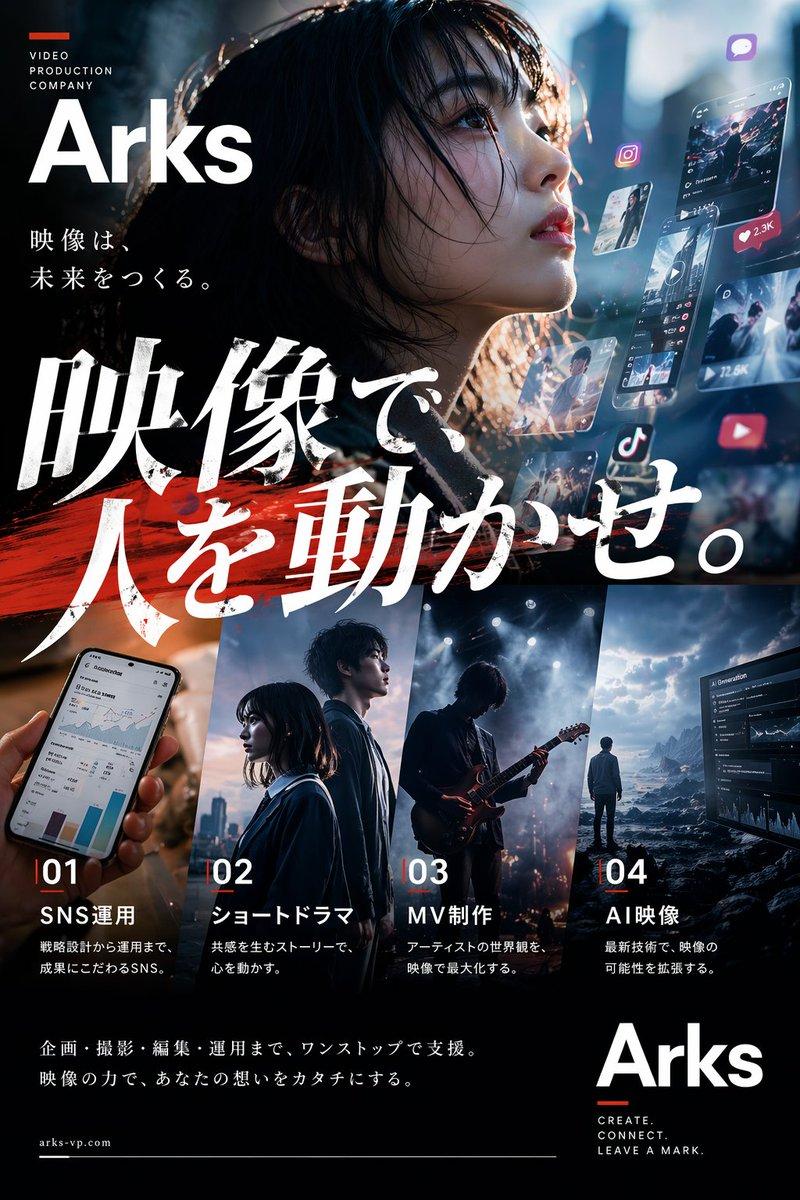
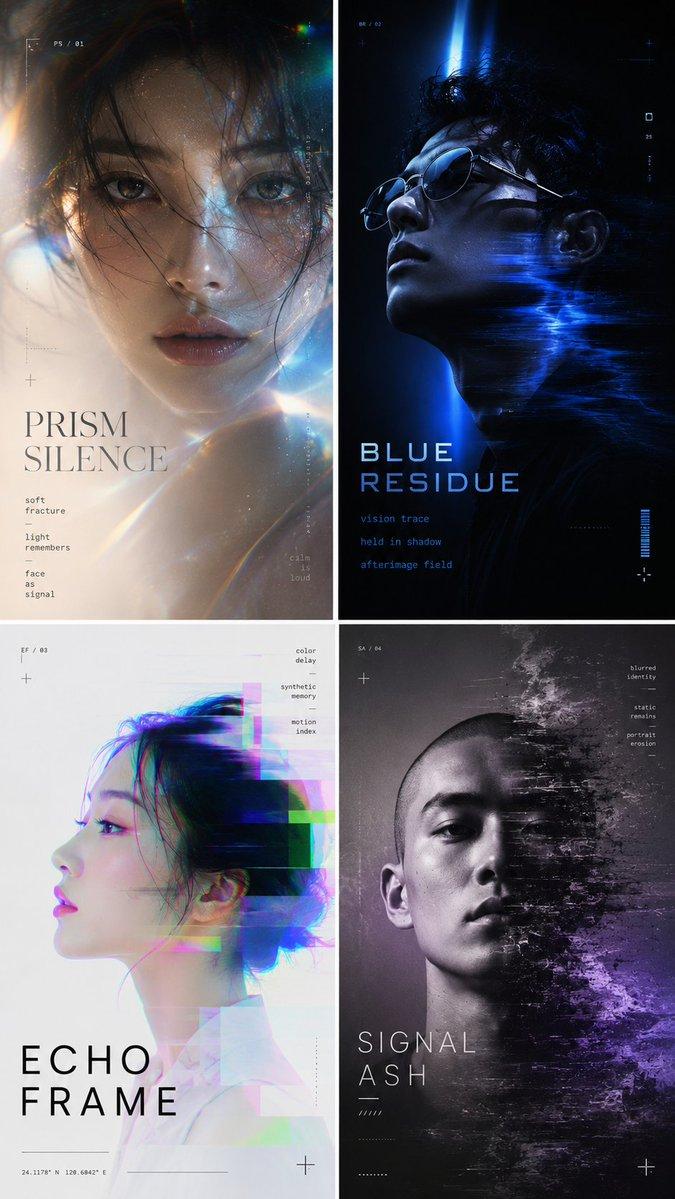
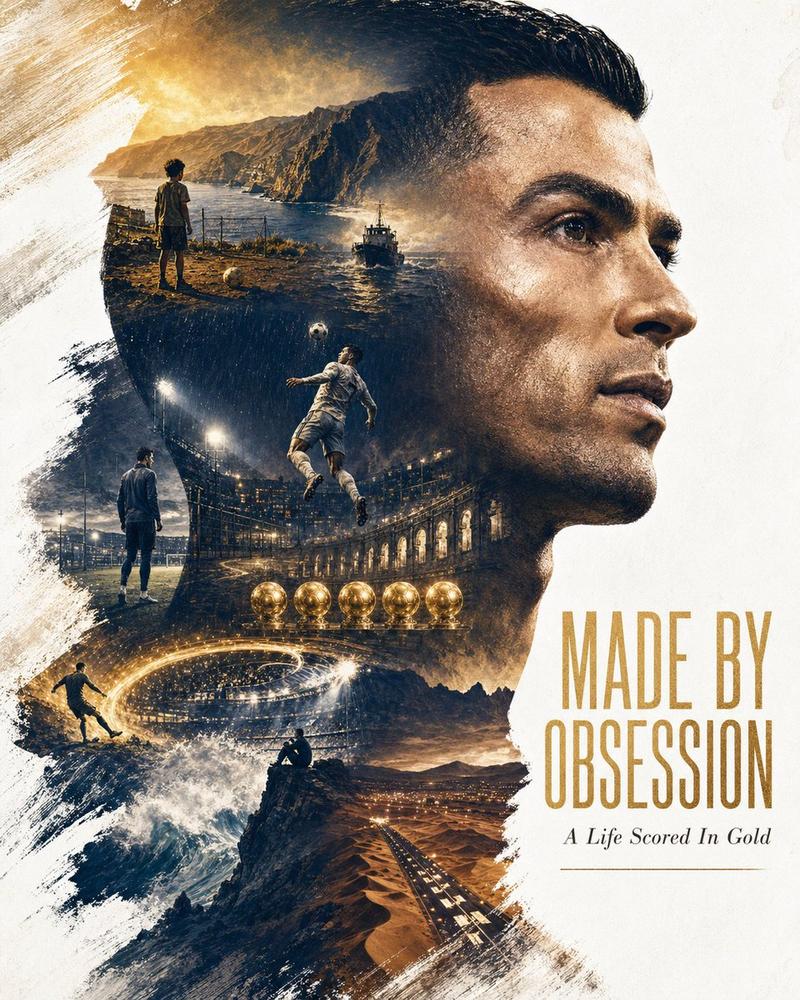
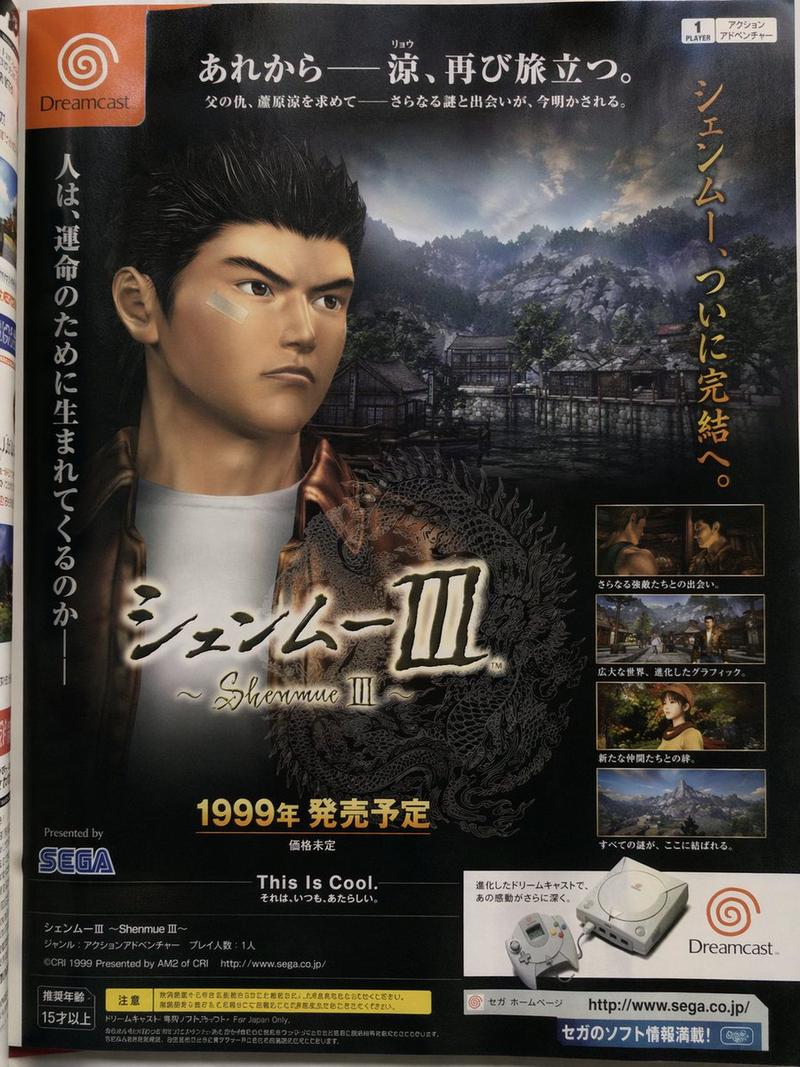
Avant-garde graphic design poster page, elegant editorial layout, off-white back
提示词
Avant-garde graphic design poster page, elegant editorial layout, off-white background, 4:5 aspect ratio. Build a clean asymmetrical modular grid with four distinct image blocks: one high-contrast close portrait of [HUMAN], one cinematic photograph of [CAR], one striking image of [ANIMAL], and one atmospheric photograph of [PLACE], each contained in its own rectangular block.

Use black as the dominant color with subtle accents of [ACCENT1] and [ACCENT2], minimal but refined. Add one abstract distortion or texture panel to reinforce the experimental design language. Include a bold title reading “[TITLE]”, a small minimalist logo reading “[LOGO]”, microtypography, short editorial text columns, tiny serial numbers, thin dividers, small captions, and elegant negative space.

 High-fashion graphic design aesthetic, niche magazine page, refined Swiss-meets-avant-garde composition, crisp typography, monochrome photography, subtle blur and texture variation, sophisticated art-direction.
- 分类
- 海报营销
- 模型
- GPT Image 2
- 来源作者
- xie underwood
- 来源 ID
- 42497
- 发布时间
- 2026年7月6日
浏览量37