14

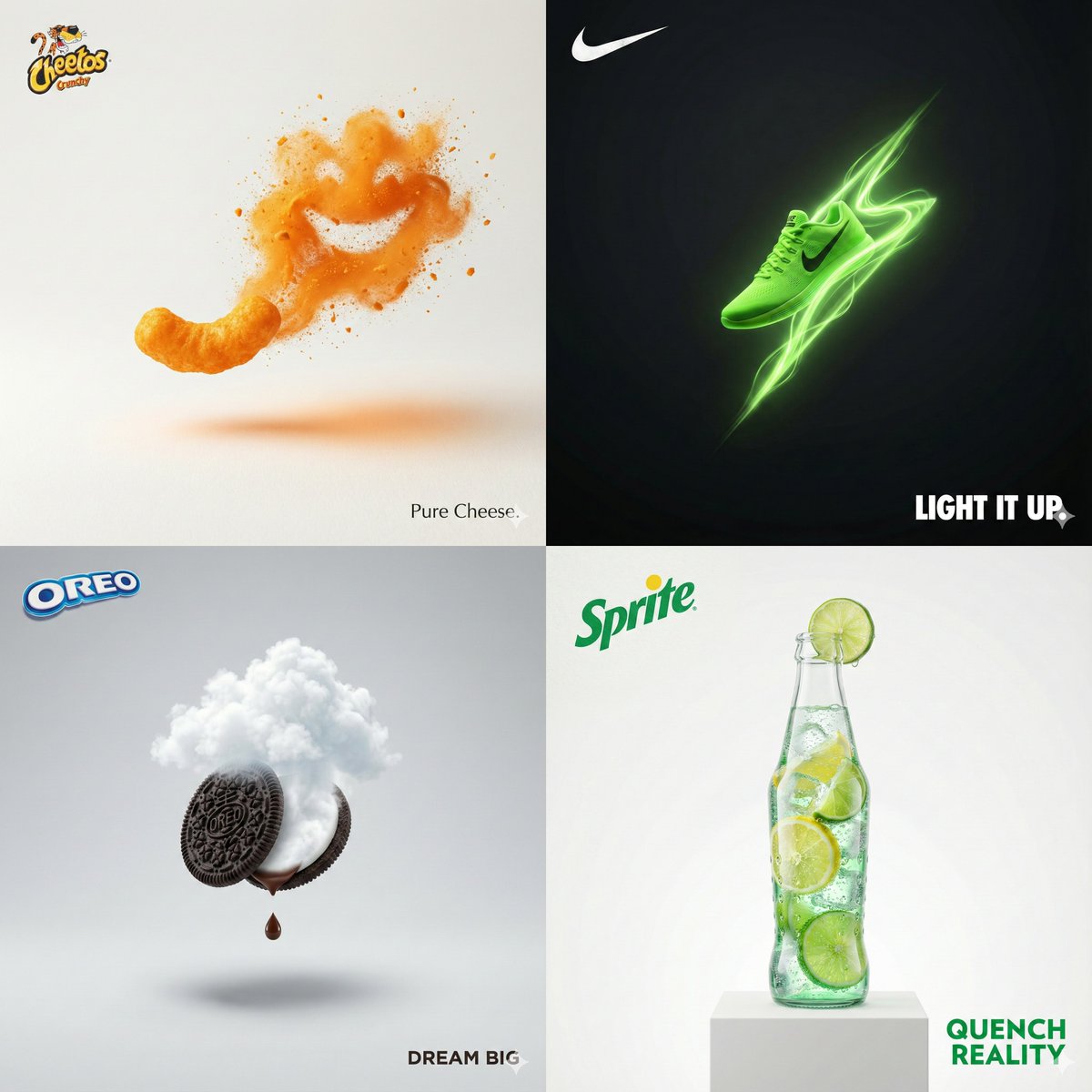
电影级3D动感广告
Enlarge

电影级3D动感广告

Prompt
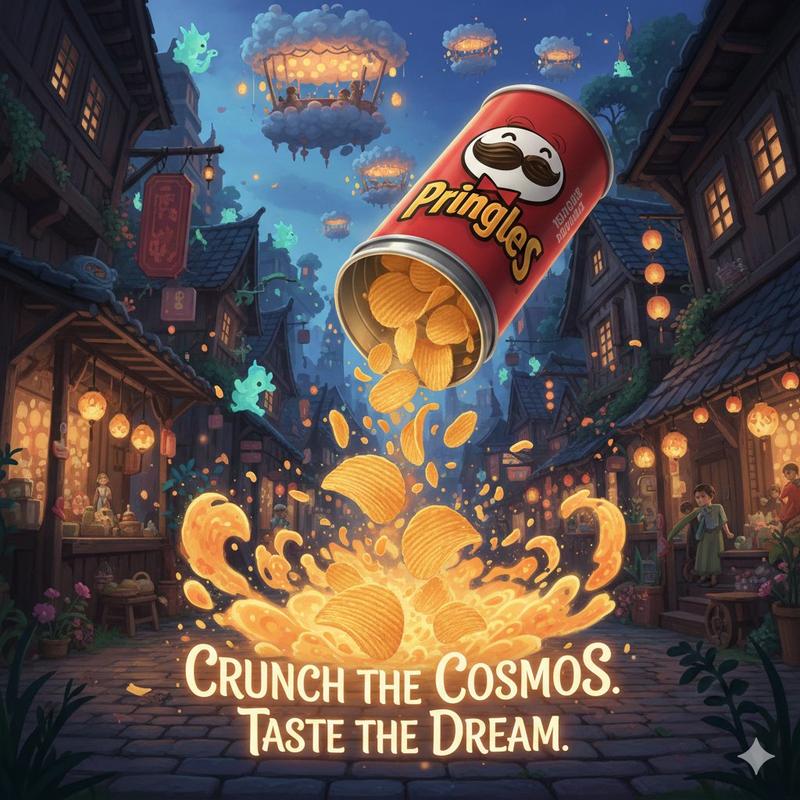
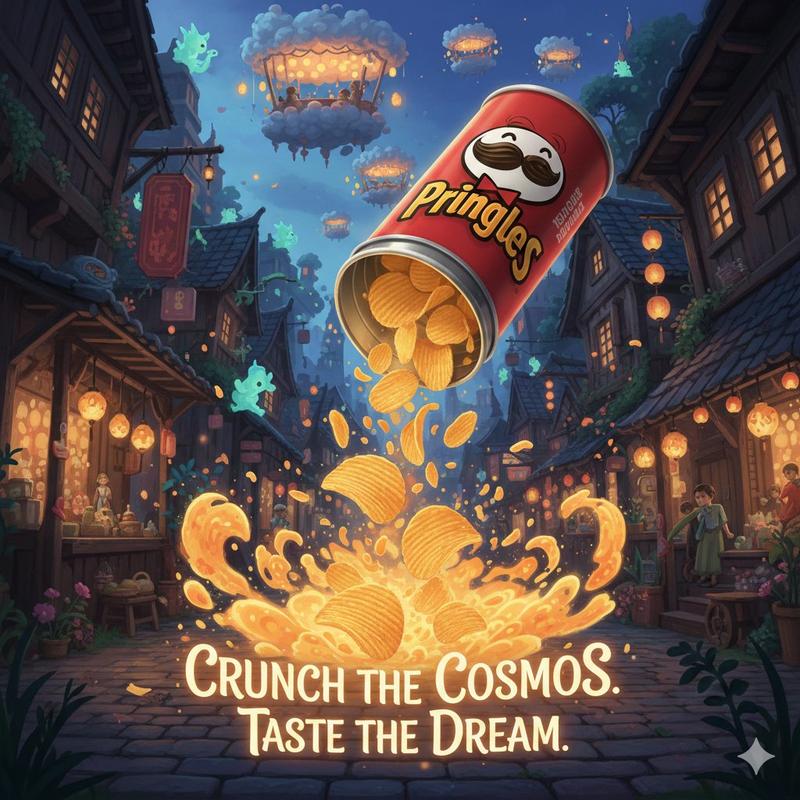
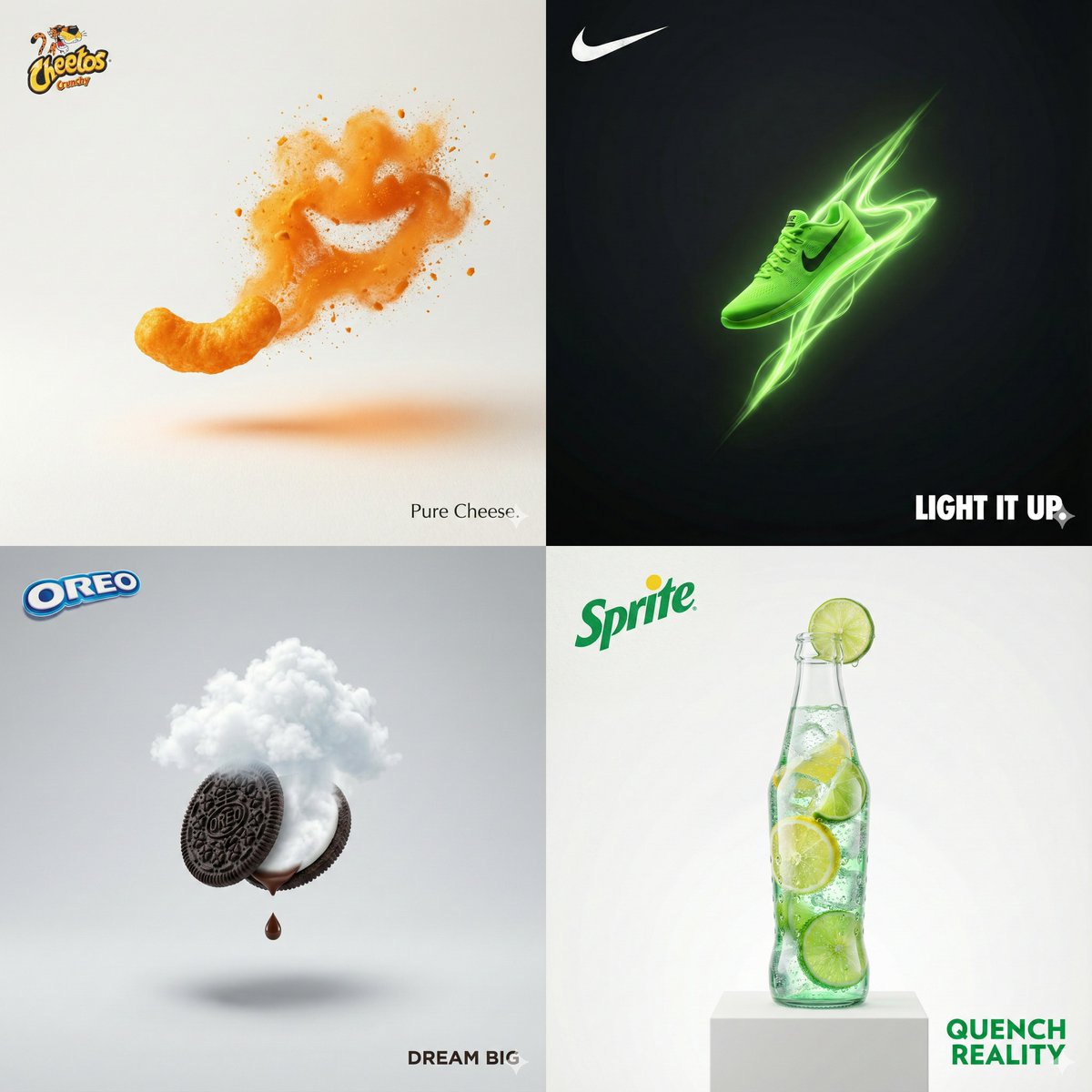
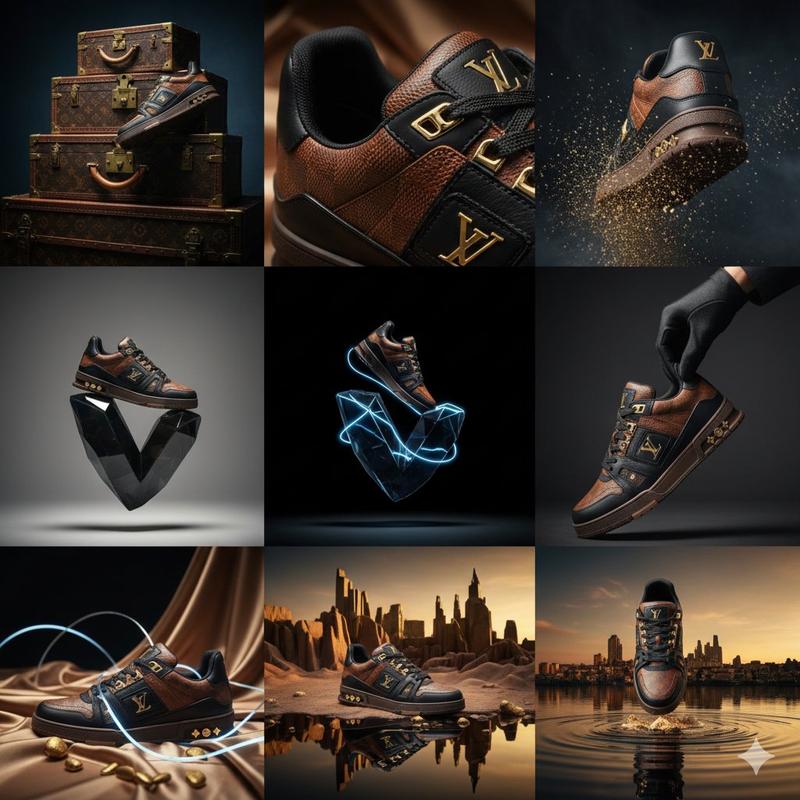
Cinematic 3D action-packed advertisement of [PRODUCT], captured in a dramatic mid-motion scene that embodies its core energy. Use bold studio lighting with intense highlights and deep shadows, dynamic particles, and slow-motion effects to amplify impact. The environment should feel surreal yet hyperrealistic, designed to reflect the product’s personality (crunchy, energetic, fast, luxurious, refreshing, etc.). Integrate the brand logo crafted from product elements if possible, and place a sleek creative slogan beneath it that matches the mood. Composition in 1:1 aspect ratio, hyper-detailed, sharp, bold, and designed to go viral.
[PRODUCT] 的电影级 3D 动感广告,以戏剧化的中景捕捉,展现其核心能量。运用大胆的影棚灯光、强烈的高光和深邃的阴影、动态粒子和慢动作效果来增强视觉冲击力。环境应营造超现实却又超现实的感觉,旨在体现产品的个性(清爽、活力、快速、奢华、清爽等)。尽可能融入由产品元素精心打造的品牌标识,并在其下方放置一个与氛围相符的时尚创意口号。构图采用 1:1 的宽高比,细节丰富、锐利大胆,旨在打造病毒式传播的效果。
Category
Illustration & Art
Model
Unknown
Creator
aziz4ai
Views1
Source ID
cinematic-3d-motion-ad

Guide

About "电影级3D动感广告"

What is this prompt for?

"电影级3D动感广告" AI image prompt for Unknown (Illustration & Art). Cinematic 3D action-packed advertisement of [PRODUCT], captured in a dramatic mid-motion scene th…

The full copyable prompt and example visuals above are ready for AI image generation or one-click recreate in Picva.

How to use this prompt

  1. Step 1

    Open the prompt detail

    Review the example visuals, category, and full prompt text for "电影级3D动感广告".

  2. Step 2

    Copy the prompt

    Copy the prompt body from this page, or load it directly in Studio.

  3. Step 3

    Pick a model (Unknown)

    Prefer Unknown. If you switch models, keep subject and composition and tweak style terms.

  4. Step 4

    Generate and export

    Recreate the look in Picva, or export into your workflow for editing and publishing.

FAQ

What is the "电影级3D动感广告" prompt?
It is an AI image-generation prompt for Unknown in the Illustration & Art category. This page includes the full prompt text, example visuals, and a one-click recreate path in Picva.
How do I use this prompt to generate an image?
Copy the prompt from this page, or use Generate / Studio. Paste it into a compatible image model, or recreate the look in Picva with optional reference images.
Which model is this prompt for?
This page lists Unknown. Most descriptive prompts also transfer to nearby image models such as GPT Image, Flux, or Midjourney with light style tweaks.
Can I use the result commercially?
You can usually copy the prompt for creation, but commercial use of the final image depends on the model terms, reference-image rights, and the generated content. Follow the source author and platform rules.