16

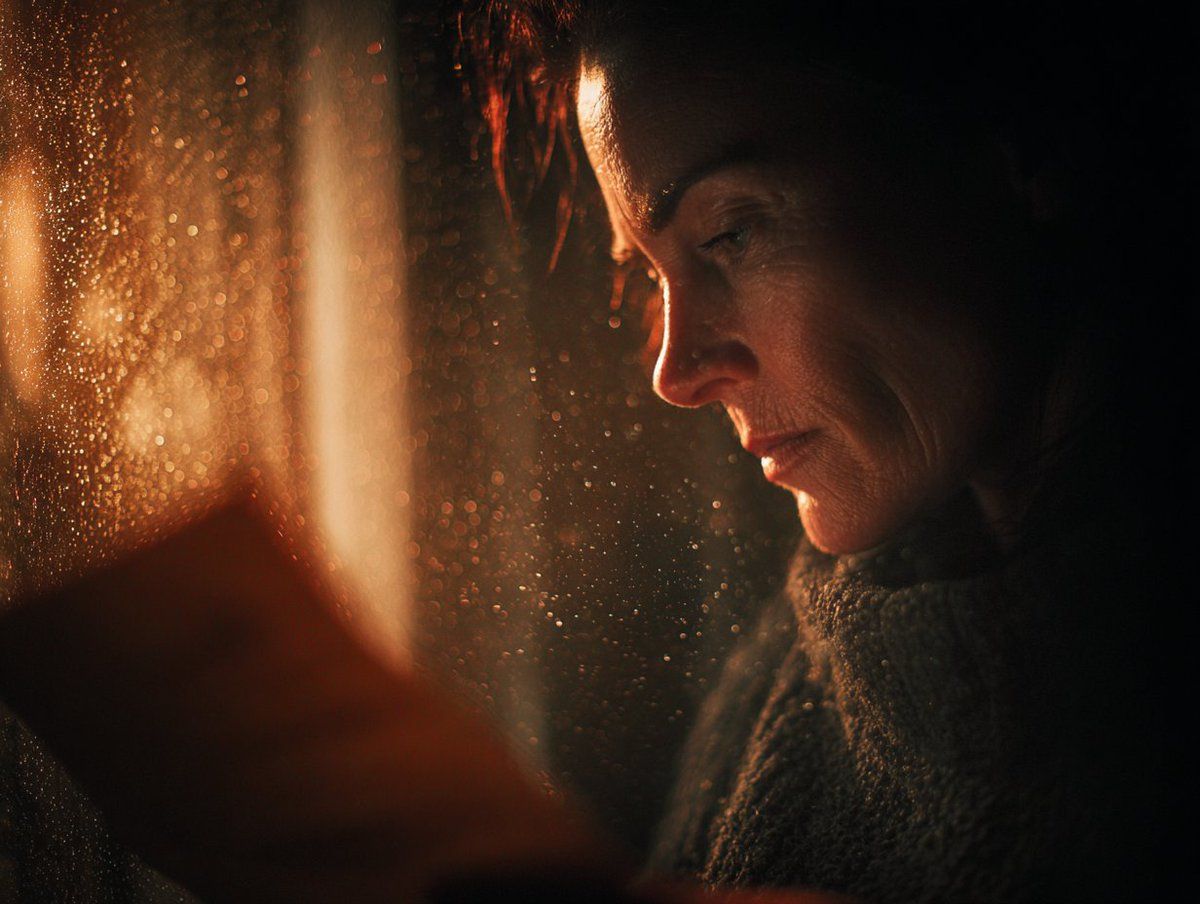
绝望中的希望
Enlarge

绝望中的希望

Prompt
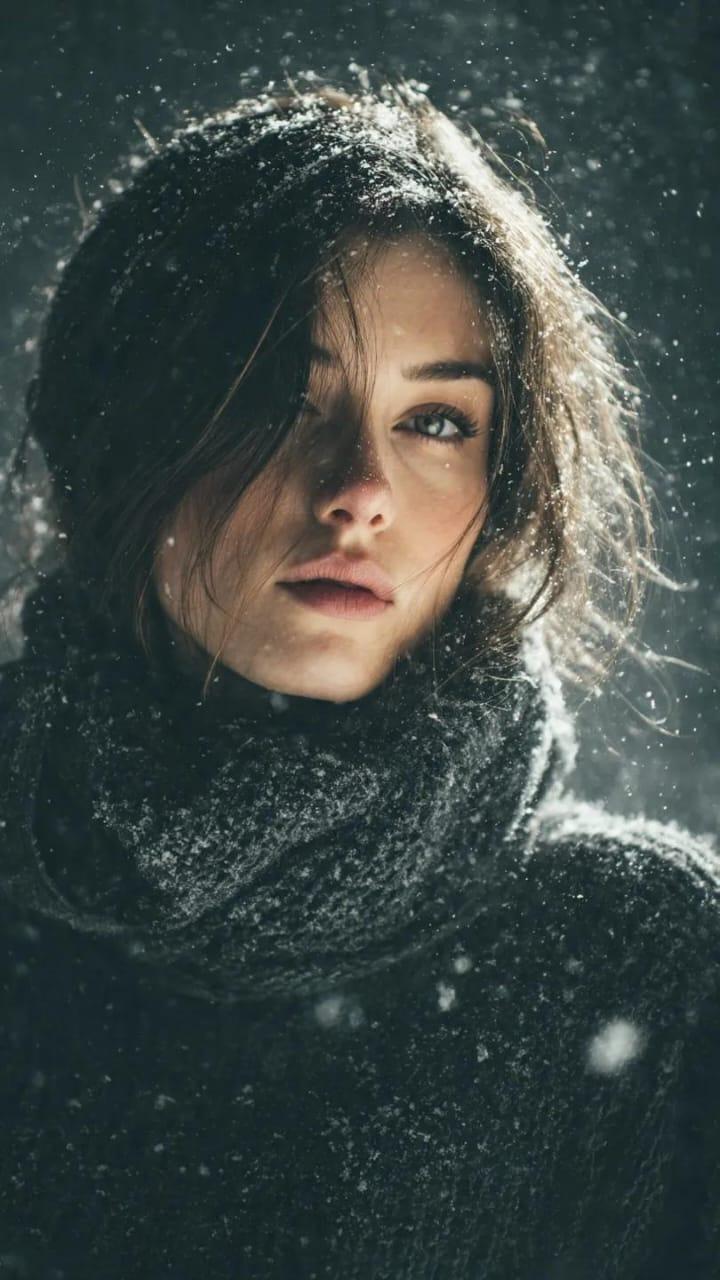
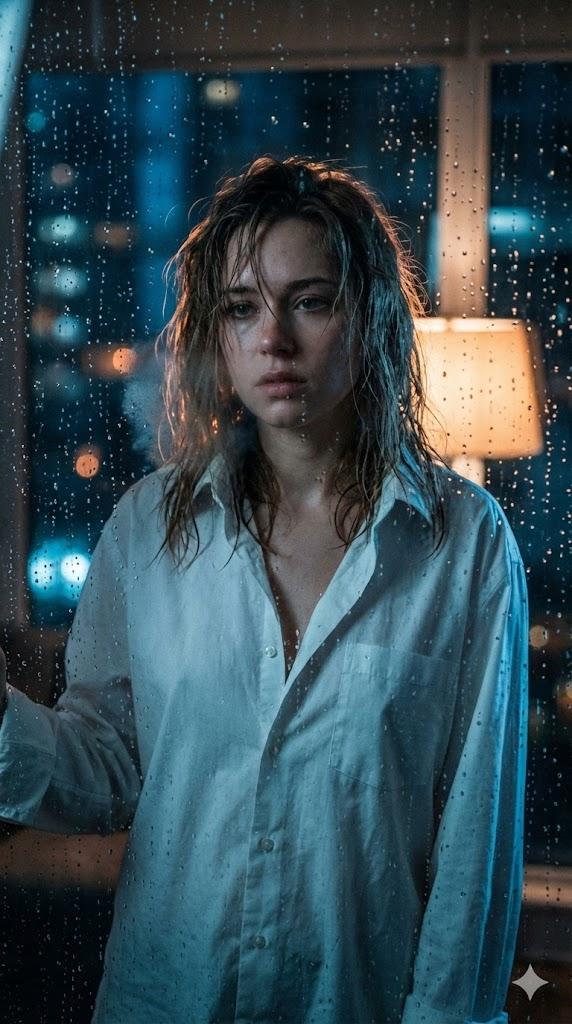
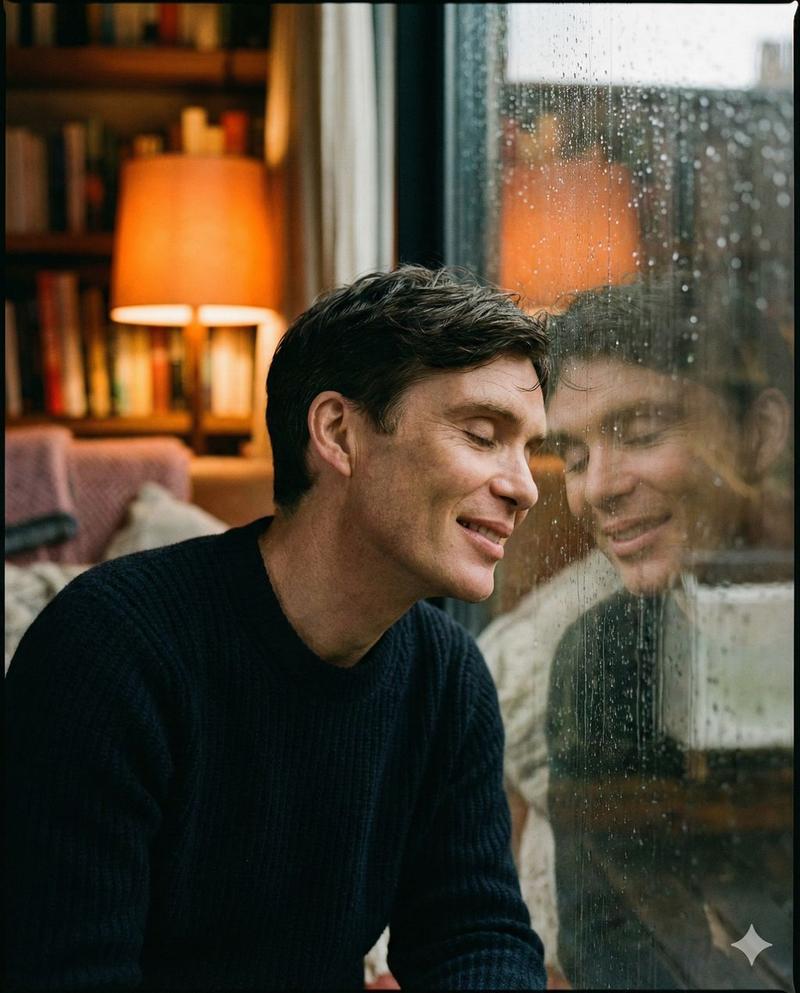
Prompt Studio: Cinematic Frames, Desperate Hope
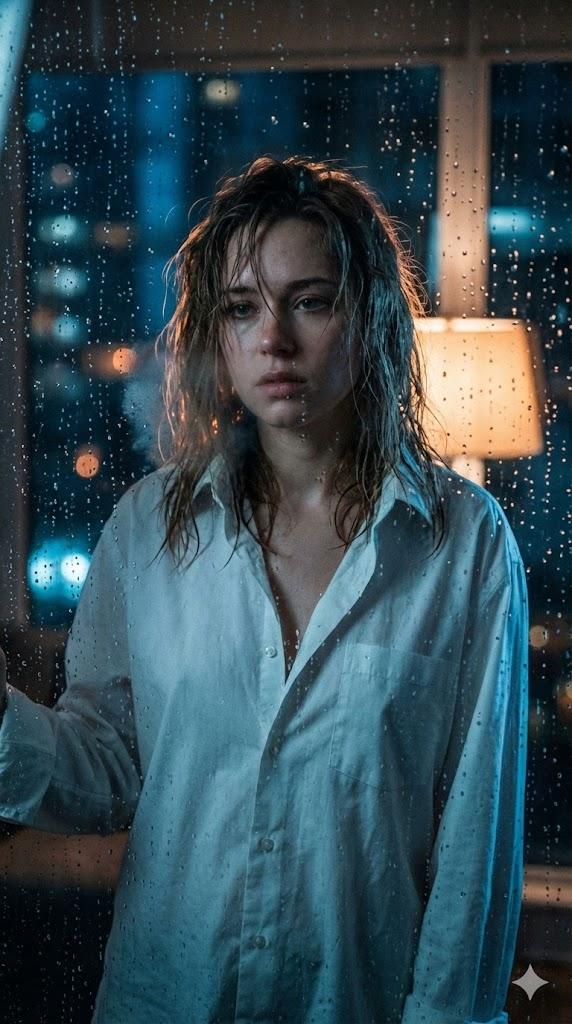
[Subject], raw emotional breakthrough moment, cinematic golden hour piercing through storm clouds, single beam of warm light finding the subject amid darkness, tears catching light like diamonds, trembling motion blur on reaching hands, extreme shallow focus on eyes filled with longing, warm amber bleeding into cold shadows, dust motes ascending like prayers, hyper-detailed emotional micro-expressions, authentic skin imperfections and redness from crying, Janusz Kamiński-inspired hope-through-darkness lighting, analog film texture with gentle halation around light sources, atmospheric tension before release, HDR preserving both despair and hope, prestige drama intimacy, the exact moment before everything changes.
Check ALTs for ideas 👇
Category
Creative Use Cases
Model
Unknown
Views0
Source ID
desperate-hope

Guide

About "绝望中的希望"

What is this prompt for?

"绝望中的希望" AI image prompt for Unknown (Creative Use Cases). Prompt Studio: Cinematic Frames, Desperate Hope [Subject], raw emotional breakthrough moment, cinema…

The full copyable prompt and example visuals above are ready for AI image generation or one-click recreate in Picva.

How to use this prompt

  1. Step 1

    Open the prompt detail

    Review the example visuals, category, and full prompt text for "绝望中的希望".

  2. Step 2

    Copy the prompt

    Copy the prompt body from this page, or load it directly in Studio.

  3. Step 3

    Pick a model (Unknown)

    Prefer Unknown. If you switch models, keep subject and composition and tweak style terms.

  4. Step 4

    Generate and export

    Recreate the look in Picva, or export into your workflow for editing and publishing.

FAQ

What is the "绝望中的希望" prompt?
It is an AI image-generation prompt for Unknown in the Creative Use Cases category. This page includes the full prompt text, example visuals, and a one-click recreate path in Picva.
How do I use this prompt to generate an image?
Copy the prompt from this page, or use Generate / Studio. Paste it into a compatible image model, or recreate the look in Picva with optional reference images.
Which model is this prompt for?
This page lists Unknown. Most descriptive prompts also transfer to nearby image models such as GPT Image, Flux, or Midjourney with light style tweaks.
Can I use the result commercially?
You can usually copy the prompt for creation, but commercial use of the final image depends on the model terms, reference-image rights, and the generated content. Follow the source author and platform rules.