14

巨型香蕉形3D屏幕
Enlarge

巨型香蕉形3D屏幕

Prompt
Nano Banana Pro
Base Prompt @dotey
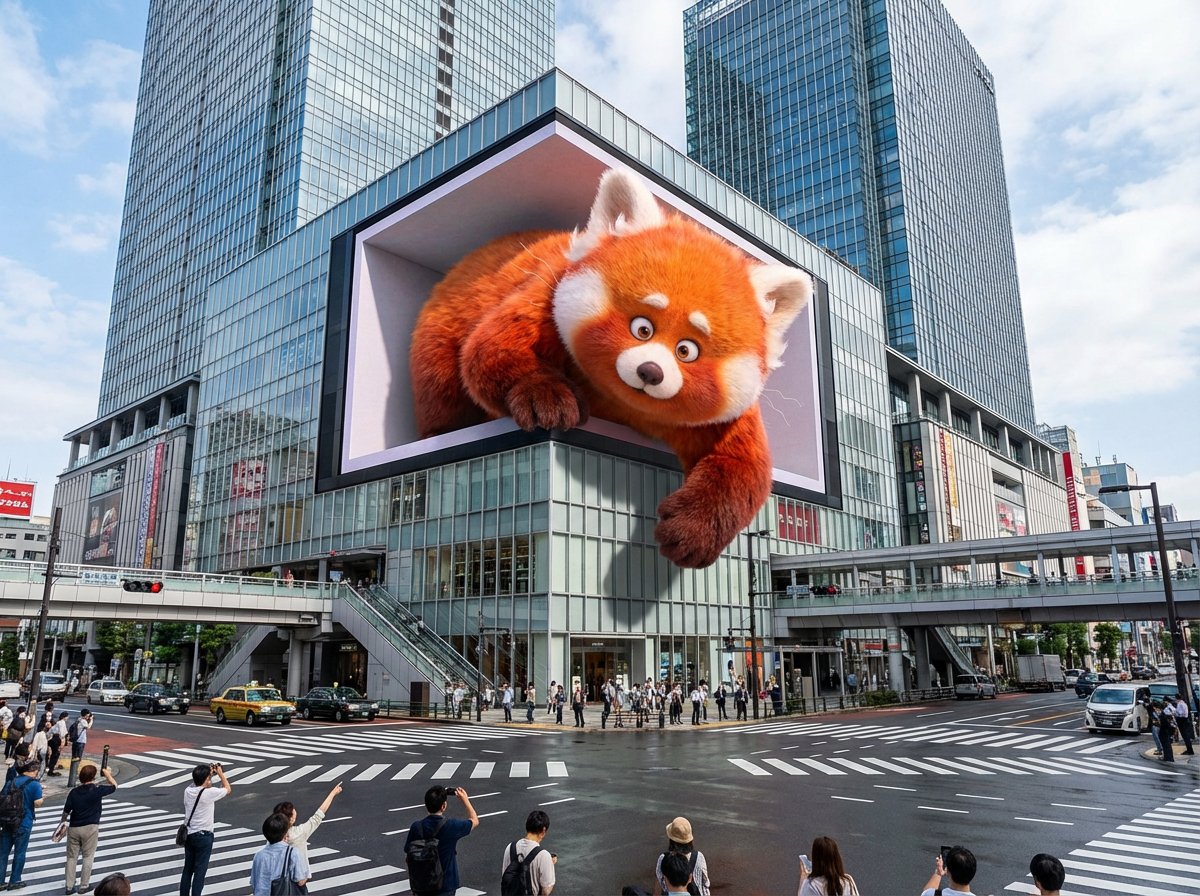
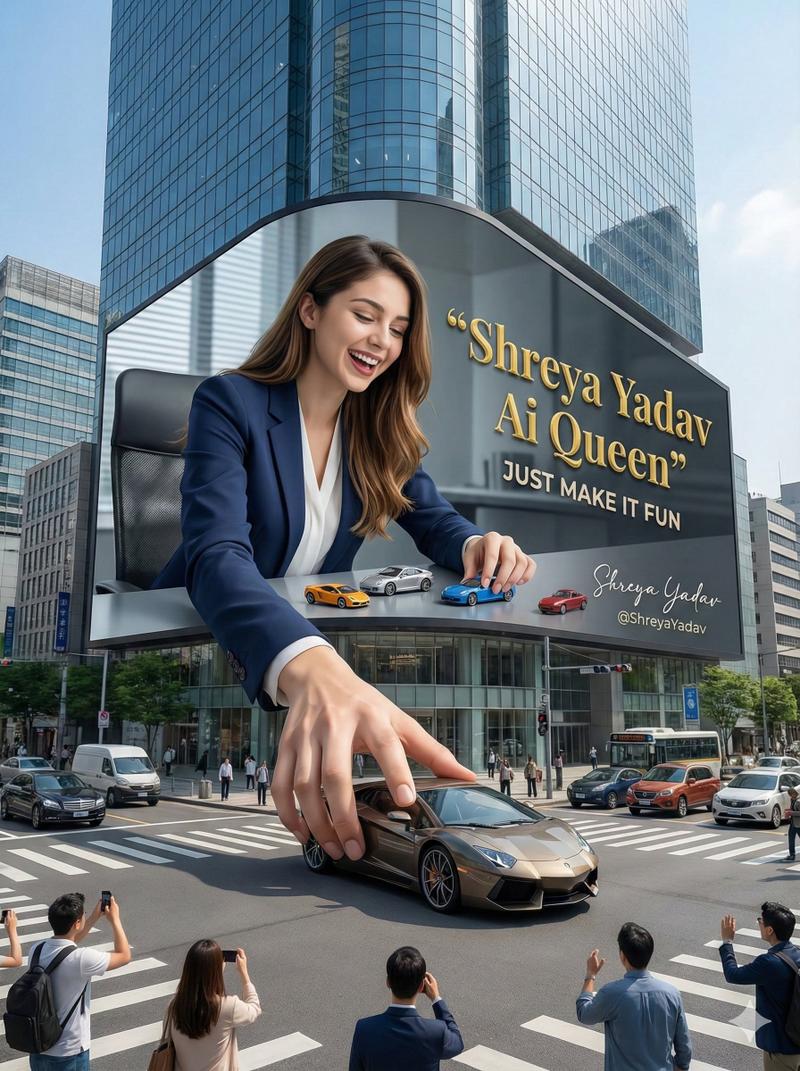
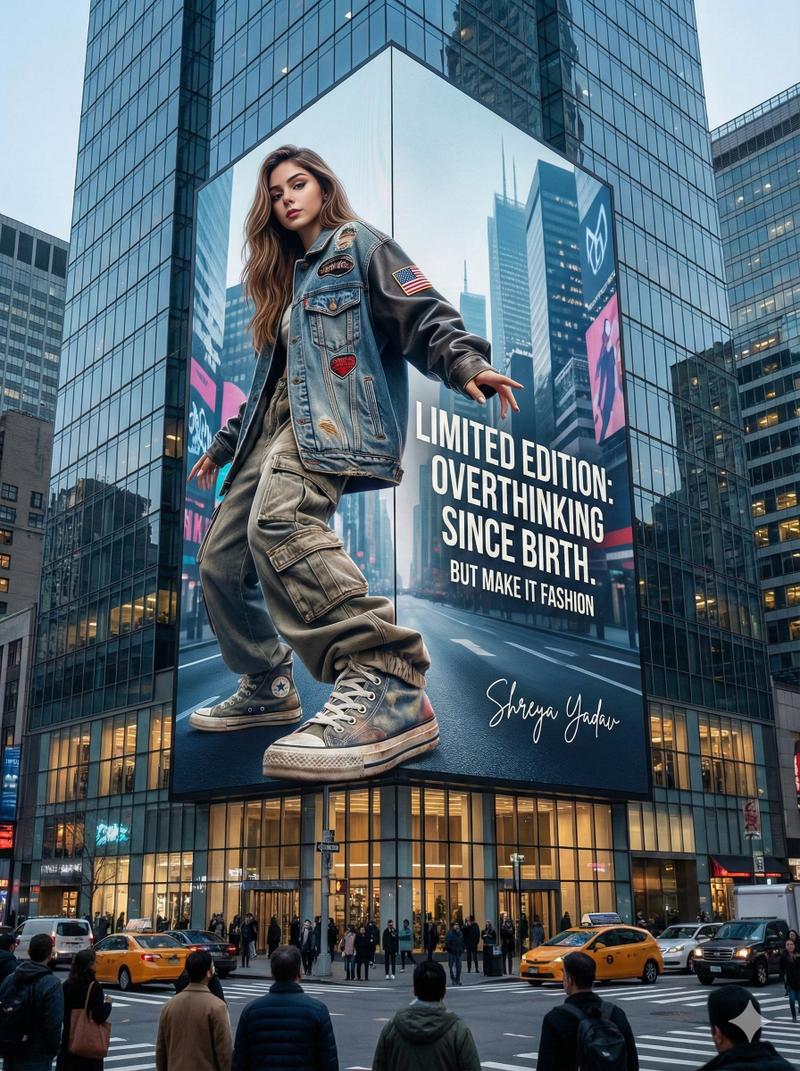
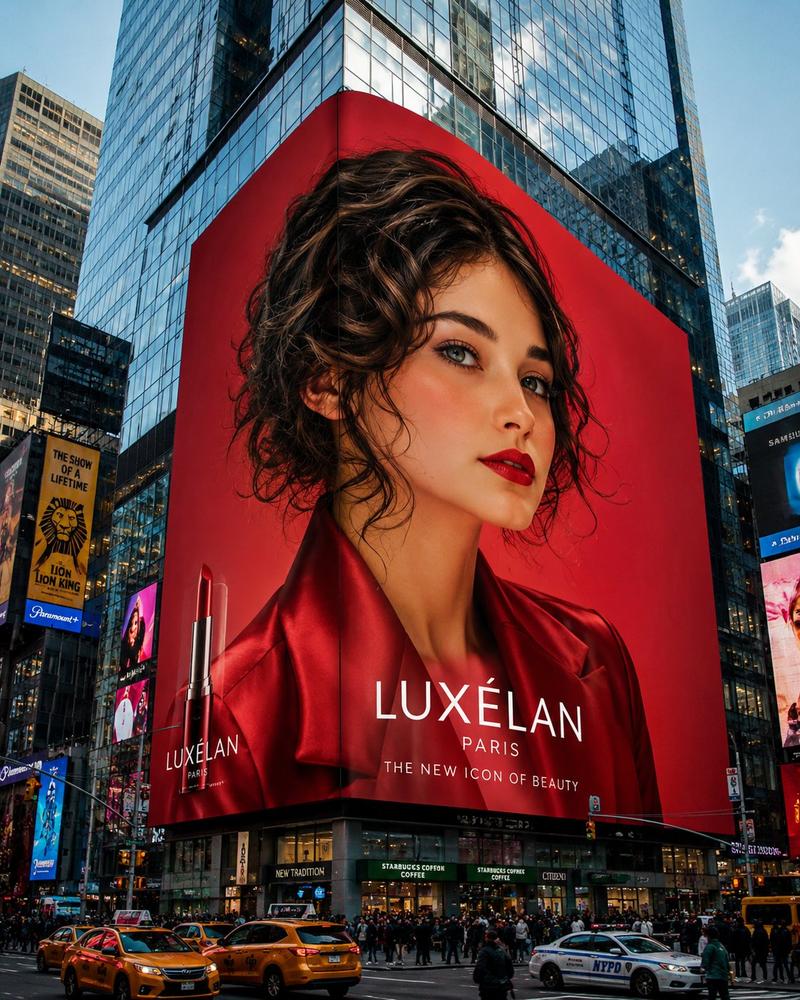
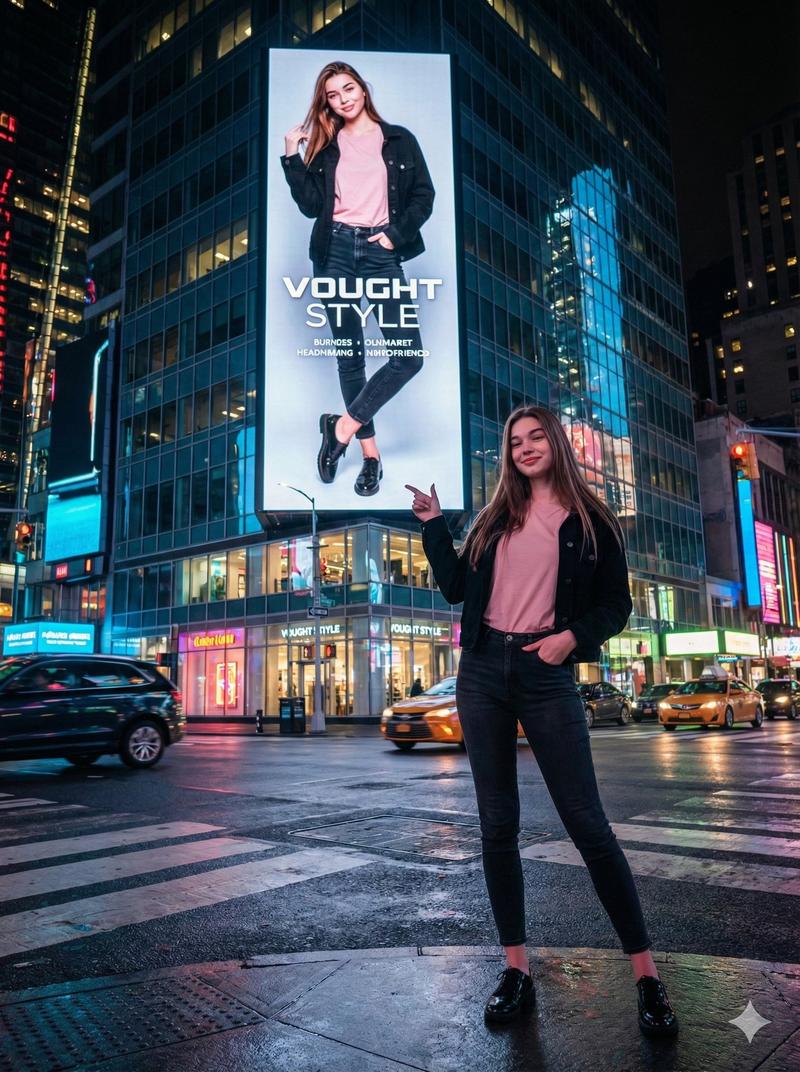
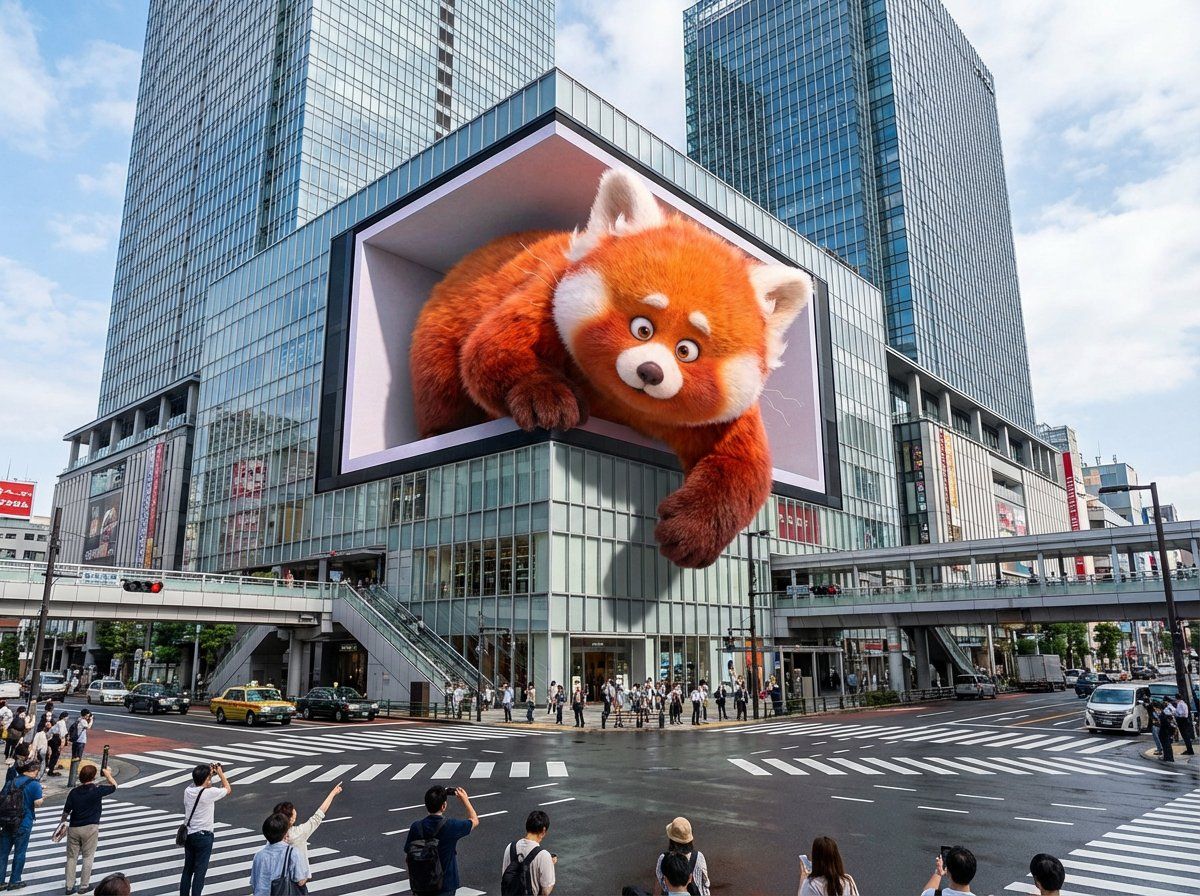
An enormous L-shaped glasses-free 3D LED screen situated prominently at a bustling urban intersection, designed in an iconic architectural style reminiscent of Shinjuku in Tokyo or Taikoo Li in Chengdu. The screen displays a captivating glasses-free 3D animation featuring [scene description]. The characters and objects possess striking depth and appear to break through the screen’s boundaries, extending outward or floating vividly in mid-air. Under realistic daylight conditions, these elements cast lifelike shadows onto the screen’s surface and surrounding buildings. Rich in intricate detail and vibrant colors, the animation seamlessly integrates with the urban setting and the bright sky overhead.
----
scene description:
[An adorable giant red panda playfully paws at passing pedestrians, its fluffy paws and curious face extending realistically into the space around the screen. ]
Category
Illustration & Art
Model
Nano Banana Pro
Views0
Source ID
enormous-banana-shaped-3d-screen

Guide

About "巨型香蕉形3D屏幕"

What is this prompt for?

"巨型香蕉形3D屏幕" AI image prompt for Nano Banana Pro (Illustration & Art). Nano Banana Pro Base Prompt @dotey An enormous L-shaped glasses-free 3D LED screen situat…

The full copyable prompt and example visuals above are ready for AI image generation or one-click recreate in Picva.

How to use this prompt

  1. Step 1

    Open the prompt detail

    Review the example visuals, category, and full prompt text for "巨型香蕉形3D屏幕".

  2. Step 2

    Copy the prompt

    Copy the prompt body from this page, or load it directly in Studio.

  3. Step 3

    Pick a model (Nano Banana Pro)

    Prefer Nano Banana Pro. If you switch models, keep subject and composition and tweak style terms.

  4. Step 4

    Generate and export

    Recreate the look in Picva, or export into your workflow for editing and publishing.

FAQ

What is the "巨型香蕉形3D屏幕" prompt?
It is an AI image-generation prompt for Nano Banana Pro in the Illustration & Art category. This page includes the full prompt text, example visuals, and a one-click recreate path in Picva.
How do I use this prompt to generate an image?
Copy the prompt from this page, or use Generate / Studio. Paste it into a compatible image model, or recreate the look in Picva with optional reference images.
Which model is this prompt for?
This page lists Nano Banana Pro. Most descriptive prompts also transfer to nearby image models such as GPT Image, Flux, or Midjourney with light style tweaks.
Can I use the result commercially?
You can usually copy the prompt for creation, but commercial use of the final image depends on the model terms, reference-image rights, and the generated content. Follow the source author and platform rules.