19

无需求人,AI帮你生成美照
Enlarge

无需求人,AI帮你生成美照

Prompt
Want aesthetic AI photos without begging friends for pics? Here's your fix 😌📸
Steps:
1️⃣ Selfie (preferably not from 2017 front cam)
2️⃣ Load it in Gemini
3️⃣ Paste prompt
4️⃣ Generate → Choose fav → Upload
⭐ Follow for daily AI outfit prompts.
Prompt:
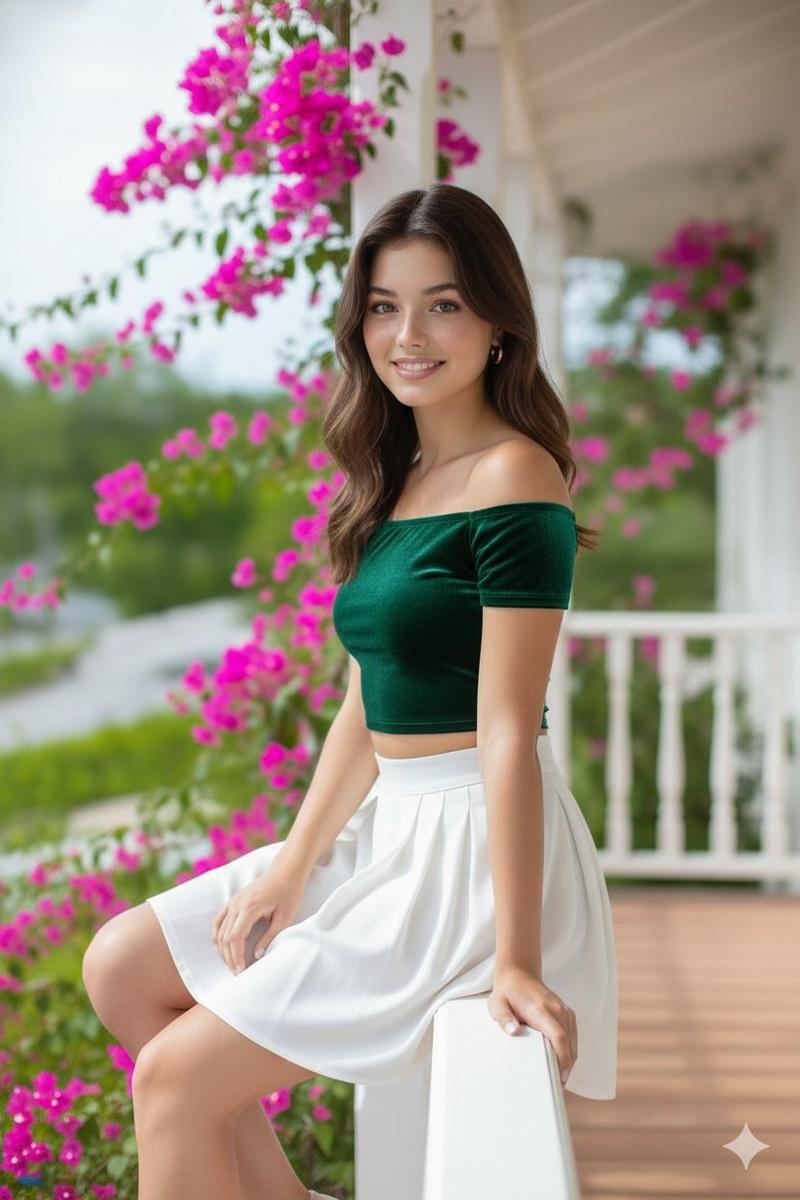
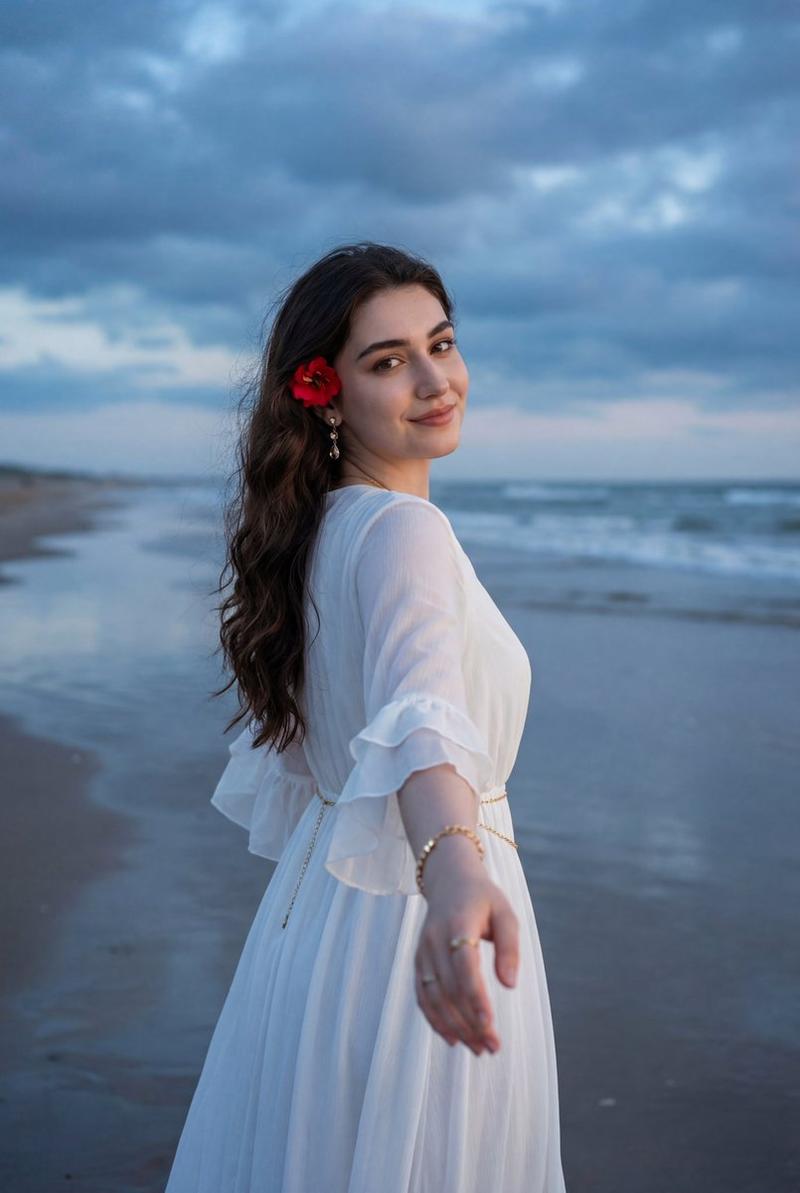
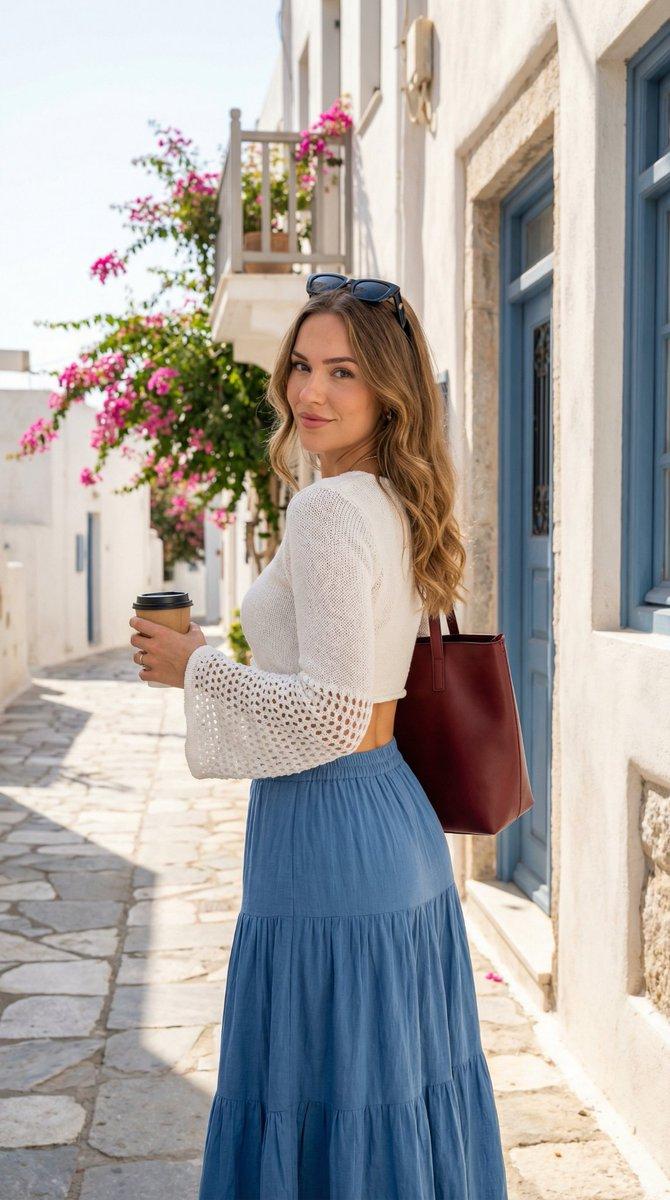
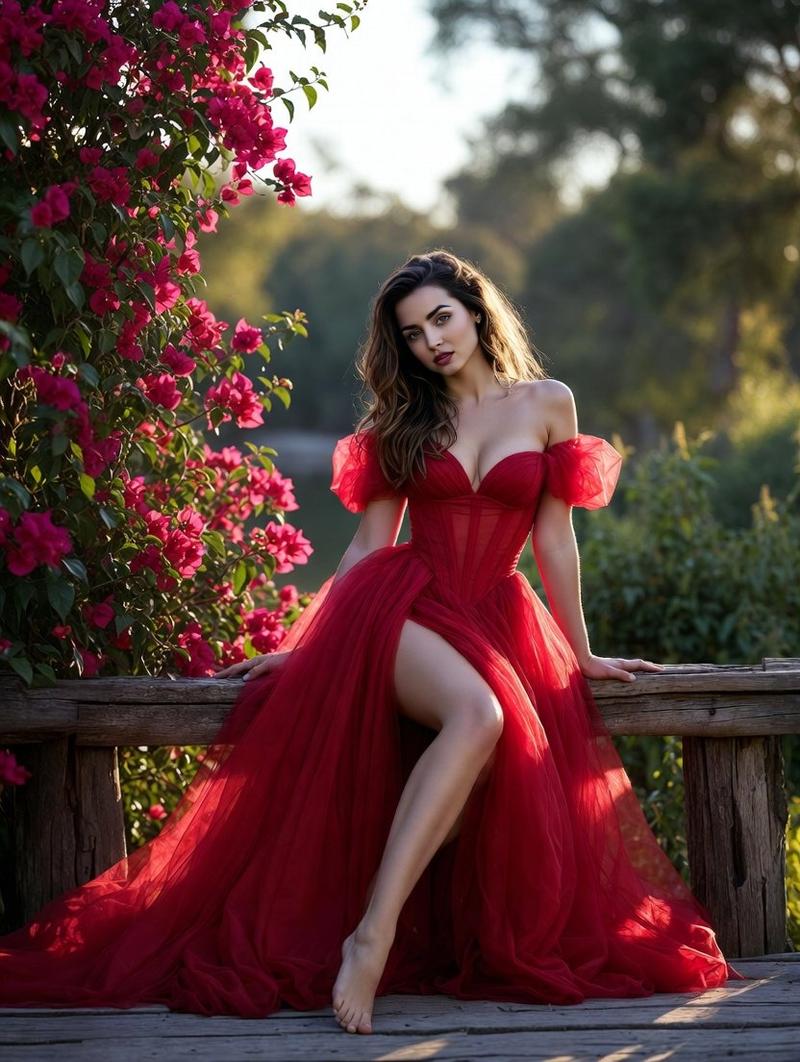
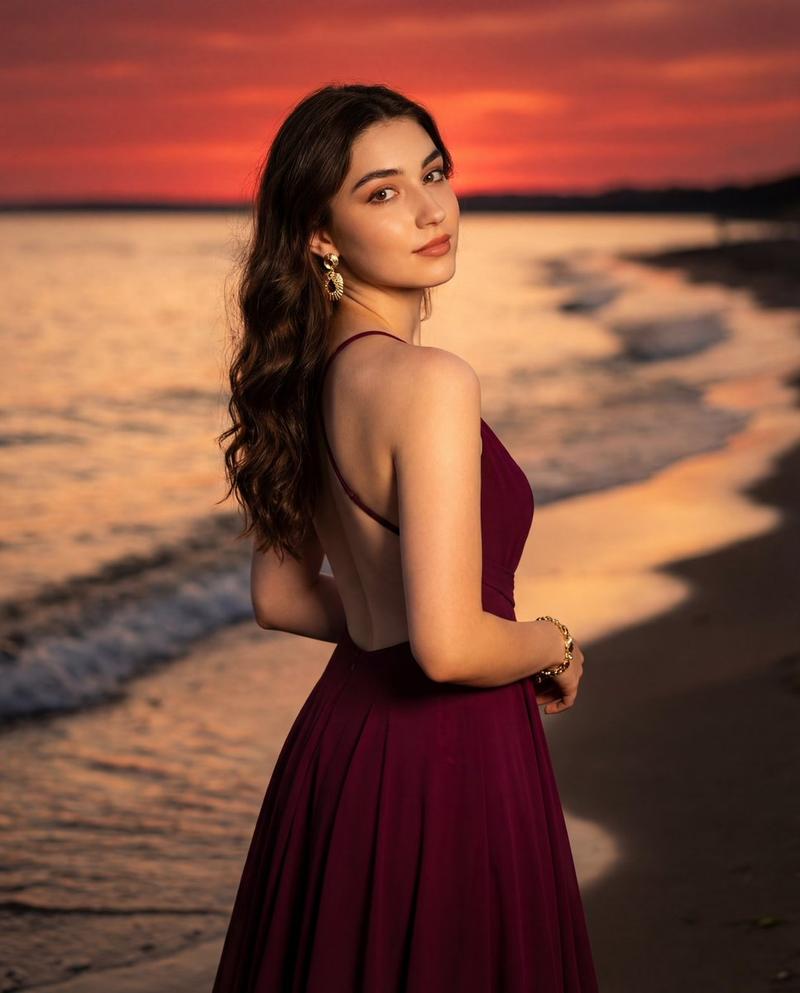
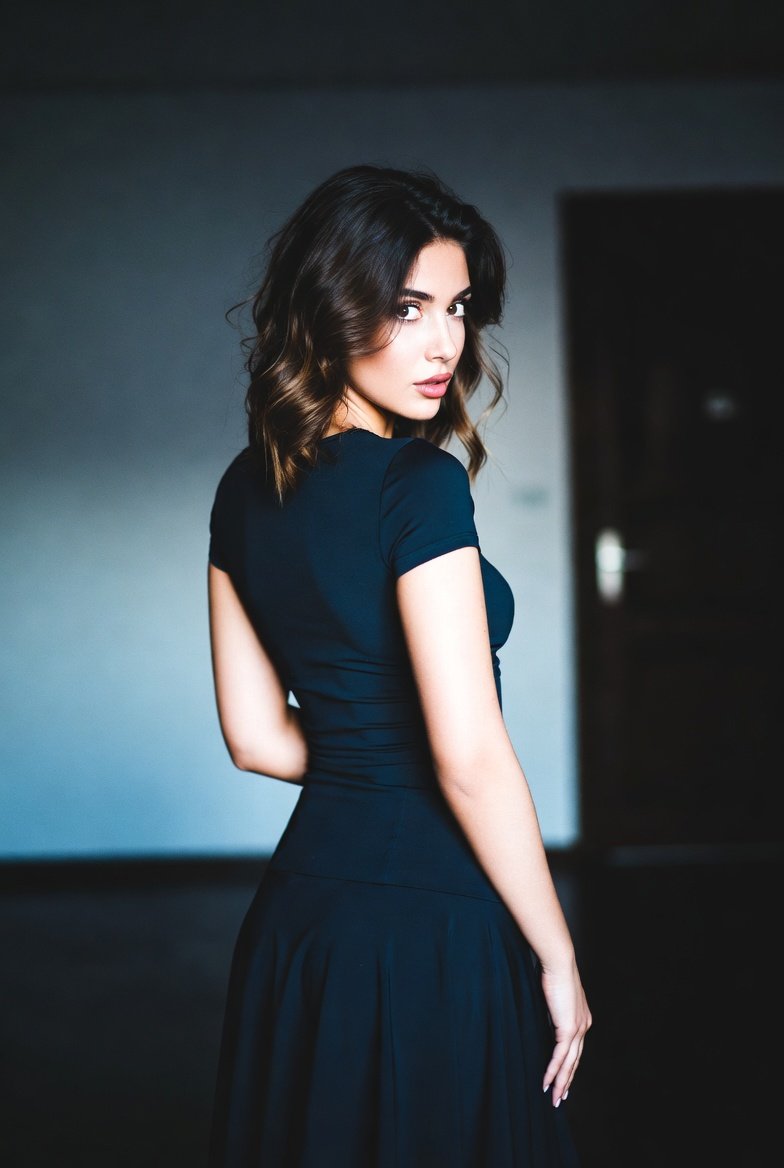
"100% same face & body details, A beautiful young woman slightly turned right, calm gaze. Wearing a sky-blue organza crop top with pearls and navy A-line skirt, sheer sleeves flowy. Holding basket filled with lavender & daisies, silver drop earrings. Standing on colonial balcony, white railing, pastel walls, bougainvillea. Realistic phone-camera vibe, natural skin texture, clean daylight."
Category
Photography & Realism
Model
Unknown
Creator
Abbay
Views4
Source ID
generate-aesthetic-ai-photos-without-friends-help

Guide

About "无需求人,AI帮你生成美照"

What is this prompt for?

"无需求人,AI帮你生成美照" AI image prompt for Unknown (Photography & Realism). Want aesthetic AI photos without begging friends for pics? Here's your fix 😌📸 Steps: 1️⃣…

The full copyable prompt and example visuals above are ready for AI image generation or one-click recreate in Picva.

How to use this prompt

  1. Step 1

    Open the prompt detail

    Review the example visuals, category, and full prompt text for "无需求人,AI帮你生成美照".

  2. Step 2

    Copy the prompt

    Copy the prompt body from this page, or load it directly in Studio.

  3. Step 3

    Pick a model (Unknown)

    Prefer Unknown. If you switch models, keep subject and composition and tweak style terms.

  4. Step 4

    Generate and export

    Recreate the look in Picva, or export into your workflow for editing and publishing.

FAQ

What is the "无需求人,AI帮你生成美照" prompt?
It is an AI image-generation prompt for Unknown in the Photography & Realism category. This page includes the full prompt text, example visuals, and a one-click recreate path in Picva.
How do I use this prompt to generate an image?
Copy the prompt from this page, or use Generate / Studio. Paste it into a compatible image model, or recreate the look in Picva with optional reference images.
Which model is this prompt for?
This page lists Unknown. Most descriptive prompts also transfer to nearby image models such as GPT Image, Flux, or Midjourney with light style tweaks.
Can I use the result commercially?
You can usually copy the prompt for creation, but commercial use of the final image depends on the model terms, reference-image rights, and the generated content. Follow the source author and platform rules.