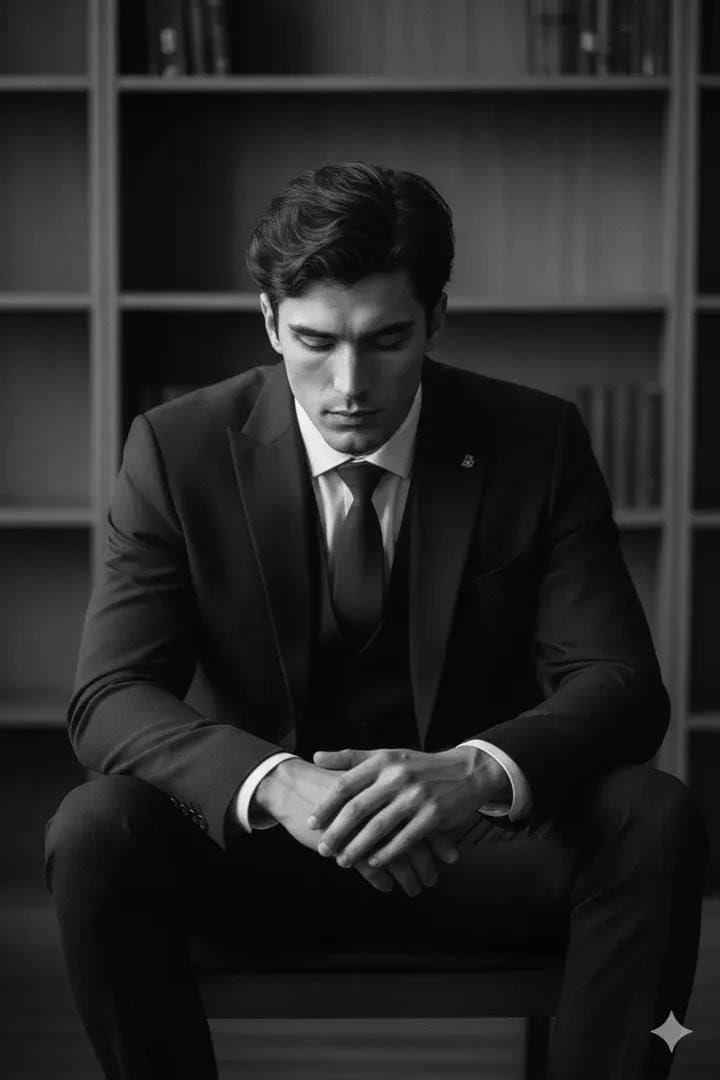
高对比度黑白影棚肖像
Prompt
Create a 4:5 high-contrast, black-and-white studio portrait of a {argument name="subject" default="handsome man"} in the uploaded image. He is seated in a slumped, pensive posture on a {argument name="furniture" default="minimalist dark wooden chair"}. His right elbow rests on his knee, with his head leaning heavily into his palm, while his left hand loosely grips a white disposable coffee cup with a black plastic lid. He is wearing classic black Wayfarer-style sunglasses, hiding his eyes and adding to the stoic, moody atmosphere.Suit: An oversized, structured black blazer and matching wide-leg trousers. The fabric is a heavy, matte wool. Four small black buttons are visible on the sleeve cuff. Footwear: Crisp, bright white ribbed cotton socks creating a sharp visual break between the dark trousers and shoes. Shoes: Highly polished black leather Oxford shoes with thin laces and a slight sheen on the toe box. Background: A minimalist, sterile studio setting with a {argument name="background" default="light grey or off-white textured plaster wall"}. A soft, vertical shadow or curtain edge is visible on the far left. Lighting: Soft, diffused side-lighting that creates gentle gradients on the man's face and deep, dramatic folds in the oversized suit. The lighting emphasizes the high-contrast "black on white" aesthetic. Floor: A light, seamless studio floor that catches the soft shadows cast by the chair legs and the man's shoes. Color Grade: Pure monochrome (black and white) with a wide dynamic range—deep blacks and bright, clean whites. Film Quality: Sharp focus on the subject with a very subtle film grain, mimicking professional editorial fashion photography (reminiscent of 1990s minimalist campaigns).- Category
- Charts & Infographics
- Model
- GPT Image 2
- Creator
- Zar⭕on
- Source ID
- 15184
- Published
- Apr 23, 2026
Views7