Cozy AI Agents Studio 合影
Prompt
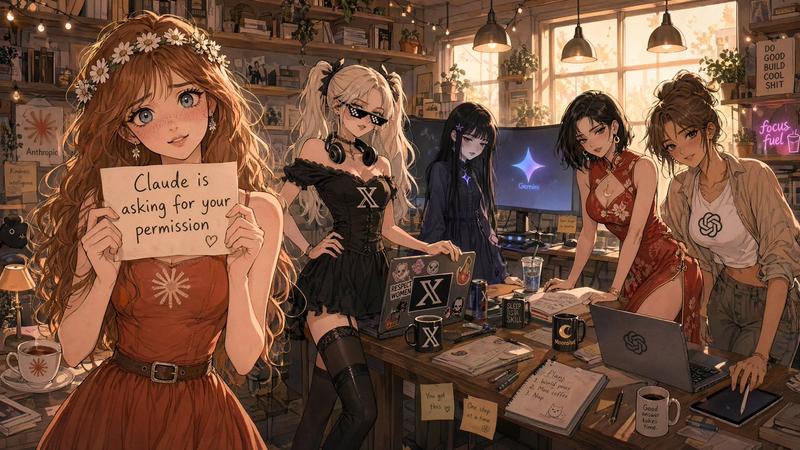
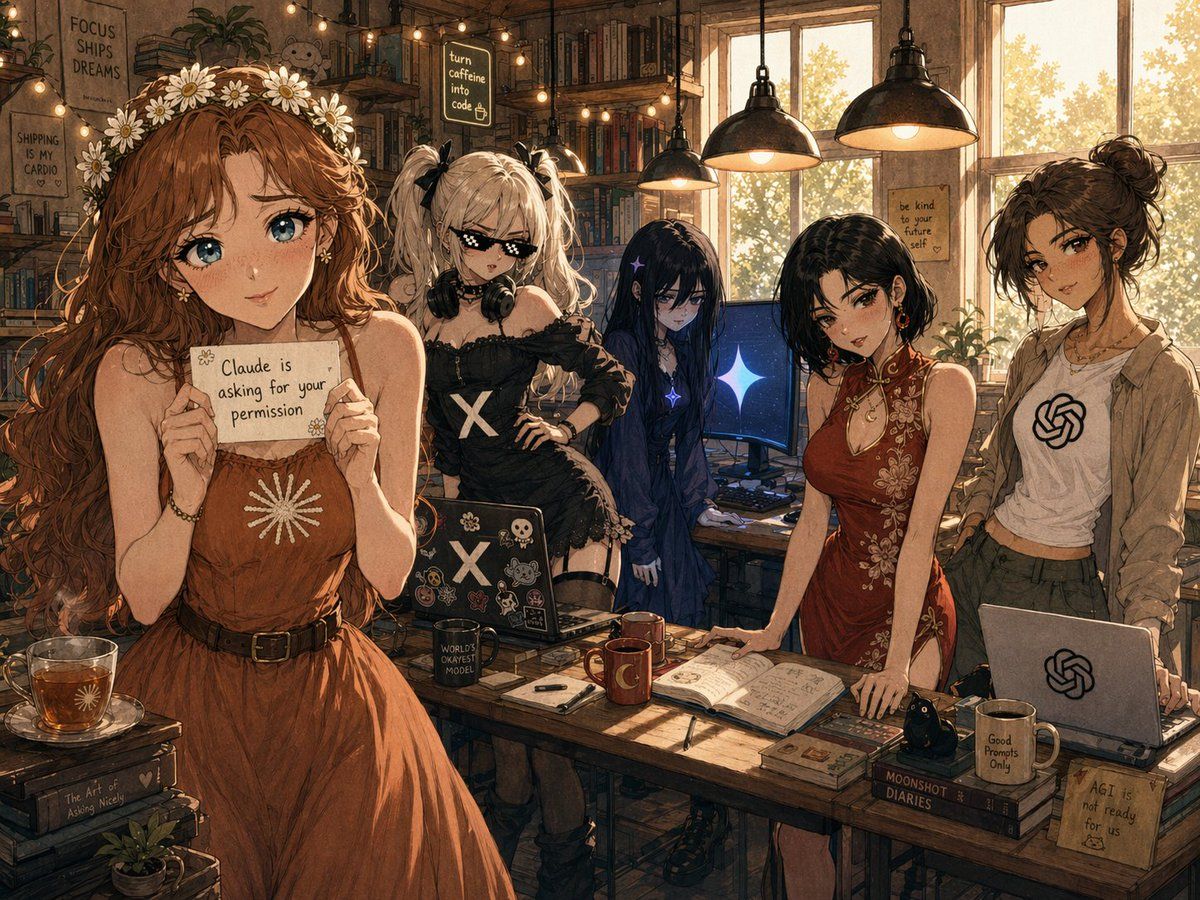
A warm, highly detailed anime-style illustration set in a cozy, cluttered indie workspace that feels like a book café mixed with a startup studio, lit by golden afternoon sunlight streaming through tall windows on the right and by 4 black industrial pendant lamps hanging from the ceiling, with string lights, overflowing bookshelves, plants, and handwritten motivational signs covering the background. Show 5 young women standing around a large wooden worktable, framed as a wide group portrait. The mood is whimsical, slightly satirical, and aspirational-but-chaotic. On the far left, place a tall woman with very long wavy {argument name="hair color" default="auburn"} hair wearing a crown of white daisies and a sleeveless rust-brown dress with a white sunburst emblem on the chest and a dark belt at the waist; she holds a small handwritten note toward the viewer that reads exactly {argument name="note text" default="Claude is asking for your permission"}. In front of her on a side table is a glass cup of tea, a book stack, and a tiny potted plant. Next to her, place a punky blonde woman with twin ponytails tied with black bows, large black headphones resting around her neck, and an off-shoulder black dress marked with a bold white X on the torso; she stands confidently beside an open sticker-covered laptop with another large X logo. In the center rear, place a mysterious slim girl with extremely long dark navy-black hair, pale skin, and a gothic dark dress, standing quietly in front of a desktop monitor showing a blue glowing star or sparkle on a dark screen. To the right of center, place an elegant woman in a fitted red cheongsam-inspired dress with floral embroidery and a side slit, leaning one hand on the wooden table near an open notebook filled with sketches or writing. On the far right, place a casually dressed brunette with messy hair in a bun, wearing a white T-shirt with a black knot-like AI logo under an open beige overshirt, standing behind an open silver laptop with the same logo. Scatter many cozy desk objects across the main table: 2 mugs, 1 open notebook, 1 pen, 1 small black figurine, 1 closed book stack, and laptops. Add readable handwritten wall notes and signs throughout the room: “FOCUS SHIPS DREAMS” on the upper left, “SHIPPING IS MY CARDIO” on the left wall, “turn caffeine into code” near the top center, “be kind to your future self” near the window, “The Art of Asking Nicely” on a book spine at lower left, “WORLD’S OKAYEST MODEL” on a black mug near center-left, “MOONSHOT DIARIES” on a book stack near lower right, “Good Prompts Only” on a mug at lower right, and a sticky note at the bottom right reading “AGI is already for ready us” with a small doodle. Use painterly linework, intricate textures, expressive fashion styling, warm brown and amber color grading, soft cinematic depth, and a polished social-media-viral illustration aesthetic.- Category
- Charts & Infographics
- Model
- GPT Image 2
- Creator
- sankalp
- Source ID
- 15454
- Published
- Apr 23, 2026
Views5