20

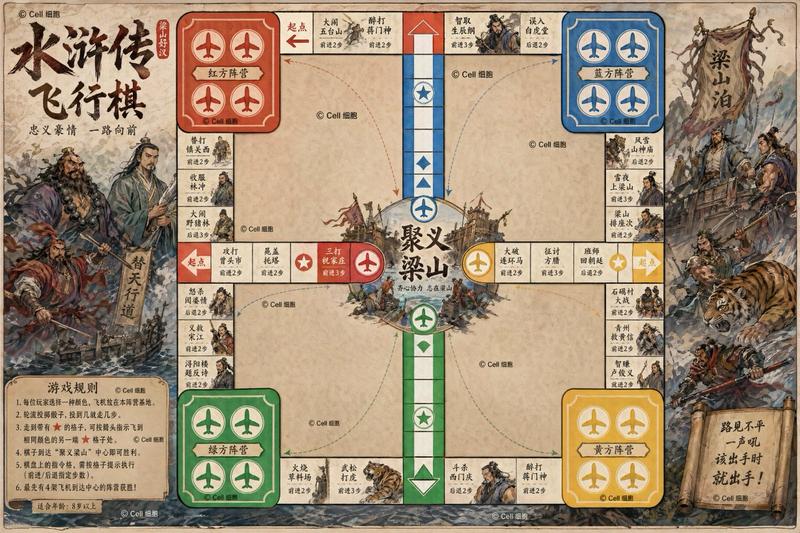
《西游记》飞行棋提示词
Enlarge

《西游记》飞行棋提示词

Prompt
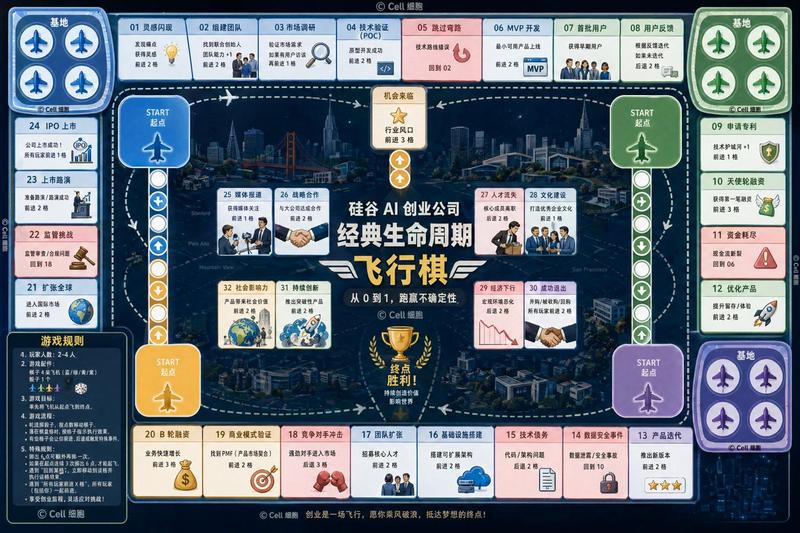
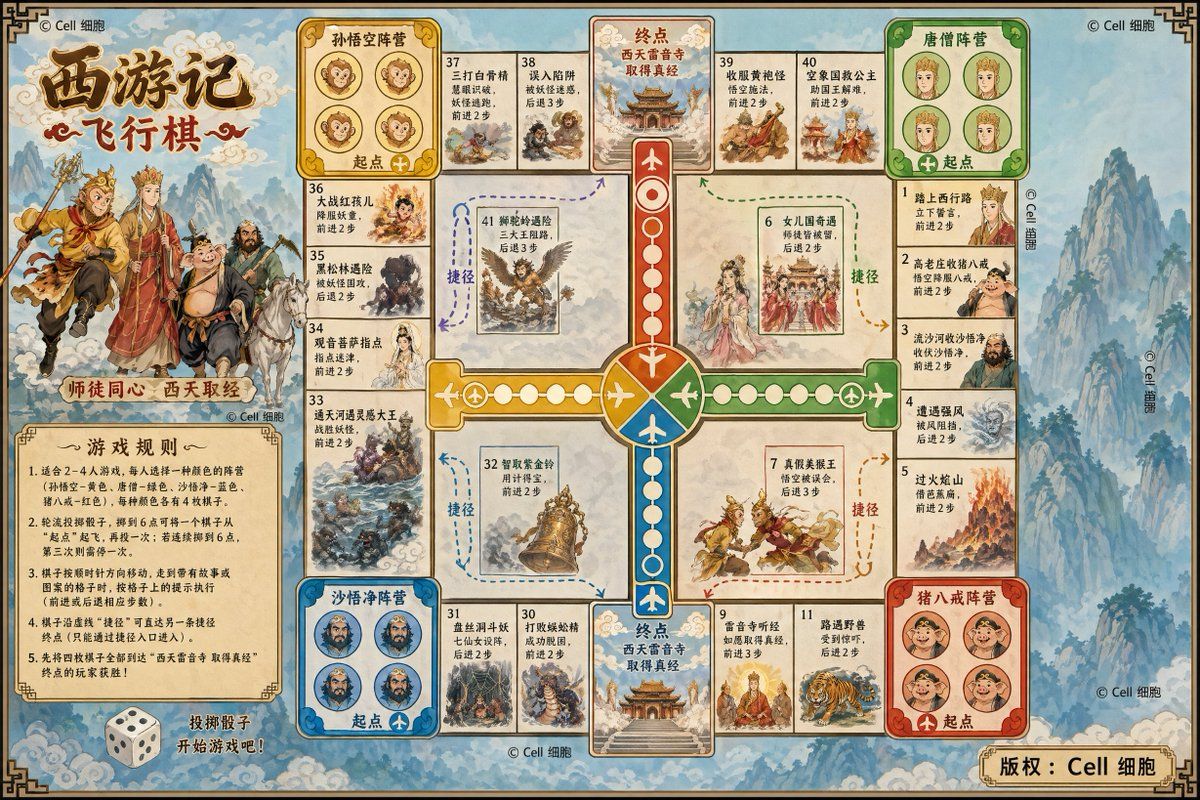
基于 {argument name="主题" default="西游记"} 剧情 设计一款飞行棋,清晰绘制完整棋布,注意细节,可以适当加上剧情配图在合适关卡,面向 {argument name="目标受众" default="8 岁以上儿童"} 的,左下角写游戏规则
Category
Scenes & Storytelling
Model
GPT Image 2
Views1
Source ID
15921
Published
Apr 25, 2026

Guide

About "《西游记》飞行棋提示词"

What is this prompt for?

"《西游记》飞行棋提示词" AI image prompt for GPT Image 2 (Scenes & Storytelling). 一个为儿童设计基于经典故事主题的定制飞行棋(Flying Chess)游戏的提示词。 Copy it on Picva and recreate the look in one…

The full copyable prompt and example visuals above are ready for AI image generation or one-click recreate in Picva.

How to use this prompt

  1. Step 1

    Open the prompt detail

    Review the example visuals, category, and full prompt text for "《西游记》飞行棋提示词".

  2. Step 2

    Copy the prompt

    Copy the prompt body from this page, or load it directly in Studio.

  3. Step 3

    Pick a model (GPT Image 2)

    Prefer GPT Image 2. If you switch models, keep subject and composition and tweak style terms.

  4. Step 4

    Generate and export

    Recreate the look in Picva, or export into your workflow for editing and publishing.

FAQ

What is the "《西游记》飞行棋提示词" prompt?
It is an AI image-generation prompt for GPT Image 2 in the Scenes & Storytelling category. This page includes the full prompt text, example visuals, and a one-click recreate path in Picva.
How do I use this prompt to generate an image?
Copy the prompt from this page, or use Generate / Studio. Paste it into a compatible image model, or recreate the look in Picva with optional reference images.
Which model is this prompt for?
This page lists GPT Image 2. Most descriptive prompts also transfer to nearby image models such as GPT Image, Flux, or Midjourney with light style tweaks.
Can I use the result commercially?
You can usually copy the prompt for creation, but commercial use of the final image depends on the model terms, reference-image rights, and the generated content. Follow the source author and platform rules.