17

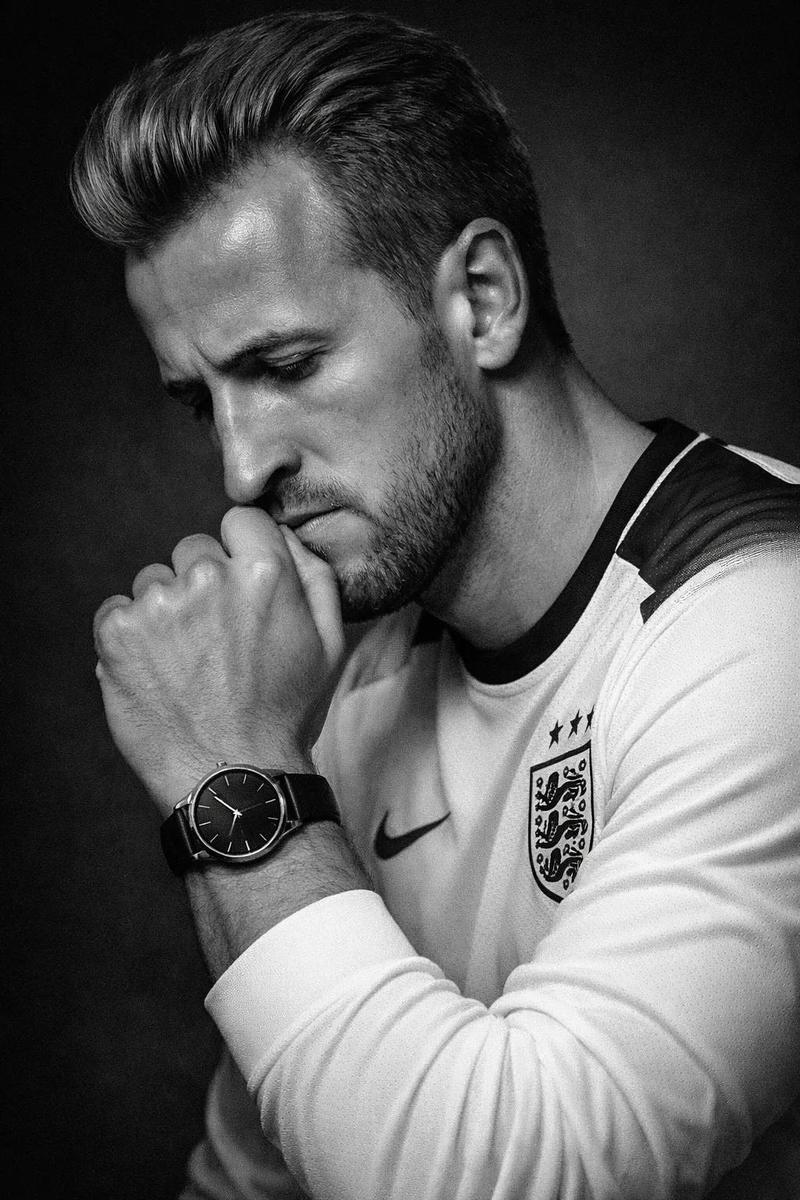
超写实斯多葛风格肖像
Enlarge

超写实斯多葛风格肖像

Prompt
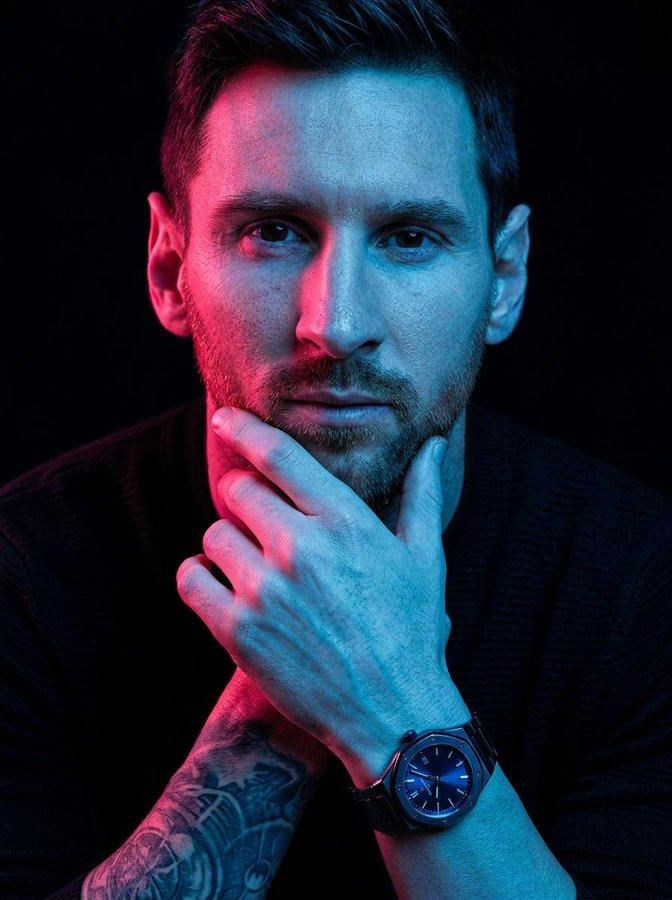
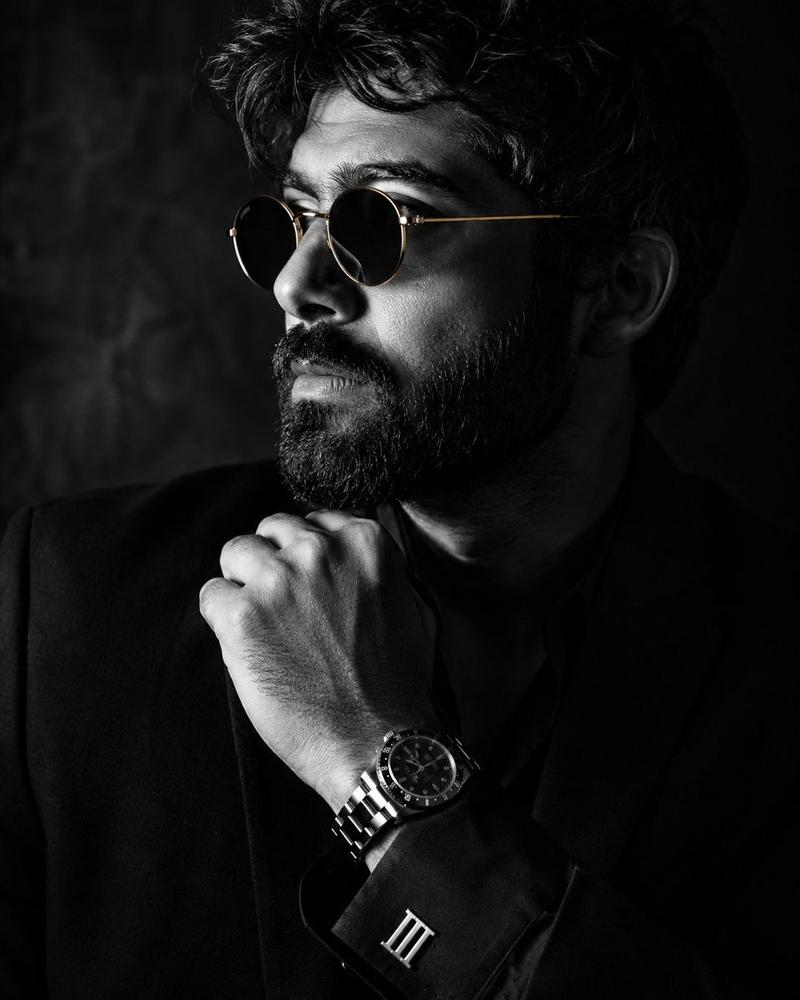
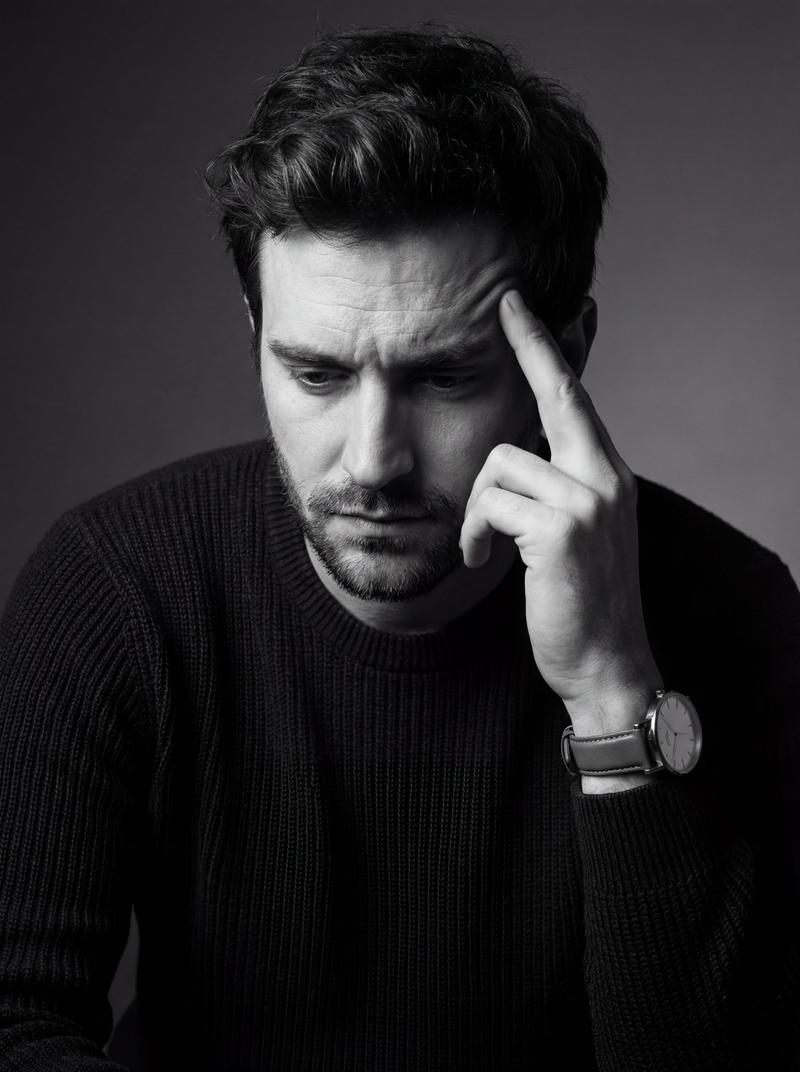
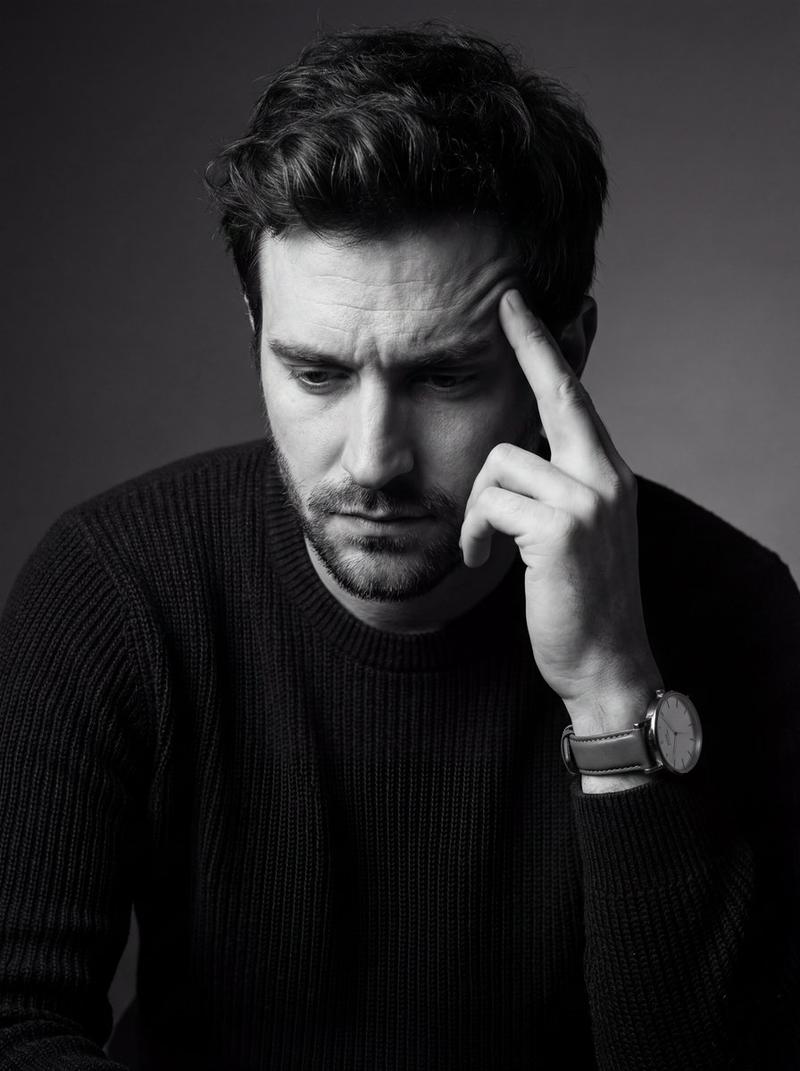
A hyper-realistic, cinematic medium close-up portrait of the uploaded person. The subject is positioned with their torso angled slightly forward, but their head is turned to the side, looking off-camera to the left with a deeply contemplative, serious, and stoic expression. One hand is raised, resting gently against the chin and lower lip in a classic "thinking" gesture, fingers softly curled. On the wrist is a {argument name="accessory" default="prominent, luxurious metallic chronograph watch"} with complex dial details. The subject is wearing a {argument name="outfit" default="sleek, dark black long-sleeved shirt or suit jacket"} that blends into the shadows, with metallic cuff accents catching the light. Background: A minimalist, moody, {argument name="background" default="textured charcoal-grey gradient backdrop"}, featuring a soft, faint vertical strip of light on the far left edge. Camera Angle & Photography: Eye-level angle, amazing high-end commercial portrait photography. Lighting, Editing & Effects: Dramatic chiaroscuro side-lighting illuminating the right side of the subject's face while casting deep, rich shadows on the left. The image features a shallow depth of field with sharp focus on the visible eye and the luxury watch. There is a distinct, heavy foreground blur (a hazy, soft white/grey light leak effect) obscuring the very bottom and bottom-left corner of the frame to create atmospheric depth. High-contrast editing, moody cinematic color grading, and a highly polished, premium aesthetic. ar 4:5
Category
Charts & Infographics
Model
GPT Image 2
Creator
K
Views2
Source ID
16238
Published
Apr 26, 2026

Guide

About "超写实斯多葛风格肖像"

What is this prompt for?

"超写实斯多葛风格肖像" AI image prompt for GPT Image 2 (Charts & Infographics). 一个电影质感的商业肖像提示词,主体呈现沉思姿态,配以戏剧性的侧光,并聚焦于计时码表等奢华细节。 Copy it on Picva and recreate the look in…

The full copyable prompt and example visuals above are ready for AI image generation or one-click recreate in Picva.

How to use this prompt

  1. Step 1

    Open the prompt detail

    Review the example visuals, category, and full prompt text for "超写实斯多葛风格肖像".

  2. Step 2

    Copy the prompt

    Copy the prompt body from this page, or load it directly in Studio.

  3. Step 3

    Pick a model (GPT Image 2)

    Prefer GPT Image 2. If you switch models, keep subject and composition and tweak style terms.

  4. Step 4

    Generate and export

    Recreate the look in Picva, or export into your workflow for editing and publishing.

FAQ

What is the "超写实斯多葛风格肖像" prompt?
It is an AI image-generation prompt for GPT Image 2 in the Charts & Infographics category. This page includes the full prompt text, example visuals, and a one-click recreate path in Picva.
How do I use this prompt to generate an image?
Copy the prompt from this page, or use Generate / Studio. Paste it into a compatible image model, or recreate the look in Picva with optional reference images.
Which model is this prompt for?
This page lists GPT Image 2. Most descriptive prompts also transfer to nearby image models such as GPT Image, Flux, or Midjourney with light style tweaks.
Can I use the result commercially?
You can usually copy the prompt for creation, but commercial use of the final image depends on the model terms, reference-image rights, and the generated content. Follow the source author and platform rules.