17

Aesthetic Doodle Portrait
Enlarge

Aesthetic Doodle Portrait

Prompt
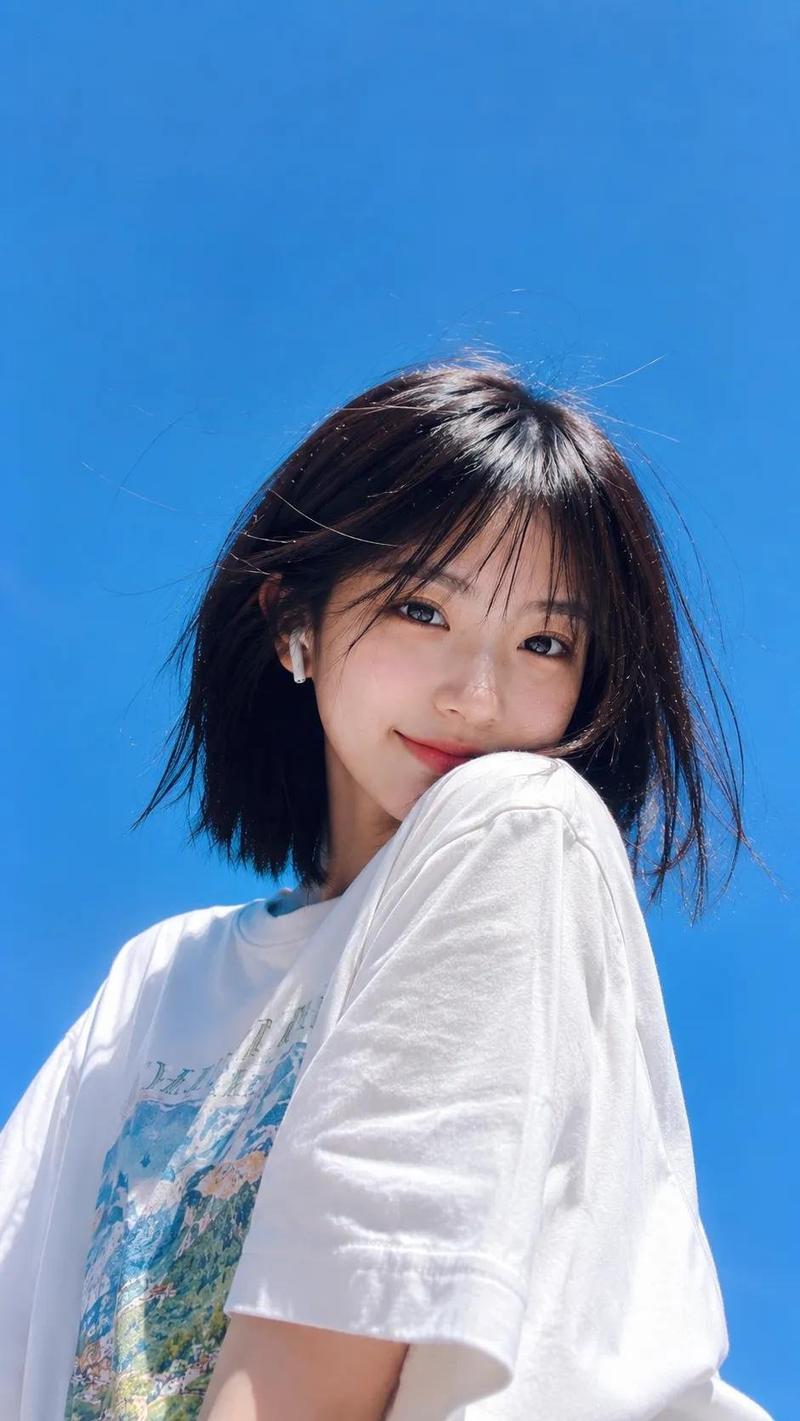
Low-angle aesthetic portrait of {argument name="subject" default="subject from reference image"}, standing under a bright blue sky filled with soft, fluffy clouds. The subject is wearing a pastel bucket hat, oversized gray sweatshirt, and round sunglasses, styled in minimal fashion. Relaxed and calm expression, natural pose. 

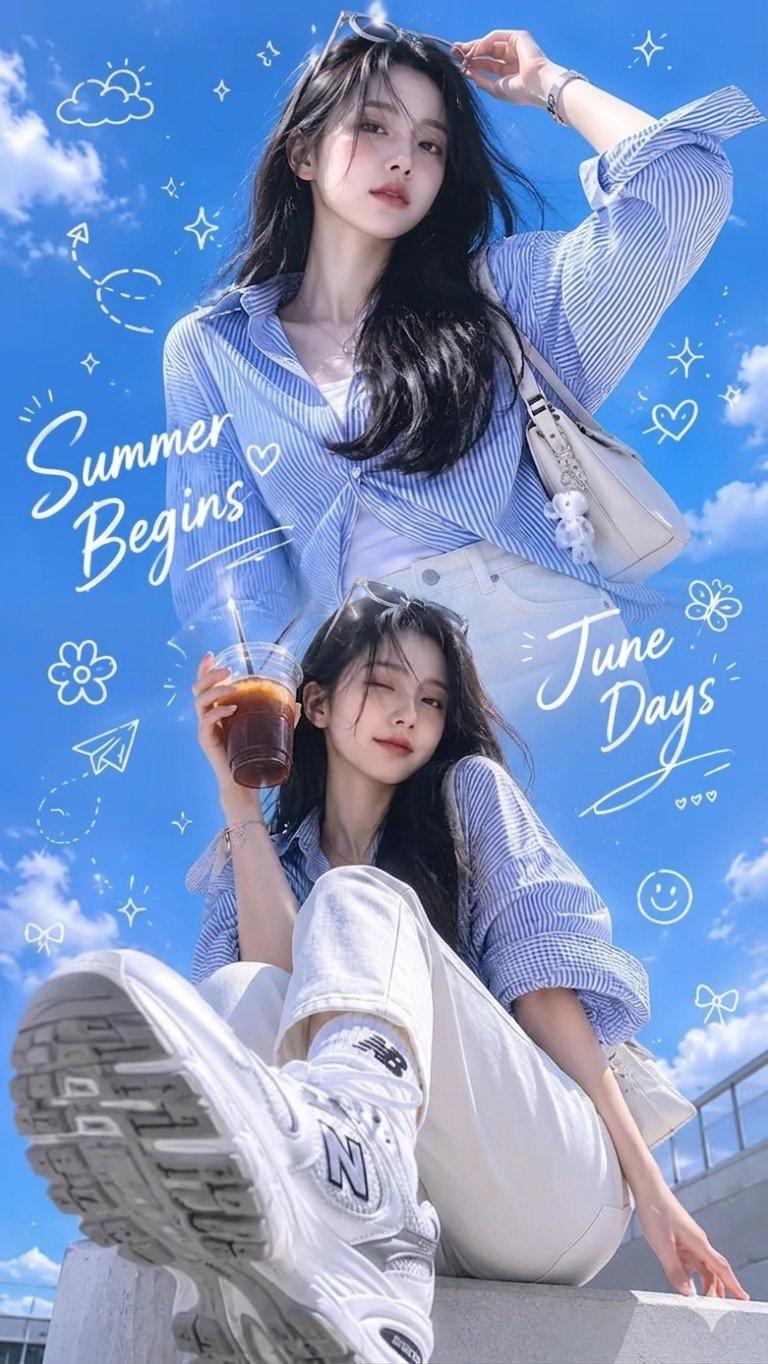
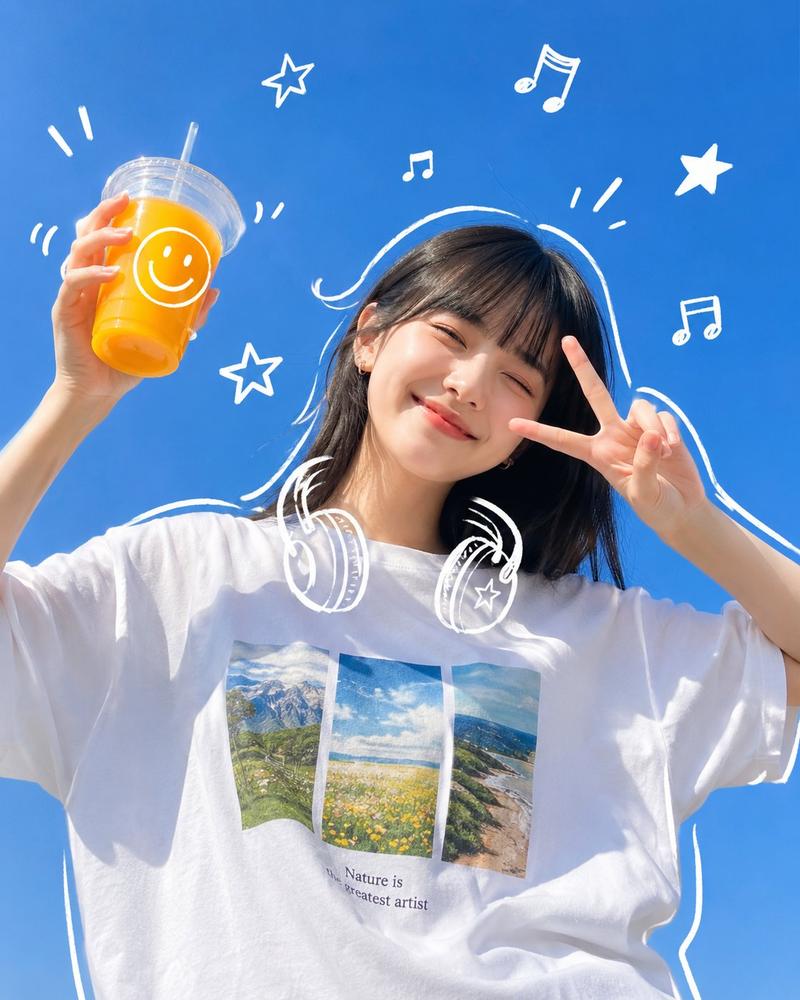
Above and surrounding the subject are playful white doodle illustrations seamlessly integrated into the sky: cute cartoon characters, rocket, robot, skull, stars, paper airplane, sparkles, and whimsical abstract shapes.

Handwritten typography floating in the sky with the text “{argument name="first name" default="custom name 1"}” and “{argument name="second name" default="custom name 2"}”, drawn in soft white ink, bubbly, dreamy, and slightly imperfect hand-drawn style.

Clean composition, airy spacing, pastel tones, soft natural lighting, minimal shadows, crisp details. Kawaii doodle overlay combined with ultra-realistic photography style. Instagram-style edit with subtle film grain and soft glow.

Modern Gen Z aesthetic, light blue dominant palette, dreamy and playful mood, high dynamic range, editorial photography, 4K resolution.

Aspect ratio 3:4
Category
Charts & Infographics
Model
GPT Image 2
Creator
Ciri
Views0
Source ID
18053
Published
May 3, 2026

Guide

About "Aesthetic Doodle Portrait"

What is this prompt for?

"Aesthetic Doodle Portrait" AI image prompt for GPT Image 2 (Charts & Infographics). A creative prompt that blends ultra-realistic photography with playful han…

The full copyable prompt and example visuals above are ready for AI image generation or one-click recreate in Picva.

How to use this prompt

  1. Step 1

    Open the prompt detail

    Review the example visuals, category, and full prompt text for "Aesthetic Doodle Portrait".

  2. Step 2

    Copy the prompt

    Copy the prompt body from this page, or load it directly in Studio.

  3. Step 3

    Pick a model (GPT Image 2)

    Prefer GPT Image 2. If you switch models, keep subject and composition and tweak style terms.

  4. Step 4

    Generate and export

    Recreate the look in Picva, or export into your workflow for editing and publishing.

FAQ

What is the "Aesthetic Doodle Portrait" prompt?
It is an AI image-generation prompt for GPT Image 2 in the Charts & Infographics category. This page includes the full prompt text, example visuals, and a one-click recreate path in Picva.
How do I use this prompt to generate an image?
Copy the prompt from this page, or use Generate / Studio. Paste it into a compatible image model, or recreate the look in Picva with optional reference images.
Which model is this prompt for?
This page lists GPT Image 2. Most descriptive prompts also transfer to nearby image models such as GPT Image, Flux, or Midjourney with light style tweaks.
Can I use the result commercially?
You can usually copy the prompt for creation, but commercial use of the final image depends on the model terms, reference-image rights, and the generated content. Follow the source author and platform rules.