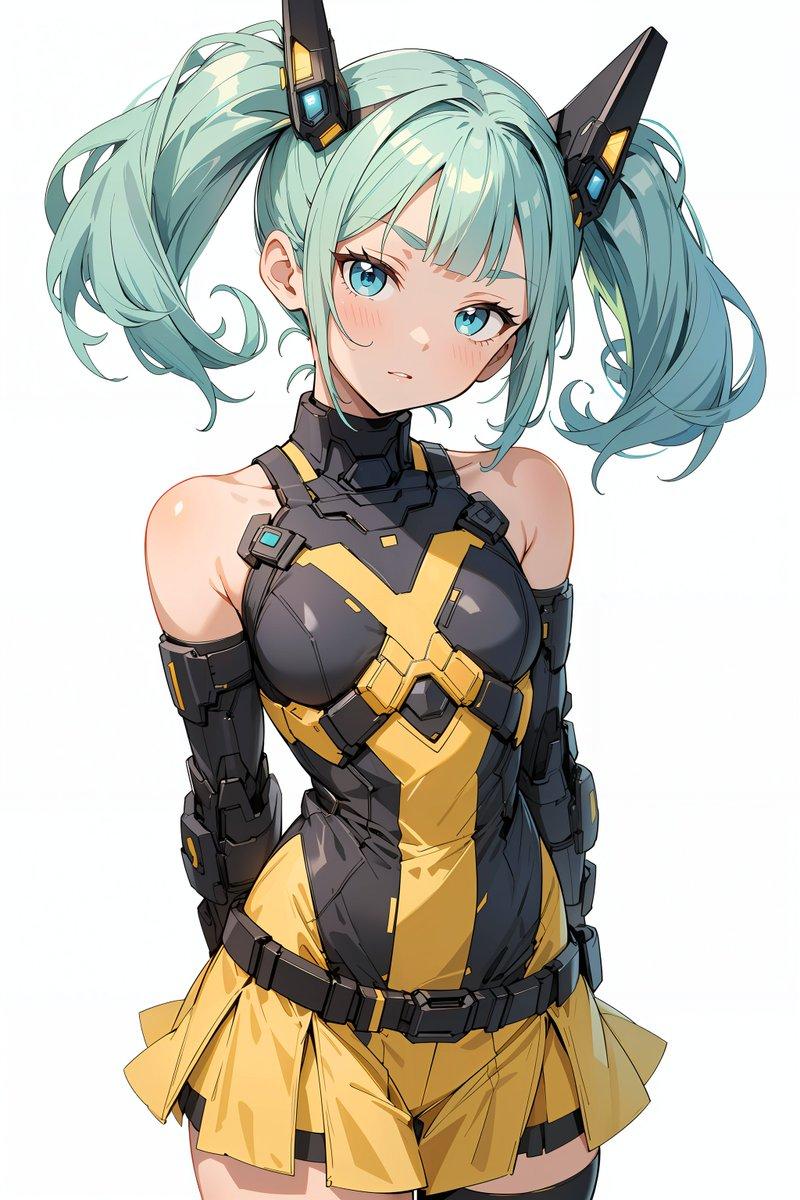
15

剪纸风格人物插画
Enlarge

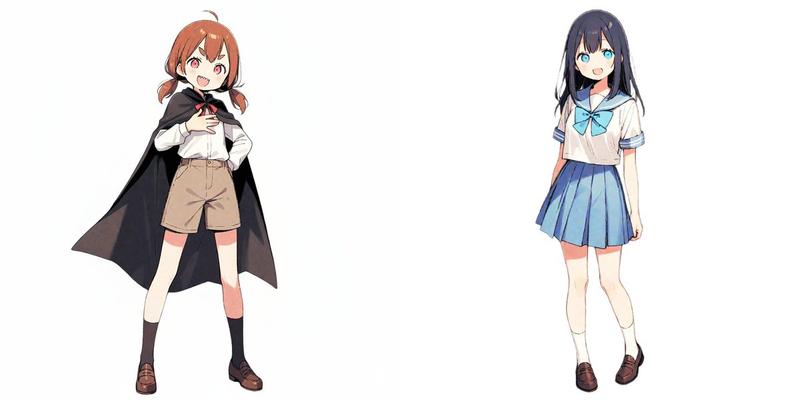
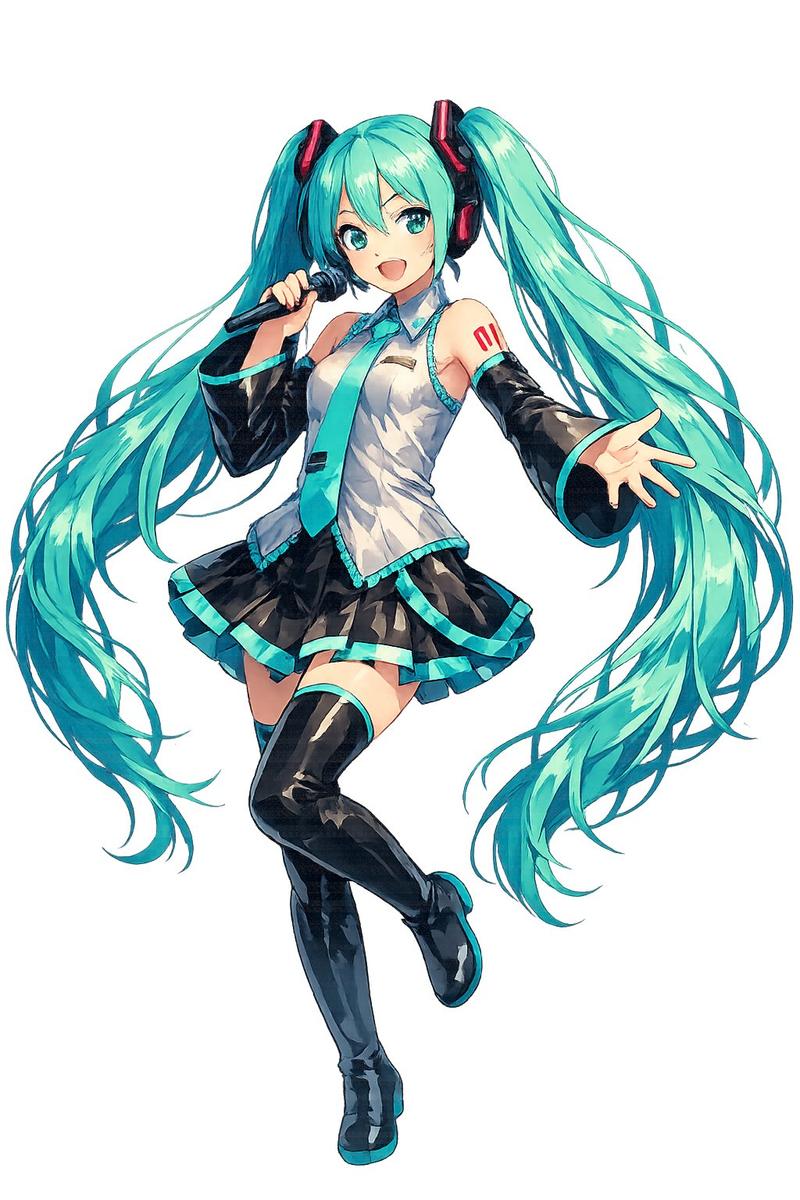
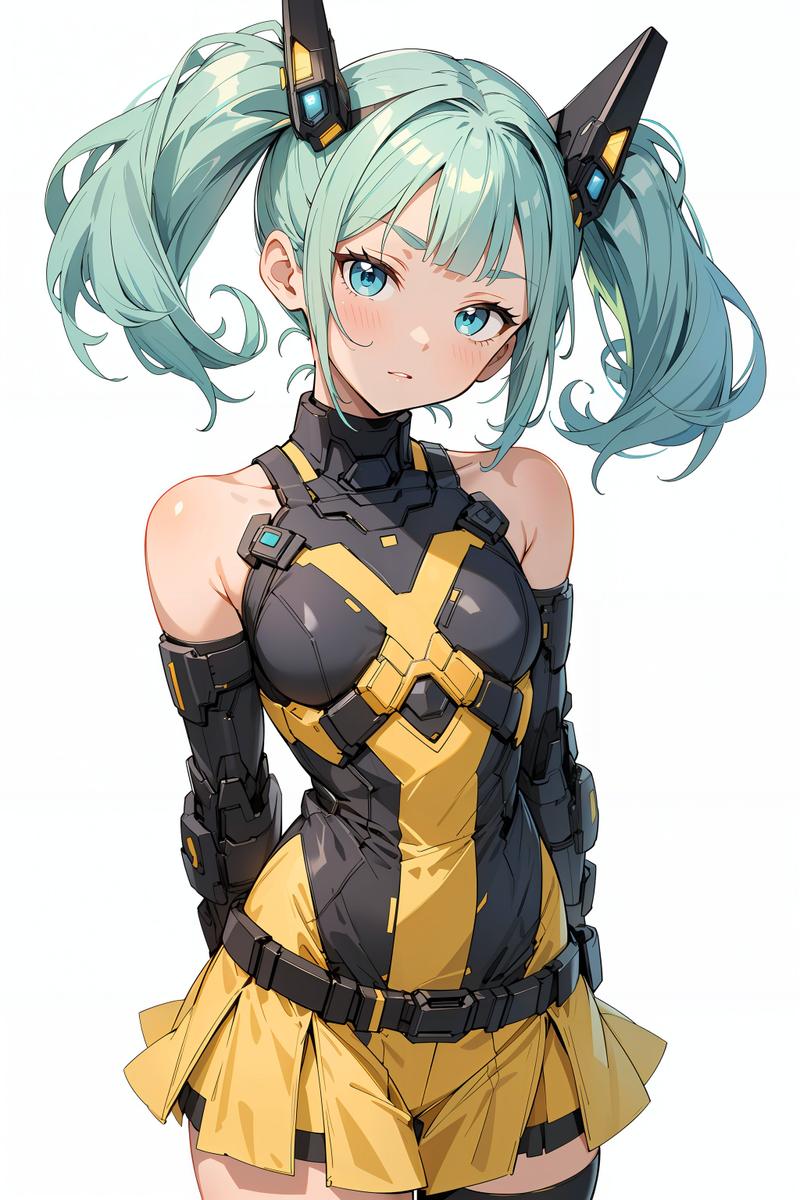
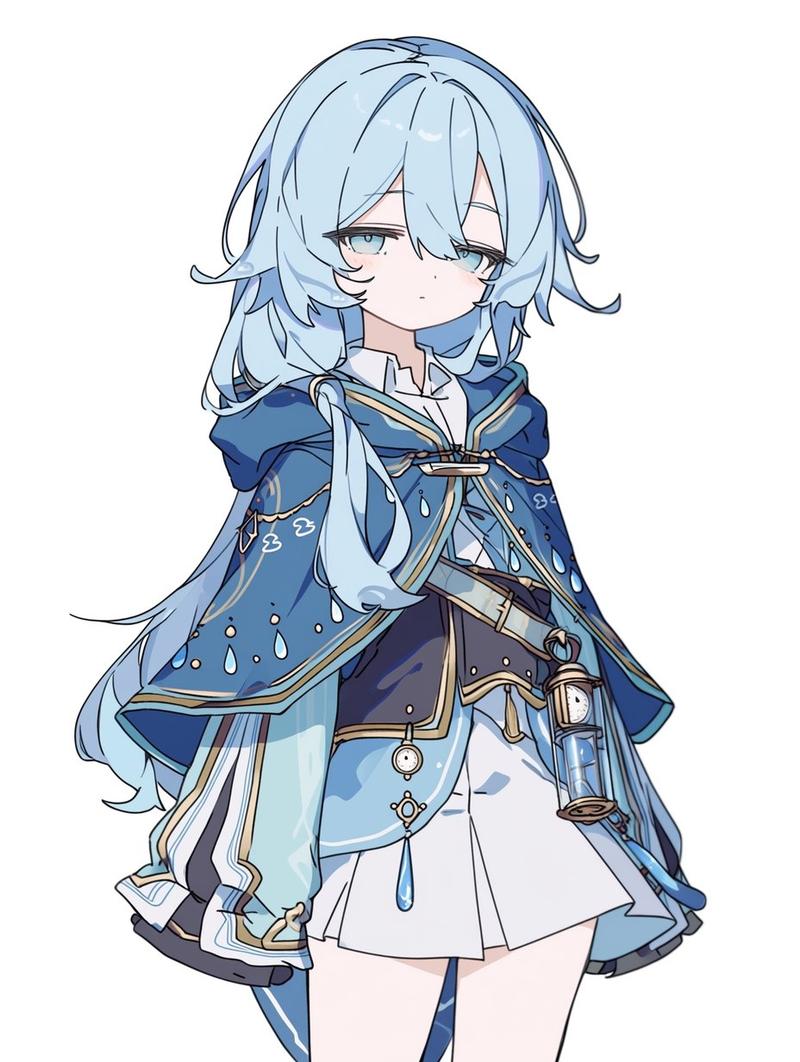
Example images

剪纸风格人物插画

Prompt
A character illustration in a cut-out style. Build the figure from large flat color shapes, like pieces of cut paper, with minimal linework. Simplify the hair and clothing into large clean masses with no fine detail, so the character reads primarily through silhouette. Use a limited palette, almost no texture, minimal shading, a still centered composition, an empty background, and a clear poster-like graphic presence. Keep facial details minimal and expression restrained, conveying mood through proportion, silhouette, and shape composition.

chracter : {argument name="character" default="[chracter]"}
Category
Charts & Infographics
Model
GPT Image 2
Views5
Source ID
18319
Published
May 4, 2026

Guide

About "剪纸风格人物插画"

What is this prompt for?

"剪纸风格人物插画" AI image prompt for GPT Image 2 (Charts & Infographics). 一个用于创建扁平化剪纸风格人物插画的图形设计提示词,强调极简线条和有限的配色方案。 Copy it on Picva and recreate the look in one cli…

The full copyable prompt and example visuals above are ready for AI image generation or one-click recreate in Picva.

How to use this prompt

  1. Step 1

    Open the prompt detail

    Review the example visuals, category, and full prompt text for "剪纸风格人物插画".

  2. Step 2

    Copy the prompt

    Copy the prompt body from this page, or load it directly in Studio.

  3. Step 3

    Pick a model (GPT Image 2)

    Prefer GPT Image 2. If you switch models, keep subject and composition and tweak style terms.

  4. Step 4

    Generate and export

    Recreate the look in Picva, or export into your workflow for editing and publishing.

FAQ

What is the "剪纸风格人物插画" prompt?
It is an AI image-generation prompt for GPT Image 2 in the Charts & Infographics category. This page includes the full prompt text, example visuals, and a one-click recreate path in Picva.
How do I use this prompt to generate an image?
Copy the prompt from this page, or use Generate / Studio. Paste it into a compatible image model, or recreate the look in Picva with optional reference images.
Which model is this prompt for?
This page lists GPT Image 2. Most descriptive prompts also transfer to nearby image models such as GPT Image, Flux, or Midjourney with light style tweaks.
Can I use the result commercially?
You can usually copy the prompt for creation, but commercial use of the final image depends on the model terms, reference-image rights, and the generated content. Follow the source author and platform rules.