14

专业发型与妆容分析指南
Enlarge

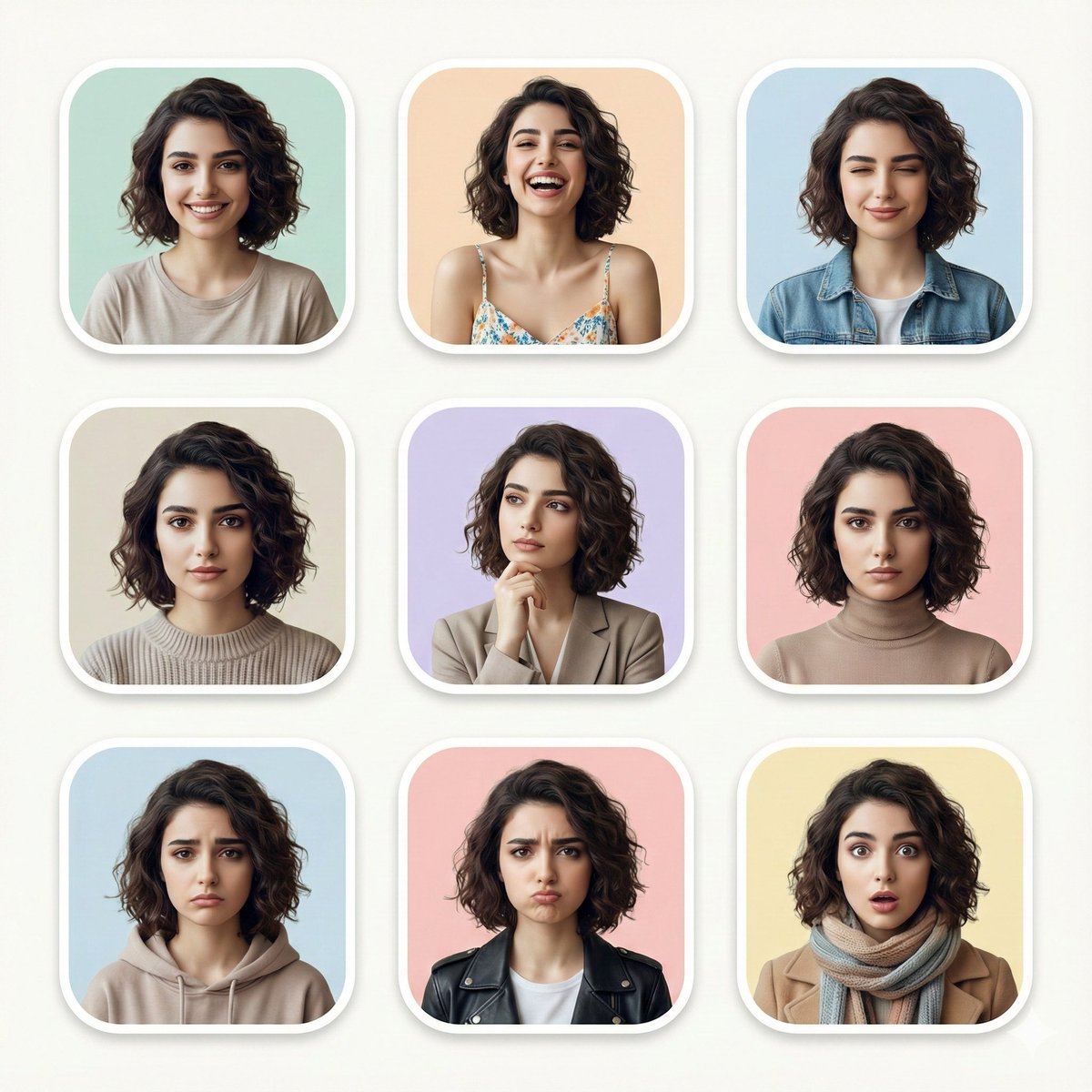
Example images

专业发型与妆容分析指南

Prompt
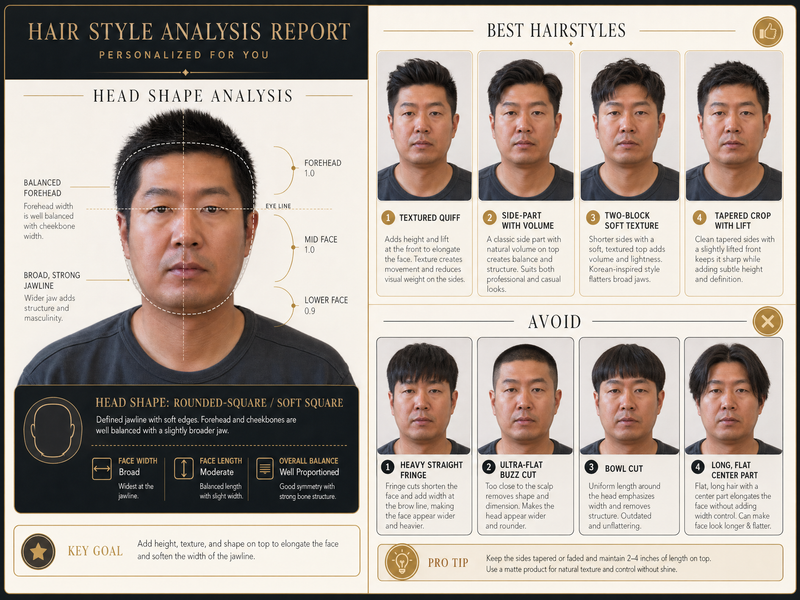
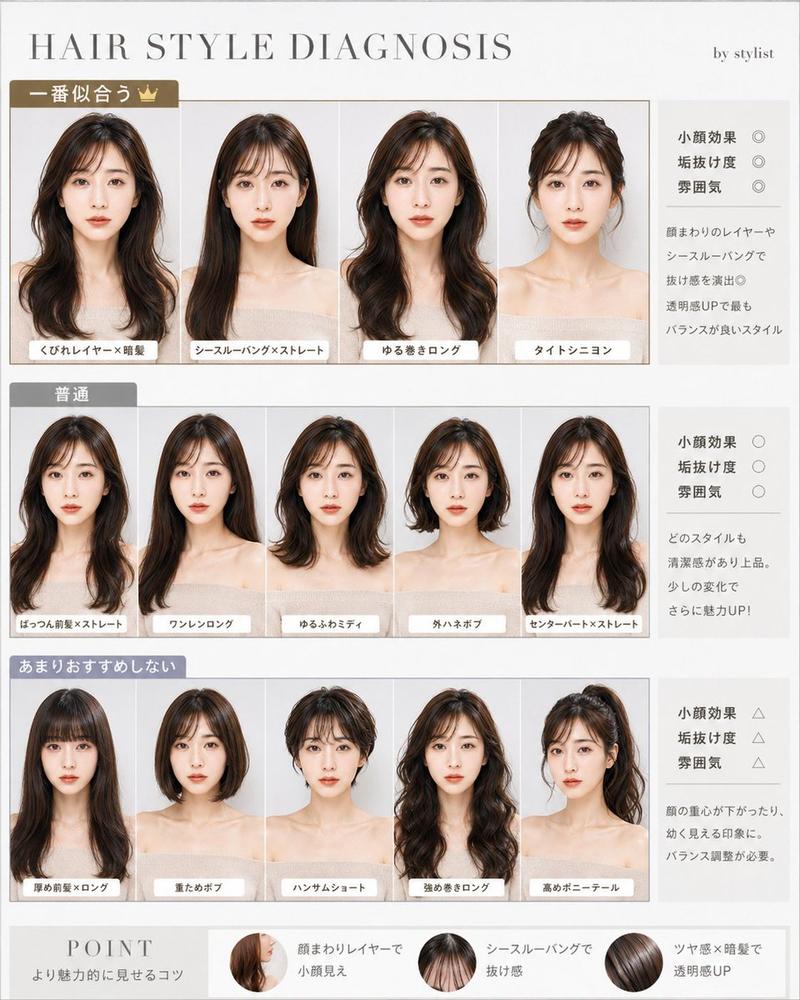
发型分析:
基于上传的面部照片,我希望你创作一张具有 {argument name="style" default="奢华"} 感的发型诊断图!请保持原有的面部特征、脸型和氛围,并呈现出仿佛尝试了不同发型的并排或顺序对比效果。让用户一眼就能看出哪些发型是“最佳匹配”、“一般”和“不推荐”,并传达出每种发型如何让脸型显得更小、提升气质或使人看起来更精致。我希望对比长发、短发、有/无刘海、卷发、直发、层次感发型、盘发等。设计风格应时尚,如同专业造型师的文档。文字保持精简且高质量,适合社交媒体发布!
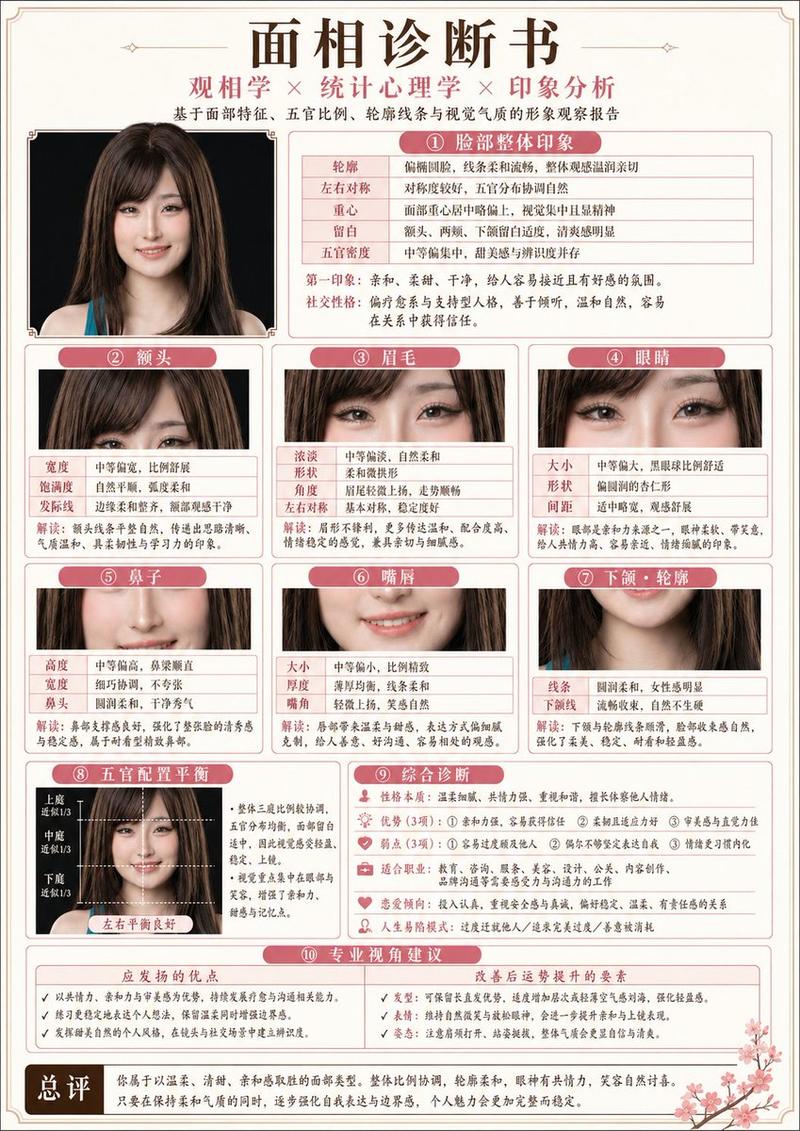
妆容分析指南:
基于上传的面部照片,创作一张奢华的妆容分析指南图片!以原始面部特征为基础,呈现自然的效果,确保看起来依然是同一个人,避免过度涂抹或过度修图。此外,诊断并总结脸型(清新风、柔和优雅风、优雅风、女性化、可爱风、活力可爱风、酷飒风、酷飒休闲风、成熟脸、幼态脸、曲线型、直线型)。采用类似杂志美妆专题的精致设计,全程使用 {argument name="language" default="日语"} 标注。文字保持最少,重点通过图片进行清晰展示。请达到专业水准,让人们有分享到社交媒体的欲望!
Category
Charts & Infographics
Model
GPT Image 2
Creator
leo
Views4
Source ID
18580
Published
May 6, 2026

Guide

About "专业发型与妆容分析指南"

What is this prompt for?

"专业发型与妆容分析指南" AI image prompt for GPT Image 2 (Charts & Infographics). 一份基于参考照片,生成专业造型师风格发型与妆容分析指南的综合提示词。 Copy it on Picva and recreate the look in one click.

The full copyable prompt and example visuals above are ready for AI image generation or one-click recreate in Picva.

How to use this prompt

  1. Step 1

    Open the prompt detail

    Review the example visuals, category, and full prompt text for "专业发型与妆容分析指南".

  2. Step 2

    Copy the prompt

    Copy the prompt body from this page, or load it directly in Studio.

  3. Step 3

    Pick a model (GPT Image 2)

    Prefer GPT Image 2. If you switch models, keep subject and composition and tweak style terms.

  4. Step 4

    Generate and export

    Recreate the look in Picva, or export into your workflow for editing and publishing.

FAQ

What is the "专业发型与妆容分析指南" prompt?
It is an AI image-generation prompt for GPT Image 2 in the Charts & Infographics category. This page includes the full prompt text, example visuals, and a one-click recreate path in Picva.
How do I use this prompt to generate an image?
Copy the prompt from this page, or use Generate / Studio. Paste it into a compatible image model, or recreate the look in Picva with optional reference images.
Which model is this prompt for?
This page lists GPT Image 2. Most descriptive prompts also transfer to nearby image models such as GPT Image, Flux, or Midjourney with light style tweaks.
Can I use the result commercially?
You can usually copy the prompt for creation, but commercial use of the final image depends on the model terms, reference-image rights, and the generated content. Follow the source author and platform rules.