18

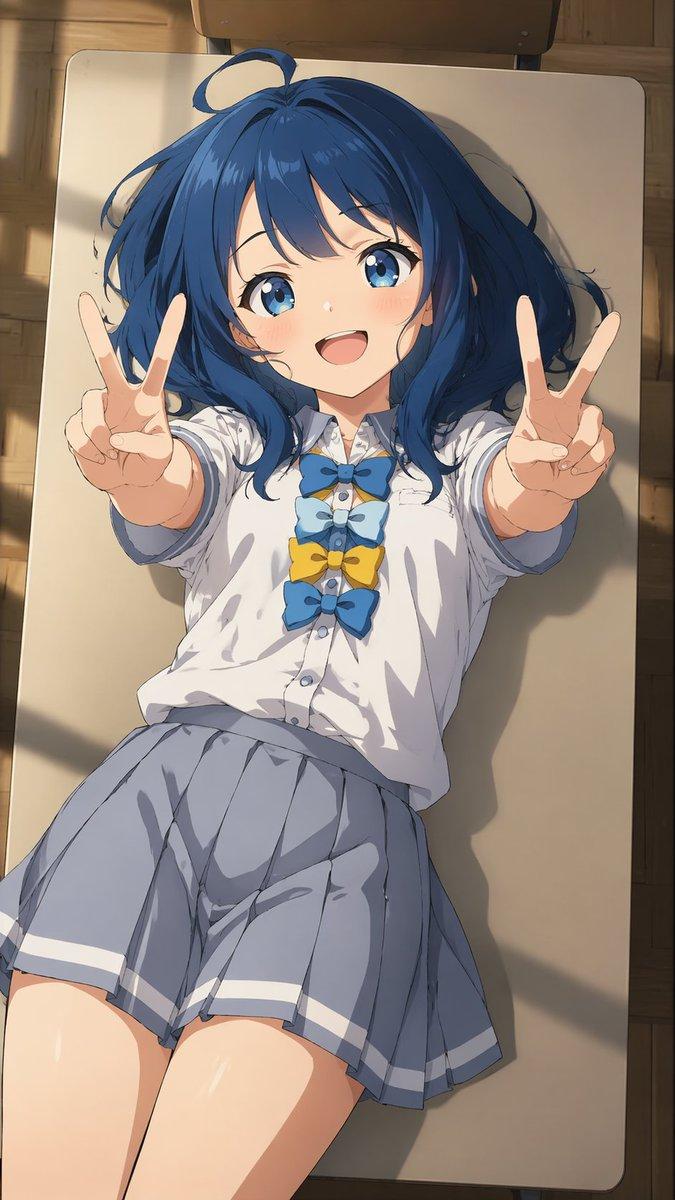
基于参考图的精美动漫重绘
Enlarge

基于参考图的精美动漫重绘

Prompt
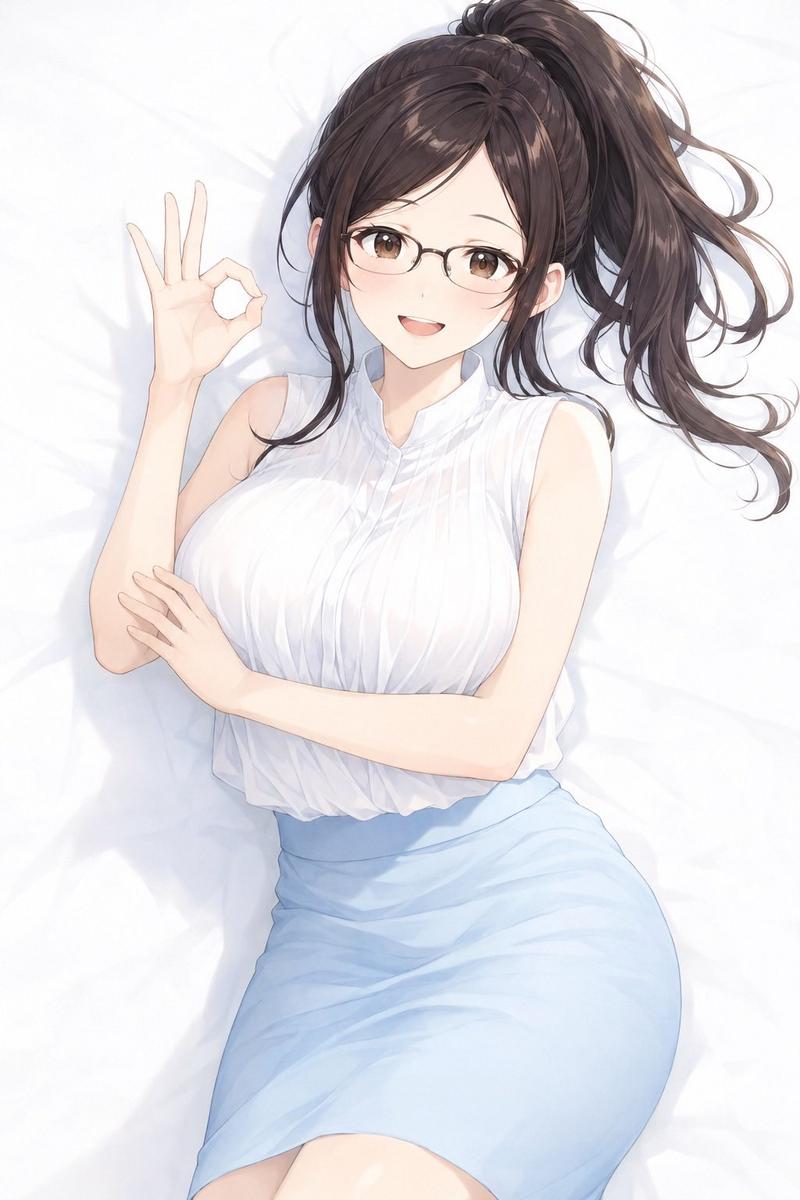
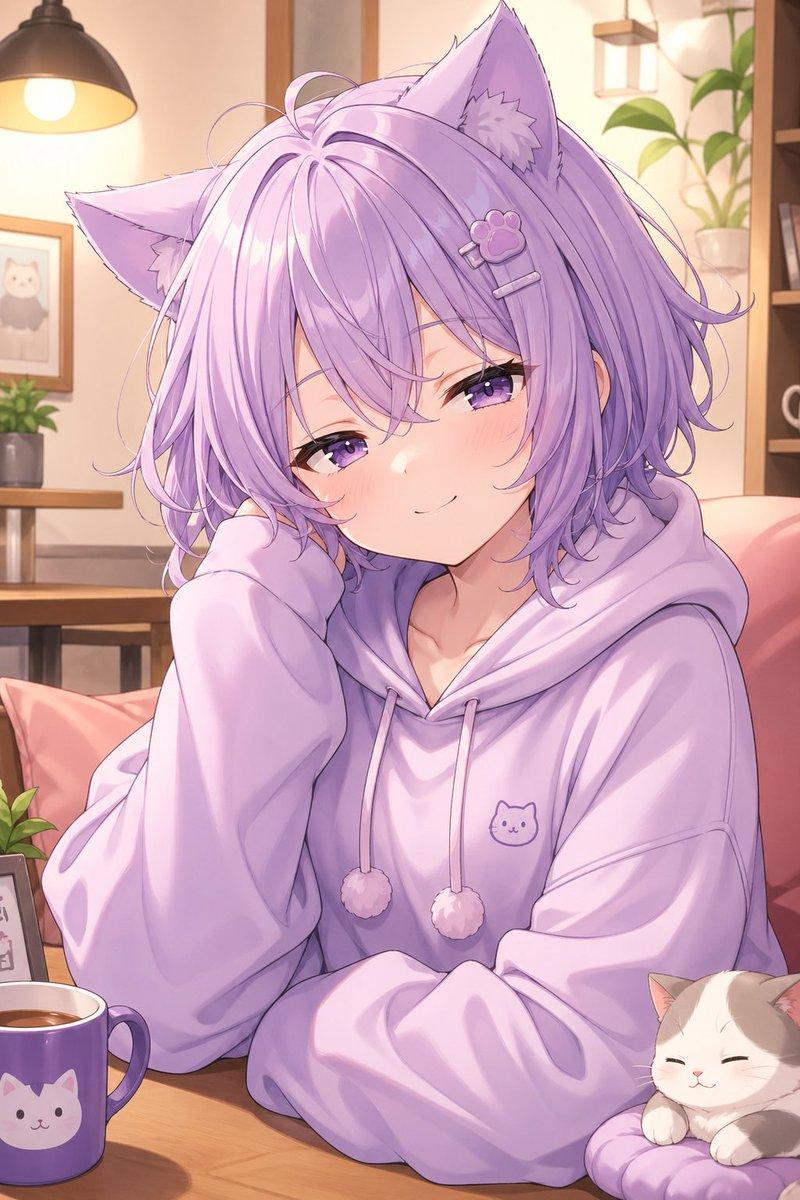
Using REFERENCE_0 as the base composition, regenerate it as a cleaner, polished anime-style illustration while preserving the same cropped pose, clothing, hair placement, wooden floor, and the one small round golden dish containing 3 visible nuts. Use REFERENCE_1 only as a guide for the warm wood tones, soft indoor lighting, and refined painted linework. Reduce the speckled/grainy texture and noisy artifacts, sharpen the contours, smooth the skin and shirt shading, make the hair strands more deliberate and stylized, and keep the framing as a close-up partial-body crop. Maintain a natural hand shape and anatomy, with a soft cel-shaded finish and warm brown floorboards. Style target: {argument name="illustration style" default="clean polished anime illustration"}; cleanup strength: {argument name="cleanup strength" default="strong noise reduction with crisp linework"}; lighting mood: {argument name="lighting mood" default="warm soft indoor light"}.
Category
Charts & Infographics
Model
GPT Image 2
Creator
Serio_ai
Views5
Source ID
18673
Published
May 6, 2026

Guide

About "基于参考图的精美动漫重绘"

What is this prompt for?

"基于参考图的精美动漫重绘" AI image prompt for GPT Image 2 (Charts & Infographics). 将裁剪后的参考照片转换为更整洁、精致的动漫插画,同时保留原有的姿势、物体和温暖的木质氛围。 Copy it on Picva and recreate the look in…

The full copyable prompt and example visuals above are ready for AI image generation or one-click recreate in Picva.

How to use this prompt

  1. Step 1

    Open the prompt detail

    Review the example visuals, category, and full prompt text for "基于参考图的精美动漫重绘".

  2. Step 2

    Copy the prompt

    Copy the prompt body from this page, or load it directly in Studio.

  3. Step 3

    Pick a model (GPT Image 2)

    Prefer GPT Image 2. If you switch models, keep subject and composition and tweak style terms.

  4. Step 4

    Generate and export

    Recreate the look in Picva, or export into your workflow for editing and publishing.

FAQ

What is the "基于参考图的精美动漫重绘" prompt?
It is an AI image-generation prompt for GPT Image 2 in the Charts & Infographics category. This page includes the full prompt text, example visuals, and a one-click recreate path in Picva.
How do I use this prompt to generate an image?
Copy the prompt from this page, or use Generate / Studio. Paste it into a compatible image model, or recreate the look in Picva with optional reference images.
Which model is this prompt for?
This page lists GPT Image 2. Most descriptive prompts also transfer to nearby image models such as GPT Image, Flux, or Midjourney with light style tweaks.
Can I use the result commercially?
You can usually copy the prompt for creation, but commercial use of the final image depends on the model terms, reference-image rights, and the generated content. Follow the source author and platform rules.