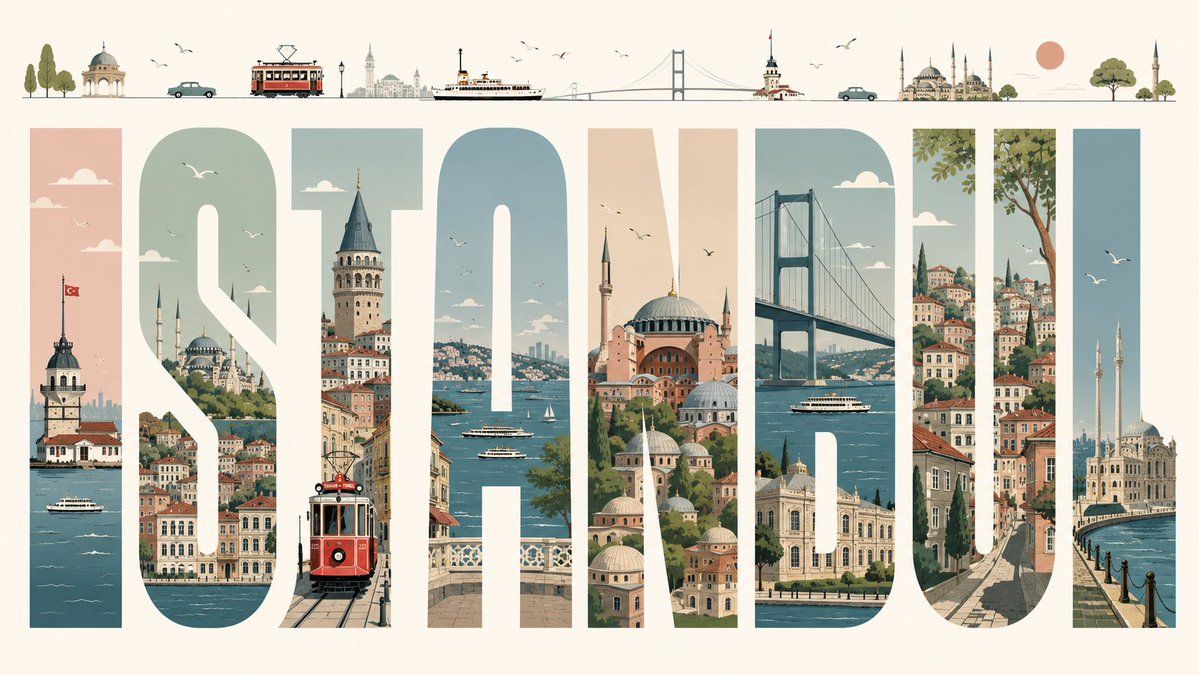
伊斯坦布尔排版旅行海报
Prompt
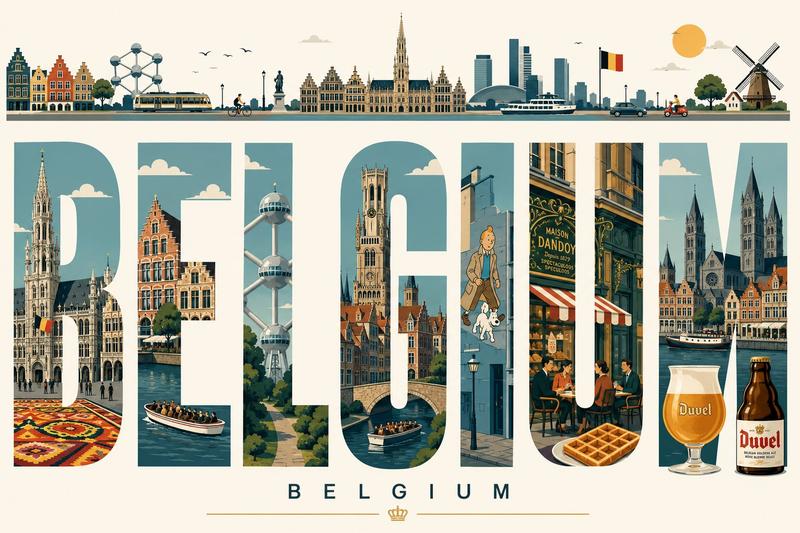
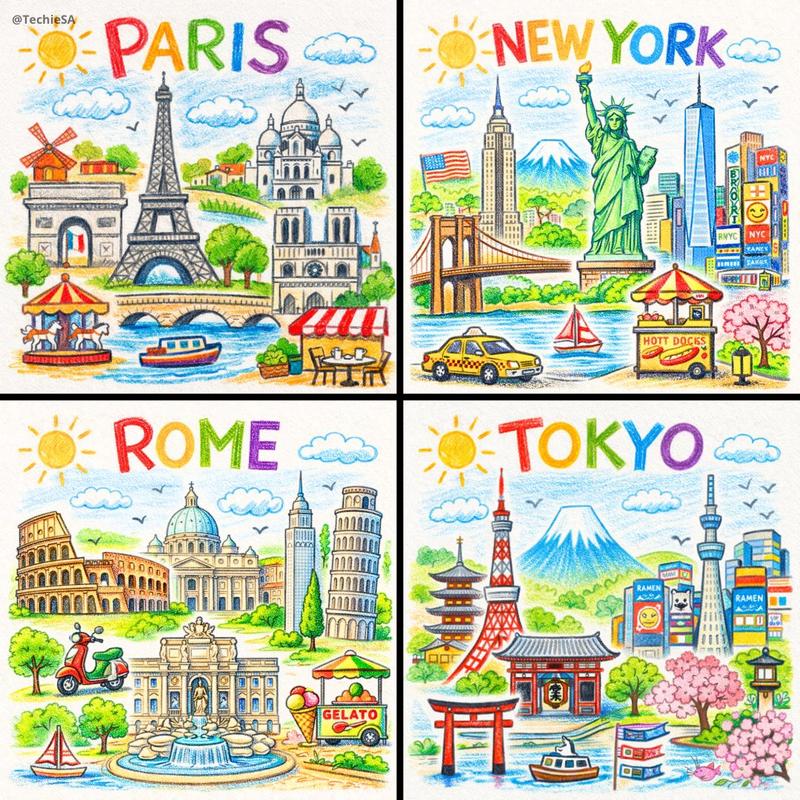
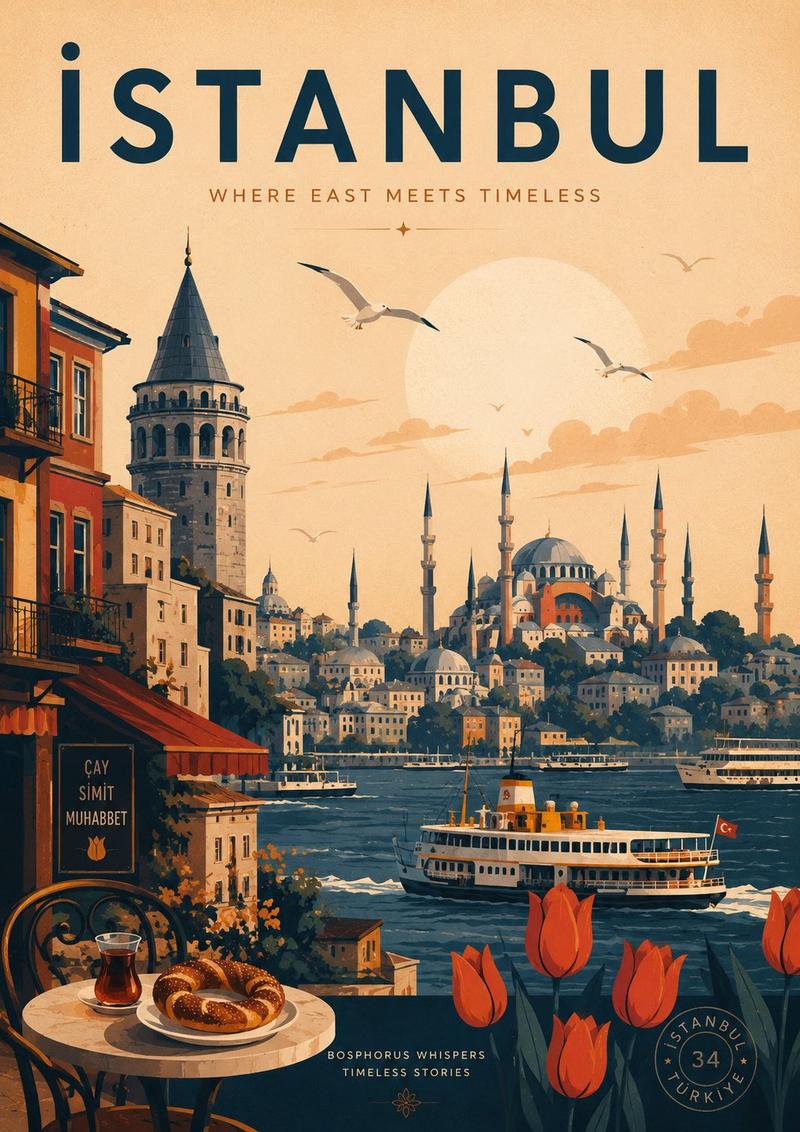
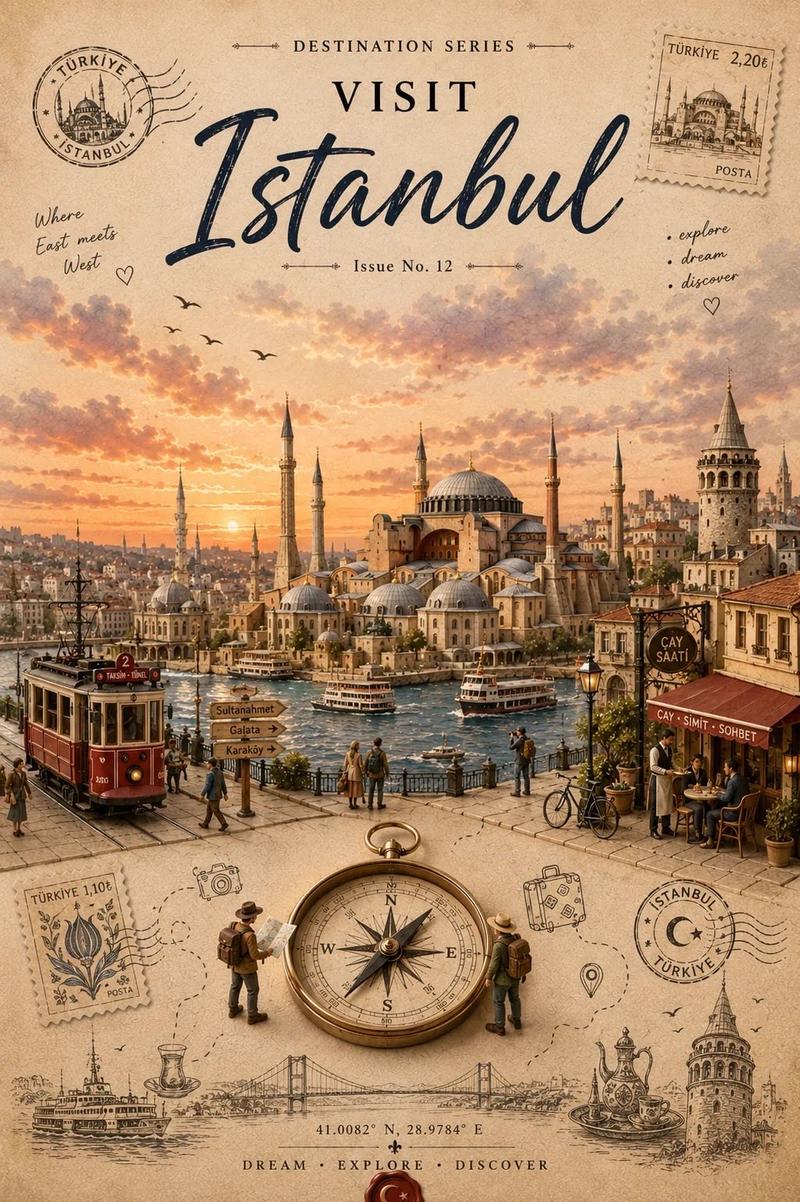
Create a premium editorial illustrated travel poster for {argument name="city name" default="ISTANBUL"}, built around 8 enormous tall block capital letters spelling “ISTANBUL” across a wide horizontal cream canvas. Use each letter as a vertical window filled with detailed Istanbul scenery: 1) I shows the Maiden’s Tower on the Bosphorus with a Turkish flag and ferry boats, 2) S shows hillside waterfront neighborhoods, domes, minarets, clouds, and birds, 3) T shows Galata Tower above narrow streets with a red vintage tram in the foreground, 4) A shows the Bosphorus with ferries, sailboats, bridges, and distant skyline, 5) N shows Hagia Sophia and layered mosque domes in warm peach and stone tones, 6) B shows the Bosphorus Bridge, water, a ferry, and waterfront palaces, 7) U shows steep historic streets, colorful stacked houses, greenery, and a large tree, 8) L shows Ortaköy Mosque by the waterfront with two minarets and flying seagulls. Above the title, add a thin minimalist skyline strip containing 13 small illustrated elements from left to right: trees, a small domed pavilion, a teal car, a red tram, distant city towers, a ferry, a suspension bridge, Maiden’s Tower, another teal car, a grand mosque with multiple minarets, a peach sun, a round green tree, and a final mosque minaret. Style it as a refined mid-century travel poster with clean vector-like illustration, soft muted palette of teal blue, sea green, dusty peach, terracotta, warm cream, and charcoal linework; crisp geometry, subtle paper grain, elegant negative space, tiny birds and clouds, no photorealism, no extra text besides the city name.- Category
- Charts & Infographics
- Model
- GPT Image 2
- Creator
- Semih Kışlar
- Source ID
- 19763
- Published
- May 11, 2026
Views5