威尼斯咖啡馆微缩模型展示
Prompt
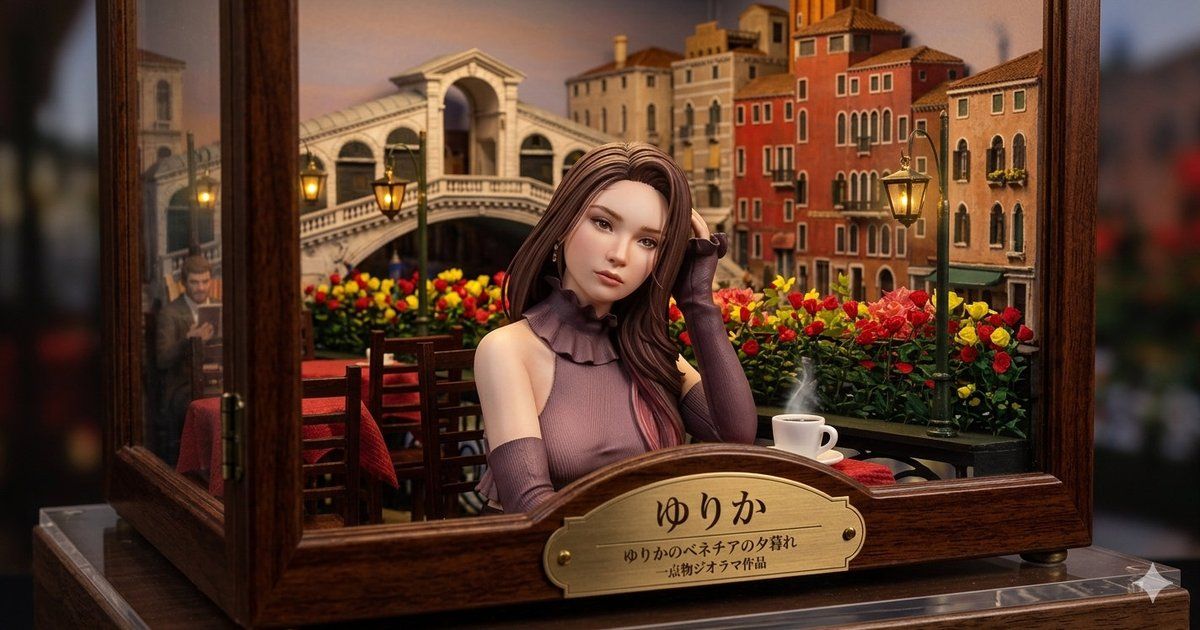
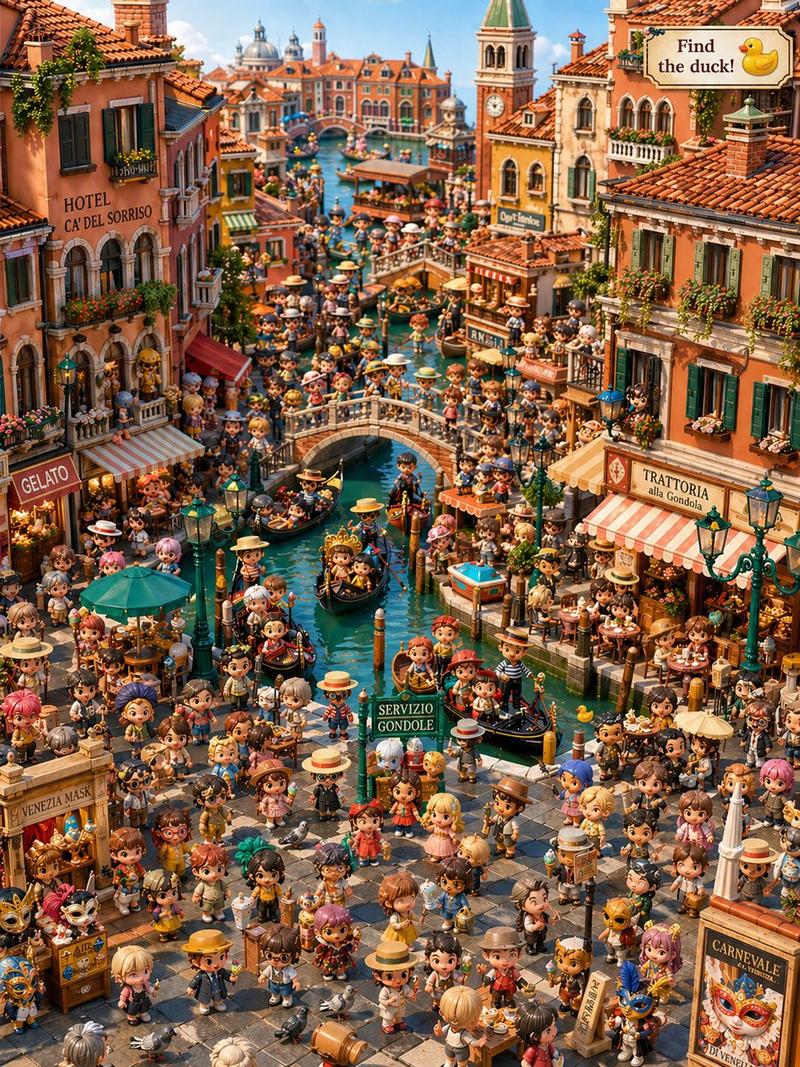
Create a highly detailed miniature museum diorama inside a polished dark wooden and glass display case, photographed like a realistic macro product shot with shallow depth of field. The scene shows a romantic Venice café at sunset: a young elegant woman named {argument name="character name" default="ゆりか"} sits centered at a small outdoor table, her face intentionally smooth and featureless/blurred, with long flowing {argument name="hair color" default="chestnut brown"} hair and a sleeveless mauve knit top with a ruffled high collar plus matching long arm warmers. She rests one hand near her hair, posed calmly. Behind her is a miniature Venetian canal-city backdrop with the Rialto Bridge, warm orange and cream buildings, arched windows, balconies, glowing street lamps, and a sky tinted peach and dusk blue. The café foreground contains exactly 5 main prop groups: 1 wooden table with a red tablecloth, 2 wooden chairs, 1 white coffee cup and saucer with visible steam, 2 green lampposts with warm yellow lanterns, and 1 dense flower bed of red and yellow roses running across the balcony rail. The diorama is framed by open glass panels and thick varnished wood borders, sitting on a clear acrylic base, with softly blurred dark surroundings outside the case. On the front of the wooden case, attach an ornate brass nameplate with engraved Japanese text: large title {argument name="plaque title" default="ゆりか"}, smaller subtitle {argument name="plaque subtitle" default="ゆりかのベネチアの夕暮れ"}, and tiny line {argument name="plaque credit" default="-博物ジオラマ作品"}. Use warm cinematic lighting, rich wood grain, realistic miniature scale, glossy glass reflections, cozy lantern glow, and a high-end handcrafted diorama aesthetic. Keep the composition horizontal 16:9, centered on the seated woman and brass plaque, with the background softly but recognizably detailed.- Category
- Charts & Infographics
- Model
- GPT Image 2
- Creator
- Yurika
- Source ID
- 20275
- Published
- May 14, 2026
Views4






![[Overall Composition] A horizontal panoramic view, focusing the visual attention](https://i.pixshop.app/storage/v1/render/image/public/prompt-source-media/promptsref/work-45885/image-1-9a06adde4b52e334.png?width=800&quality=75&resize=contain)