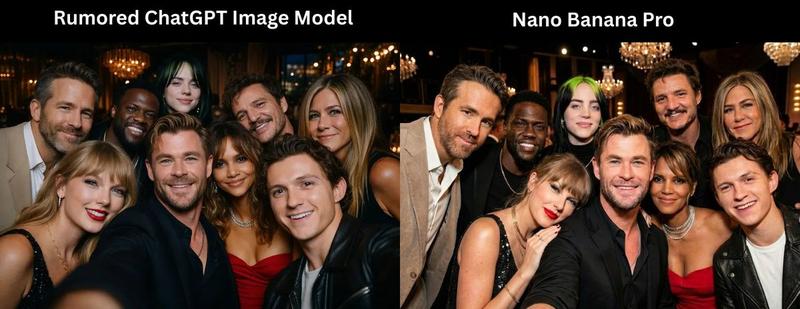
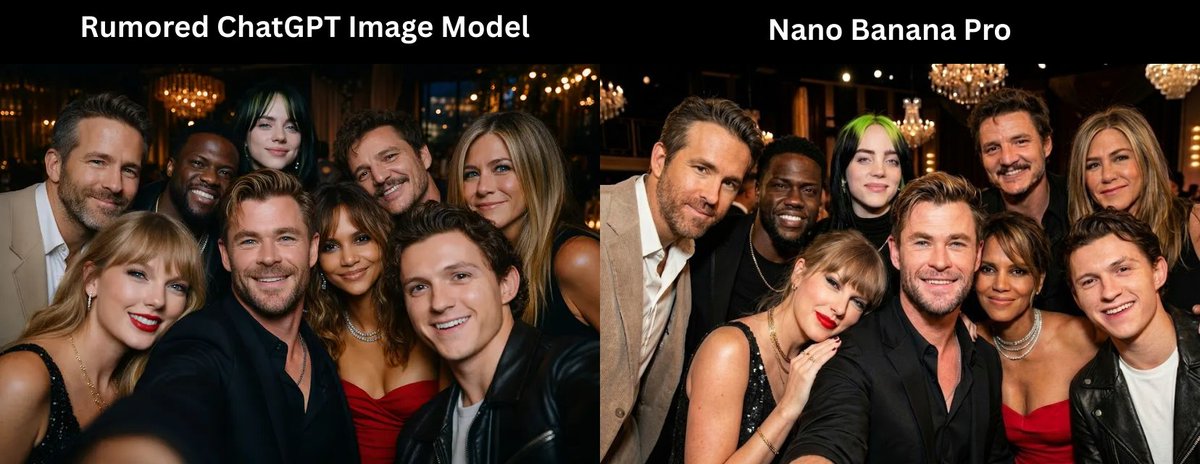
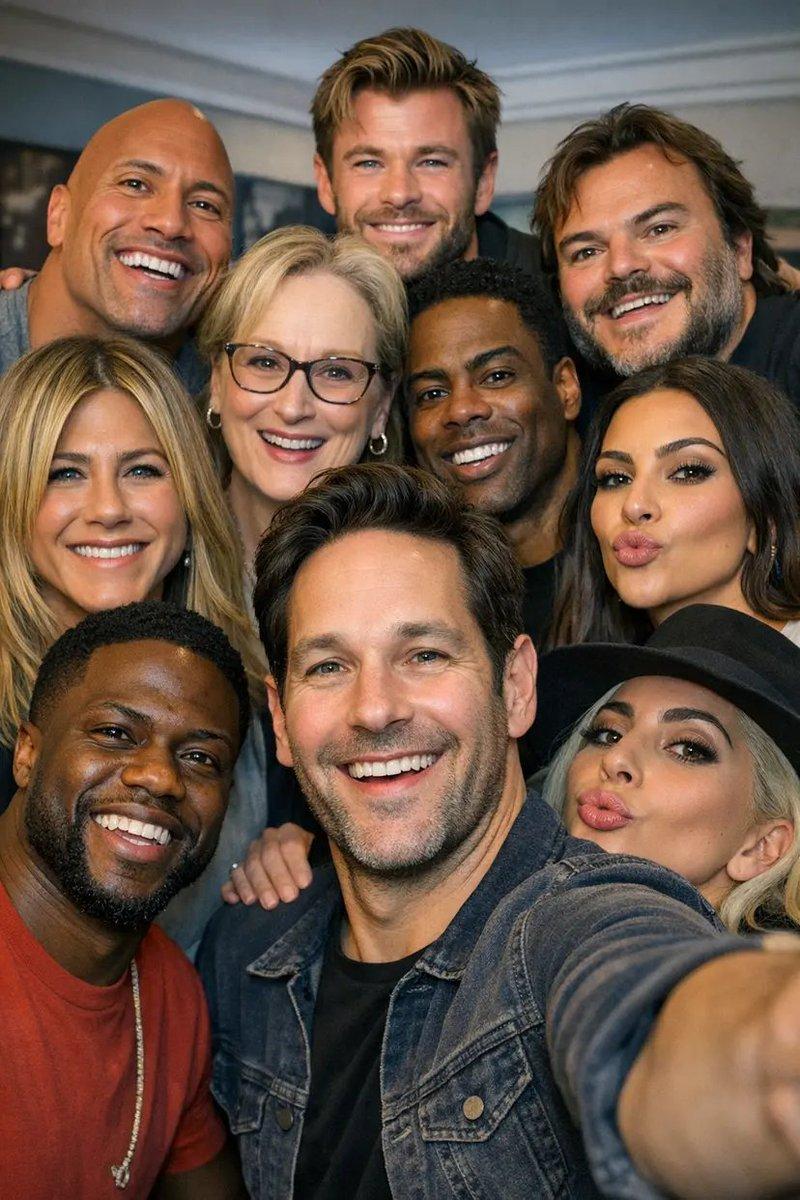
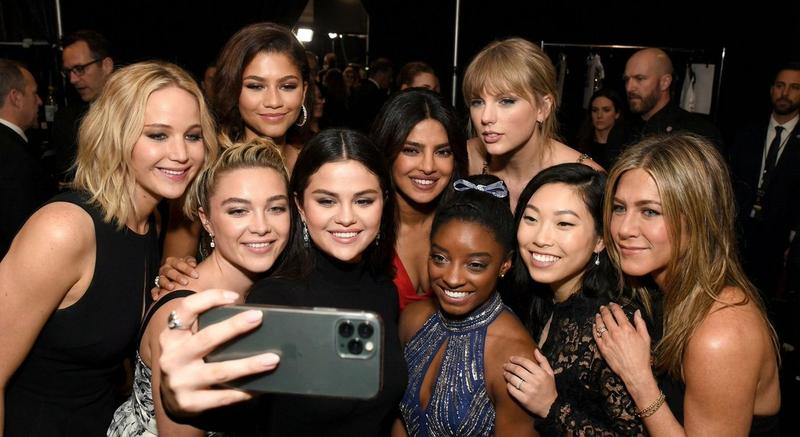
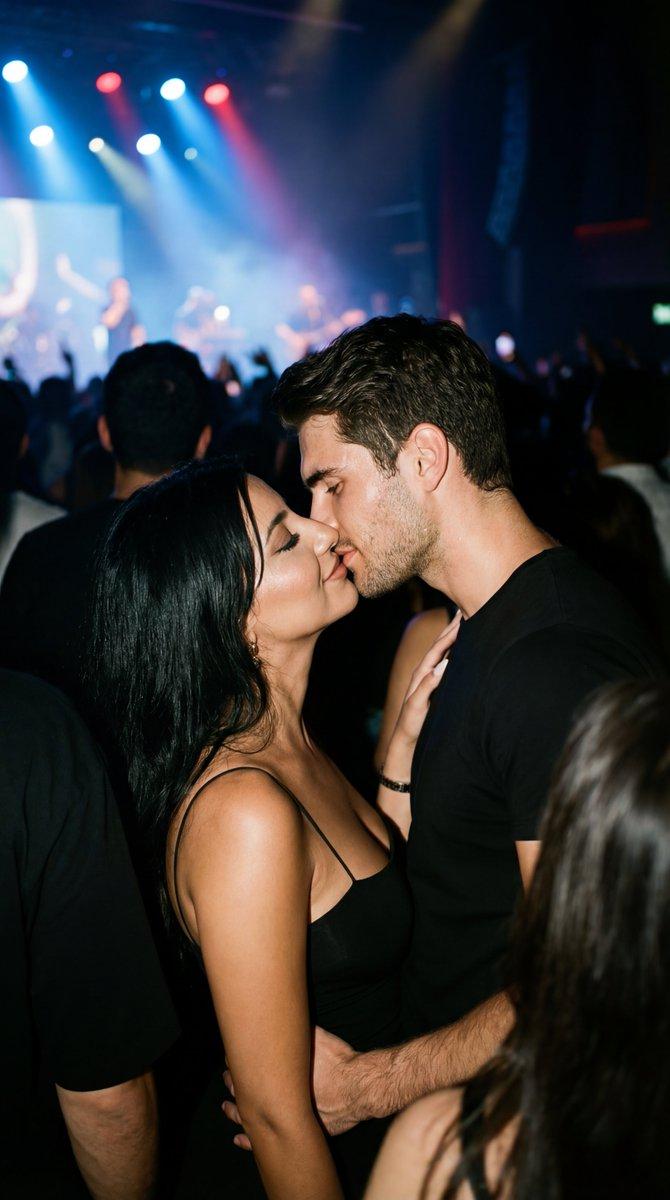
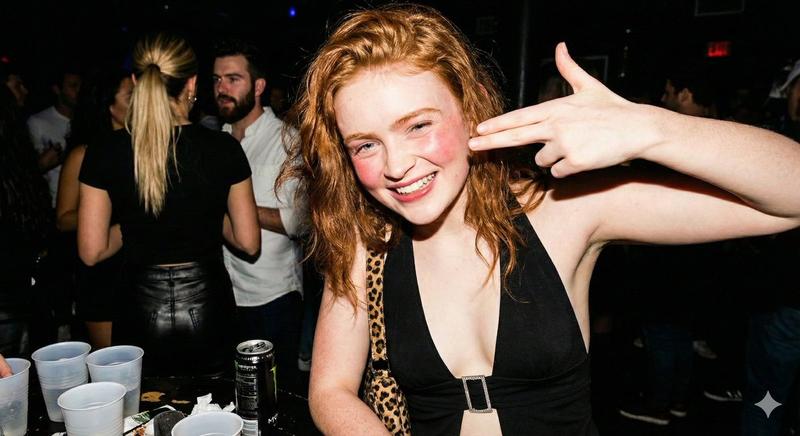
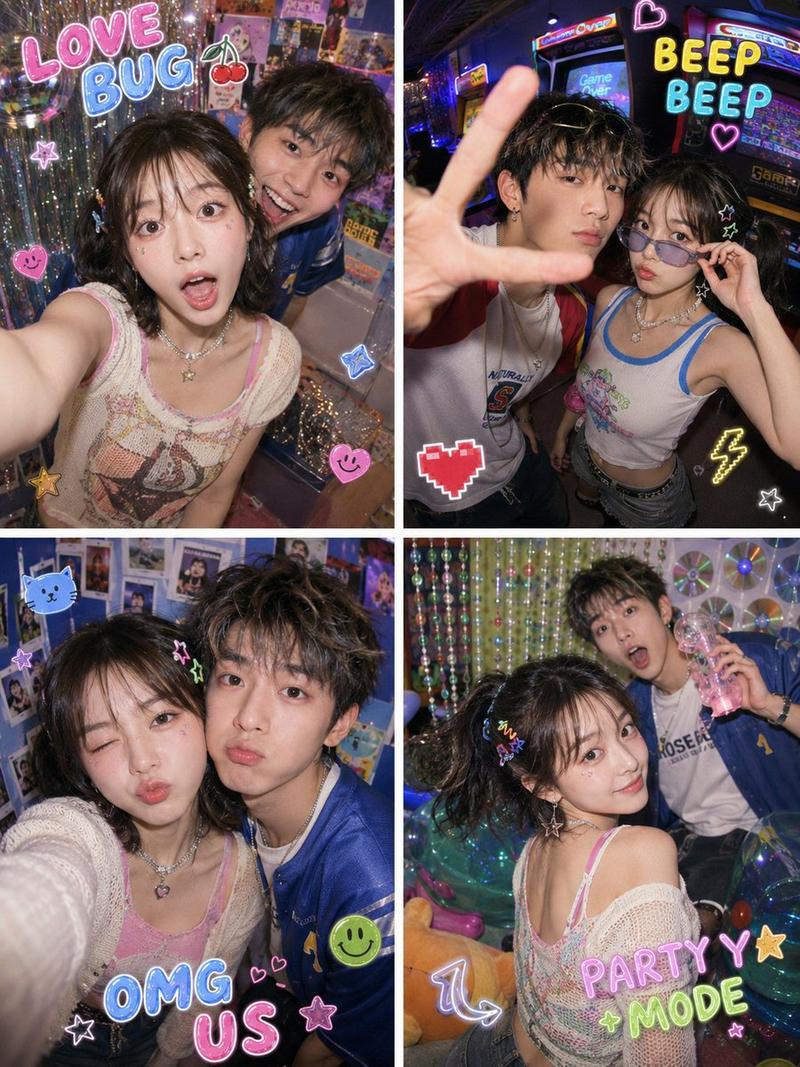
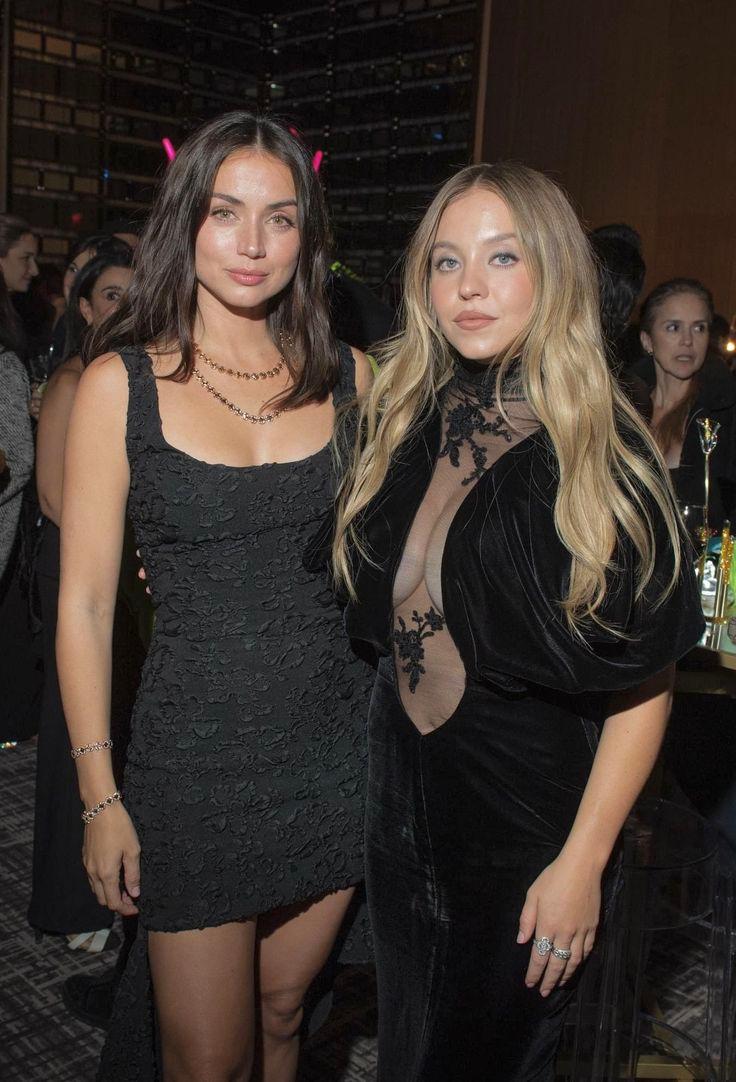
后台流行歌星自拍
Prompt
Create a realistic horizontal phone-camera selfie taken backstage at a concert, as if the viewer is holding the camera at arm's length. Show exactly three people crowded together: the central person is the selfie-taker in a black hoodie with one arm extended toward the lens, the left person is a glamorous blonde female pop star in a sparkling silver fringed dress leaning in, and the right person is a muscular male pop star with short bleached hair, earrings, visible neck and arm tattoos, and a white ribbed tank top leaning in. Cover each of the three faces with a simple opaque skin-toned rectangular censor block, exactly 3 blocks total. The background is a dark backstage area with metal scaffolding, stage rigging, blurred crew silhouettes, and warm colorful concert lights in red, orange, pink, and purple creating bokeh and lens flare. Use a wide-angle smartphone flash/selfie look, candid celebrity backstage vibe, realistic skin, shallow depth of field, high detail, slight motion blur at the edges. Across the bottom, overlay a large rounded white chat-style prompt input bar with soft shadow; inside it, display the exact typed text: “{argument name="prompt text" default="selfie of me with two pop stars backstage, phone camera, warm concert lights"}” in dark gray sans-serif, followed by a thin blue vertical cursor and a blue paper-plane/send arrow icon at the far right. Keep the composition tight and intimate, with the input bar covering the lower part of the bodies, and no extra logos, watermarks, captions, or additional people.- Category
- Posters & Typography
- Model
- GPT Image 2
- Creator
- zedd
- Source ID
- 20354
- Published
- May 14, 2026
Views4