16

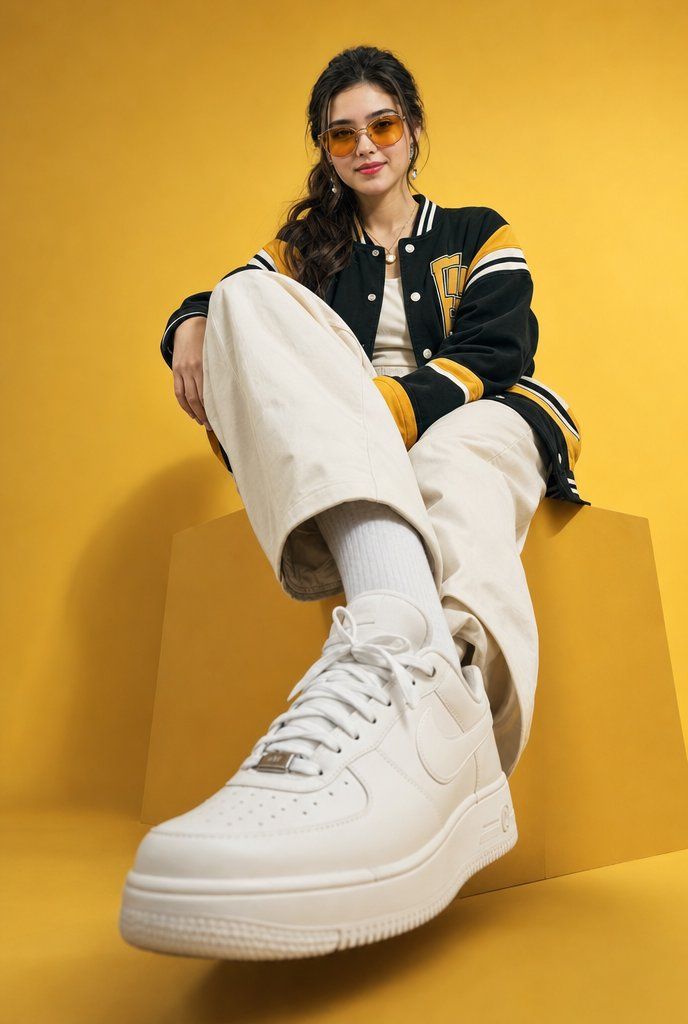
低角度校园风时尚肖像
Enlarge

低角度校园风时尚肖像

Prompt
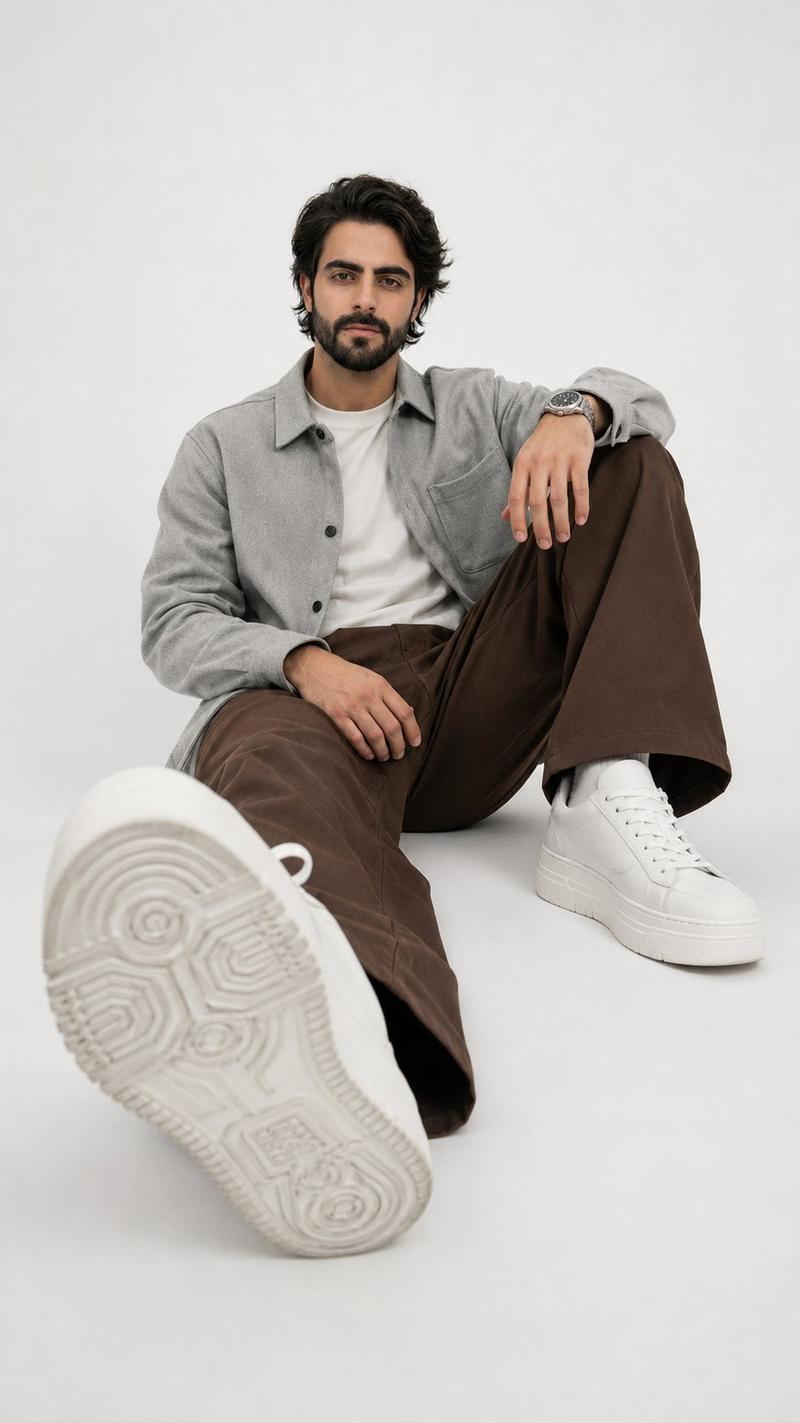
Create a low-angle cinematic fashion portrait of a stylish {argument name="subject" default="young woman"} seated on a large matte geometric cube pedestal in a minimal studio. Use a solid {argument name="background color" default="golden-yellow"} seamless backdrop and matching yellow floor, with soft studio shadows. The camera is very low and close to the subject’s extended foot, using a wide-angle perspective so the foreground white sneaker appears oversized and dominant while the upper body recedes. The subject sits casually with one leg stretched toward the lens and the other knee raised, relaxed hand resting over the bent knee. Outfit: a premium oversized black varsity-style jacket with mustard-yellow panels, white stripe trim on collar, cuffs, sleeves and hem, snap buttons, and a collegiate letter patch on the chest; cream oversized wide-leg pants; white ribbed socks; clean white leather Nike-style low-top sneakers with laces and perforated toe box; simple white top underneath; small hoop earrings and a short necklace. Hair is dark, long, wavy, loosely tied back with strands falling around the face. The face should be deliberately anonymized/obscured with a smooth centered rectangular blur/mosaic patch while preserving the fashion pose. Lighting is polished editorial studio lighting, warm and high-end, with crisp fabric detail, realistic leather texture, shallow depth of field, slight foreground emphasis, vertical 2:3 composition, no text, no watermark, no extra objects.
Category
Photography & Realism
Model
GPT Image 2
Creator
Hania Ai
Views3
Source ID
20370
Published
May 14, 2026

Guide

About "低角度校园风时尚肖像"

What is this prompt for?

"低角度校园风时尚肖像" AI image prompt for GPT Image 2 (Photography & Realism). 一张电影感摄影棚时尚肖像,展示了一位身穿棒球夹克和白色运动鞋的年轻女性站在黄色立方体底座上,非常适合编辑类街头服饰视觉效果。 Copy it on Picva and recre…

The full copyable prompt and example visuals above are ready for AI image generation or one-click recreate in Picva.

How to use this prompt

  1. Step 1

    Open the prompt detail

    Review the example visuals, category, and full prompt text for "低角度校园风时尚肖像".

  2. Step 2

    Copy the prompt

    Copy the prompt body from this page, or load it directly in Studio.

  3. Step 3

    Pick a model (GPT Image 2)

    Prefer GPT Image 2. If you switch models, keep subject and composition and tweak style terms.

  4. Step 4

    Generate and export

    Recreate the look in Picva, or export into your workflow for editing and publishing.

FAQ

What is the "低角度校园风时尚肖像" prompt?
It is an AI image-generation prompt for GPT Image 2 in the Photography & Realism category. This page includes the full prompt text, example visuals, and a one-click recreate path in Picva.
How do I use this prompt to generate an image?
Copy the prompt from this page, or use Generate / Studio. Paste it into a compatible image model, or recreate the look in Picva with optional reference images.
Which model is this prompt for?
This page lists GPT Image 2. Most descriptive prompts also transfer to nearby image models such as GPT Image, Flux, or Midjourney with light style tweaks.
Can I use the result commercially?
You can usually copy the prompt for creation, but commercial use of the final image depends on the model terms, reference-image rights, and the generated content. Follow the source author and platform rules.