16

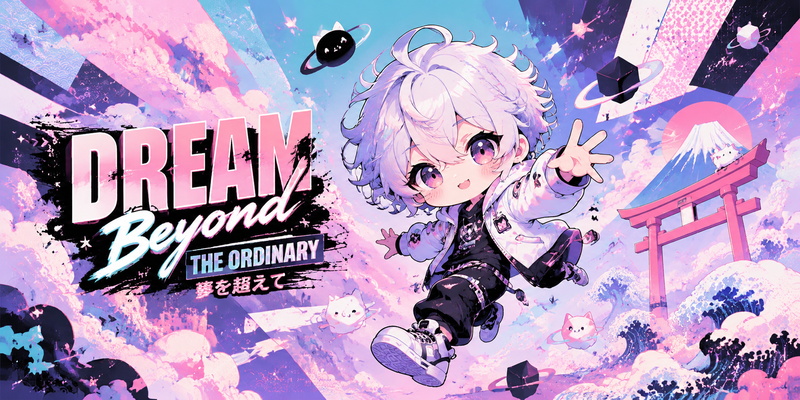
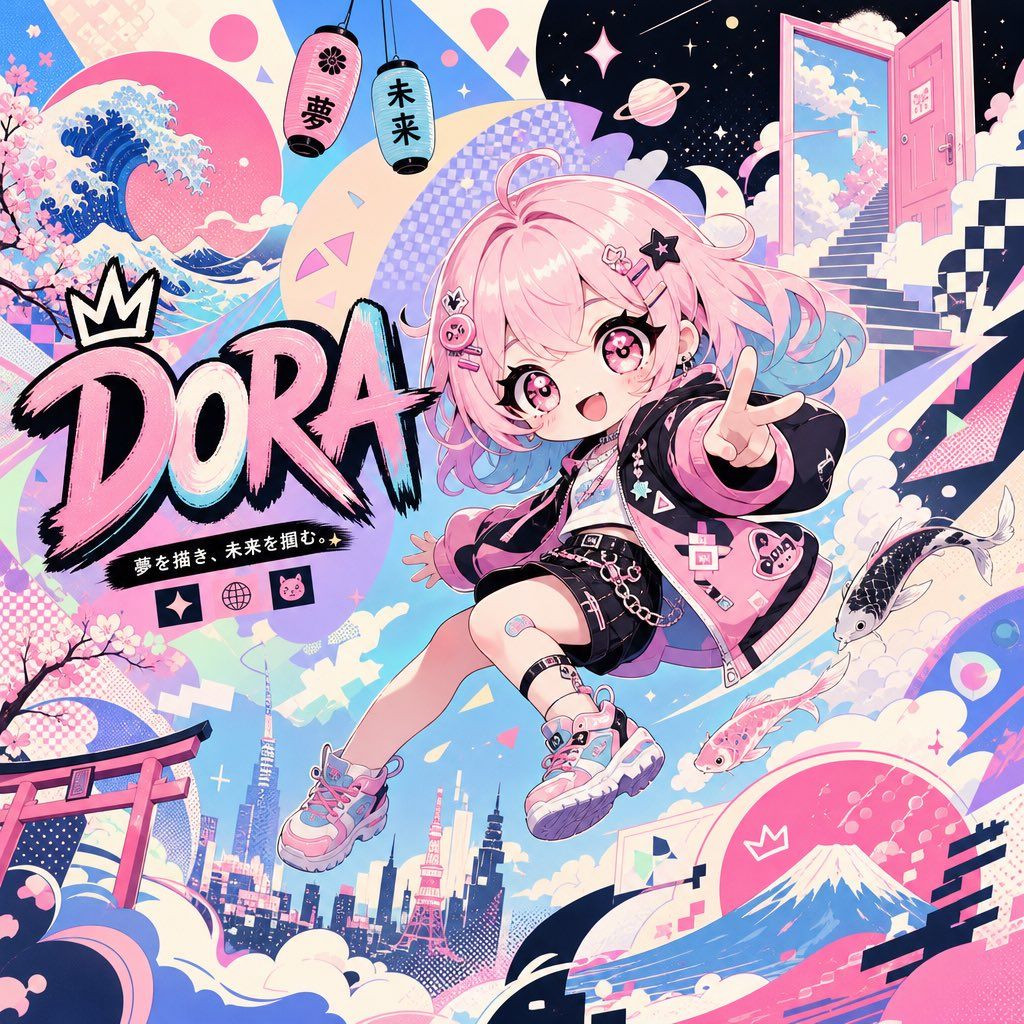
超现实日式波普艺术 Twitter 横幅
Enlarge

超现实日式波普艺术 Twitter 横幅

Prompt
generate a twitter banner with the dimensions of 1500 x 500, a vibrant yet surreal scene using bold contrasts and a Japanese pop art aesthetic, importance on {argument name="desired color" default="pastel colors"} and dynamic perspectives, the attached character in chibi style floating in a dynamic but fun pose, keep the eyes the same style, looking at the camera. Add text that reads [{argument name="text" default="DORA"}] Whimsical and ambitious, this image must leave the viewer in awe and amazed. The background introduces opposing shapes and abstract ideas, creating visual tension and curiosity.
Category
Posters & Typography
Model
GPT Image 2
Creator
Al-Shamus
Views4
Source ID
20485
Published
May 15, 2026

Guide

About "超现实日式波普艺术 Twitter 横幅"

What is this prompt for?

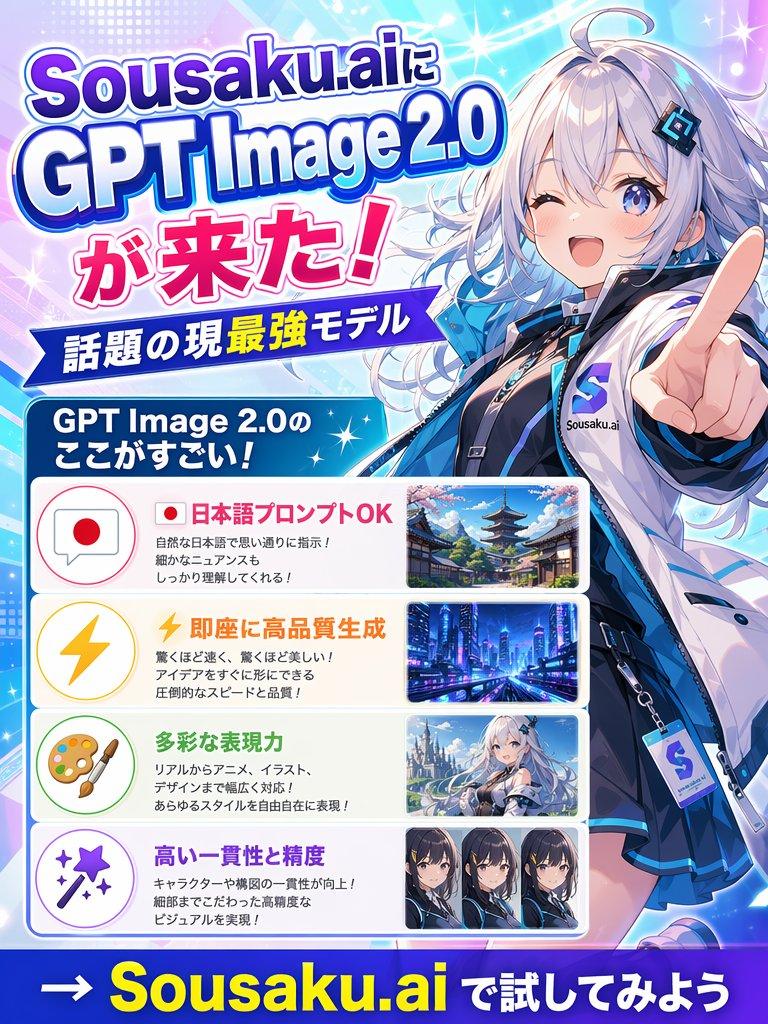
"超现实日式波普艺术 Twitter 横幅" AI image prompt for GPT Image 2 (Posters & Typography). 一个充满活力且超现实的 Twitter 横幅提示词,可创作出一个漂浮在充满动感的日式波普艺术场景中的 Q 版角色,画面具有强烈的对比度和柔和的色彩。 Copy…

The full copyable prompt and example visuals above are ready for AI image generation or one-click recreate in Picva.

How to use this prompt

  1. Step 1

    Open the prompt detail

    Review the example visuals, category, and full prompt text for "超现实日式波普艺术 Twitter 横幅".

  2. Step 2

    Copy the prompt

    Copy the prompt body from this page, or load it directly in Studio.

  3. Step 3

    Pick a model (GPT Image 2)

    Prefer GPT Image 2. If you switch models, keep subject and composition and tweak style terms.

  4. Step 4

    Generate and export

    Recreate the look in Picva, or export into your workflow for editing and publishing.

FAQ

What is the "超现实日式波普艺术 Twitter 横幅" prompt?
It is an AI image-generation prompt for GPT Image 2 in the Posters & Typography category. This page includes the full prompt text, example visuals, and a one-click recreate path in Picva.
How do I use this prompt to generate an image?
Copy the prompt from this page, or use Generate / Studio. Paste it into a compatible image model, or recreate the look in Picva with optional reference images.
Which model is this prompt for?
This page lists GPT Image 2. Most descriptive prompts also transfer to nearby image models such as GPT Image, Flux, or Midjourney with light style tweaks.
Can I use the result commercially?
You can usually copy the prompt for creation, but commercial use of the final image depends on the model terms, reference-image rights, and the generated content. Follow the source author and platform rules.