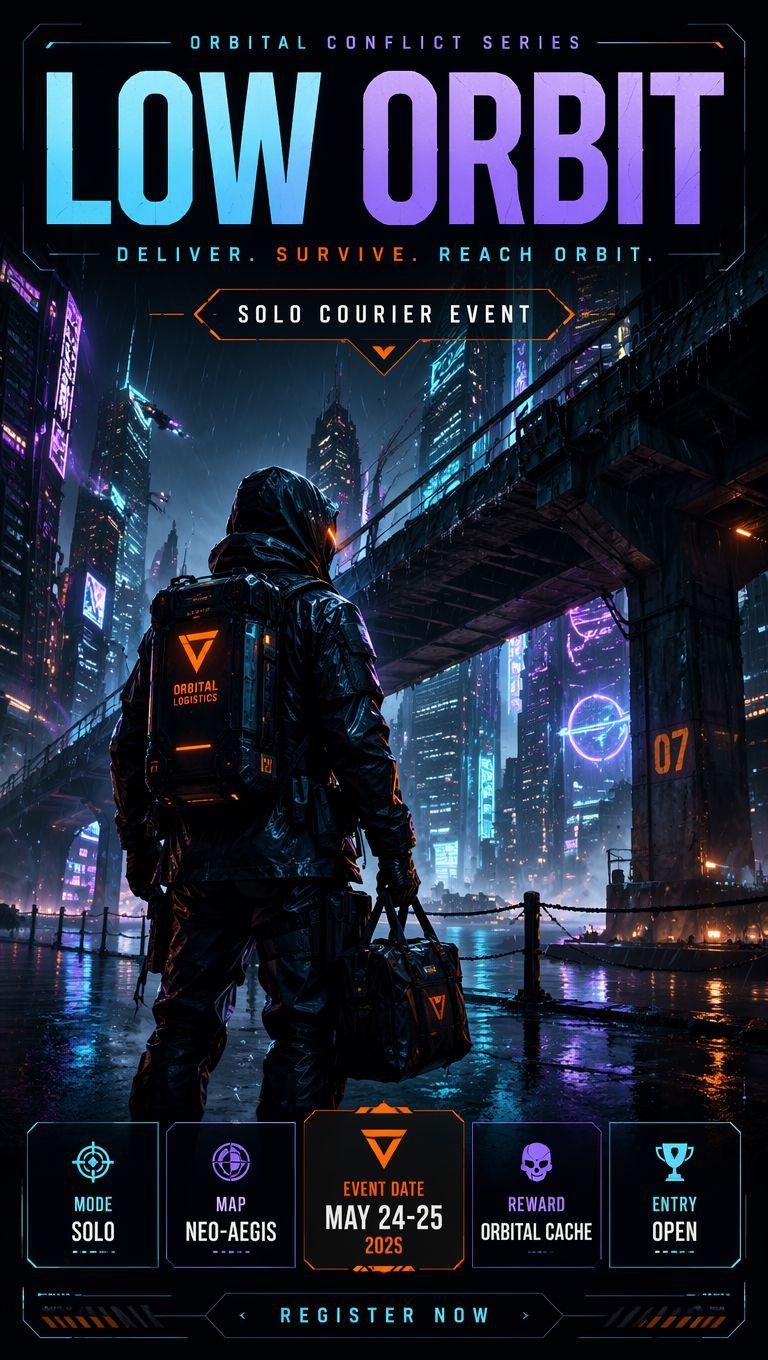
Grok AI 编辑类信息图海报
Prompt
Search the web for detailed information about {argument name="topic" default="Grok AI"} including its development history, underlying architecture, technical capabilities, training methodology, real-world applications, cultural impact, major breakthroughs, controversies, notable model versions, and surprising lesser-known facts. Then create a dramatic editorial infographic poster in the style of a {argument name="style" default="National Geographic feature"} — but for groundbreaking artificial intelligence. The most powerful and recognizable visual representation of Grok is the full-bleed atmospheric hero filling the entire poster top to bottom, dramatically lit and color-graded in deep black, electric blue, chrome silver, and cosmic neon tones matching Grok’s rebellious futuristic identity. Oversized bold typography with the word ‘GROK’ dominates the upper portion in a sleek sci-fi font inspired by space technology and cyberpunk interfaces. Text and graphic panels float naturally over the image as editorial overlays — not boxed magazine layouts. Include: release year and creator/company (xAI / Elon Musk), model architecture and parameter scale, training data scale and computing infrastructure, key capabilities and benchmark performance, integration with X (Twitter), adoption statistics and market influence, launch milestones, famous public demos, major achievements, cultural significance, and 3 surprising lesser-known facts. A technical specification panel on one side showing architecture, multimodal abilities, reasoning features, context window, API ecosystem, and compute power. A timeline of Grok’s major breakthroughs and releases along the bottom. Include references to real-time internet integration, humor-driven personality, open-source initiatives, and competition with other frontier AI models. Color palette and mood drawn entirely from Grok’s own visual identity — cinematic, edgy, intelligent, futuristic, slightly rebellious. No white background, no magazine grid, no boxed sections. Everything layered organically over the full-bleed hero image. Aspect ratio 4:5. Dense, tactile, cinematic, unmistakably Grok.- Category
- Charts & Infographics
- Model
- GPT Image 2
- Creator
- Jahan Zaib
- Source ID
- 20818
- Published
- May 16, 2026
Views8