16

奢华高尔夫时尚专题广告企划
Enlarge

奢华高尔夫时尚专题广告企划

Prompt
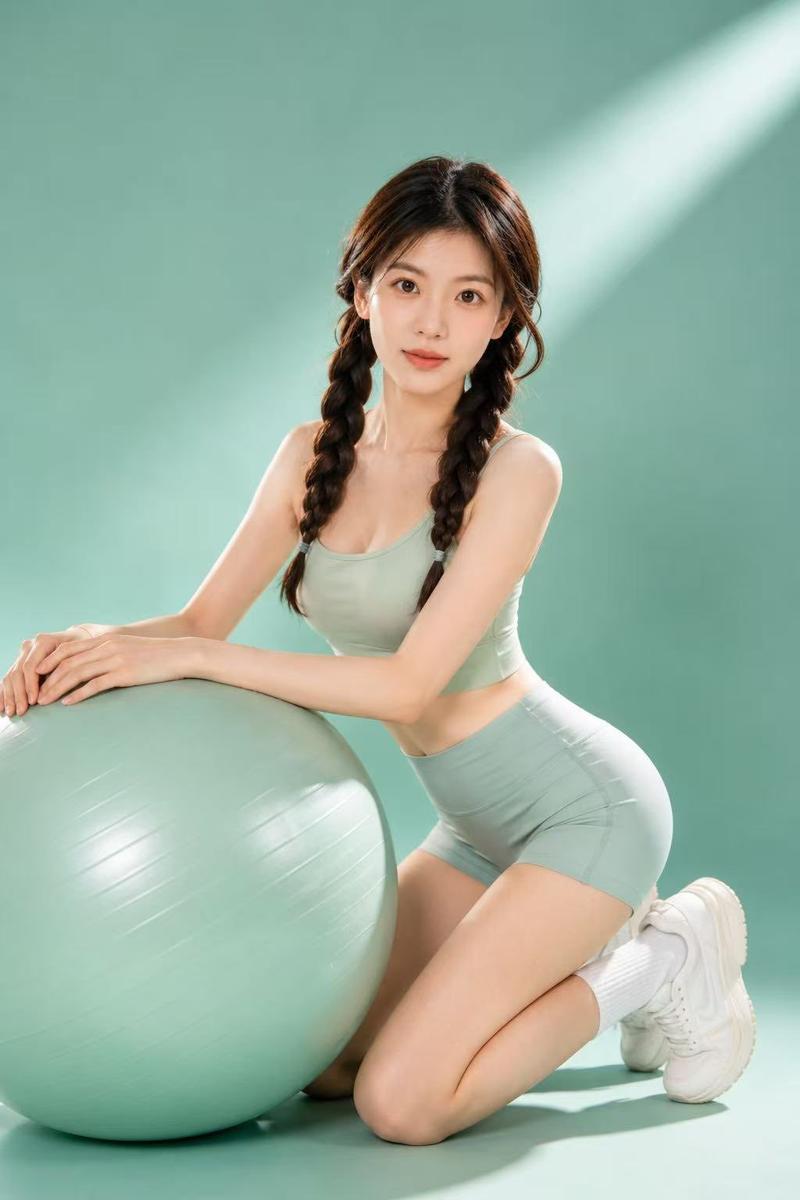
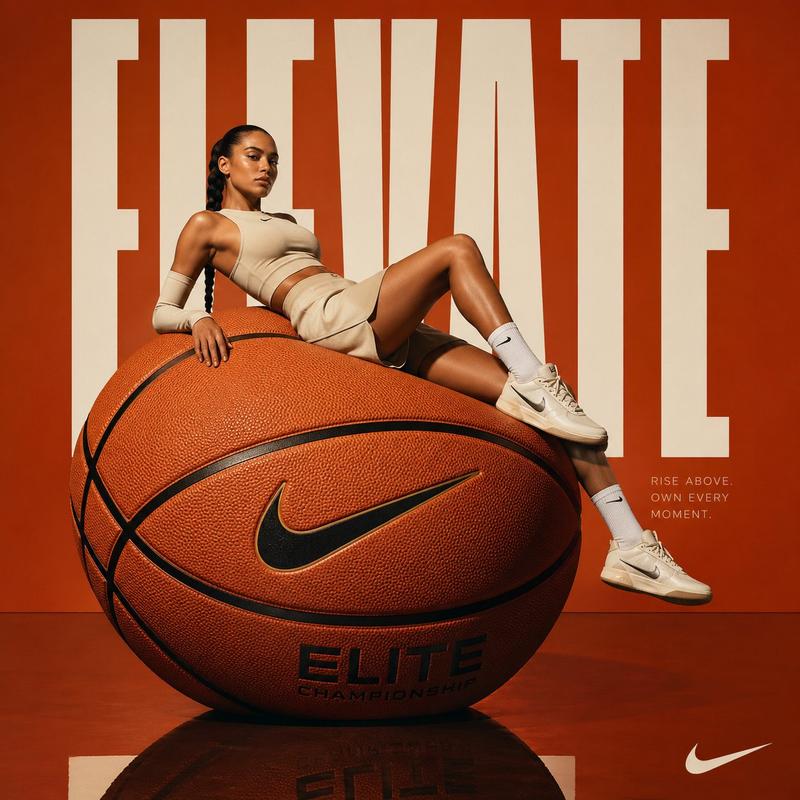
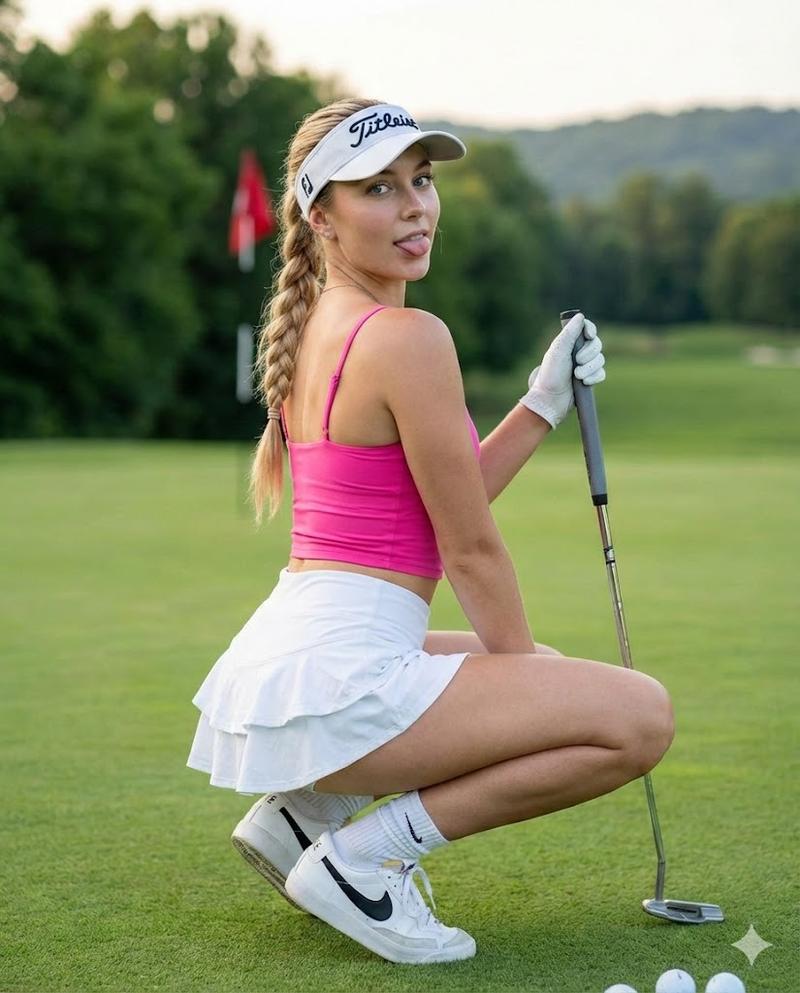
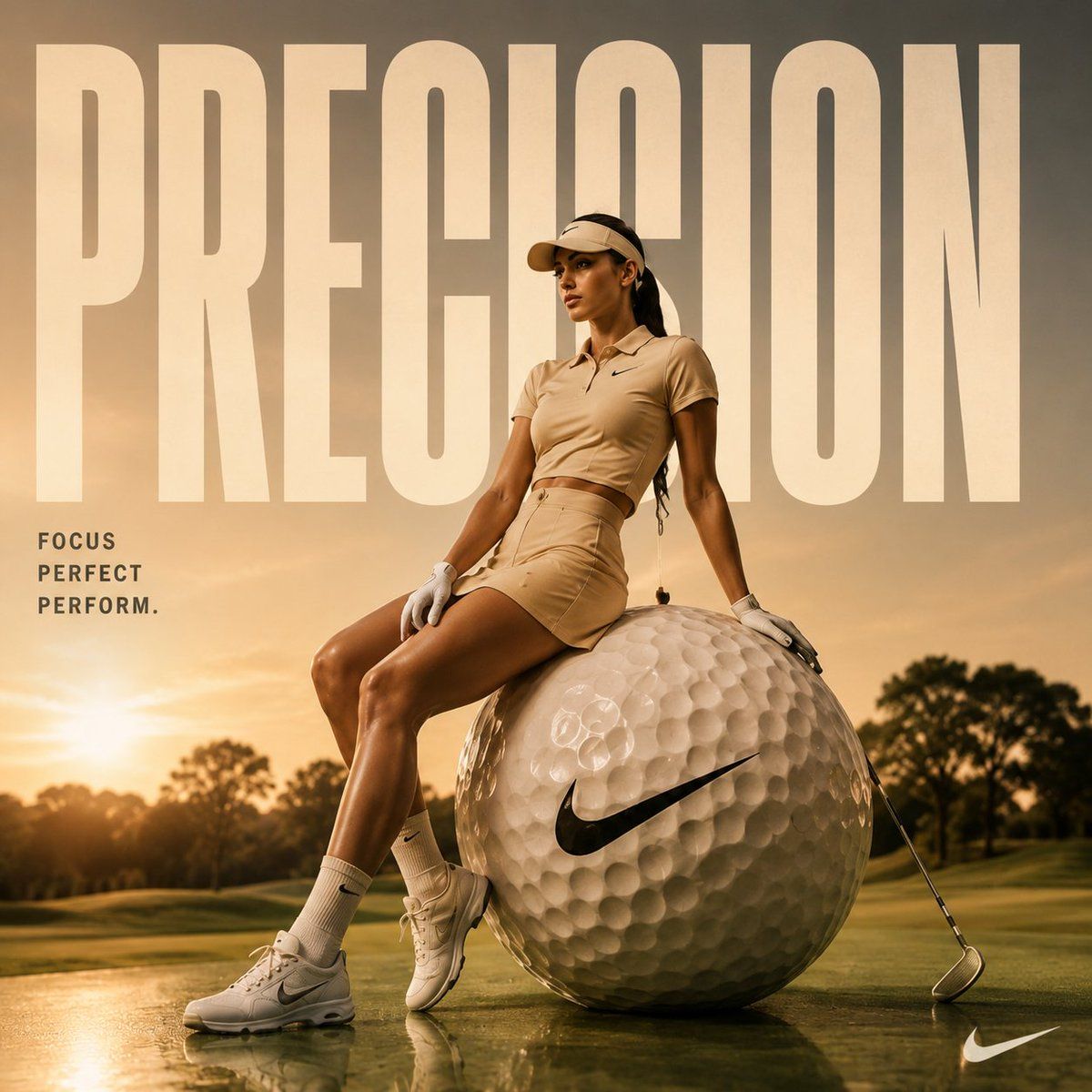
Luxury {argument name="theme" default="golf fashion campaign"} at golden hour on a premium golf course, athletic {argument name="subject" default="female golfer"} in elegant beige monochrome sportswear sitting confidently on a giant oversized golf ball with a black swoosh logo, cinematic sunset lighting, glossy reflections on wet grass, huge bold typography reading “{argument name="text" default="PRECISION"}” in the background, minimal luxury sports branding, warm golden tones, editorial magazine composition, dramatic shadows, ultra realistic skin texture, premium athletic aesthetic, high-fashion sports advertisement, shallow depth of field, clean composition, hyper detailed realism, 8k quality
Category
Charts & Infographics
Model
GPT Image 2
Views7
Source ID
20840
Published
May 16, 2026

Guide

About "奢华高尔夫时尚专题广告企划"

What is this prompt for?

"奢华高尔夫时尚专题广告企划" AI image prompt for GPT Image 2 (Charts & Infographics). 一个为奢华高尔夫品牌打造的高级时尚广告提示词,包含运动型高尔夫球手、醒目的排版设计以及电影质感的黄金时刻光影。 Copy it on Picva and recreate…

The full copyable prompt and example visuals above are ready for AI image generation or one-click recreate in Picva.

How to use this prompt

  1. Step 1

    Open the prompt detail

    Review the example visuals, category, and full prompt text for "奢华高尔夫时尚专题广告企划".

  2. Step 2

    Copy the prompt

    Copy the prompt body from this page, or load it directly in Studio.

  3. Step 3

    Pick a model (GPT Image 2)

    Prefer GPT Image 2. If you switch models, keep subject and composition and tweak style terms.

  4. Step 4

    Generate and export

    Recreate the look in Picva, or export into your workflow for editing and publishing.

FAQ

What is the "奢华高尔夫时尚专题广告企划" prompt?
It is an AI image-generation prompt for GPT Image 2 in the Charts & Infographics category. This page includes the full prompt text, example visuals, and a one-click recreate path in Picva.
How do I use this prompt to generate an image?
Copy the prompt from this page, or use Generate / Studio. Paste it into a compatible image model, or recreate the look in Picva with optional reference images.
Which model is this prompt for?
This page lists GPT Image 2. Most descriptive prompts also transfer to nearby image models such as GPT Image, Flux, or Midjourney with light style tweaks.
Can I use the result commercially?
You can usually copy the prompt for creation, but commercial use of the final image depends on the model terms, reference-image rights, and the generated content. Follow the source author and platform rules.