13

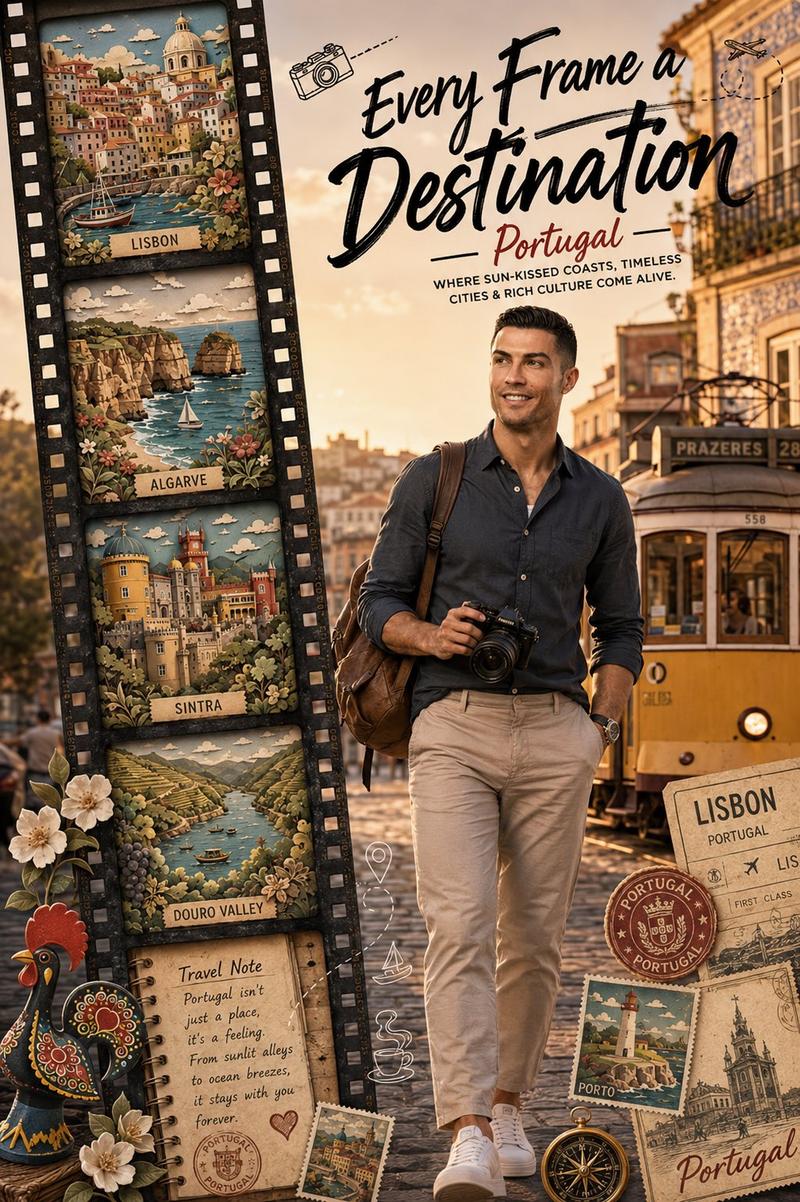
里斯本复古电车旅行海报
Enlarge

里斯本复古电车旅行海报

Prompt
Create a cinematic travel poster based on a realistic street photograph of two vintage Lisbon trams passing close together on sunlit tracks. The scene should feel like a warm late-afternoon European city street, with deep shadows, golden highlights, parked cars and greenery in the background, and passengers visible through the tram windows. The trams are classic red, yellow, cream, and dark trim, with wooden window frames and authentic advertising panels; include small readable details such as a Coca-Cola style script ad on the left tram and a small route number "56" on the right tram. Compose the image horizontally in a 3:2 aspect ratio, tightly cropped so the tram fronts dominate the frame and overlap near the center. Add large elegant white handwritten brush-script title text across the middle reading {argument name="city name" default="Lisbon"}, slightly slanted and spanning both trams. Beneath it, add a centered uppercase serif subtitle reading {argument name="tagline" default="WHERE EVERY CORNER TELLS A STORY"}, with thin decorative horizontal lines on both sides and a small diamond ornament below. Use high-contrast travel editorial color grading, realistic photography, crisp details, natural reflections in glass, and no extra logos or watermarks beyond the tram advertisements.
Category
Charts & Infographics
Model
GPT Image 2
Creator
UME AI
Views2
Source ID
20918
Published
May 16, 2026

Guide

About "里斯本复古电车旅行海报"

What is this prompt for?

"里斯本复古电车旅行海报" AI image prompt for GPT Image 2 (Charts & Infographics). 一款电影质感的旅行海报,以复古里斯本电车为特色,配有优雅的目的地排版,适用于旅游推广、编辑出版或社交媒体使用。 Copy it on Picva and recreate th…

The full copyable prompt and example visuals above are ready for AI image generation or one-click recreate in Picva.

How to use this prompt

  1. Step 1

    Open the prompt detail

    Review the example visuals, category, and full prompt text for "里斯本复古电车旅行海报".

  2. Step 2

    Copy the prompt

    Copy the prompt body from this page, or load it directly in Studio.

  3. Step 3

    Pick a model (GPT Image 2)

    Prefer GPT Image 2. If you switch models, keep subject and composition and tweak style terms.

  4. Step 4

    Generate and export

    Recreate the look in Picva, or export into your workflow for editing and publishing.

FAQ

What is the "里斯本复古电车旅行海报" prompt?
It is an AI image-generation prompt for GPT Image 2 in the Charts & Infographics category. This page includes the full prompt text, example visuals, and a one-click recreate path in Picva.
How do I use this prompt to generate an image?
Copy the prompt from this page, or use Generate / Studio. Paste it into a compatible image model, or recreate the look in Picva with optional reference images.
Which model is this prompt for?
This page lists GPT Image 2. Most descriptive prompts also transfer to nearby image models such as GPT Image, Flux, or Midjourney with light style tweaks.
Can I use the result commercially?
You can usually copy the prompt for creation, but commercial use of the final image depends on the model terms, reference-image rights, and the generated content. Follow the source author and platform rules.