“加班地带” Pachislot 老虎机
Prompt
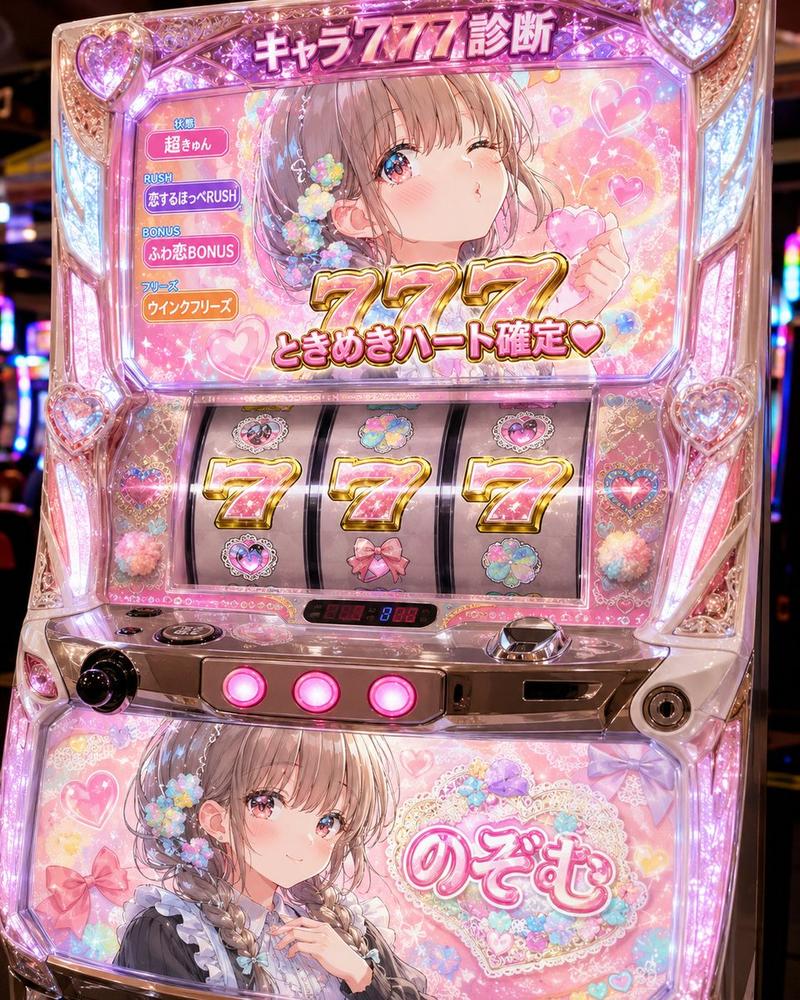
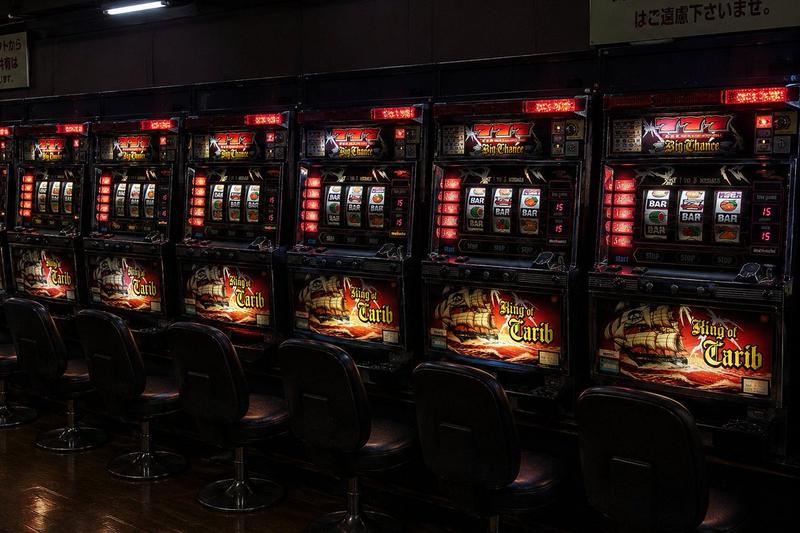
Goal: Create a hyper-detailed photorealistic Japanese pachislot machine screen themed around overtime work, rendered like a high-energy casino arcade cabinet with glossy chrome, black glass, purple lightning, red flames, gold trim, and dramatic glowing typography.

Canvas: 4:3 horizontal image, front-facing view of the machine, filling the frame edge to edge. Use a dark arcade environment with reflections, neon highlights, and intense contrast. No people outside the screen; the only human figure appears inside the top display.

Main top display: Show a dramatic game bonus screen with a tired Japanese office worker in a white shirt and tie leaning over a laptop at night, face intentionally blurred, with a city office window background and a wall clock behind him. The central headline must be huge metallic Japanese text 「残業」 with a purple English subtitle “ZONE” underneath, surrounded by chains, purple electricity, sparks, and smoky red-black effects. Add the slogan 「毎ゲーム 残業時間を上乗せ」 in bold white and yellow Japanese text across the lower center of the top display. In the upper-left corner, add a framed counter reading 「残り」 above a large “5G”. On the right, add a framed red-and-gold bonus time panel reading 「残業時間 +245分」. Make all text look embossed, fiery, glossy, and arcade-like.

Machine frame and side decorations: Build a luxurious pachislot cabinet frame with transparent molded plastic, chrome edges, gold ornamental accents, black lacquer, and bright purple LED lightning. Add exactly 2 large vertical side title panels: the left panel reads 「残業」 in gold Japanese characters, and the right panel reads 「4スロ」 in gold characters. Include purple lightning effects behind both side panels.

Reel section: Include exactly 3 vertical slot reels in the middle-lower area, each showing exactly 3 visible symbols for a total of 9 visible reel symbols. Left reel symbols from top to bottom: blue “REPLAY” emblem, golden bell, black plaque with 「残業」. Middle reel symbols from top to bottom: red cherries, red number 7, blue “REPLAY” emblem. Right reel symbols from top to bottom: black plaque with 「残業」, blue “REPLAY” emblem, green gift box with red ribbon. Reels should be glossy, slightly reflective, and sharply lit.

Bottom banner: Add a glowing purple-black banner below the reels with large Japanese text 「リプレイ・レア役でチャンス!」, with the final word 「チャンス!」 in bright yellow and the preceding text in white. Add small chrome buttons and machine hardware barely visible at the very bottom edge.

Visual style: Ultra-realistic pachislot photography mixed with exaggerated game UI art, intense neon purple and red palette, gold beveled type, lightning bolts, sparks, chains, reflections, and high dynamic range arcade lighting. Make it look like a real premium Japanese slot machine cabinet photographed straight on.

Customizable details: The main Japanese title is {argument name="main Japanese title" default="残業"}; the English subtitle is {argument name="English subtitle" default="ZONE"}; the remaining game count is {argument name="remaining game count" default="5G"}; the bonus time value is {argument name="bonus time value" default="+245分"}; the bottom banner text is {argument name="bottom banner text" default="リプレイ・レア役でチャンス!"}.

Constraints: Keep the exact visible count of 3 reels, 9 reel symbols, 2 side title panels, 1 top-left counter, 1 right bonus-time panel, and 1 bottom banner. Preserve the Japanese text accurately. Do not add extra logos, watermarks, subtitles, or additional characters.- Category
- Charts & Infographics
- Model
- GPT Image 2
- Creator
- ハルはスマグロにハマった
- Source ID
- 21583
- Published
- May 19, 2026
Views0