16

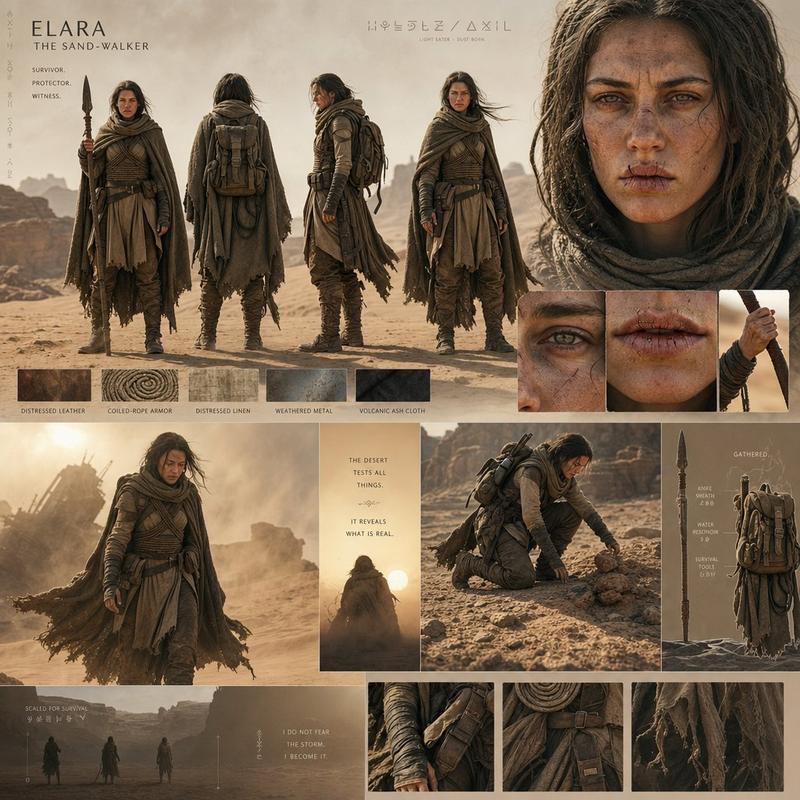
沙漠世界电影感角色项目
Enlarge

沙漠世界电影感角色项目

Prompt
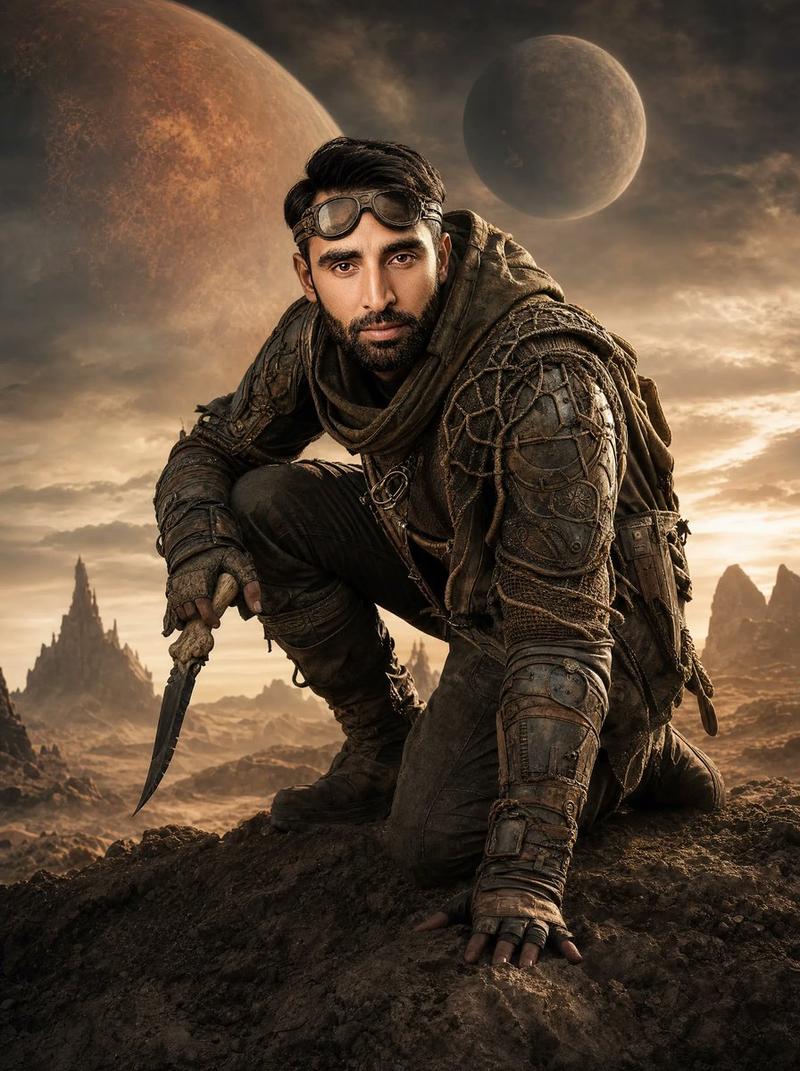
An epic {argument name="setting" default="desert-world"} cinematic character board with monumental scale and atmospheric realism. {argument name="atmosphere" default="Warm golden dust storms"}, harsh sunlight, layered shadows, and {argument name="texture" default="textured earth-tone fabrics"} dominate the frame. Full-body turnaround arranged organically like a luxury film pitch document, paired with intimate close-up portraits showing cracked lips, sand particles, weathered skin, and emotional intensity. Minimal typography, symbolic markings, tactical costume breakdowns, and realistic material studies. Ultra realistic cinematography inspired by prestige sci-fi epics.
Category
Charts & Infographics
Model
GPT Image 2
Creator
Cherry 2.O
Views1
Source ID
21888
Published
May 21, 2026

Guide

About "沙漠世界电影感角色项目"

What is this prompt for?

"沙漠世界电影感角色项目" AI image prompt for GPT Image 2 (Charts & Infographics). 一个包含沙尘暴、大地色纹理织物和多角度肖像的沙漠世界角色项目电影感提示词。 Copy it on Picva and recreate the look in one clic…

The full copyable prompt and example visuals above are ready for AI image generation or one-click recreate in Picva.

How to use this prompt

  1. Step 1

    Open the prompt detail

    Review the example visuals, category, and full prompt text for "沙漠世界电影感角色项目".

  2. Step 2

    Copy the prompt

    Copy the prompt body from this page, or load it directly in Studio.

  3. Step 3

    Pick a model (GPT Image 2)

    Prefer GPT Image 2. If you switch models, keep subject and composition and tweak style terms.

  4. Step 4

    Generate and export

    Recreate the look in Picva, or export into your workflow for editing and publishing.

FAQ

What is the "沙漠世界电影感角色项目" prompt?
It is an AI image-generation prompt for GPT Image 2 in the Charts & Infographics category. This page includes the full prompt text, example visuals, and a one-click recreate path in Picva.
How do I use this prompt to generate an image?
Copy the prompt from this page, or use Generate / Studio. Paste it into a compatible image model, or recreate the look in Picva with optional reference images.
Which model is this prompt for?
This page lists GPT Image 2. Most descriptive prompts also transfer to nearby image models such as GPT Image, Flux, or Midjourney with light style tweaks.
Can I use the result commercially?
You can usually copy the prompt for creation, but commercial use of the final image depends on the model terms, reference-image rights, and the generated content. Follow the source author and platform rules.