18

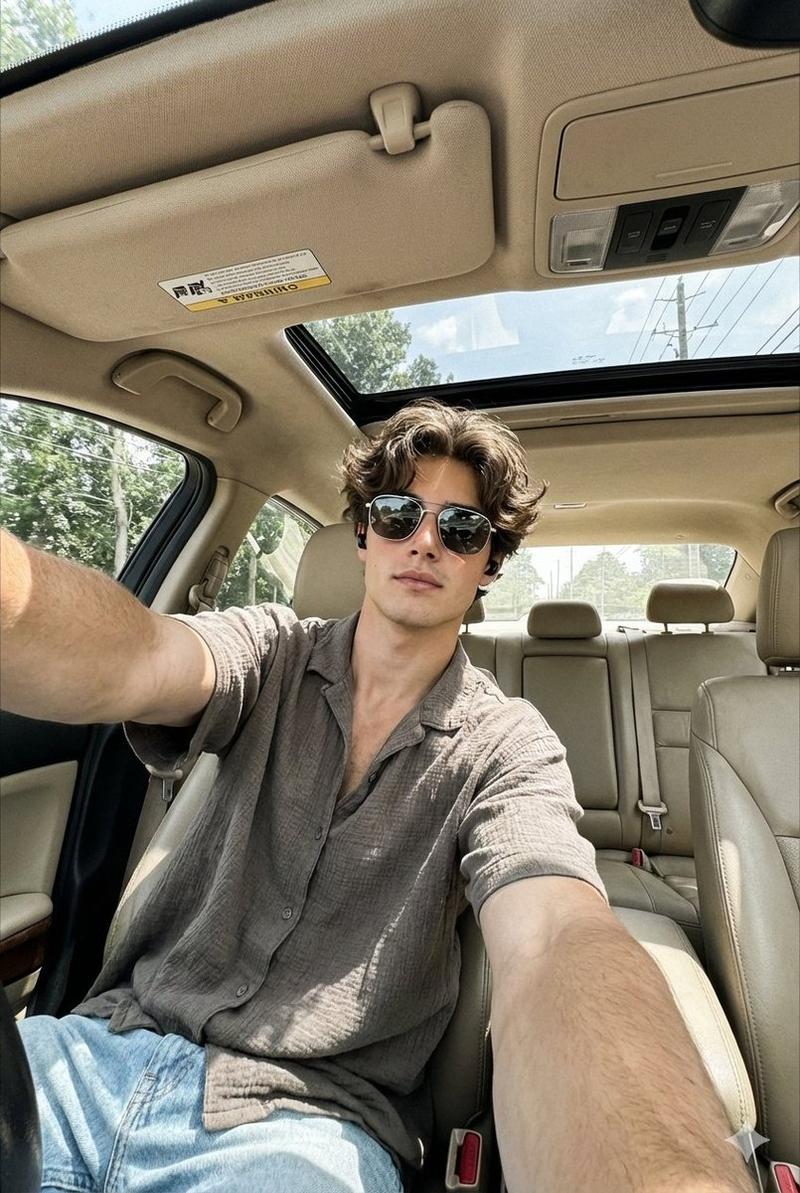
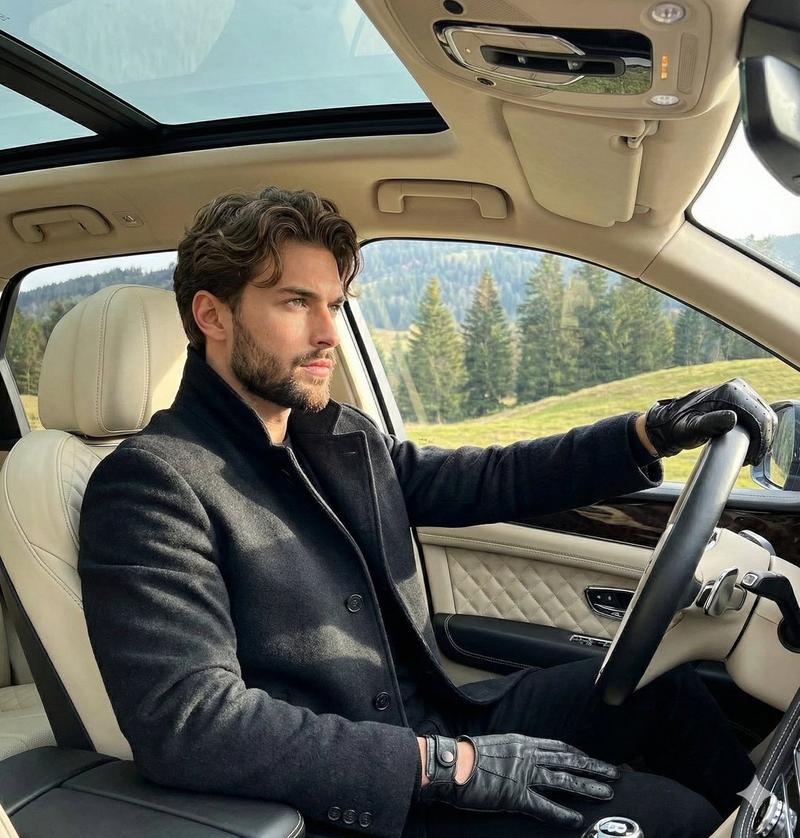
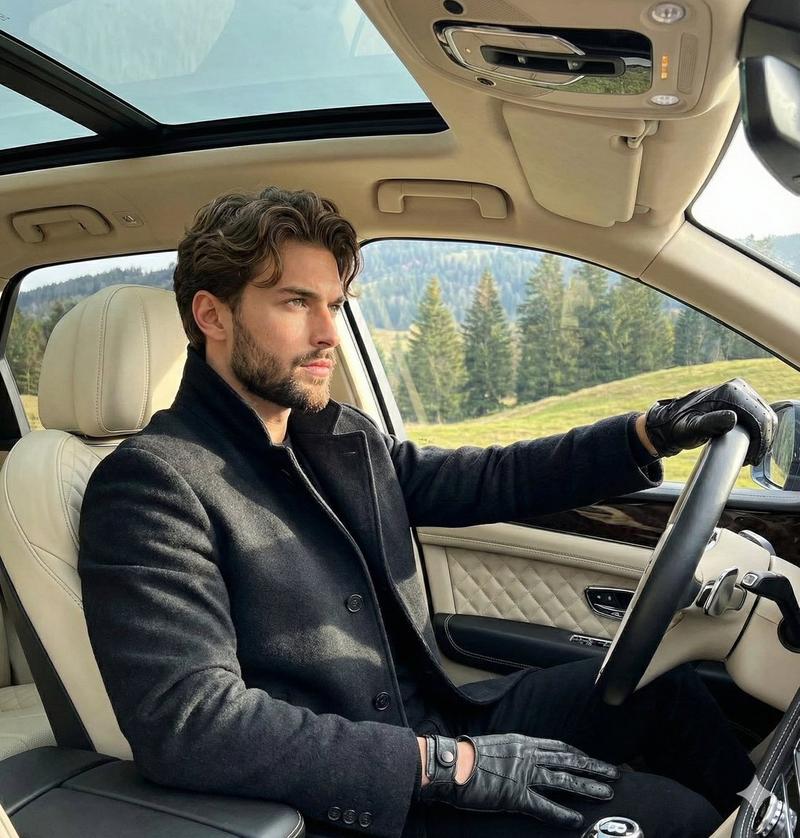
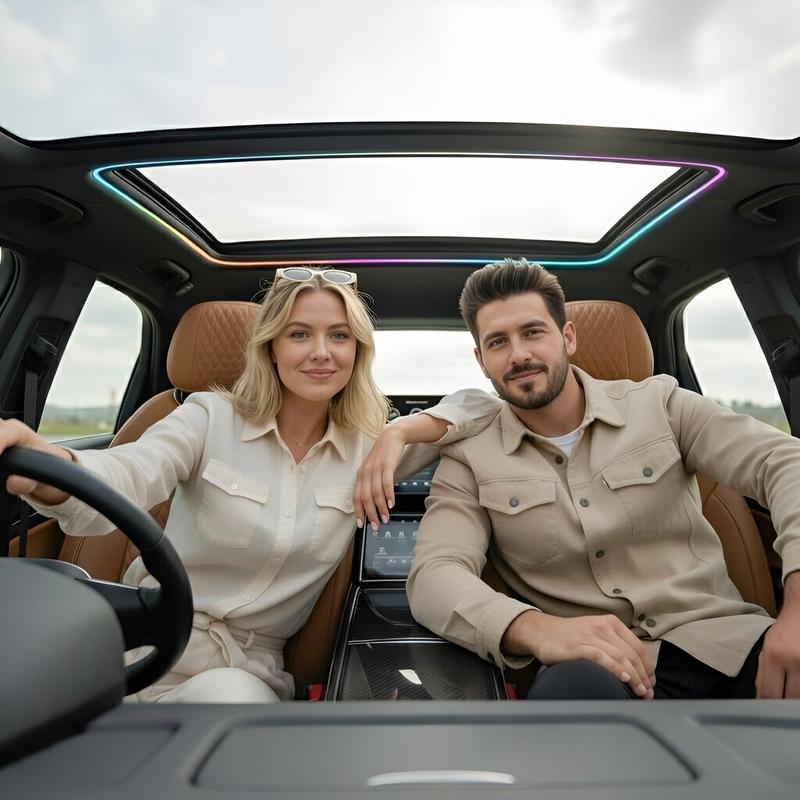
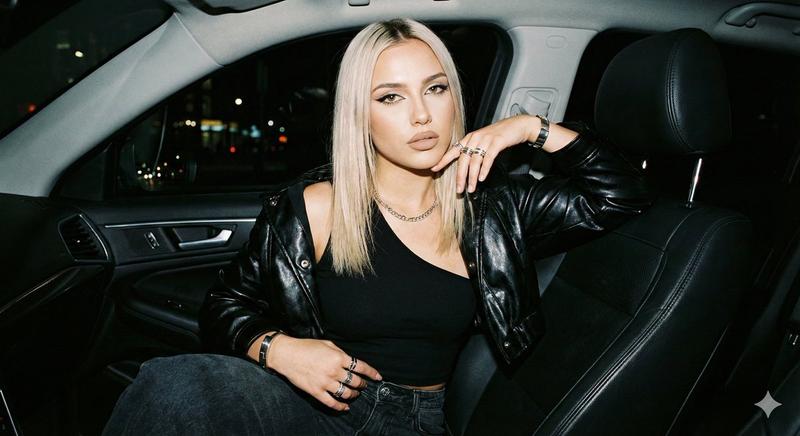
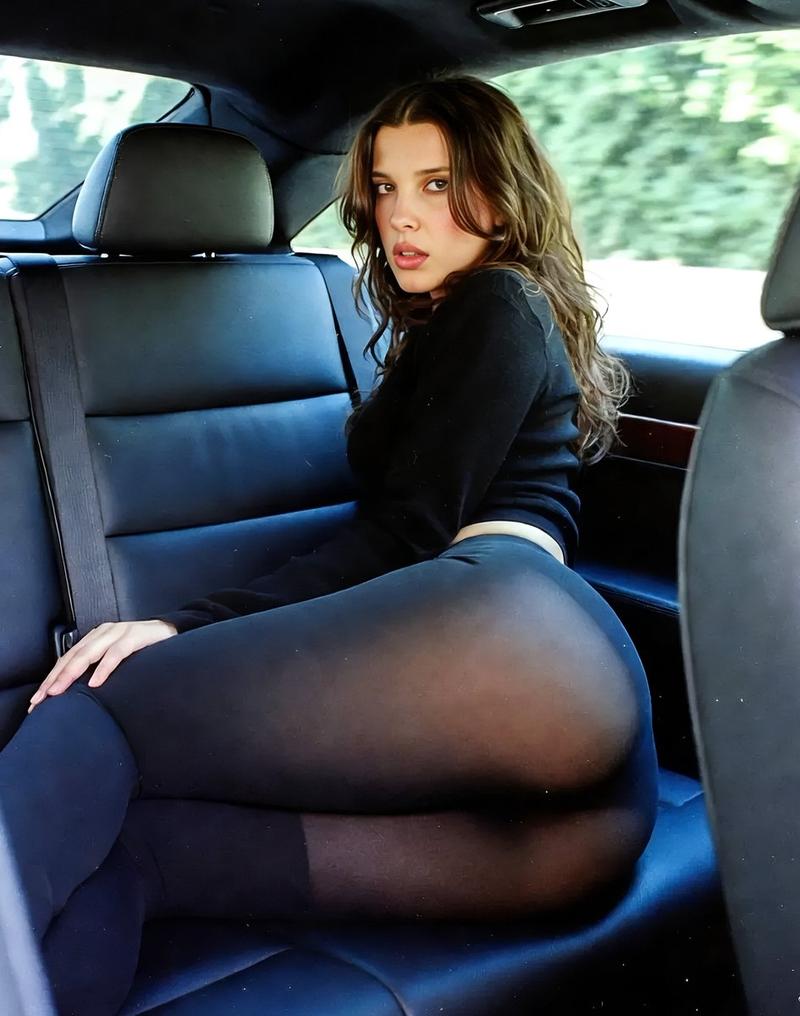
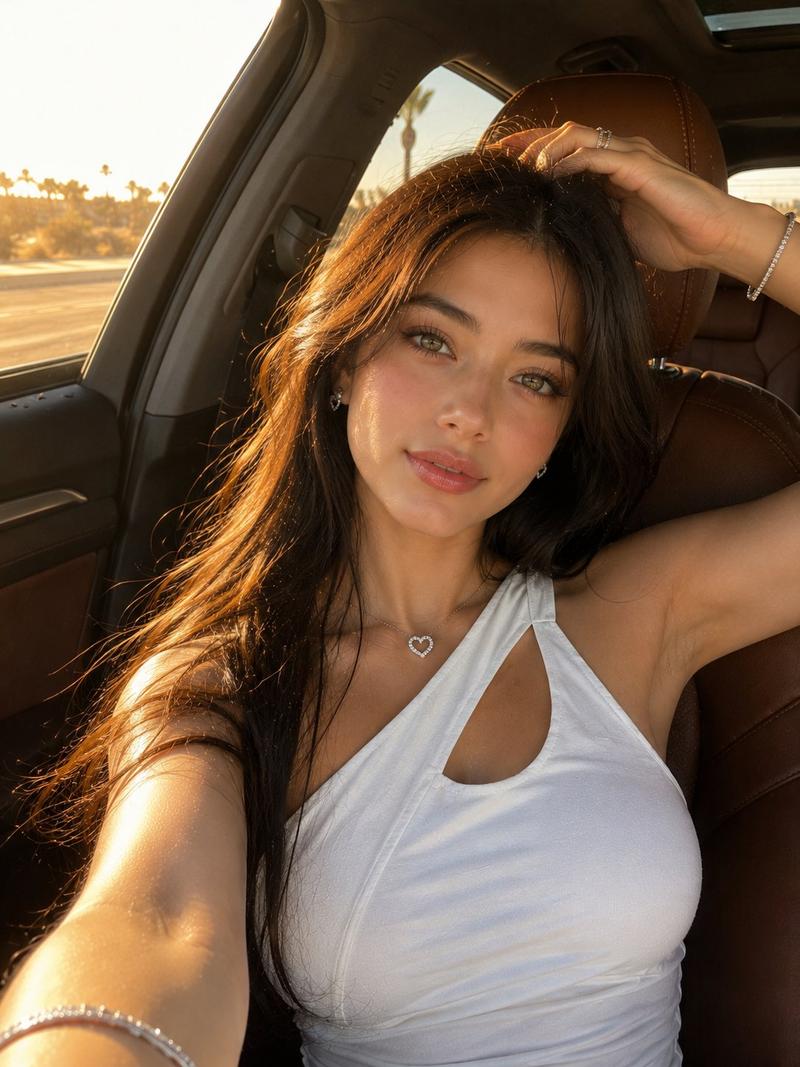
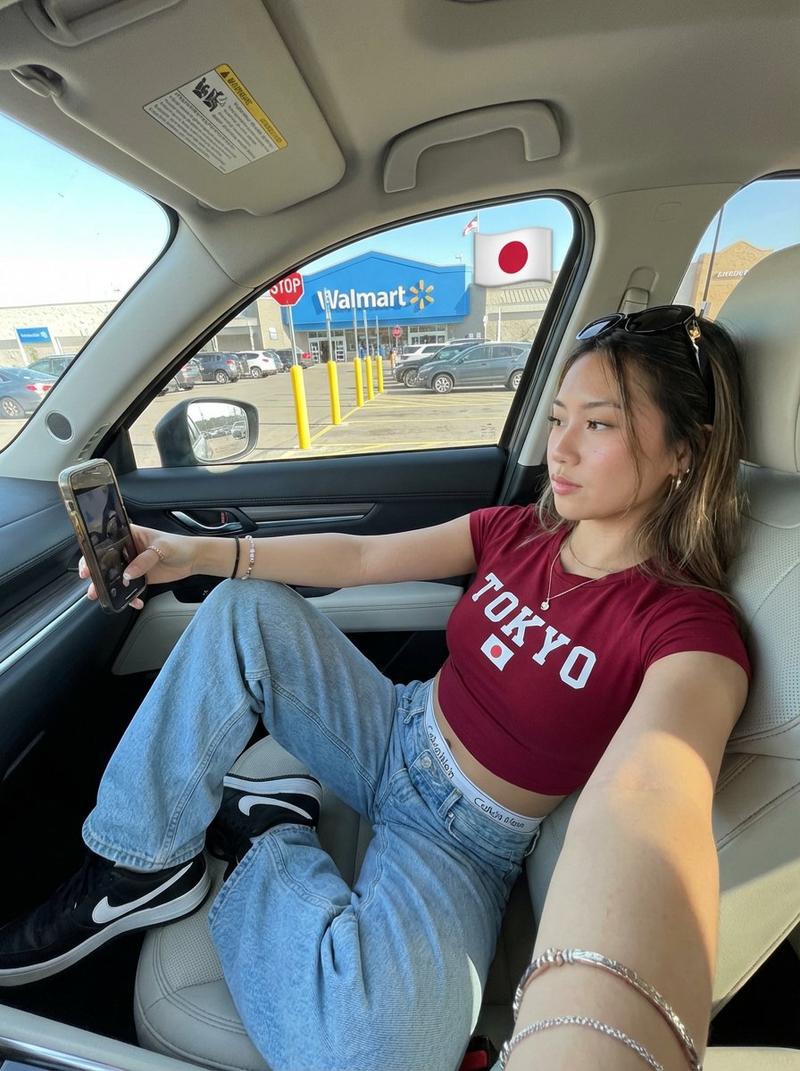
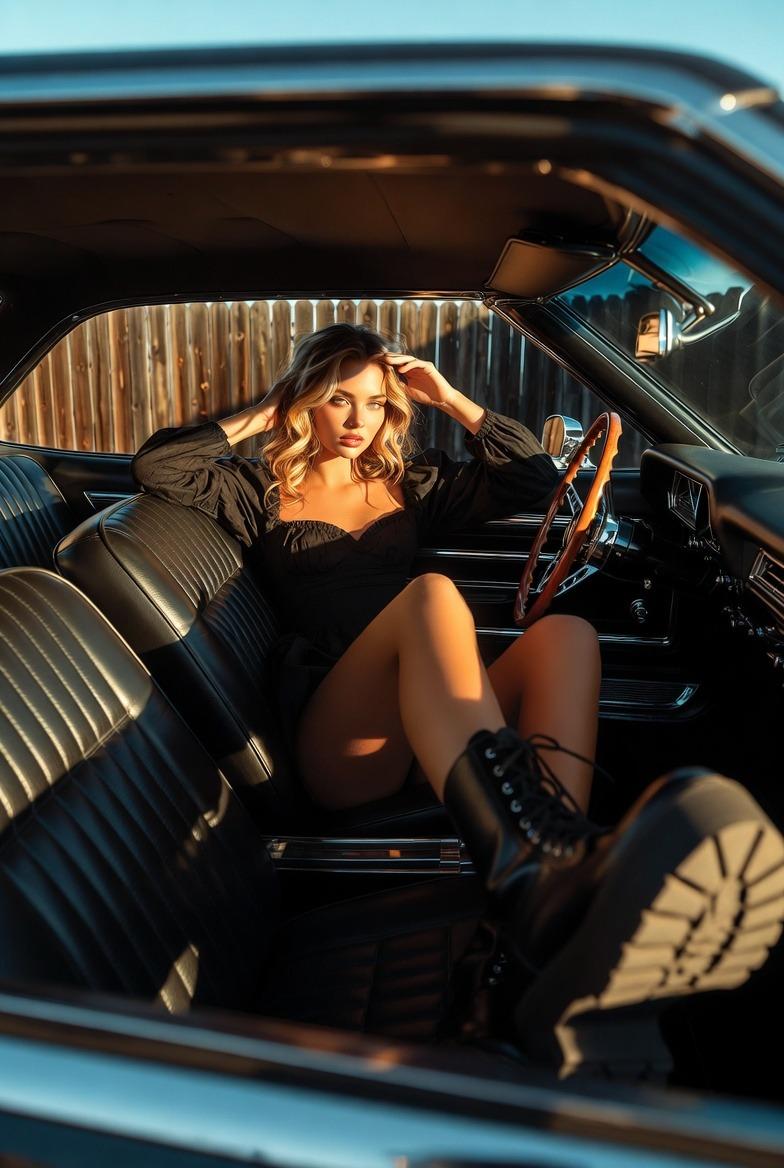
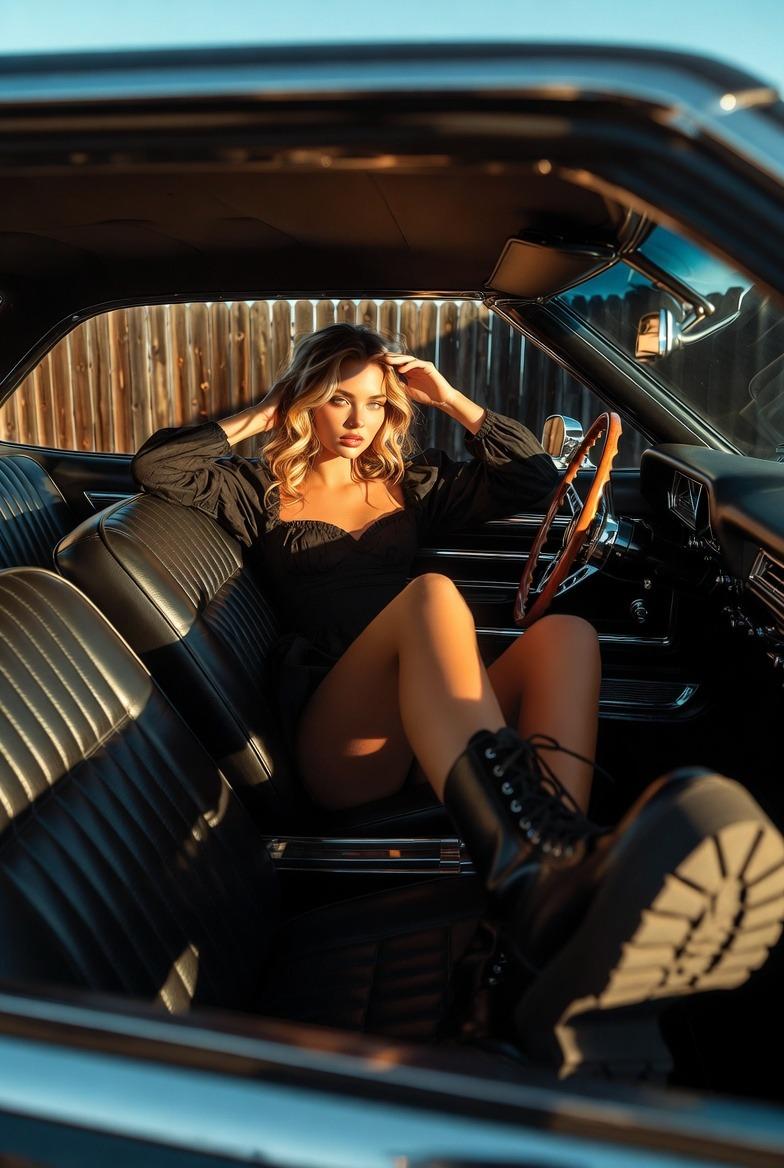
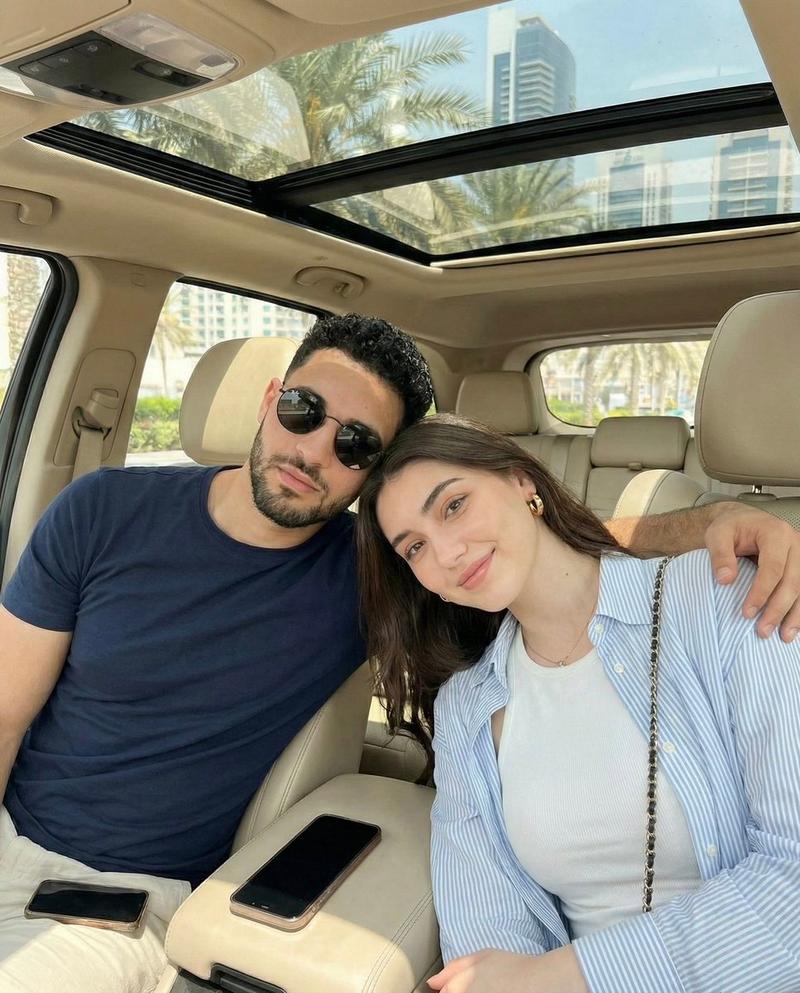
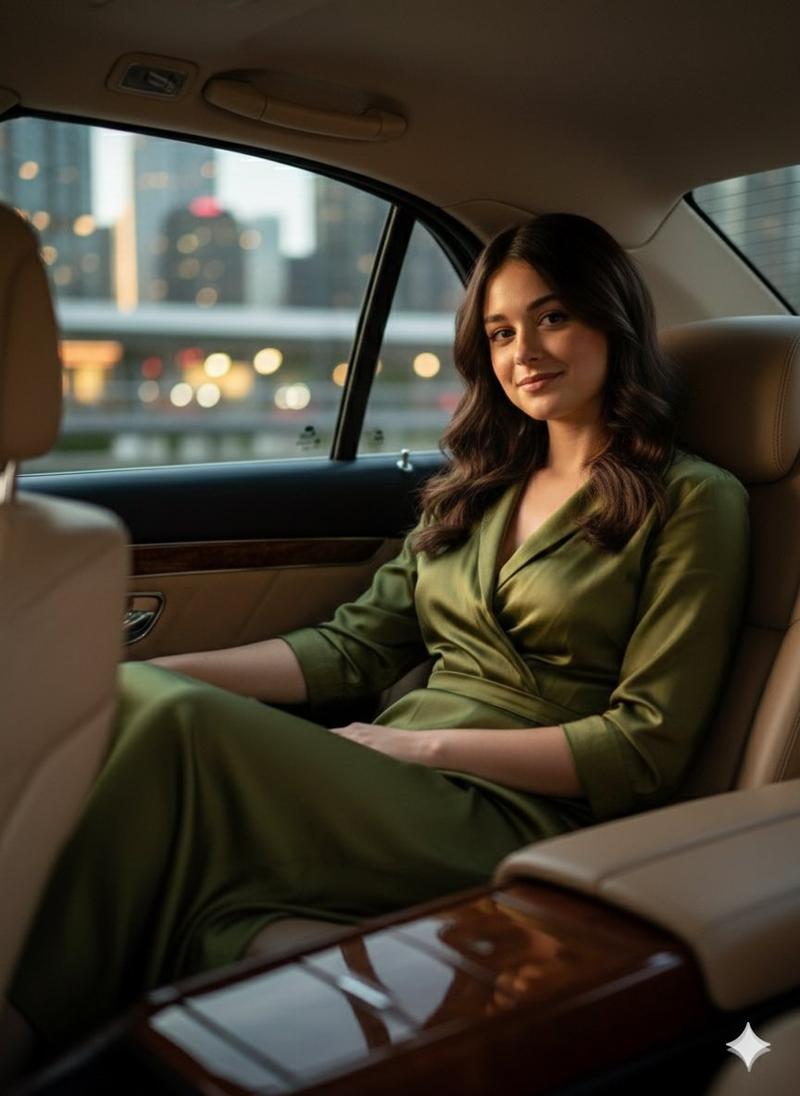
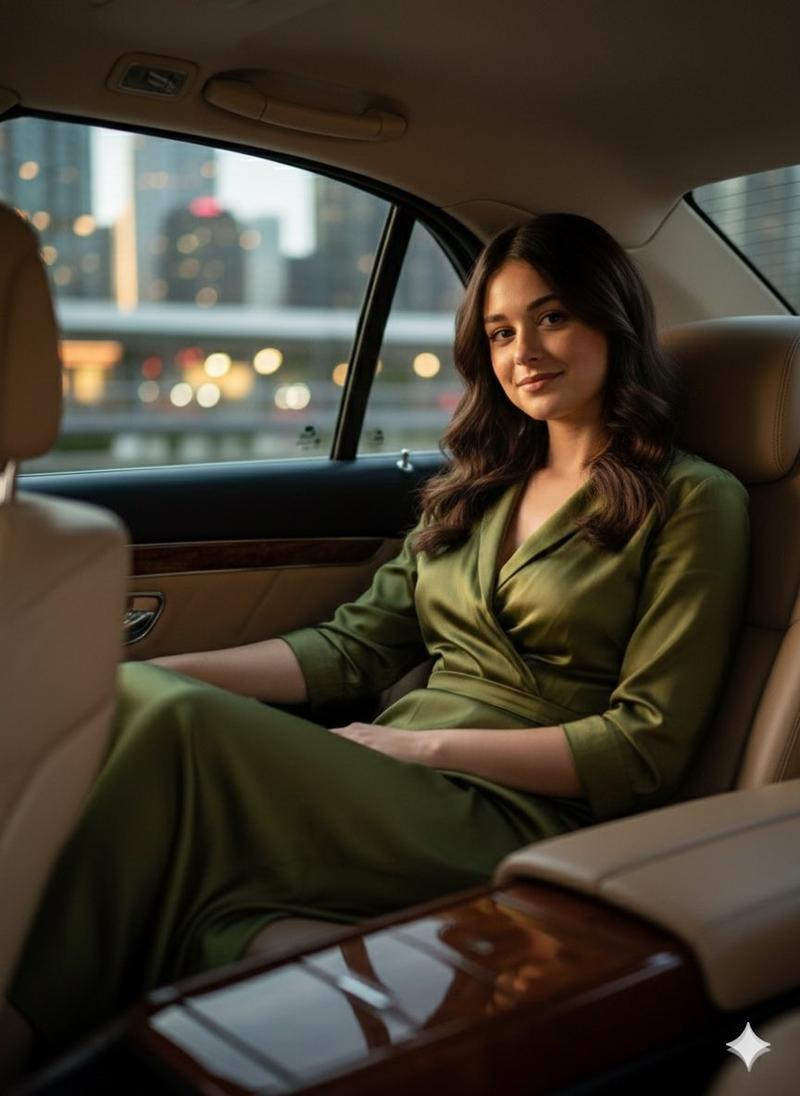
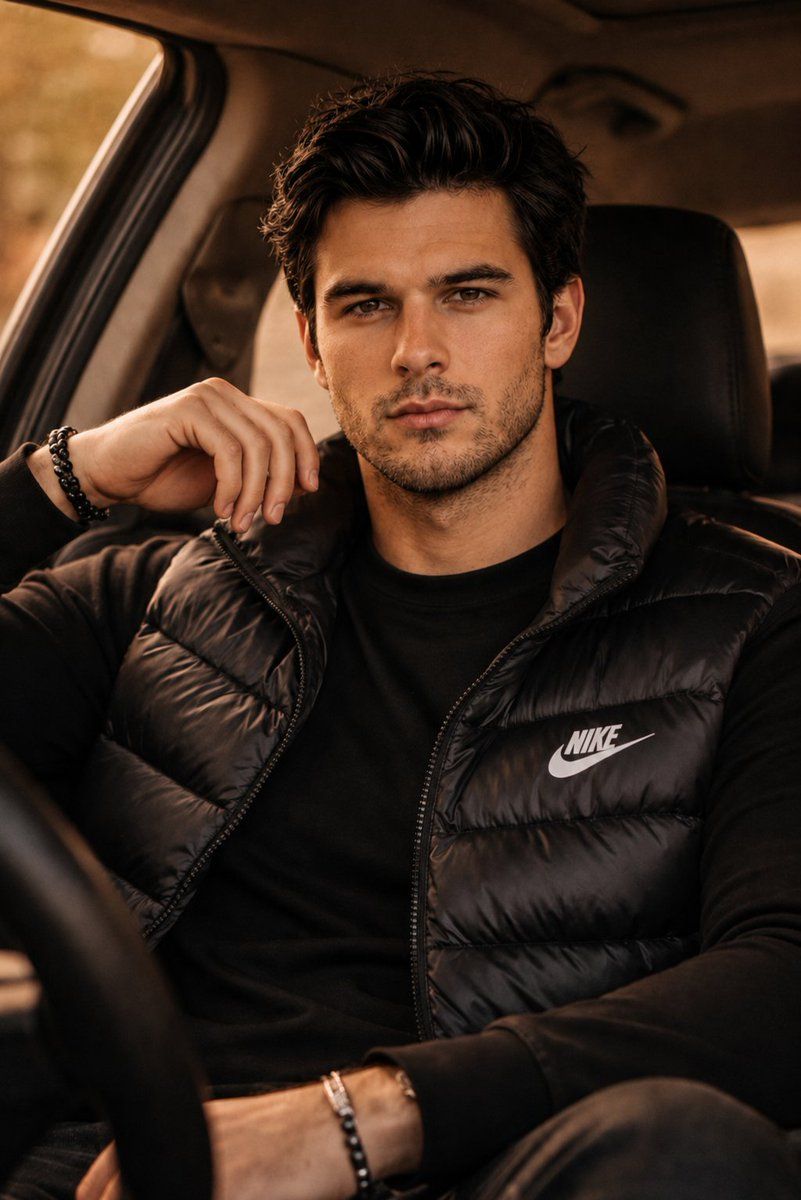
豪华 SUV 时尚人像
Enlarge

豪华 SUV 时尚人像

Prompt
Ultra realistic cinematic fashion portrait of a {argument name="subject" default="handsome young man"} sitting inside a {argument name="location" default="luxury SUV"}, leaning casually with one hand near his face, confident calm expression, sharp jawline, textured dark messy hair, light stubble beard, intense brown eyes looking directly at camera. He is wearing a {argument name="outfit" default="black Nike puffer vest over a fitted black sweatshirt"}, minimal black bead bracelets, premium streetwear aesthetic. Warm golden hour lighting entering from car windows, soft shadows, moody amber color grading, shallow depth of field, ultra detailed skin texture, luxury masculine vibe, editorial photography, lifestyle campaign style, shot on Sony A7R IV with 85mm lens, f/1.8, photorealistic, high contrast, cinematic composition, cozy car interior, blurred background, natural pose, fashion magazine quality, 8k detailed realism.
Category
Charts & Infographics
Model
GPT Image 2
Creator
auqib
Views6
Source ID
22551
Published
May 25, 2026

Guide

About "豪华 SUV 时尚人像"

What is this prompt for?

"豪华 SUV 时尚人像" AI image prompt for GPT Image 2 (Charts & Infographics). 一个超写实的电影感人像提示词,描绘了一位坐在豪华 SUV 中的男士,采用温暖的黄金时刻光影和高端街头服饰风格。 Copy it on Picva and recreate th…

The full copyable prompt and example visuals above are ready for AI image generation or one-click recreate in Picva.

How to use this prompt

  1. Step 1

    Open the prompt detail

    Review the example visuals, category, and full prompt text for "豪华 SUV 时尚人像".

  2. Step 2

    Copy the prompt

    Copy the prompt body from this page, or load it directly in Studio.

  3. Step 3

    Pick a model (GPT Image 2)

    Prefer GPT Image 2. If you switch models, keep subject and composition and tweak style terms.

  4. Step 4

    Generate and export

    Recreate the look in Picva, or export into your workflow for editing and publishing.

FAQ

What is the "豪华 SUV 时尚人像" prompt?
It is an AI image-generation prompt for GPT Image 2 in the Charts & Infographics category. This page includes the full prompt text, example visuals, and a one-click recreate path in Picva.
How do I use this prompt to generate an image?
Copy the prompt from this page, or use Generate / Studio. Paste it into a compatible image model, or recreate the look in Picva with optional reference images.
Which model is this prompt for?
This page lists GPT Image 2. Most descriptive prompts also transfer to nearby image models such as GPT Image, Flux, or Midjourney with light style tweaks.
Can I use the result commercially?
You can usually copy the prompt for creation, but commercial use of the final image depends on the model terms, reference-image rights, and the generated content. Follow the source author and platform rules.