16

电影级角色设计项目
Enlarge

电影级角色设计项目

Prompt
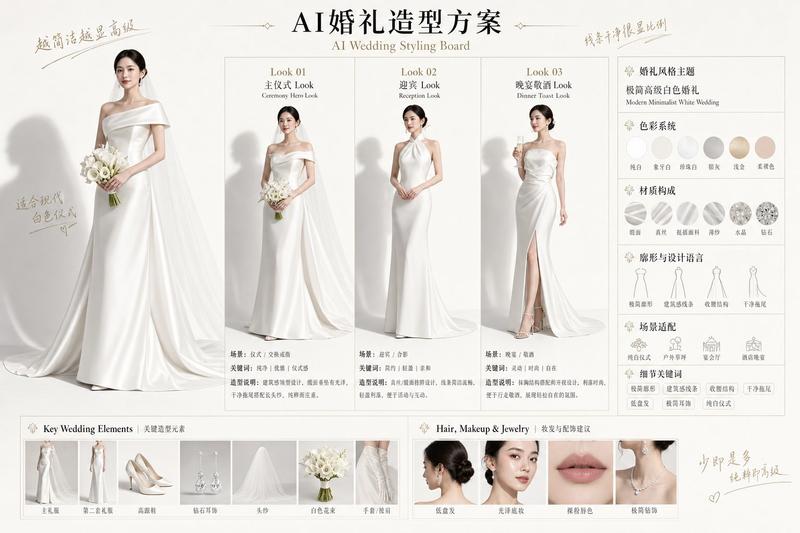
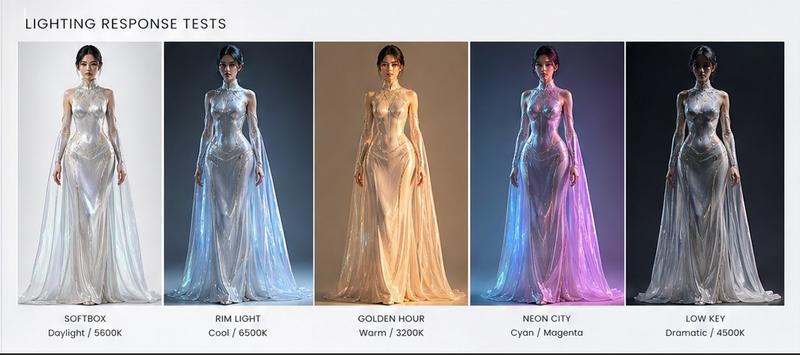
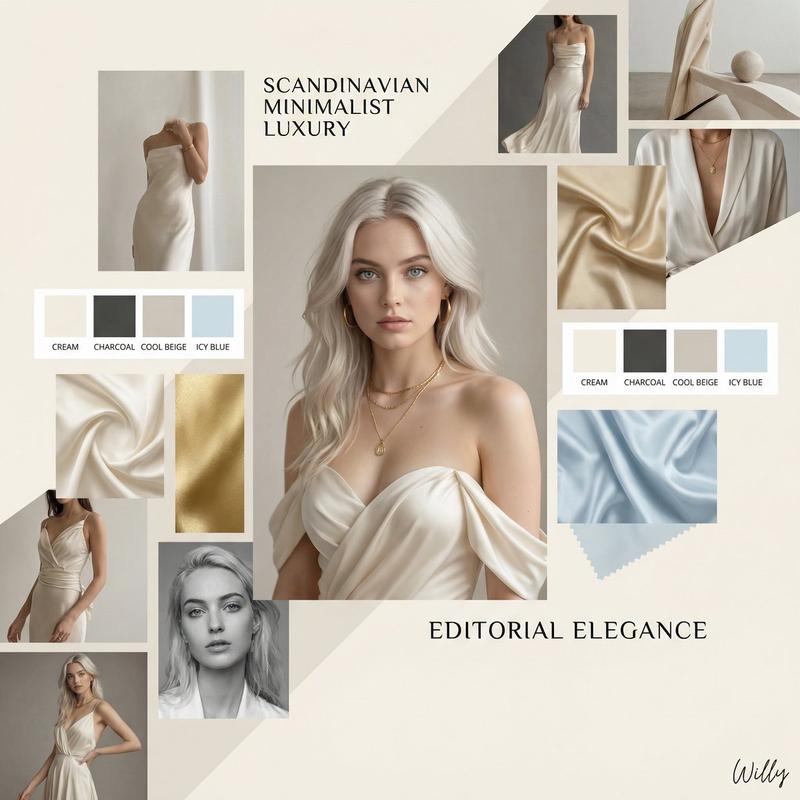
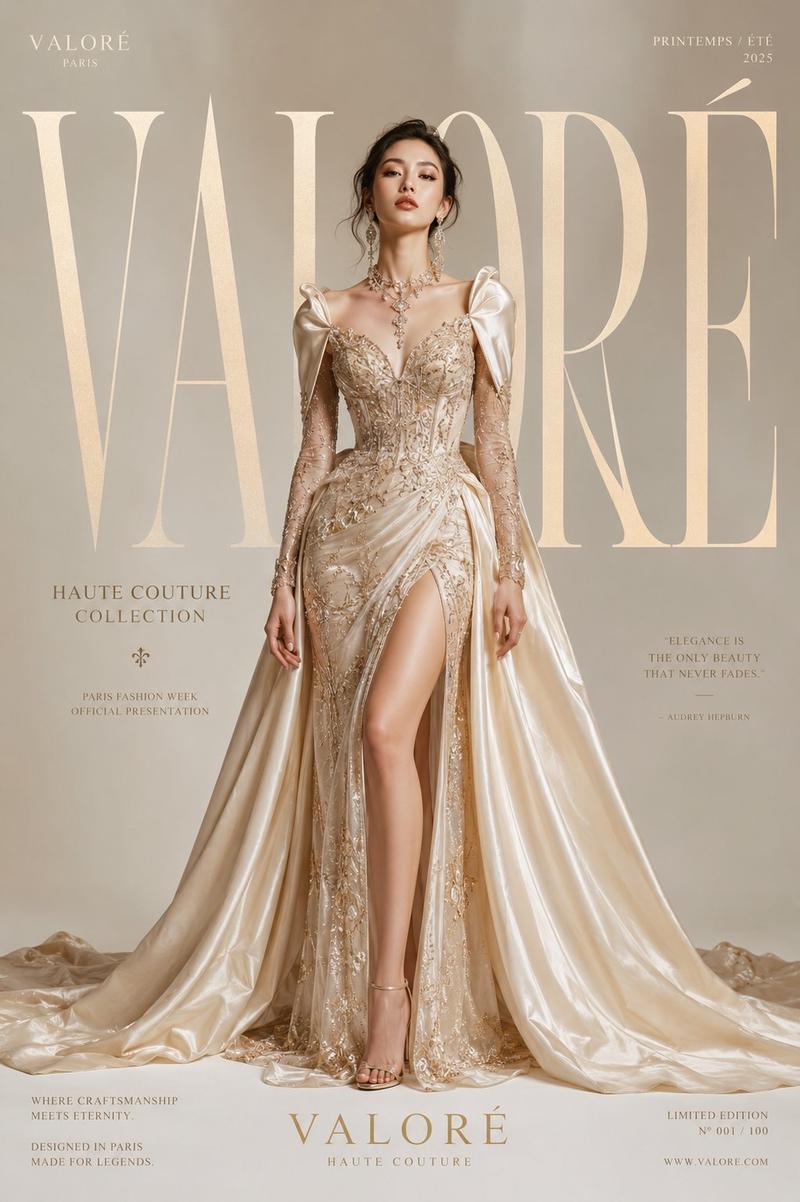
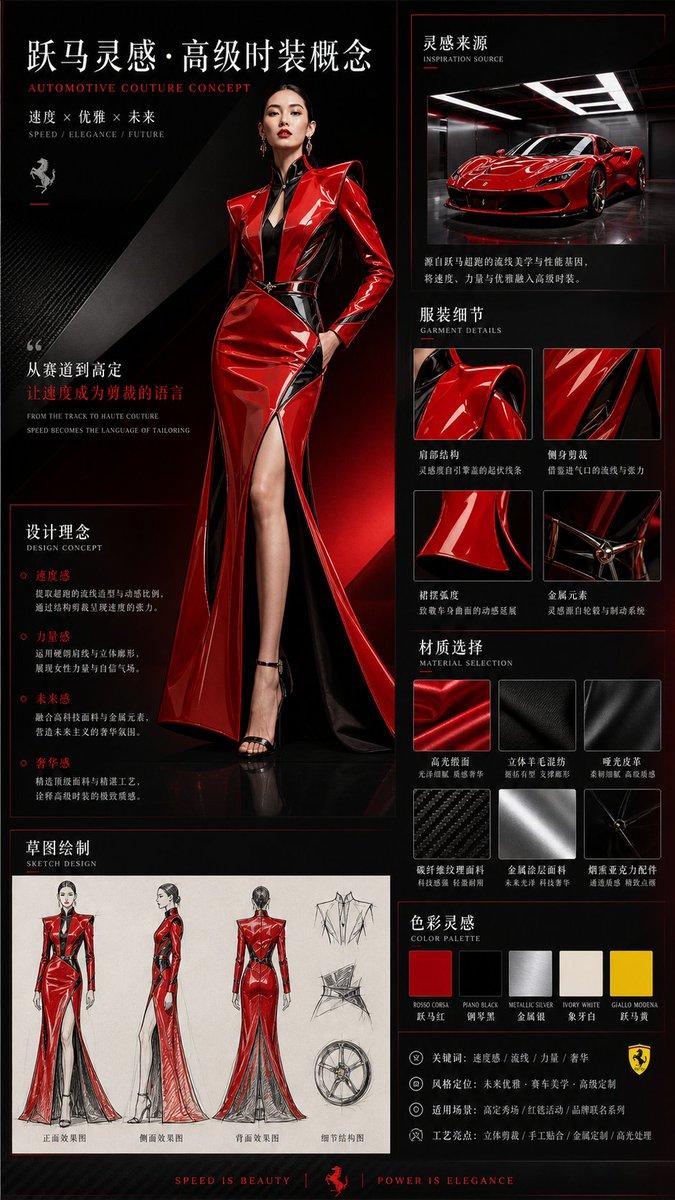
为高端剧情电影创建电影级角色设计板。{argument name="主体" default="一位气质非凡的女主角"},面部线条锐利温柔,肌肤自然光泽,穿着现代感十足的高级丝绸礼服。极简奢华珠宝饰品提升整体气质。包含:全身转圈图、面部表情变化、电影构图角度、布料物理研究、化妆分解、标注说明和身高参考。氛围:干净棚拍灯光、现代编辑时尚美学、柔和阴影、奢侈杂志质感。
Category
Posters & Typography
Model
GPT Image 2
Views4
Source ID
23628
Published
Jun 1, 2026

Guide

About "电影级角色设计项目"

What is this prompt for?

"电影级角色设计项目" AI image prompt for GPT Image 2 (Posters & Typography). 一份专业的电影级角色设计图,包含女主角的多角度视图、表情变化及面料研究,适用于高端影视制作。 Copy it on Picva and recreate the look in on…

The full copyable prompt and example visuals above are ready for AI image generation or one-click recreate in Picva.

How to use this prompt

  1. Step 1

    Open the prompt detail

    Review the example visuals, category, and full prompt text for "电影级角色设计项目".

  2. Step 2

    Copy the prompt

    Copy the prompt body from this page, or load it directly in Studio.

  3. Step 3

    Pick a model (GPT Image 2)

    Prefer GPT Image 2. If you switch models, keep subject and composition and tweak style terms.

  4. Step 4

    Generate and export

    Recreate the look in Picva, or export into your workflow for editing and publishing.

FAQ

What is the "电影级角色设计项目" prompt?
It is an AI image-generation prompt for GPT Image 2 in the Posters & Typography category. This page includes the full prompt text, example visuals, and a one-click recreate path in Picva.
How do I use this prompt to generate an image?
Copy the prompt from this page, or use Generate / Studio. Paste it into a compatible image model, or recreate the look in Picva with optional reference images.
Which model is this prompt for?
This page lists GPT Image 2. Most descriptive prompts also transfer to nearby image models such as GPT Image, Flux, or Midjourney with light style tweaks.
Can I use the result commercially?
You can usually copy the prompt for creation, but commercial use of the final image depends on the model terms, reference-image rights, and the generated content. Follow the source author and platform rules.