
高级 CGI 水晶字体设计
Prompt
{argument name="brand name" default="[BRAND NAME]"}

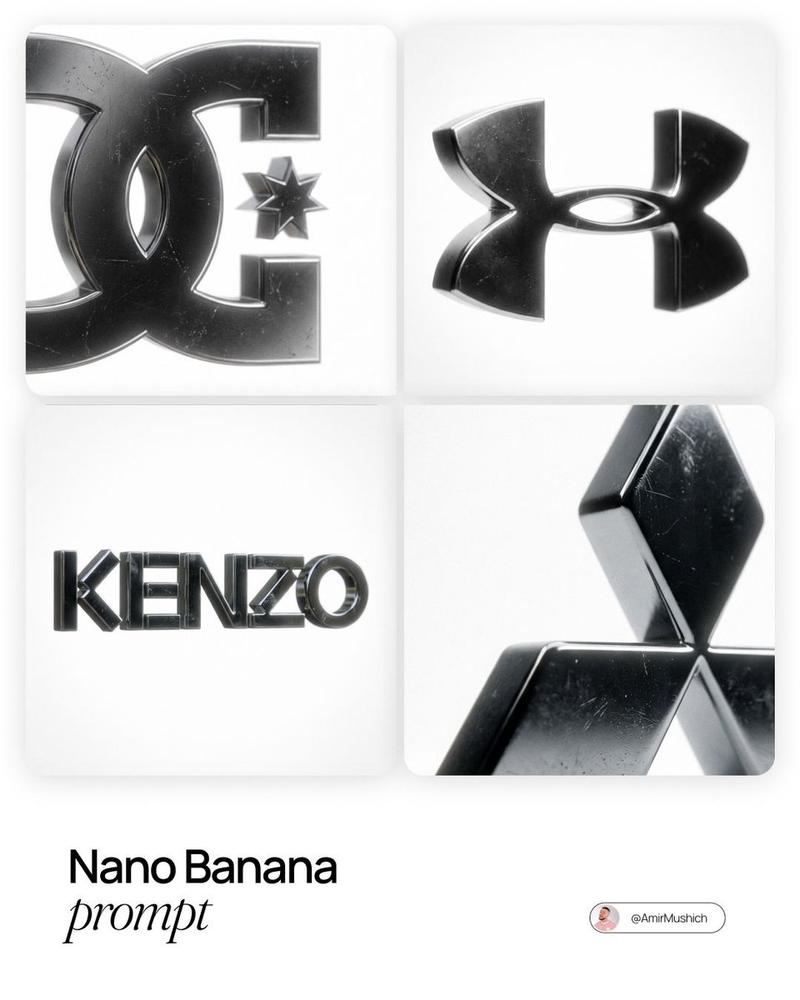
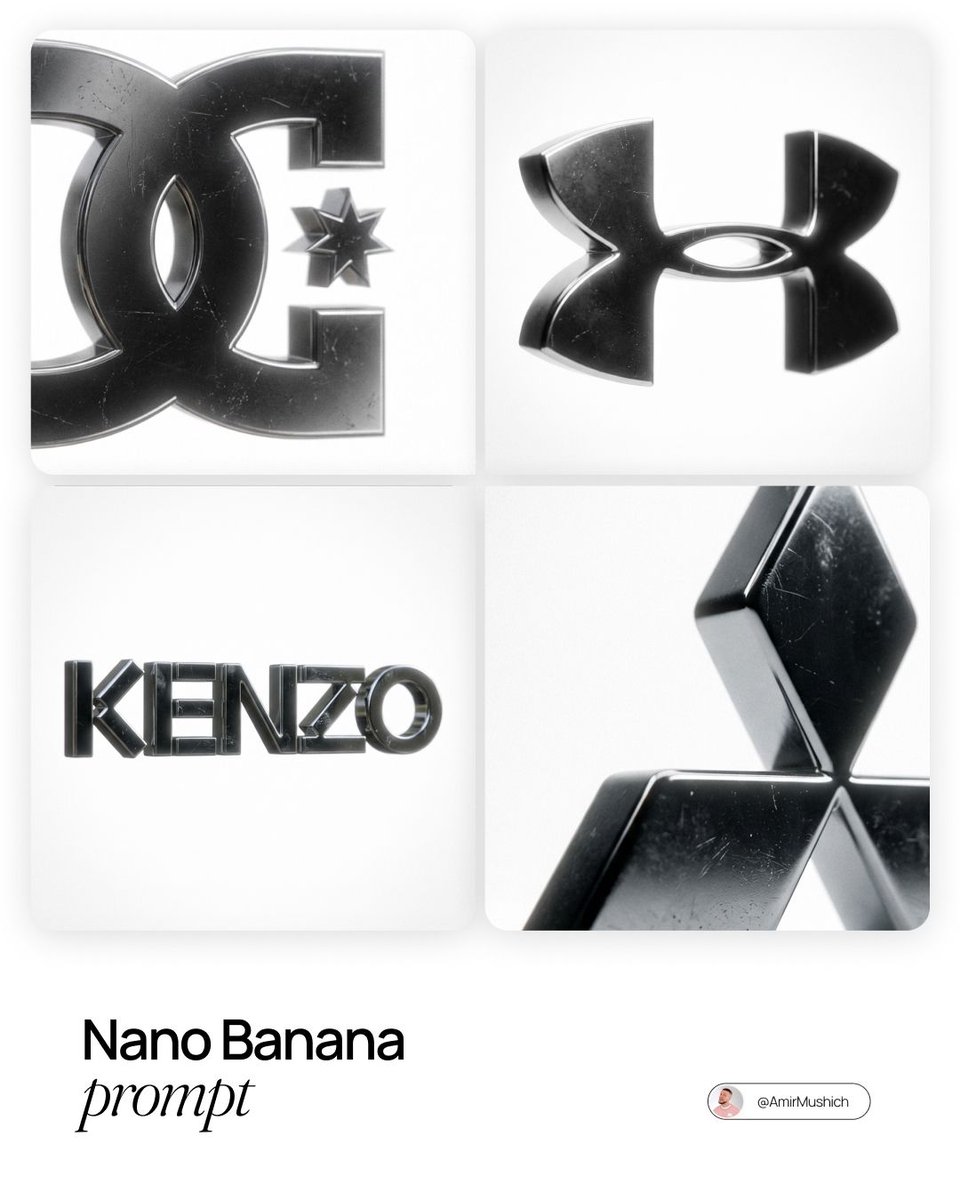
Create a premium CGI crystal typography hero visual for a luxury brand campaign. Act like an optical physics art director, a 3D type sculptor, and a high-end product render artist. The final image should feel like a polished smart prompt showcase: multiple clean logo examples on a white layout, each brand mark rendered as transparent crystal glass on a pure black background, with sharp rainbow refraction, bright star flares, and elegant minimal spacing.

Use the real canonical logo for {argument name="brand name" default="[BRAND NAME]"}. Preserve the exact official wordmark or symbol geometry, including stroke weight, curve tension, terminals, custom glyph details, emblem placement, and lockup proportions. Do not replace it with a similar font. The result must read as the correct brand identity at a glance.

Turn the logo into a physical 3D sculpture made from {argument name="material" default="optical crystal glass"}. The letters or emblem should have real volume, consistent stroke thickness, polished flat faces, precise bevels, and razor-sharp edges. Material should feel like borosilicate glass or synthetic crystal with very high refraction and strong chromatic dispersion. The glass core is perfectly clear, with no bubbles or internal dirt.

Add restrained realism to the surface: a few tiny hairline scratches, 2 to 4 micro chips on the sharpest edges, subtle scuffed haze in one or two small areas, and an optional faint fingerprint ghost visible only at a glancing angle. These imperfections should be discovered on close inspection, not dominate the image. They should catch light and create tiny sparkle breaks while the crystal stays luxurious and clean.

Lighting: one focused, high-intensity studio beam from the upper left at about 35 degrees. The light passes through the crystal and splits into accurate rainbow dispersion, ordered red, orange, yellow, green, blue, and violet. Each polished face reflects and refracts at the same time. Edges glow with thin white-blue highlights. Chips create tiny irregular flare points. Micro scratches scatter fine light filaments. Internal reflections create layered rainbow bands inside the logo volume.

Background for every logo render: absolute black, from #000000 to #050505, with no texture, no gradient, no visible surface, and no ambient light. Let the crystal logo float in darkness. Only the logo and its immediate spectral glow should emit light. Add a very subtle colored haze around each mark, fading quickly into black.

Composition: build a clean white presentation poster with rounded black image panels. Include one wide hero panel at the top and two smaller panels beneath it, showing different brand examples or different lockup crops. Keep the design minimal, premium, and modern. Add small understated typography such as "smart prompt" and "change a single variable, get consistent results" in a quiet editoria- Category
- Charts & Infographics
- Model
- GPT Image 2
- Creator
- PromptLab
- Source ID
- 23764
- Published
- Jun 2, 2026
Views4



![Based on the word “[GROK],” design an original decorative cinematic title font t](https://i.pixshop.app/storage/v1/render/image/public/prompt-source-media/promptsref/work-916/image-1-0e0231b26090b75c.png?width=800&quality=75&resize=contain)


