8

俏皮眨眼风格影棚人像
Enlarge

俏皮眨眼风格影棚人像

Prompt
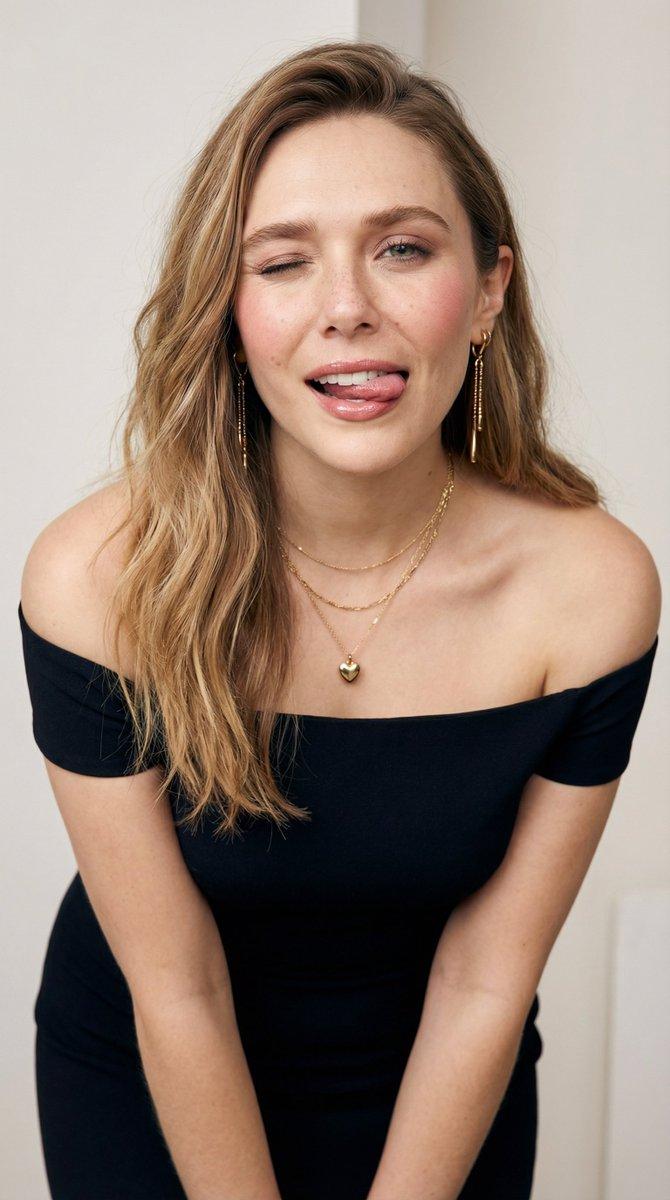
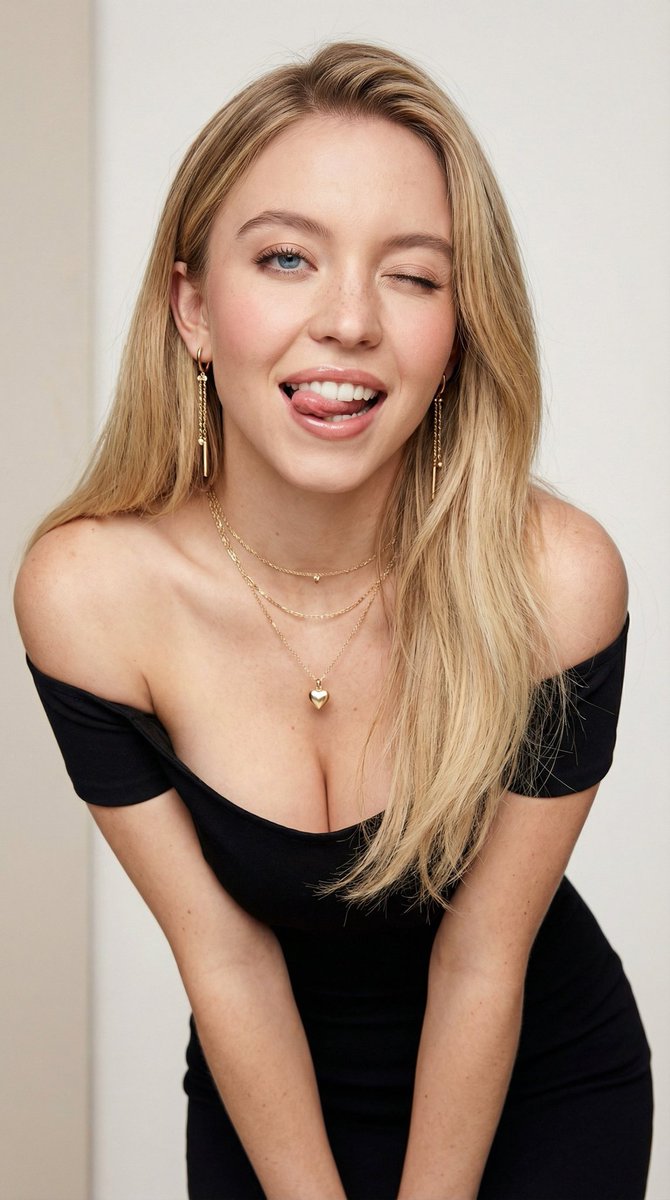
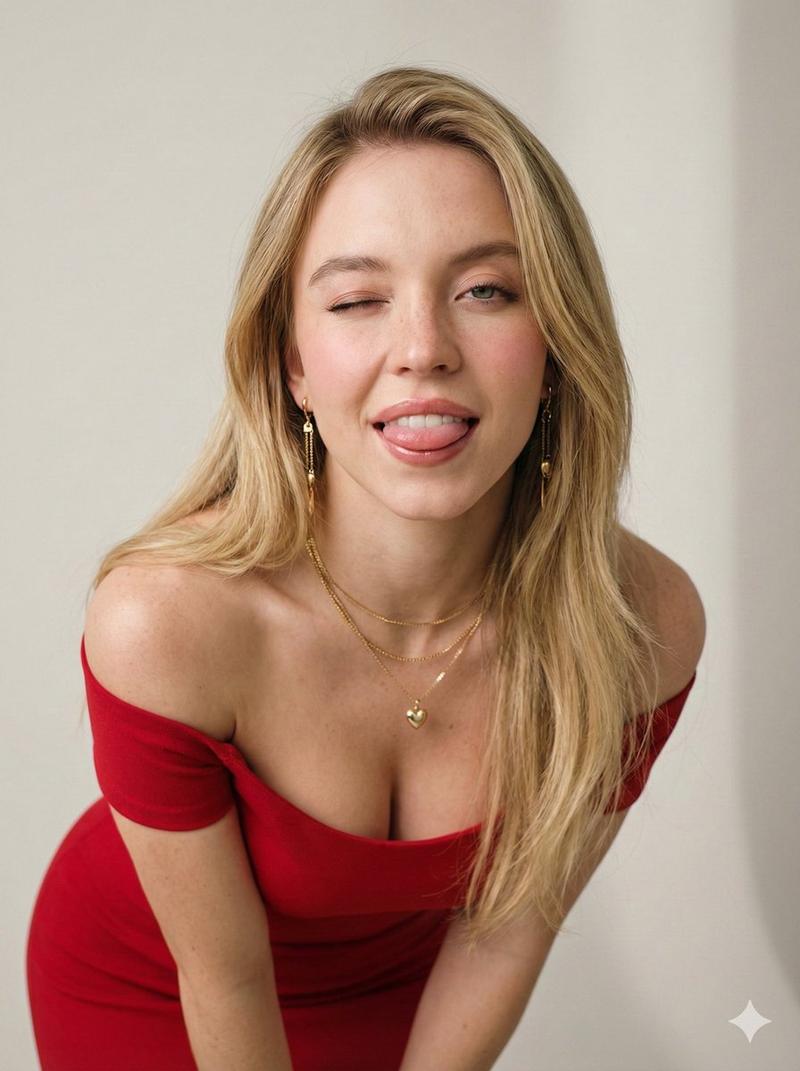
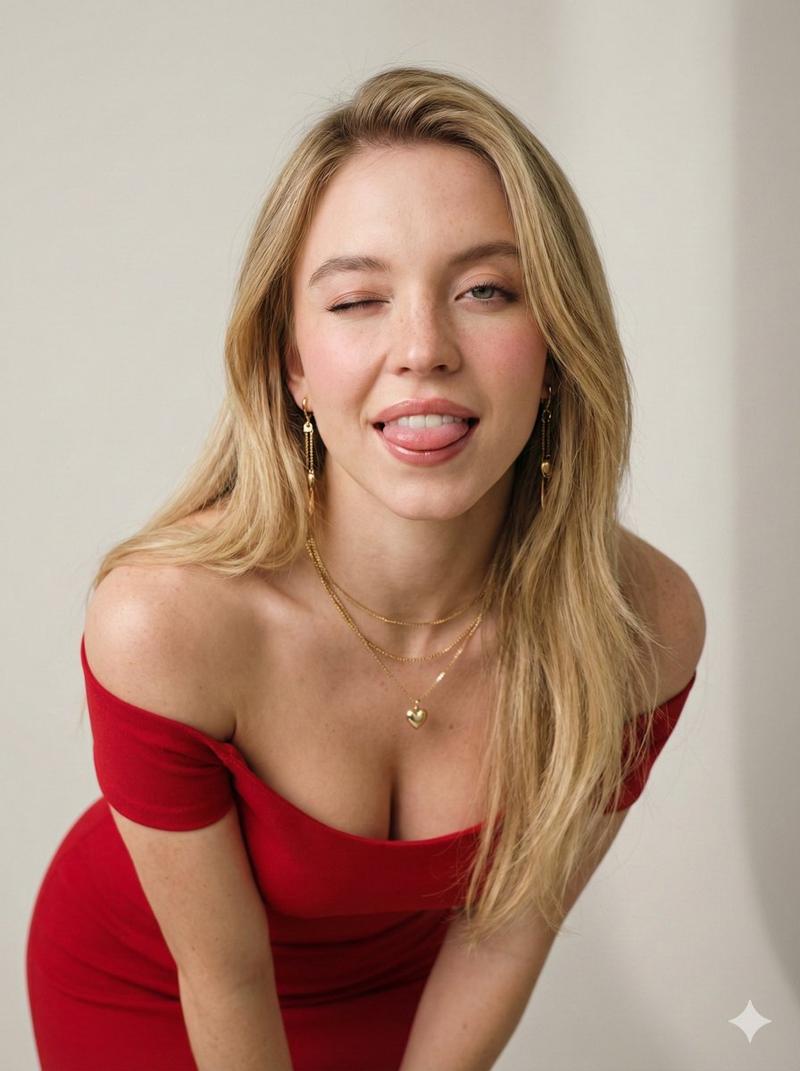
Create an ultra-realistic high-resolution studio portrait of a young adult {argument name="subject" default="woman"} leaning slightly forward toward the camera in a playful, flirty pose. She is winking with one eye, sticking her tongue out, and looking lively and confident. Keep natural freckles across fair skin, soft pink blush, glossy lips, realistic skin texture, and a polished high-fashion lifestyle photography feel.

She has long blonde hair with a side part, falling naturally over her shoulders with loose realistic strands. Dress her in a {argument name="outfit" default="fitted black off-shoulder dress"}. Add long dangling gold earrings and layered gold necklaces, including a small heart pendant.

Use a clean minimal studio setting with light neutral background tones. Light the scene with {argument name="lighting" default="soft diffused studio lighting"}, smooth natural shadows, shallow depth of field, sharp focus on the face, photorealistic detail, 50mm lens look, f/1.8 aperture, ultra-detailed texture, and a refined editorial lifestyle portrait finish.
Category
Charts & Infographics
Model
GPT Image 2
Creator
PromptLab
Views9
Source ID
23785
Published
Jun 2, 2026

Guide

About "俏皮眨眼风格影棚人像"

What is this prompt for?

"俏皮眨眼风格影棚人像" AI image prompt for GPT Image 2 (Charts & Infographics). 一个超写实的影棚人像提示词,旨在呈现俏皮的高级时尚生活方式摄影效果,包含细腻的皮肤纹理和自然光影。 Copy it on Picva and recreate the look…

The full copyable prompt and example visuals above are ready for AI image generation or one-click recreate in Picva.

How to use this prompt

  1. Step 1

    Open the prompt detail

    Review the example visuals, category, and full prompt text for "俏皮眨眼风格影棚人像".

  2. Step 2

    Copy the prompt

    Copy the prompt body from this page, or load it directly in Studio.

  3. Step 3

    Pick a model (GPT Image 2)

    Prefer GPT Image 2. If you switch models, keep subject and composition and tweak style terms.

  4. Step 4

    Generate and export

    Recreate the look in Picva, or export into your workflow for editing and publishing.

FAQ

What is the "俏皮眨眼风格影棚人像" prompt?
It is an AI image-generation prompt for GPT Image 2 in the Charts & Infographics category. This page includes the full prompt text, example visuals, and a one-click recreate path in Picva.
How do I use this prompt to generate an image?
Copy the prompt from this page, or use Generate / Studio. Paste it into a compatible image model, or recreate the look in Picva with optional reference images.
Which model is this prompt for?
This page lists GPT Image 2. Most descriptive prompts also transfer to nearby image models such as GPT Image, Flux, or Midjourney with light style tweaks.
Can I use the result commercially?
You can usually copy the prompt for creation, but commercial use of the final image depends on the model terms, reference-image rights, and the generated content. Follow the source author and platform rules.