20

长城旅行摄影
Enlarge

Example images

长城旅行摄影

Prompt
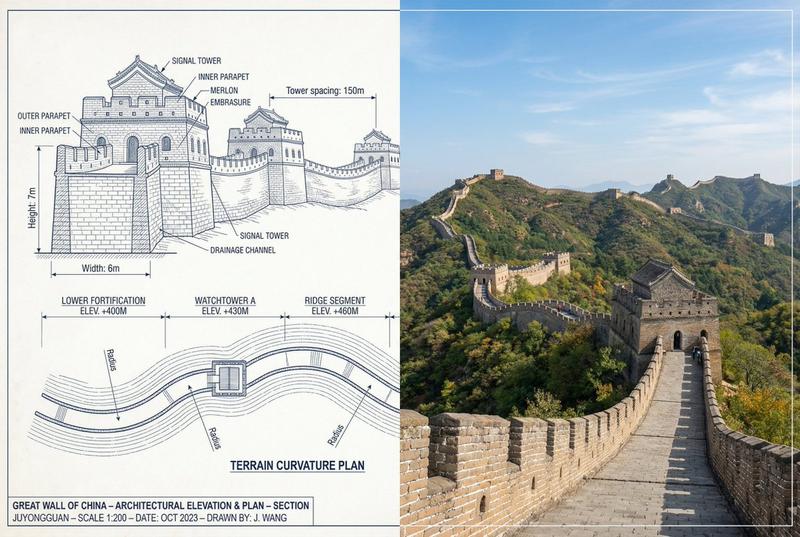
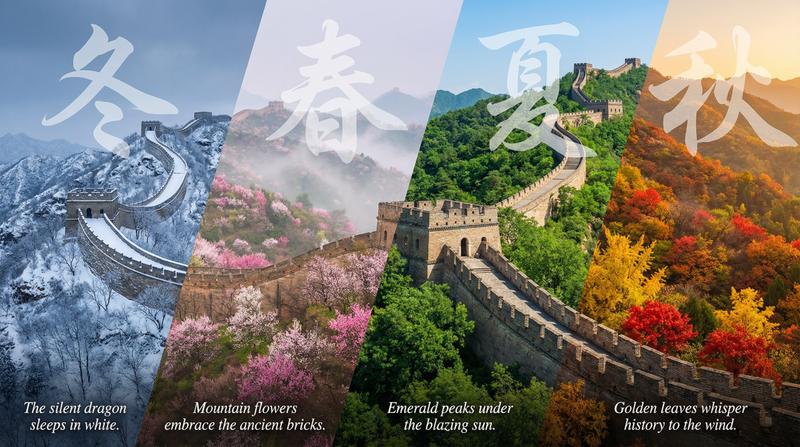
Ultra-realistic travel photography of a stylish young woman standing on the {argument name="location" default="Great Wall of China"} during golden hour sunset, leaning casually against the ancient stone parapet. She wears {argument name="outfit" default="oversized black sunglasses, a loose light-blue button-up shirt, and elegant navy trousers"}. Long flowing black hair gently blowing in the wind. The Great Wall snakes dramatically across lush green mountain ridges into the distance, with multiple watchtowers visible along the horizon. Spectacular sunset sky filled with dramatic clouds, radiant sunburst breaking through, warm golden light illuminating the landscape. Cinematic composition, breathtaking panoramic mountain scenery, atmospheric haze layers, natural skin tones, luxury travel editorial aesthetic, high-end tourism campaign, shallow depth of field, ultra-detailed textures, professional photography, HDR, volumetric sunlight, vibrant yet realistic colors, National Geographic style, Sony A7R V, 85mm lens, f/2.8, ultra-sharp focus, masterpiece travel portrait, 8K resolution, vertical composition, aspect ratio 3:4.
Negative Prompt:
blurry, low resolution, oversaturated colors, extra limbs, distorted face, bad anatomy, duplicate person, cartoon, CGI, painting, watermark, text, logo, noise, motion blur, overexposed highlights, underexposed shadows, crowded tourists, artifacts, unrealistic proportions, cropped hands, deformed fingers, plastic skin, poor lighting.
Category
Charts & Infographics
Model
GPT Image 2
Creator
Jahan Zaib
Views6
Source ID
23992
Published
Jun 3, 2026

Guide

About "长城旅行摄影"

What is this prompt for?

"长城旅行摄影" AI image prompt for GPT Image 2 (Charts & Infographics). 一份全面的旅行摄影提示词,旨在创作一张在黄金时刻拍摄的长城高端电影感人像。 Copy it on Picva and recreate the look in one click.

The full copyable prompt and example visuals above are ready for AI image generation or one-click recreate in Picva.

How to use this prompt

  1. Step 1

    Open the prompt detail

    Review the example visuals, category, and full prompt text for "长城旅行摄影".

  2. Step 2

    Copy the prompt

    Copy the prompt body from this page, or load it directly in Studio.

  3. Step 3

    Pick a model (GPT Image 2)

    Prefer GPT Image 2. If you switch models, keep subject and composition and tweak style terms.

  4. Step 4

    Generate and export

    Recreate the look in Picva, or export into your workflow for editing and publishing.

FAQ

What is the "长城旅行摄影" prompt?
It is an AI image-generation prompt for GPT Image 2 in the Charts & Infographics category. This page includes the full prompt text, example visuals, and a one-click recreate path in Picva.
How do I use this prompt to generate an image?
Copy the prompt from this page, or use Generate / Studio. Paste it into a compatible image model, or recreate the look in Picva with optional reference images.
Which model is this prompt for?
This page lists GPT Image 2. Most descriptive prompts also transfer to nearby image models such as GPT Image, Flux, or Midjourney with light style tweaks.
Can I use the result commercially?
You can usually copy the prompt for creation, but commercial use of the final image depends on the model terms, reference-image rights, and the generated content. Follow the source author and platform rules.