14

吉卜力工作室风格照片转换
Enlarge

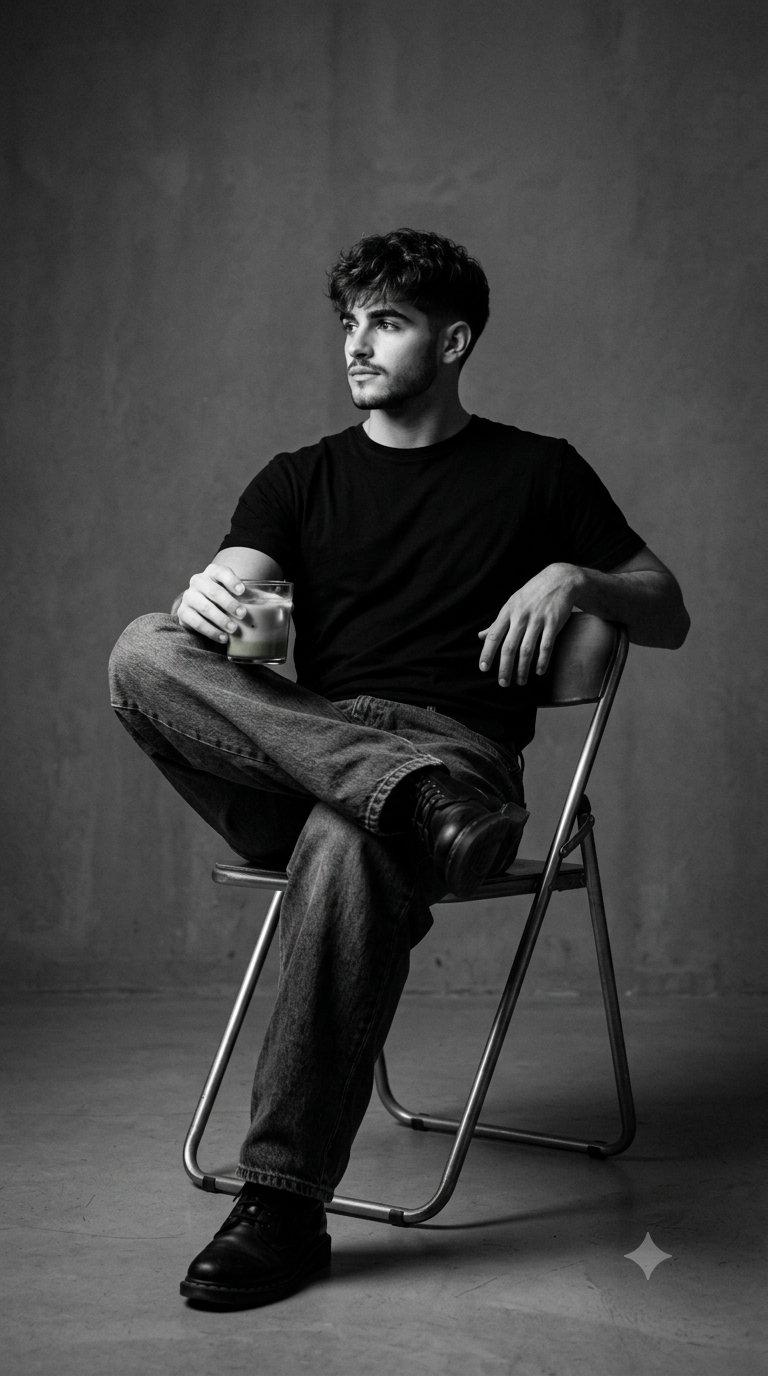
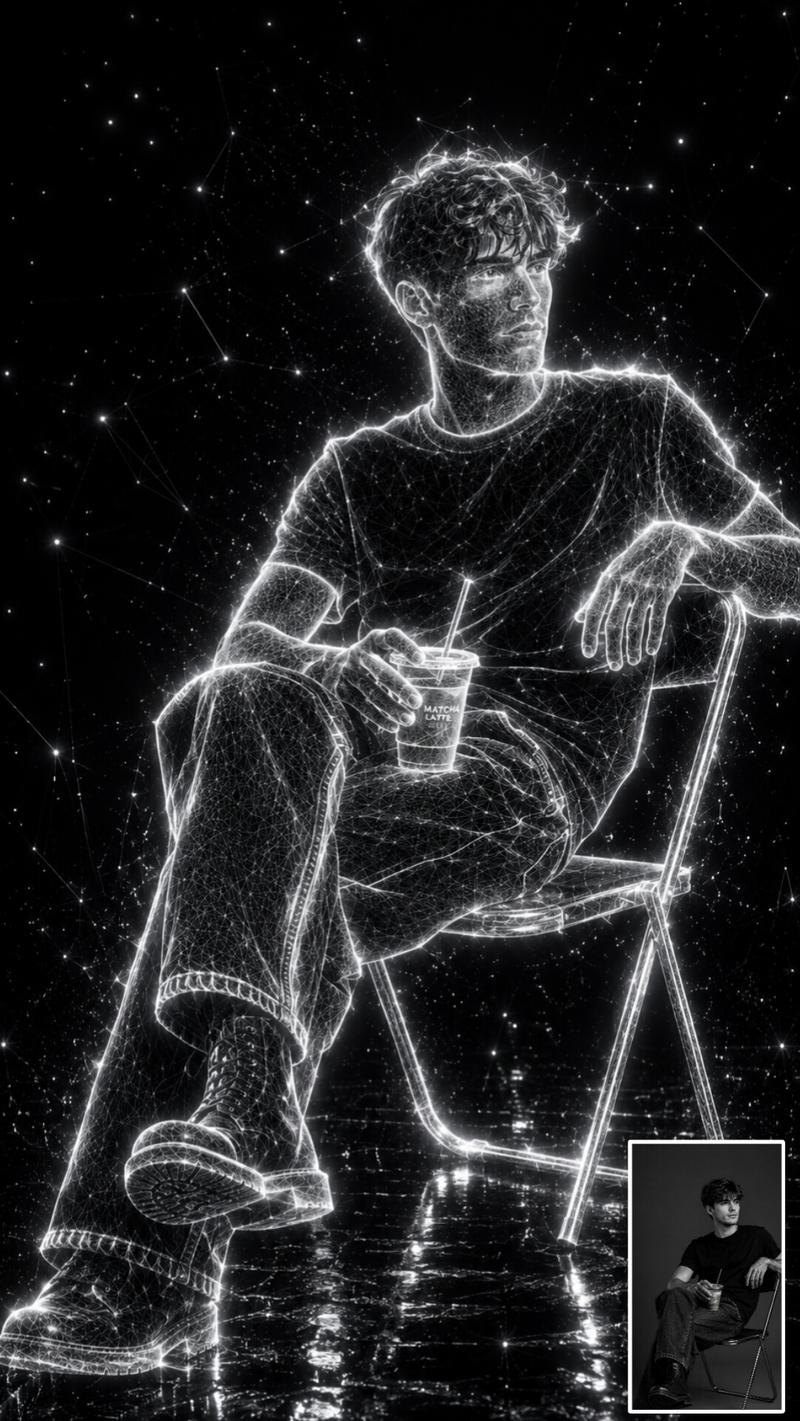
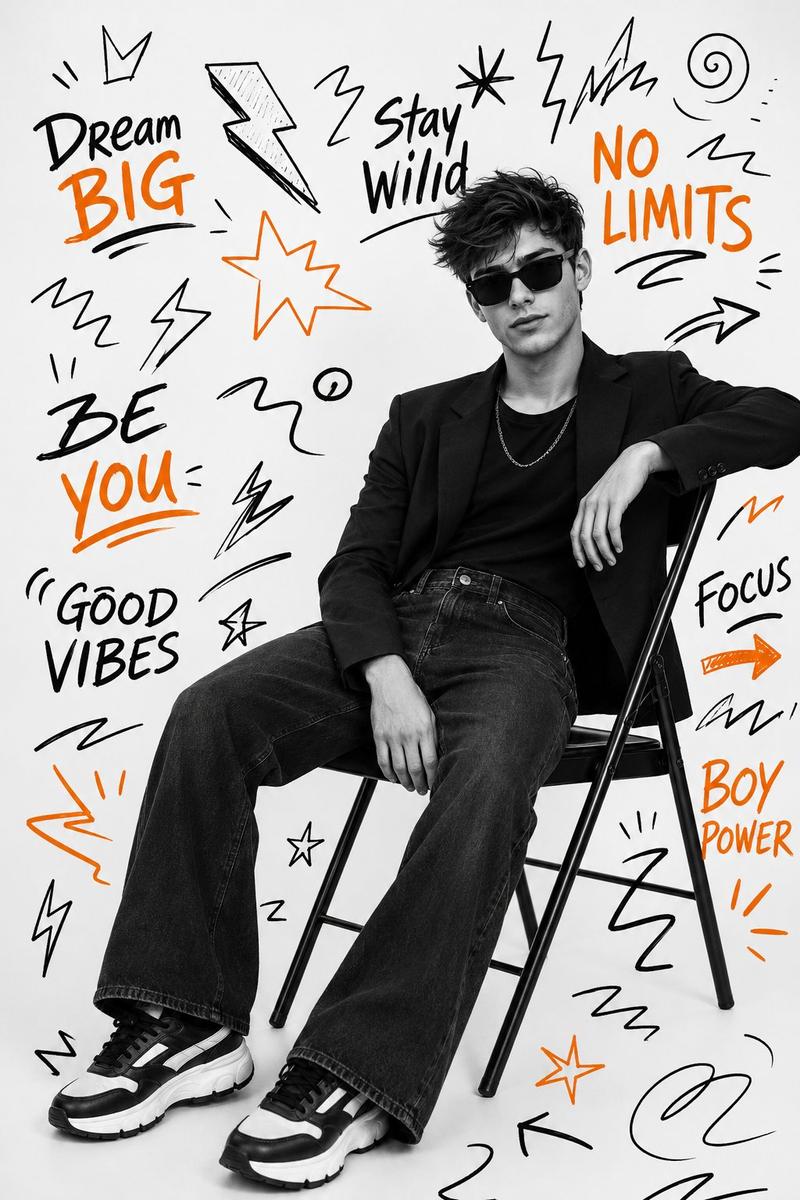
Example images

吉卜力工作室风格照片转换

Prompt
Reimagine the uploaded photo as a still frame from a {argument name="style" default="Studio Ghibli film"} directed by {argument name="director" default="Hayao Miyazaki"}. Preserve the exact composition, camera angle, framing, crop, subject position, pose, and scene layout from the original photo — every element must remain in the same place at the same size. Only the visual medium changes. Render the scene with the unmistakable Ghibli 2D hand-drawn animation aesthetic: characters with soft rounded faces, large expressive but gentle eyes with simple highlights, small noses, soft chins, slightly pinkish cheeks, naturally-styled flowing hair drawn with confident clean ink lines. Bodies have soft natural proportions, clothing drawn with flowing organic folds. Skin and faces are colored with two-tone cel-shading — a base flat tone and one gentle shadow tone, no airbrushing. Backgrounds are painterly watercolor masterpieces — soft brush textures, layered washes of color, every blade of grass, leaf, cloud, and building lovingly detailed. Soft ambient natural lighting, often with golden warm tones, dappled sun, or magical hour light. The mood is gentle, nostalgic, peaceful, with a hint of wonder. Color palette favors muted greens, sky blues, sun-warmed yellows, soft earth tones. The image looks like a frame from a {argument name="era" default="hand-painted 1990s animated film"}, with the slight texture of cel and painted background composite.
Category
Architecture & Spaces
Model
GPT Image 2
Creator
Shore Lyn
Views1
Source ID
24913
Published
Jun 9, 2026

Guide

About "吉卜力工作室风格照片转换"

What is this prompt for?

"吉卜力工作室风格照片转换" AI image prompt for GPT Image 2 (Architecture & Spaces). 一个精妙的提示词,可将任何真实照片转换为手绘吉卜力工作室动画风格的画面,同时精准保留原始构图。 Copy it on Picva and recreate the look…

The full copyable prompt and example visuals above are ready for AI image generation or one-click recreate in Picva.

How to use this prompt

  1. Step 1

    Open the prompt detail

    Review the example visuals, category, and full prompt text for "吉卜力工作室风格照片转换".

  2. Step 2

    Copy the prompt

    Copy the prompt body from this page, or load it directly in Studio.

  3. Step 3

    Pick a model (GPT Image 2)

    Prefer GPT Image 2. If you switch models, keep subject and composition and tweak style terms.

  4. Step 4

    Generate and export

    Recreate the look in Picva, or export into your workflow for editing and publishing.

FAQ

What is the "吉卜力工作室风格照片转换" prompt?
It is an AI image-generation prompt for GPT Image 2 in the Architecture & Spaces category. This page includes the full prompt text, example visuals, and a one-click recreate path in Picva.
How do I use this prompt to generate an image?
Copy the prompt from this page, or use Generate / Studio. Paste it into a compatible image model, or recreate the look in Picva with optional reference images.
Which model is this prompt for?
This page lists GPT Image 2. Most descriptive prompts also transfer to nearby image models such as GPT Image, Flux, or Midjourney with light style tweaks.
Can I use the result commercially?
You can usually copy the prompt for creation, but commercial use of the final image depends on the model terms, reference-image rights, and the generated content. Follow the source author and platform rules.